SMS verification checks that a user can receive a code on a phone number. Many mobile apps, web dashboards, and IoT systems use it during sign up, login, password reset, or device pairing.
A physical SIM card can test this flow, but it slows the work. You need a phone, a mobile plan, network signal, and often more than one number. That setup works for a final field test. It does not work well when a team needs fast, repeatable checks.
A better test setup uses virtual phone numbers, SMS APIs, and clear test cases. This lets developers check the whole path without swapping SIM cards or waiting on a phone.
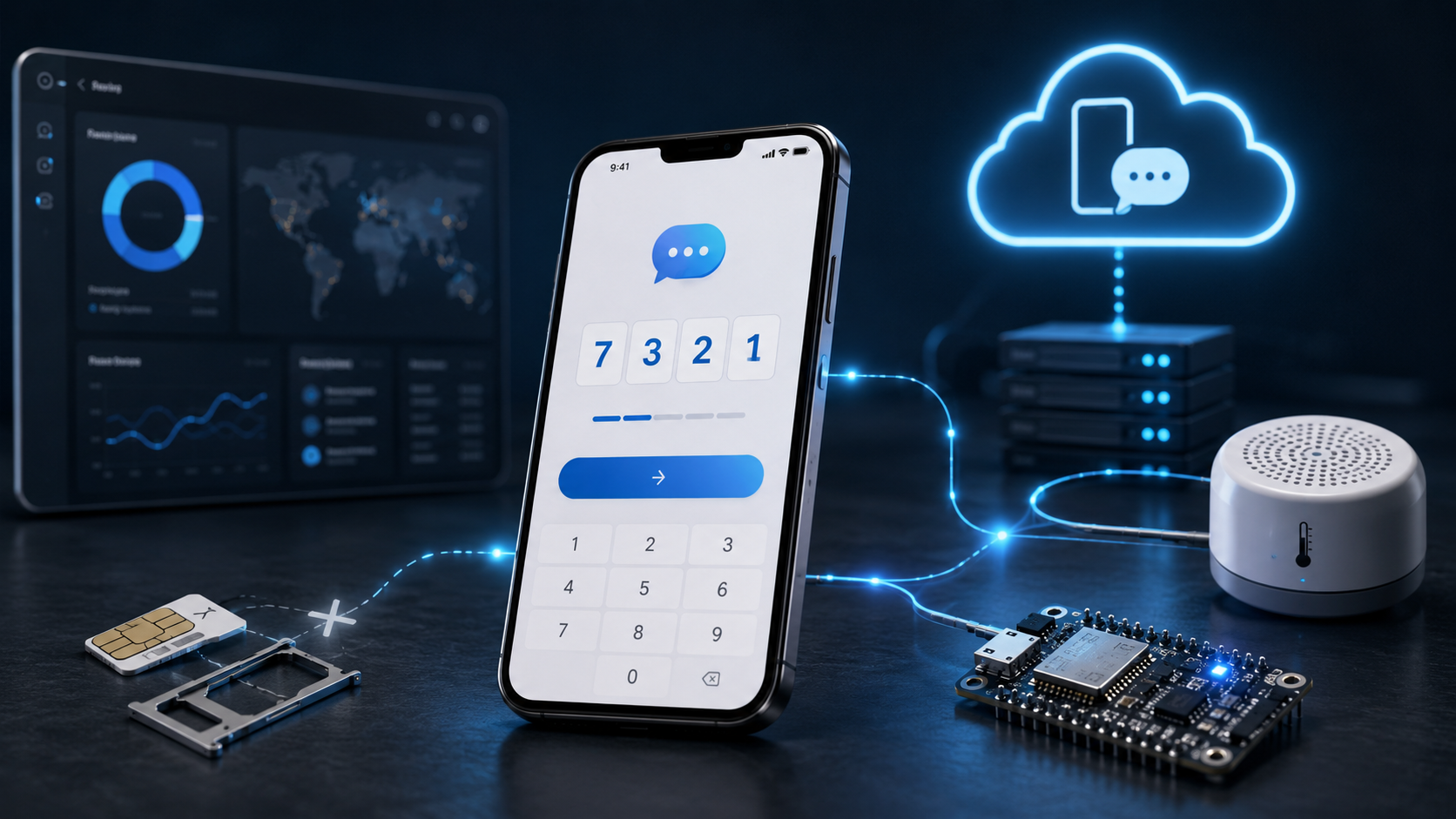
Why SMS Verification Matters In Engineering Projects
SMS verification acts like a door check. The system sends a short code to a phone number. The user enters that code. The app then knows that the number can receive messages.
This small step protects many common flows. It helps confirm a new account. It can unlock a password reset. It can pair a phone with an IoT dashboard. It can also verify a field technician before they changes device settings.
For engineers, the hard part is not the code box. The hard part is the full path. The app must request a code. The SMS gateway must send it. The number must receive it. The user interface must accept it. The backend must check it before the code expires.
A physical SIM can test this path, but it adds friction. A tester may need several numbers, regions, and repeat attempts. When a team needs sms verification fast, a virtual number can help test the receive side without tying each check to a separate phone and SIM card.
Traditional Method: GSM Module And SIM Card
Many engineering projects start with a GSM module. A developer connects a board, inserts a SIM card, powers the circuit, and sends AT commands from the microcontroller. Modules such as SIM800L or SIM900D can send and receive SMS messages through a real mobile network.
This method gives a close field test. It shows how the device behaves with weak signal, low power, network delay, and real carrier limits. For hardware work, this matters. A lab script cannot fully replace a radio module on a desk.
Still, a physical SIM slows repeated testing. Each number needs a card, a plan, and a device slot. Regional tests need more cards. Team tests need shared phones or manual handoffs. The setup feels like testing one key by walking to the front door each time.
| Header 1 | |
|---|---|
| Test Element | Common Friction |
| GSM Module | Power issues, signal drops, module setup |
| Physical SIM Card | Limited numbers, carrier rules, plan costs |
| AT Commands | Manual debugging and syntax errors |
| Mobile Phone | Slow handoffs between testers |
| Carrier Network | Delays, blocked routes, regional limits |
| Header 1 | |
A physical SIM works best for final hardware validation. It proves the system can survive the real world. It works less well for fast app testing, automated checks, and repeated OTP flows.
Modern Method: Virtual Numbers For Testing SMS Flows
A virtual number lets a developer receive SMS codes without a physical SIM card. The number exists online. The tester selects it, triggers the verification message, then reads the code from a web panel or API response.
This method fits app and backend testing. It removes the phone from the bench. It also removes SIM swaps, carrier plans, and shared test devices. The flow becomes cleaner. The system sends a code. The tester receives it online. The app checks it as usual.
A physical SIM tests the road. A virtual number tests the route map. Both matter, but they solve different problems.
Virtual numbers work well during QA, login testing, signup checks, and staging builds. They help teams test many cases in less time. A developer can check failed codes, expired codes, resend buttons, wrong number formats, and country based behavior without touching hardware.
This method does not replace final device testing. It speeds up the work before that stage.
How To Build A Clean SMS Verification Test Flow
A good test flow should act like a checklist on a workbench. Each step must show one result. If a step fails, the team should know where the fault sits.
Start with the request step. The app asks for a phone number and sends it to the backend. The backend should clean the number format, add the country code, and block invalid input.
Next comes the send step. The backend sends the code through an SMS provider. The test should record the request time, phone number, message status, and delivery result.
Then test the receive step. With a virtual number, the tester reads the SMS online or through an API. This confirms that the message reached the number and that the code appears in a usable format.
The final step is the verify step. The user enters the code. The backend checks it against the stored value. It should reject wrong codes, expired codes, reused codes, and too many attempts.
This path helps teams find real defects. A broken flow can hide in many places. The number format may fail. The provider may delay the message. The app may trim digits. The backend may accept an old code. A clean test catches each fault in its own lane.
Best Practices For Reliable SMS Testing
Use separate numbers for separate test cases. One number for signup. One for password reset. One for resend tests. This keeps logs clean and reduces confusion.
Test both happy paths and failure paths. A happy path proves that the user can move forward. A failure path proves that the system can stop bad input. Both matter.
Set short code lifetimes during testing. A code that lives too long can hide weak logic. A code that expires in a clear window makes the test sharper.
Track every SMS event. Record the phone number, request time, delivery time, code status, and verification result. These records help engineers debug problems without guessing.
Do not skip real device tests. Virtual numbers help with speed, but hardware still matters. A final test with a real SIM shows how the product handles signal drops, carrier delay, low battery, and network gaps.
Common Mistakes To Avoid
Many teams test only one perfect case. That leaves weak spots. Real users mistype numbers. They request codes twice. They enter old codes. They switch screens. They lose signal. The test plan should cover these cases.
Another mistake is mixing hardware tests with app tests too early. If the GSM module, backend, and app all fail at once, debugging turns into noise. Test the app flow first. Then test the device flow. Then test the full chain.
Teams also forget regional behavior. Phone formats differ. Carrier speed differs. Some countries block certain routes. A strong test plan checks more than one region when the product needs global use.
Finally, teams sometimes trust delivery status too much. A provider may mark a message as sent before the user sees it. Always test what matters most. Can the user receive the code, enter it, and pass verification?
Conclusion
Testing SMS verification does not require the same tool at every stage. A physical SIM card gives the strongest real world check. It shows how the system behaves with signal loss, carrier delay, and device limits. It belongs near the end of the test cycle, when the product must prove that it works outside the lab.
Before that point, teams need speed. They need repeatable tests. They need clean checks for signup, login, password reset, resend logic, expired codes, and wrong code handling. Virtual numbers help with this work. They let developers test the receive side of SMS verification without a phone, SIM tray, or carrier plan for each case.
The best setup uses both methods. Use virtual numbers for fast software checks. Use SMS APIs for automated tests. Use a physical SIM card for final hardware validation. This keeps the test process lean without hiding real network risks.
A good SMS test should answer one clear question: can the user receive the code, enter it, and move forward without friction? If the answer is yes across normal cases, edge cases, and real devices, the verification flow is ready for users.