Hello folks, I hope you are doing great in your life. In today’s tutorial, I am going to talk about “For Loop In JavaScript”. This is our 7th tutorial of the JavaScript series. Loops are designed in JavaScript to automate the repetition task. You may have encountered a lot of time in programming that you have to repeat an action again and again. To help you in reducing the number of lines code and time, loops were created.There are five types of loops JavaScript have:
For Loop
For...In Loop
For...of Loop
While Loop
Do While Loop
For Loop in JavaScript
For Loop will run the same code of block again and again repeatedly, for a specific number of time or as long as a certain condition is met.The For loop of JavaScript is similar to C languageand Java for Loop.
Syntaxfor (initialization; condition; final expression) { // code to be executed }
The for loop is the most concise part of looping. There is three expression use in for Loop initialization, condition, and final expression.
For Loop Syntax in JavaScript
The first step is initialization where you have to assign a value to a variable and that variable will be used inside the loop. The initial statement is executed before the loop begin.
The test condition or statement will evaluate that if it is true or false. And if it would be true then the loop statement executes or otherwise, the execution of the loops ends.
The final expression is the iteration statement where you can increase or decrease your statement.
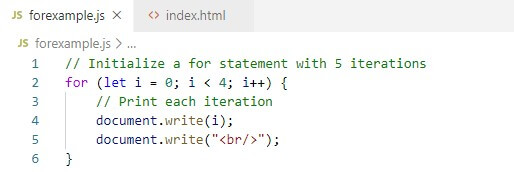
Let me show you a simple example of for loop.
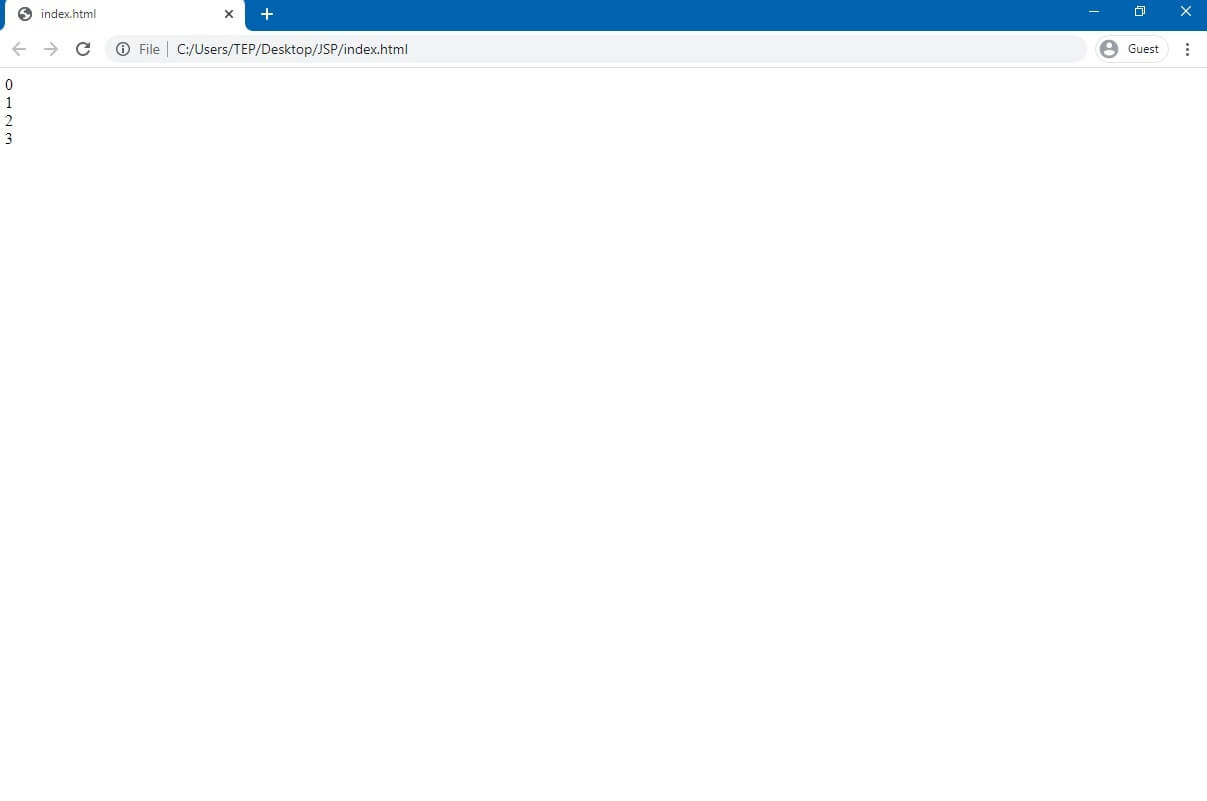
As you can see in the image that firstly, we initialize the for loop with let i = 0;. Its means that the loop begins with 0. Afterwards, we declared the condition to be i < 4; means that the loop will continue to run as long as i is less than 3. Our last expression is i++, it will increase by 1 each time the loops runs.
Output
Optional Expressions in Javascript For Loop
All of these three expressions in for loop are optional. we can write the for statements without initializations. Look at the demonstration for more clarity.
// declare variables outside the loopvar i = 5;for( ; i<10; i++;) {document.write("<p> 'The number is + i +' </p>") }
Output
The number is 5
The number is 6
The number is 7
The number is 8
The number is 9
As you can see that it is necessary to put a semicolon ; whether it is empty. We can also remove the condition from the room. For this, we can use if statement combined with a break. This break is for the loop to stop running once i is greater than 10.
// declare variables outside the loopvar i = 5;for( ; ; i++;) {
if(i < 10) {
break
}
document.write("<p> 'The number is + i +' </p>") }
Output
The number is 5The number is 6The number is 7The number is 8The number is 9
Never forget to add the break statement. Unless the loop will run forever and potentially break the browser.
// Declare variable outside the loop
let i = 0;
// leave out all statements for ( ; ; ) {
if (i > 3) {
break;
}
document.write(i); i++; }
Output
The number is 5The number is 6The number is 7The number is 8The number is 9
For...In Loop
Syntax
for (variableName in Object)
{
statement
}
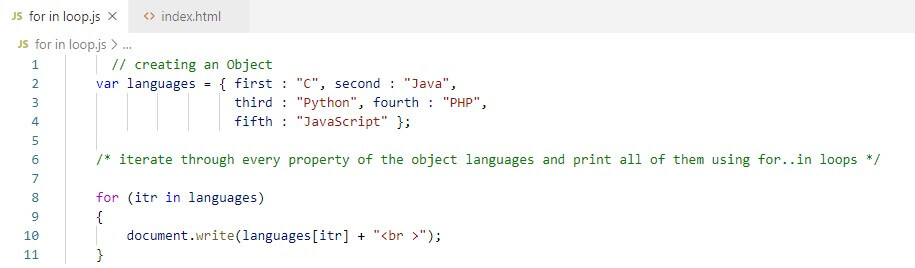
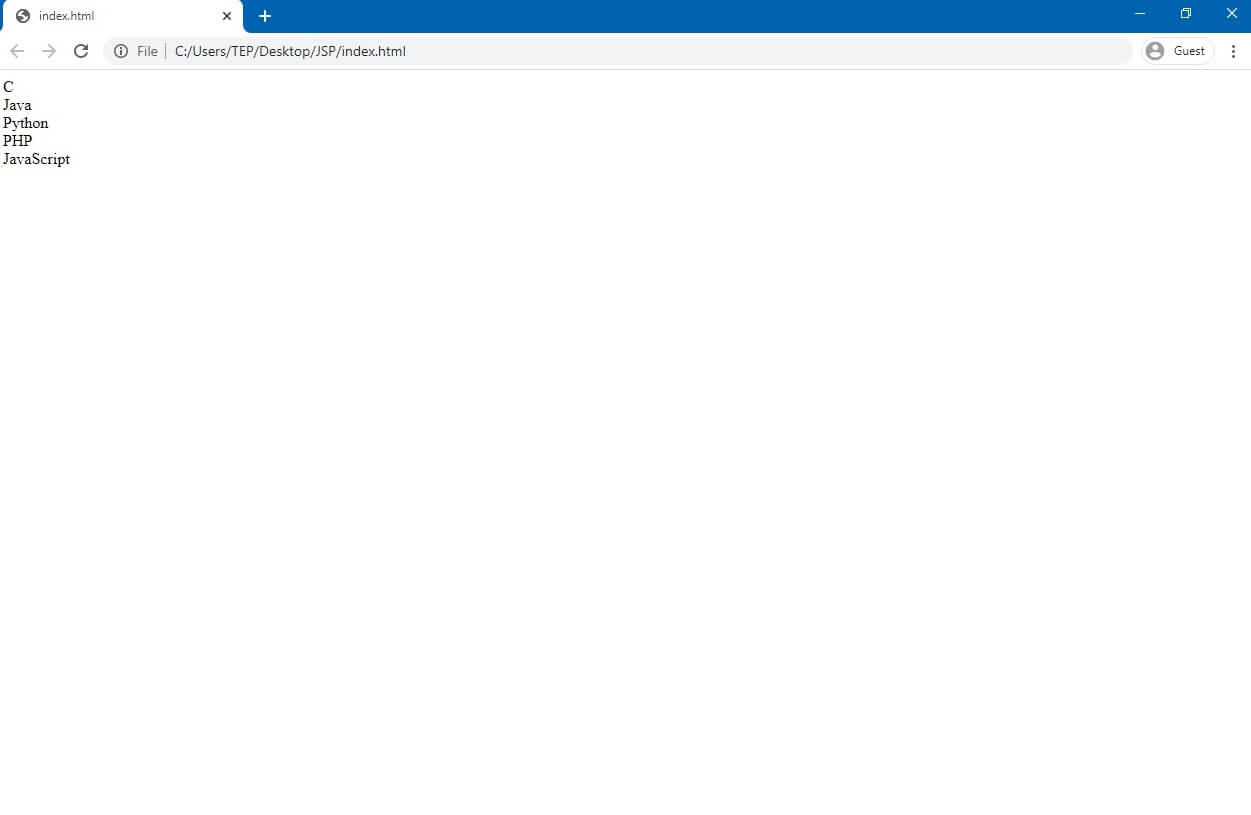
For...in loop is created to help us in providing a simpler way to iterate through the properties of an object. When you will learn about objects, then for..in loop will be more clear to you. Let me explain it to you with a simple example.
OutputFor..of Loops
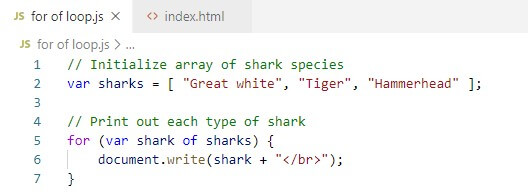
The for...of statement creates a loop for iterate over iterable objects like arrays and strings. It is the new feature of ECMAScript (or ES), ECMAScript 6.
Syntax
for (variable of object)
statement
In the following example, we will create a for...of loop.
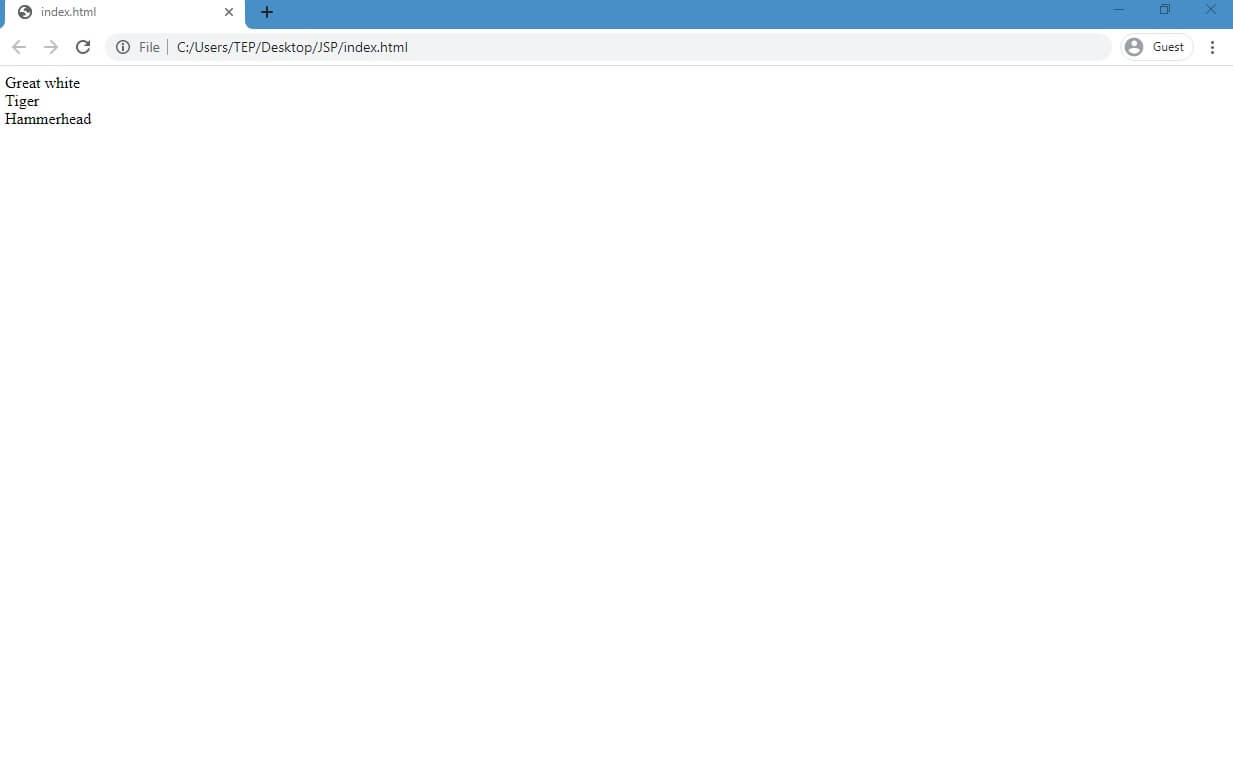
Output
In this article, we learn about What are loops and how to construct the For Loops In JavaScript and about for...of and for...in statement. We will discuss while loop and do while loop in our next tutorial. I hope you have found this article informative and learn something new from it. For more tutorial of JavaScript please keep visiting our website.
If you have any question related to this tutorial, you can ask in comments and you can suggest any changes you want in the upcoming article. We love to hear your suggestion.




Comments
0