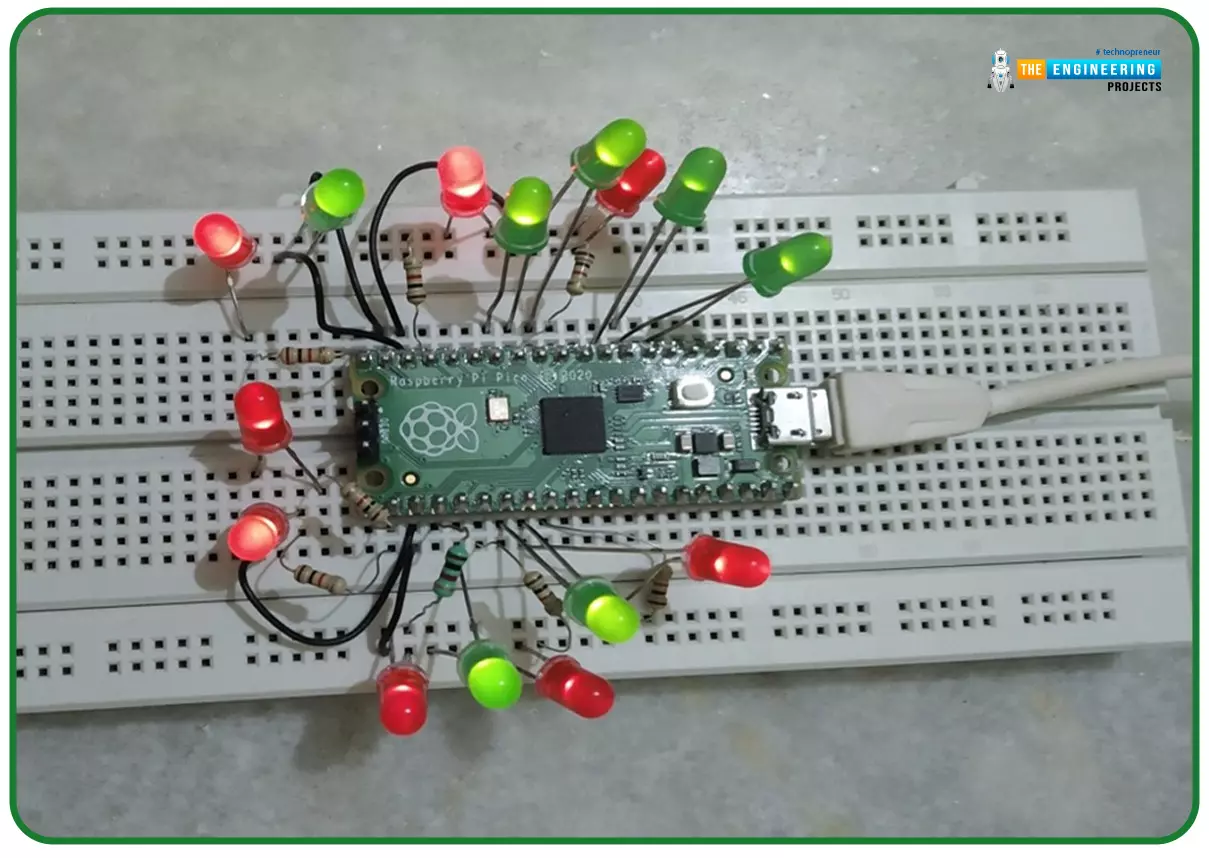
Hello readers, I hope you all are doing great. In our previous tutorial, we discussed the implementation of LED interfacing and blinking program with Raspberry Pi Pico using MicroPython programming language. So continuing with our previous tutorial, in this tutorial we will learn how to control the LED brightness using PWM (pulse width modulation technique).
As we mentioned above, in our previous tutorial we implemented the LED blinking program with a Raspberry Pi Pico board. Blinking an LED means turning ON and OFF and thus the process involves only two states that are ‘1’ (HIGH) and ‘0’ (LOW). But, sometimes it is required to change the digital output between these two (ON and OFF states) for example changing the LED brightness. PWM or Pulse Width Modulation technique is used to change ...
Today all businesses utilize databases for practically all operations, ranging from sales & marketing to CRM. Hence, whenever organizations face a database failure, they are susceptible to losing crucial data that may be costly for the entire business. Microsoft SQL is a popular RDMS in all firms or organizations for professionally managing valuable data. SQLServer is incredibly useful in the business circuit, yet it has some corruption issues and errors that DBAs need to tackle strategically.
Because of SQL database errors, users are unable to access their valuable data, and it is their responsibility to fix the issues promptly to make sure that there are no severe data loss issues. There are some predominant database corruption errors and is ...
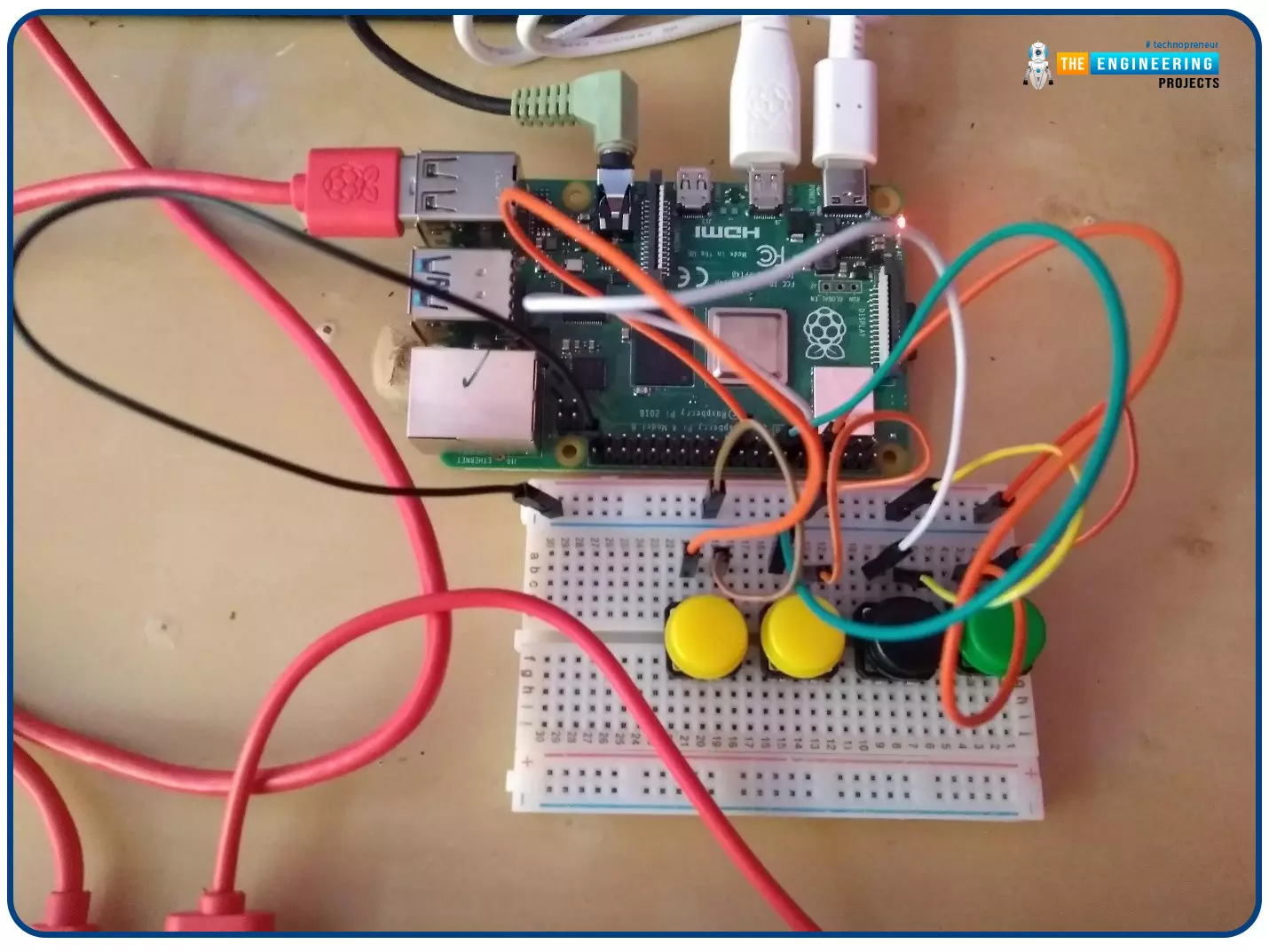
Welcome to the next tutorial of our Raspberry Pi programming course. In our previous tutorial, we learned how to create a timelapse video with still images and understand how phototimer and FFmpeg work. In this lesson, you'll make a button-controlled "music box" that plays different sounds depending on which buttons are pressed.
What you will learn
Connect button pushes to function calls using the Python gpiozero package and uses the Python dictionary data structure
Components
Raspberry Pi
Breadboard
Buttons
Jumper wires
Speaker
Set up your project
For this project, you'll need some audio samples. On Raspbian, there are many audio files; however, playing them with Python can be challenging. You can, however, transform the audio files ...