Hello friends, I hope you all are doing great. Today, I am going to share the new I2C LCD 16x2 Library for Proteus V1.0 . The I2C LCD 16x2 is the same blue or yellow-green 1602 character LCD you know, with a small black I2C backpack soldered to its back. Instead of six or more wires, it needs only four: GND, VCC, SDA and SCL. That is why it is the LCD most of us use with an Arduino today. With this I2C LCD 16x2 Library for Proteus , your sketch talks to an LCD that behaves like the real module: the I2C address, the contrast trimmer on the backpack, the backlight jumper, and the real HD44780 behind it. This is the second library of our LCD series, after the LCD 16x2 Library for Proteus V3.0 , and it is our own model of the whole module: the PCF8574 I2C port expander of the backpack and the ...
Hello friends, I hope you all are doing great. Today, I am going to share the new LCD 16x2 Library for Proteus V3.0 . The 16x2 character LCD, the blue or yellow-green "1602" display with 16 pins, is the first display most of us connect to an Arduino. It shows two lines of 16 characters and is driven by the famous HD44780 controller. With this LCD 16x2 Library for Proteus , your sketch writes to an LCD that behaves like the real one: the real timing, the contrast pot, the backlight, your own characters, and even the row of blocks you see when the LCD is not initialised. Version 3.0 is the next version of our LCD libraries, and this time it is our own HD44780 model , not a new symbol on top of Proteus's built-in LCD. You get four devices : a blue and a yellow-green LCD, each as LCD 16x2 Simp ...
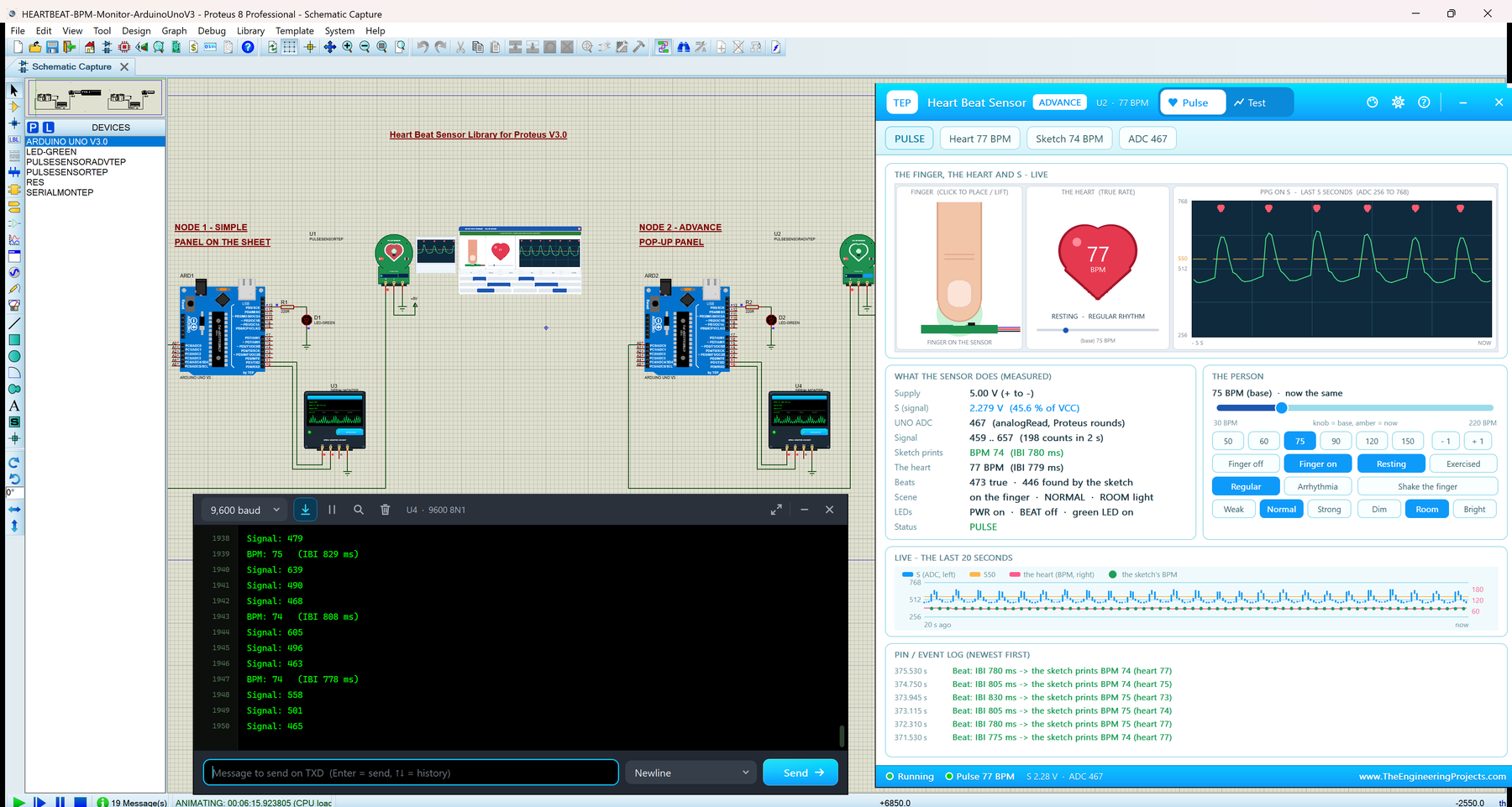
Hello friends, I hope you all are doing great. Today, I am going to share the new Heart Beat Sensor Library for Proteus V3.0 . The heart beat sensor, best known as the round green "Pulse Sensor" board, shines green light into your fingertip and turns the tiny change of that light at every heartbeat into a voltage. With this Heart Beat Sensor Library for Proteus , you set the person's heart rate, the finger and the light with buttons, and your Arduino measures the BPM from a real analog pulse signal with analogRead() , as on real hardware. Version 3.0 is the next version of our heart beat sensor library, and it is a new analog model. You get two devices : Heart Beat Sensor Simple , with a live PULSE SCENE panel on the schematic, and Heart Beat Sensor Advance , with a pop-up window and four ...
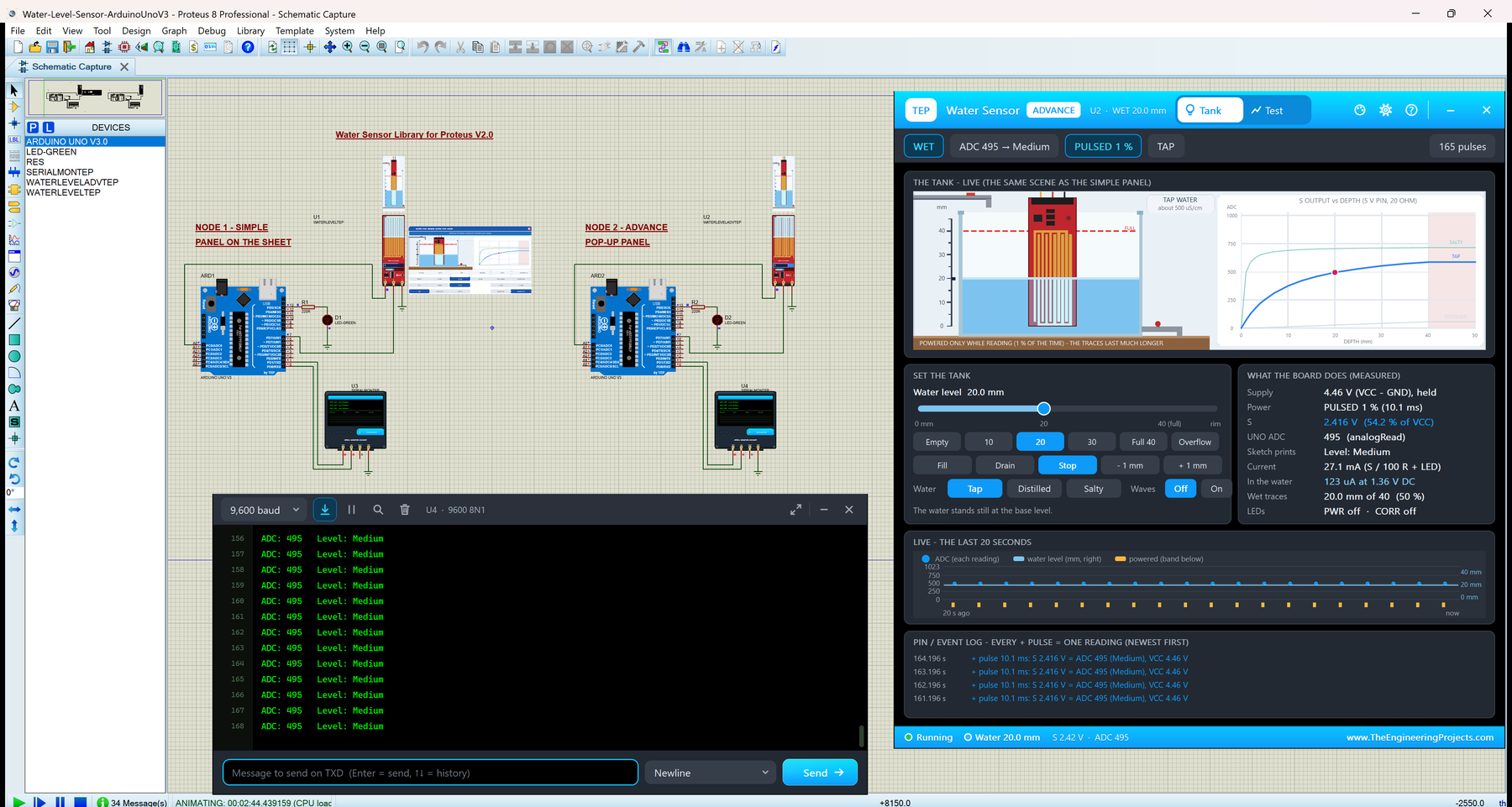
Hello friends, I hope you all are doing great. Today, I am going to share the new Water Sensor Library for Proteus V2.0 . The water sensor is the long red board with a comb of copper traces and three pins, S, + and -, that makers use as a water level sensor in tanks, cups and plant pots. Water on the traces drives a small S8050 transistor, so the S pin gives a voltage that rises with the water. With this Water Sensor Library for Proteus , you fill and drain a virtual tank with buttons, and your Arduino reads S with analogRead() , just like on a real board. Version 2.0 is the next version of our water sensor library: a real analog model inside Proteus's SPICE simulator, with two devices . Water Simple has a live tank scene on the schematic, and Water Advance has a pop-up window with four me ...
Hello friends, I hope you all are doing great. Today, I am going to share our new Rotary Encoder Library for Proteus . The KY-040 is the small black rotary encoder module you find in almost every Arduino kit: a knurled knob that turns endlessly in 20 clicks per turn, with a push switch built into the shaft. It is the knob behind many volume controls, menus and set-point inputs. With this Rotary Encoder Library for Proteus , you turn that knob in the simulation (one click, five clicks or a non-stop spin) and press it, and your Arduino reads the CLK, DT and SW pins exactly as it would read the real module, contact bounce included. This is the first version (V1.0) of our rotary encoder library, and it comes with two devices : KY-040 Simple , with an encoder scene and a logic analyzer on the s ...
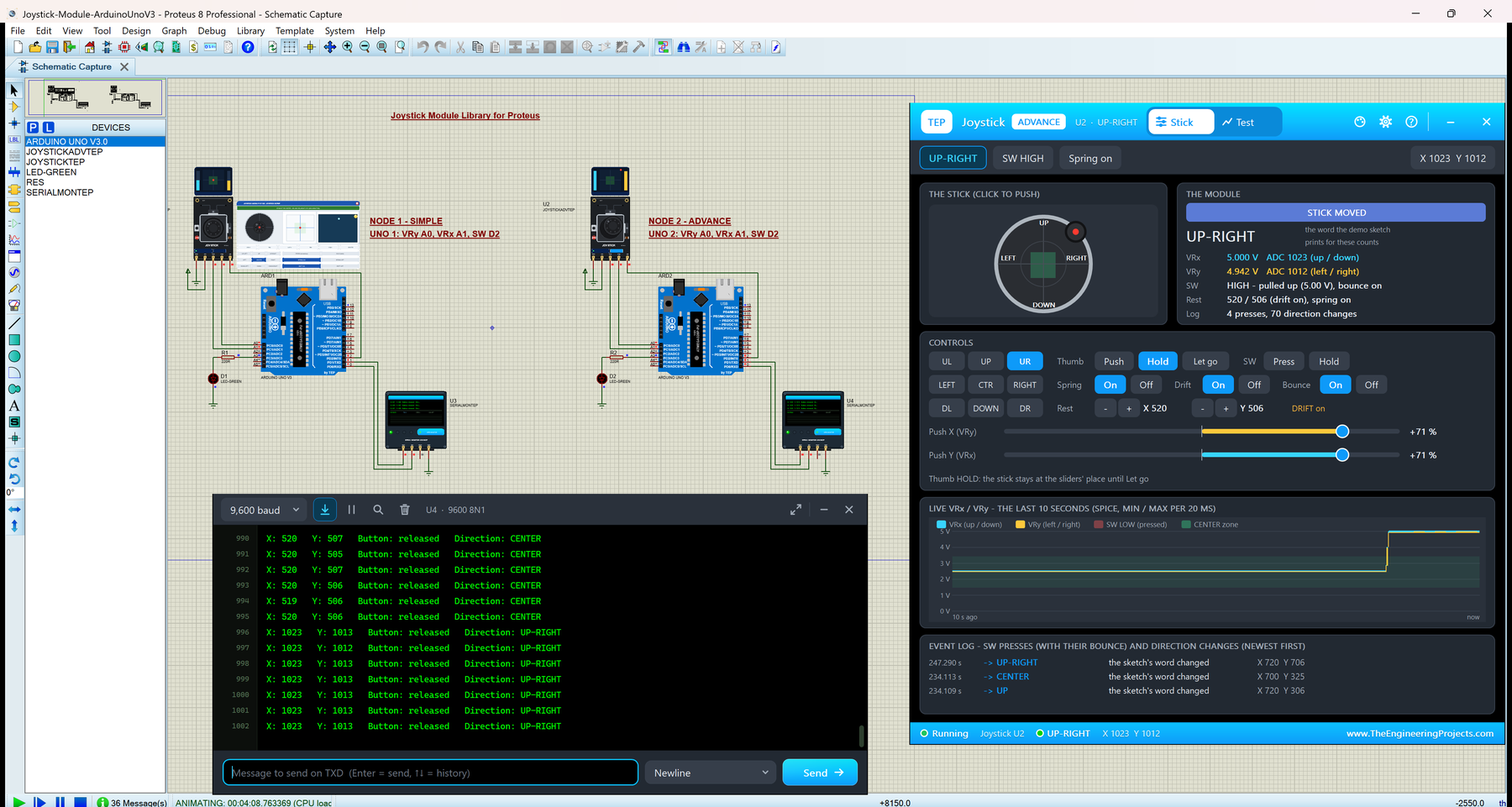
Hello friends, I hope you all are doing great. Today, I am going to share our new Joystick Module Library for Proteus . The KY-023 is the small black thumb joystick module, the same kind of stick you find on a game controller: two 10 k potentiometers measure where the stick is, and a push switch sits under it. With this Joystick Module Library for Proteus , you click or drag the stick in Proteus, and your Arduino reads it with analogRead() and digitalRead() , exactly as it reads a real board. This is version 1.0, the first joystick library from our team. You get two devices : Joystick Simple , with a big control panel on the schematic, and Joystick Advance , with a pop-up window and four measured joystick test tools . The model behaves like a real cheap stick: it does not rest at exactly 5 ...
Hello friends, I hope you all are doing great. Today, I am going to share the new Touch Sensor Library for Proteus V2.0 . It simulates the popular TTP223 capacitive touch module : the small red board with a round touch pad that works like a push button without any moving parts. With this Touch Sensor Library for Proteus , you touch the pad with the mouse or with buttons, and your Arduino reads the I/O pin exactly as it reads a real module: LOW while the pad is free and HIGH while a finger is on it. Version 2.0 is the next version of our touch sensor library, built around the behaviour of the real chip: the calibration after power-on, the slower first touch while the chip sleeps, the four jumper modes, the max on time and cover sheets in front of the pad. You get two devices : TTP223 Simple ...
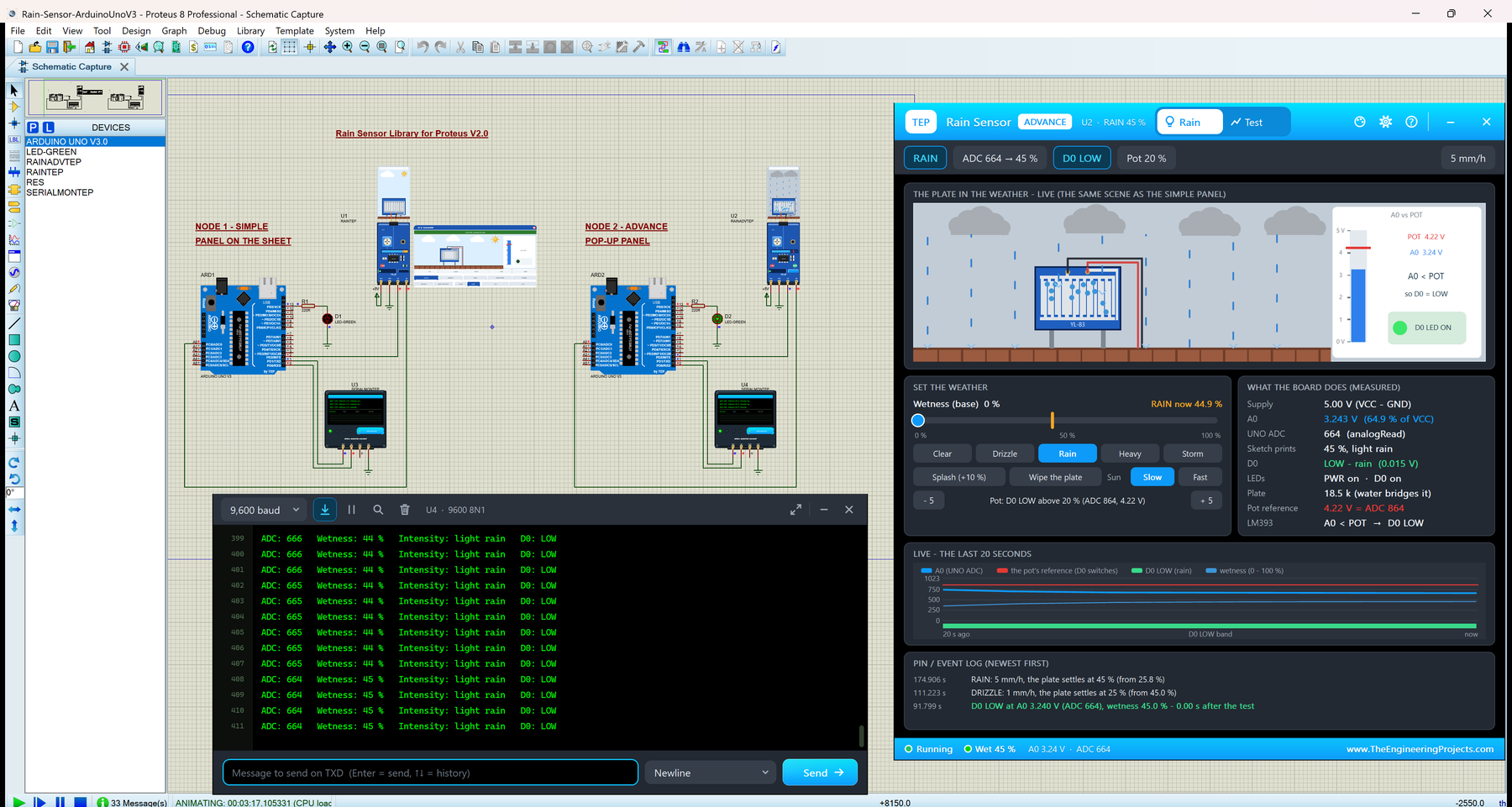
Hello friends, I hope you all are doing great. Today, I am going to share the new Rain Sensor Library for Proteus V2.0 . The rain sensor, also called the raindrop sensor, is the popular two-part module: the blue YL-83 rain plate with its two comb-shaped traces, and the small blue FC-37 board with the LM393 comparator. With this Rain Sensor Library for Proteus , you set the weather with a click, from a light drizzle to a storm, and your Arduino reads the plate the same way it reads a real module: analogRead() on A0 and digitalRead() on D0. We have shared earlier versions of our rain sensor library before, but version 2.0 is a big step. The board is now an analog model inside Proteus's SPICE simulator, so A0 is a real voltage. You get Rain Sensor Simple with an animated rain scene on the sch ...
Hello friends, I hope you all are doing great. Today, I am going to share our new Arduino Mini Library for Proteus V4.0 . The Arduino Mini is one of the smallest classic Arduino boards: the same ATmega328P at 16 MHz as the Arduino UNO, on a tiny teal board of only 30 x 18 mm, with no USB port. With this library, you place Arduino's Mini 05 in Proteus, load your sketch's HEX file and watch the board behave like the real one: its pin-13 LED follows your code, its reset button restarts the sketch through the bootloader, and its +5V pin powers the other parts of your circuit. V4.0 is the next version of our Arduino libraries for Proteus. The Mini is one of six boards in it; this post is all about the Mini, and our Arduino Library for Proteus V4.0 post shows all six boards side by side. The Min ...
Hello friends, I hope you all are doing great. Today, I am going to share the new Arduino Pro Mini Library for Proteus V4.0 . The Arduino Pro Mini is the tiny red board from SparkFun: an ATmega328P, a resonator, a voltage regulator and a reset button on a board of 0.7 x 1.3 inches, with no USB connector at all. You program it through a six-pin FTDI header on one end. With this Arduino Pro Mini Library for Proteus , you place the board on your sheet, load the HEX file of your sketch and press Run: the PWR LED lights, the 13 LED follows pin 13, the RESET button works with the bootloader, and a serial monitor built into the board shows everything your sketch prints. Version 4.0 is the newest of our Arduino libraries for Proteus; the first one came out in 2015. The Pro Mini is one of six board ...