


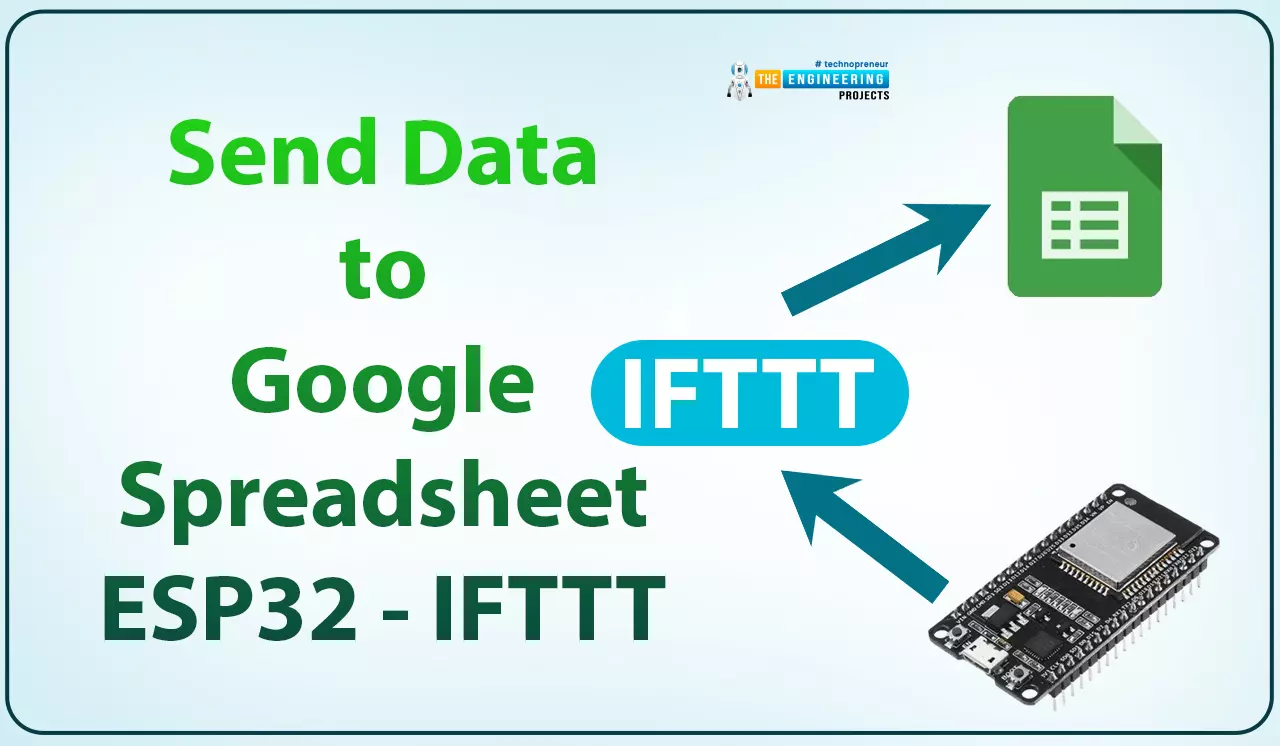
Hello readers, I hope you all are doing great. In our previous tutorial, we learnt how to make HTTP POST from ESP32 to the IFTTT server. In this tutorial, we will learn about another application of the ESP32 module in the field of IoT (Internet of Things). We can publish multiple sensor readings from ESP32 to Google sheets via the IFTTT web service. IFTTT is used as a third-party web service to integrate Google sheets with ESP32. Fig. 1 We are going to create an applet (on the IFTTT server) that is responsible to integrate the Webhooks and Google Sheets services. While operating with the IFTTT server there are some services/utilities that we are going to deal with like Applets and Webhooks. Before getting started with the project, let’s first introduce you to those terms: An Applet is a small application or a utility program, which is used for one or a few simple functions. It connects two or more devices or apps together. An applet provides integration between two devices or services to enable some functionality that those devices or services cannot do alone or on their own. An applet consists of actions and triggers. Fig. 2 Fig. 3: Creating an Applet Fig. 4: “If This” Fig. 5: Search and Select Webhooks Fig. 6: Receive a Web Request Fig. 7: Create Trigger Fig. 8: Then That Fig. 9: Google Sheets Fig. 10: Select an Action Fig. 11: Connect to Google Sheets Service Fig. 12: Allow IFTTT Service to Access Files of your Google Drive Fig. 13: Complete Action Fields Fig. 14: Applet ...