


Introduction to Ladder Logic for PLC


Hello friends! In our Introduction to PLC, we looked at the controller, its terminals and the difference between a program command and an electrical output. Today we will connect those ideas using ladder logic. We will start with one input and one output, then build AND, OR and NOT conditions before adding a simple memory circuit.
Ladder diagrams look like relay circuits, which makes them approachable once you understand what their symbols mean. However, the diagram is a program. A contact symbol tests a stored Boolean value; it is not a physical switch carrying voltage through the screen. Keeping that distinction clear will prevent many common wiring and programming mistakes.
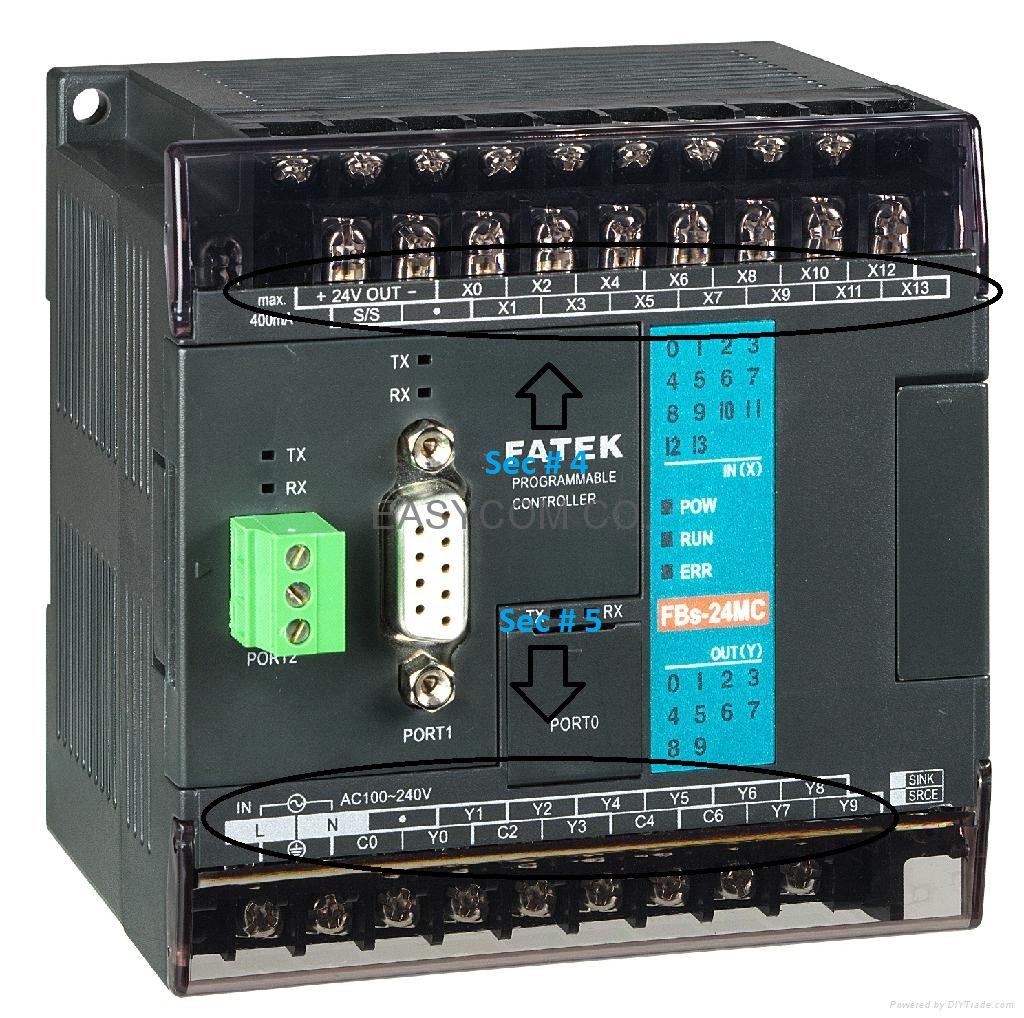
The retained examples use X addresses for inputs and Y addresses for outputs, following the style of the original FATEK tutorial. Other controllers use different addresses or descriptive tags. We will explain the logic independently of the naming convention so you can recognize the same ideas in your own PLC software.
What Is Ladder Logic?
Ladder logic is a graphical programming language built from networks commonly called rungs. Conditions appear toward the left and actions toward the right. A rung combines input conditions, internal bits and instruction results to determine whether its output action is true. Simple networks resemble the relay circuits from which the notation developed.
The two vertical rails organize the diagram. They should not be interpreted as literal high and low supply terminals inside the program. Highlighted online paths show logical continuity according to the software's display convention. Actual voltage, current and polarity belong to the input and output hardware.
Ladder is especially convenient for interlocks and discrete machine logic. It can also contain arithmetic, timers, counters and function blocks. A large process should still be organized into meaningful routines and states; drawing every condition on one enormous rung makes the program harder to inspect.
Use names that describe a condition
An address such as X0 tells us where data comes from, but not what it means. A comment such as StartButtonPressed, TankLevelReached or SupplyHealthy explains the interpretation. Choose names that make the true state clear. A label such as Stop can mean either a pressed button or a healthy stop circuit, which leads to opposite programming decisions.
For this tutorial, 1 means true and 0 means false. We will use a normal coil that writes its destination bit from the rung result whenever that instruction executes. Latches and other retentive instructions have different behavior and will be introduced separately.
Read Your First Rung

The simplest example places a direct contact for X0 before a normal coil for Y0. Its Boolean expression is Y0 = X0. When X0 is 1, the contact condition is true and the coil writes 1. When X0 is 0, the rung is false and the coil writes 0.
Left rail     direct contact       normal coil
-------------[ X0 ]---------------( Y0 )-----+

Boolean result: Y0 = X0
Read the condition first and then the action. If the physical input changes, the program must acquire that change and execute the rung before the command responds. The coil's destination might represent a hardware output, an internal memory bit or another Boolean variable, depending on the address and controller.

The original electrical analogy is useful for imagining continuity through series and parallel paths. Its limit is that software contacts inspect data. Multiple contact symbols can read the same X0 bit without requiring several physical copies of the input switch. Reading a bit does not consume it or change its value.
Direct and Inverted Contacts
A direct contact is true when its referenced bit is 1. An inverted contact is true when that bit is 0. Many tools call them normally open and normally closed contacts, but those names can confuse beginners who are also wiring physical pushbuttons.
| Referenced bit | Direct contact | Inverted contact |
|---|---|---|
| 0 | False | True |
| 1 | True | False |
Rockwell calls the corresponding tests XIC and XIO; its bit-instruction reference distinguishes them from instructions that write bits. Names vary across manufacturers, while the distinction between testing and writing remains essential.
A normally closed button can use a direct contact
Imagine a physical stop contact that is closed while healthy and opens when pressed. With suitable wiring, the PLC input StopHealthy is 1 during normal operation and 0 when the button is pressed or the wire opens. To permit running only while that input is healthy, use a direct test of StopHealthy.
An inverted software contact would instead be true when StopHealthy is 0. Therefore, choosing the symbol by matching the words normally closed on the physical switch is incorrect. First determine the electrical input state, then choose the instruction that tests the required condition.
Understand Scan Order Before Adding More Rungs
A common cyclic program acquires inputs, evaluates its scheduled logic and updates outputs. Within a conventional ladder routine, rungs execute in an established order, normally from top to bottom, and conditions are evaluated along their paths. They do not all execute simultaneously simply because the diagram displays them together.
Consider two rungs: the first writes internal bit M0 from X0, and the second writes Y0 from M0. If X0 becomes true and the first rung executes before the second, Y0 can use the new M0 value during that scan. Reversing the rung order can make Y0 use the previous M0 value until the next scan.
This example concerns ordinary sequential execution. Interrupt tasks, immediate I/O instructions and asynchronous communication can add other timing behavior. Use the controller's execution model when exact timing matters rather than assuming that every platform follows one simplified diagram.
Do not confuse compilation with execution
Compilation checks and translates the project into a form the controller can run. Execution happens when the controller processes that program. The same distinction applies to C programs on microcontrollers. Ladder and C differ in notation and available instructions; neither should be explained as a compiler continuously operating the machine.
AND Logic with Series Contacts
AND requires every listed condition to be true. Put direct contacts X0 and X1 in series before Y0. The expression is Y0 = X0 AND X1. If either contact condition is false, that path cannot make the rung true.

| X0 | X1 | Y0 |
|---|---|---|
| 0 | 0 | 0 |
| 0 | 1 | 0 |
| 1 | 0 | 0 |
| 1 | 1 | 1 |
For a learning example, let X0 mean StartRequested and X1 mean LiquidAvailable. The command becomes true only when a start is requested and liquid is available. This expression does not remember an earlier press: if StartRequested becomes false, the output also becomes false on subsequent execution.

The four-contact example extends the same rule. Y0 = X0 AND X1 AND X2 AND X3 has sixteen possible input combinations, and only the all-true combination makes Y0 true. In a simulator, deliberately turn each condition off one at a time to verify that every intended interlock affects the output.
OR Logic with Parallel Branches
OR requires at least one listed condition to be true. Place X0 and X1 on parallel branches that reconnect before the coil. The result is Y0 = X0 OR X1. Both branches may be true simultaneously; ordinary OR still returns true.

| X0 | X1 | Y0 |
|---|---|---|
| 0 | 0 | 0 |
| 0 | 1 | 1 |
| 1 | 0 | 1 |
| 1 | 1 | 1 |
Suppose an indicator should show a request from either of two operator stations. Parallel contacts describe that condition directly. If instead exactly one station must be active, you need exclusive OR, which we develop in Logical Gates in Ladder Logic for PLC.
Place common conditions outside the branch
Consider the requirement that either request may operate an indicator only while Enable is true. The expression is Enable AND (X0 OR X1). Place the Enable contact in series with the entire parallel group. If you put it only on the X0 branch, X1 will bypass it.
This is one of the most useful checks when reviewing a rung: identify every complete path to the coil and ask whether each path includes the required permissives. A branch that looks visually convenient can accidentally create a route around a stop or fault condition.
NOT Logic with an Inverted Contact
NOT reverses one Boolean condition. An inverted contact for X0 followed by a normal Y0 coil implements Y0 = NOT X0. At X0 = 0 the output is 1; at X0 = 1 the output is 0. The instruction does not turn X0 itself off or modify the physical input.

A simple use is a diagnostic indicator named SensorNotActive. If the sensor's bit means active when true, its inverted test can illuminate the indicator when inactive. Whether an inactive sensor indicates a fault depends on the process state; a sensor may legitimately be off while a machine is idle.
This example also explains why a cold startup deserves attention. Inputs may initially be false before field signals are valid. An inverted condition can therefore become true immediately. Combine diagnostic logic with a defined initialization or operating state when absence of a signal has different meanings at startup and during operation.
Normal Coils and One Writer per Command
A normal coil writes the current rung result when executed. It does not retain a true command merely because the rung was true once. Rockwell's OTE instruction documentation provides a concrete example of this set-or-clear behavior and cautions about overwritten operands.
If two ordinary rungs write Y0, the later executed write can replace the earlier one. The rungs do not automatically combine into an OR function. A clearer design gives the final output one writing location and combines the intended conditions before that coil.
Intermediate bits can keep a complicated expression readable. For example, calculate ProcessReady from several permissives, then use ProcessReady in the output rung. Document which routine owns each writable command so maintenance changes do not introduce hidden competing writers.
A Start-and-Stop Memory Example
Now let us make a command remain on after a momentary start request. Define StopHealthy as true while stopping is not requested, StartPressed as the momentary request, and RunCommand as an internal bit. A simple seal-in relationship is:
RunCommand = StopHealthy AND (StartPressed OR RunCommand)The RunCommand contact is placed in parallel with StartPressed, with StopHealthy outside the branch. Initially RunCommand is false. Pressing Start makes the branch true, so the coil writes RunCommand true. On the next scan, its own contact maintains the branch after Start is released.
When StopHealthy becomes false, the whole rung becomes false and RunCommand clears. With Start also released, restoring StopHealthy does not restart the command because neither branch is true. However, if Start remains held, restoring StopHealthy can restart it. A fresh-press requirement needs edge handling or additional state logic.
This example demonstrates ordinary operational control. It is not a complete emergency-stop or machinery-safety circuit. It also does not prove that a motor followed the command. Real applications may need contactor feedback, fault monitoring and an explicitly engineered restart policy.
Timers, Counters and Edges: The Next Layer
A timer measures how long a condition has persisted according to the instruction's rules. An on-delay timer typically makes its done condition true after the input has remained true for the preset interval. Reset, retention and time-base details differ, so use the particular instruction's documentation rather than guessing from its name.
For an illustrative timer with a documented 10 ms unit, a preset of 250 corresponds to 2.50 seconds. A different timer instruction might accept a time literal directly. Always write the intended engineering duration in a comment, especially when a raw integer otherwise hides the unit.
A counter used for parts should count events, not every scan while a sensor stays on. If an input remains true for 100 scans and the program simply adds one each scan, the result is 100 rather than one part. An edge-detection instruction or a counter's documented transition behavior addresses that distinction.
Mechanical contact bounce can still produce several transitions. Input filtering or debouncing may be required, while excessive filtering can hide short valid pulses. Choose timing from the actual signal and process speed rather than applying an arbitrary delay to every input.
Build and Review the Program in Small Steps
You can perform the Boolean exercises in a software environment with simulated inputs. For a FATEK setup, consult the WinProLadder software and manual for supported editing and monitoring features. These examples explain intended behavior; they are not a claim that a hardware program was executed during this article's refresh.
- Create a separate learning project with descriptive comments for each input and output.
- Implement the single-contact rung and observe both true and false cases.
- Build AND and OR examples separately and record every truth-table row.
- Replace one direct contact with an inverted contact and predict the change before running it.
- Add a common enable condition and verify that no parallel branch bypasses it.
- Implement the memory example with internal bits and test release, stop and restart behavior.
- Remove forces, return outputs to their intended state and save a documented version.
Keep input values stable long enough to observe a scan-based result. A quickly clicked simulator button or a slow monitoring display may hide a brief condition. If timing is important, log the relevant bits or use the controller's supported trace features rather than relying solely on whether a rung flashed green.
Record expected results before testing; otherwise an unexpected output can be mistaken for the behavior you intended.
Troubleshooting and Review
| Symptom | Likely question to investigate |
|---|---|
| Output works opposite to expectation | Does the input name describe a true condition, and is the contact inverted? |
| One request bypasses a stop condition | Is the stop permissive outside every alternative branch? |
| Output changes unexpectedly later in the scan | Does another rung write the same destination? |
| Counter increases repeatedly for one object | Are you counting scans or signal transitions? |
| Program bit is on but load is off | Are output power, type and field wiring correct? |
When reviewing a rung, read it aloud as a sentence. For example, the indicator is on when Enable is true and either RequestA or RequestB is true. Then compare that sentence with the original requirement. This catches branch mistakes before hardware behavior makes the program harder to understand.
Frequently Asked Questions
Do all ladder rungs run at the same time?
No. A routine normally has a defined execution order. The complete controller can have multiple tasks and special I/O behavior, so consult its execution model for timing details.
Does an inverted contact change its input bit?
No. It tests whether that bit is false. Writing a bit requires an output instruction or another explicit assignment.
Can I use an output bit as a contact?
Usually yes, where the platform permits it. That contact reads the command bit; it does not necessarily prove that the physical output contact or actuator operated.
Why does my output turn off after releasing Start?
A normal coil follows its rung result. If the rung contains only a momentary start condition, release makes it false. A documented seal-in or state arrangement is needed when the requirement calls for memory.
What should I practice after these basics?
Work through NAND, NOR, XOR and XNOR in the next logic-gates tutorial, checking every input combination before adding real outputs.

Tags


Great effort but there are typos in explanation of LOGIC OR GATE , AND GATE hope u undo them :)
1 reply
Be my guest to correct them n I'll edit :) n btw thanks for reading the post so keenly .
Have a good day.
Comments
3