


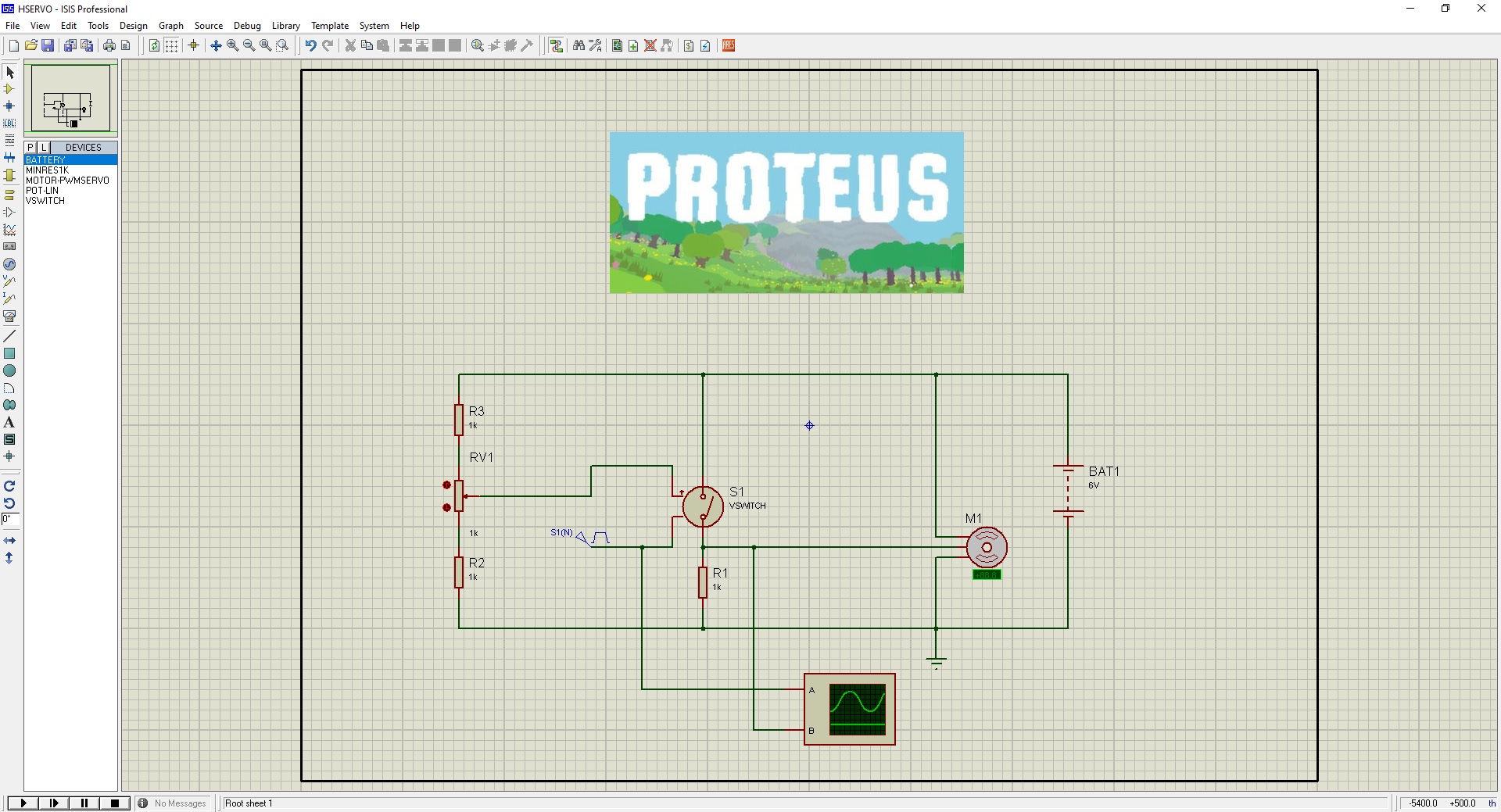
How to Install and Download Proteus Software


In today's post, I am going to share the Full version of Proteus software and it is Proteus 7 Professional, I am sharing it for engineering students. I hope you are going to enjoy this software its not only free but also complete and the Professional version. So, let's get started with How to Install and Download Proteus Software. Please watch this youTube video for better guidance:
How to Install and Download Proteus Software ???
- First of all, download the Proteus 7 Professional software by clicking the below button:
- Once you downloaded the files, now unrar them and place them in some folder.
- The next thing you need to do is to run the Setup file from the package and it will start to install.
- Use the recommended settings and once it's done then it will ask about the key.
- The default key is given in the package so browse it and upload it to the software.
- Once the key is uploaded, now complete the setup and you will get yourself a Proteus software.
- After the completion, one more thing you need to do is to install the software given in the next folder.
- In the path selection, gave it the path to your Proteus software, which you just installed.
- Now hit run and after it's complete, your Proteus will become registered.
- I have made a small video that will explain the above procedure of How to Install and Download Proteus software in a better way.

Hi sir!,
I m nirmal, download & installed proteus as per you r instructions but when I try to open, it shows bad product key. where i m wrong?
1 reply
Run LXK Proteus 7.7 SP2 ENG v1.0.0 as administrator and update using the folder where your Proteus 7 Professional folder resides and then click update. It will work....
1 reply
Hello, I have follow the instruction as per msg.. but still the update is not processing.. Can u share the update file to download directly.
Thanks
Good afternoon. Please I would like to download the libraries for UCC26800. It is a current mode controller (flyback). Thanks.
where is the video? i can't find any video and i cant follow the procedures as said,its not working properly
I am not anle to access the liciemce key how can i install or use the icence key to use the program
Thank you so much. I did installed it and it worked. I have looked for this software for long. You just made my day...so glad to visit your site. Thank you...Thank you ...Thank you. You are a darling.....
Hi Nasir,
I have a coupleof questions.
Serial ports(Port0, Port1, Port2 and port3) have buffer iin which the micro stores data, up 64 bytes. so that the instruction Serial.available() checks thera.
My question: When you choose diffrent pins where are data stored?
How can I change between one and another Port? and how can I tell monitor to watch another port?
Regards
OmarE
sir, i downloaded the protus but it is in pdf format. i tried extracting it like that but it didn't worke. pls what will i do.
Hi, I installed the software and it showed 'bad product key'. so i run the LXK Proteus 7.7 SP2 ENG v1.0.0 as administrator as you said but i keep getting 'wrong path' when i try to update. any help you can offer?
Hello Syed,
I really command you for the effort in educating us so majestically. Could you please send me the registered copy of Proteus software.
Thanks
Hi Seyd,
Very helpful tutorial. Thank you somuch for it. But,
Proteus 8 download link also downloads V7. Can U pls correct it.
Thanks with regards
Comments
18