


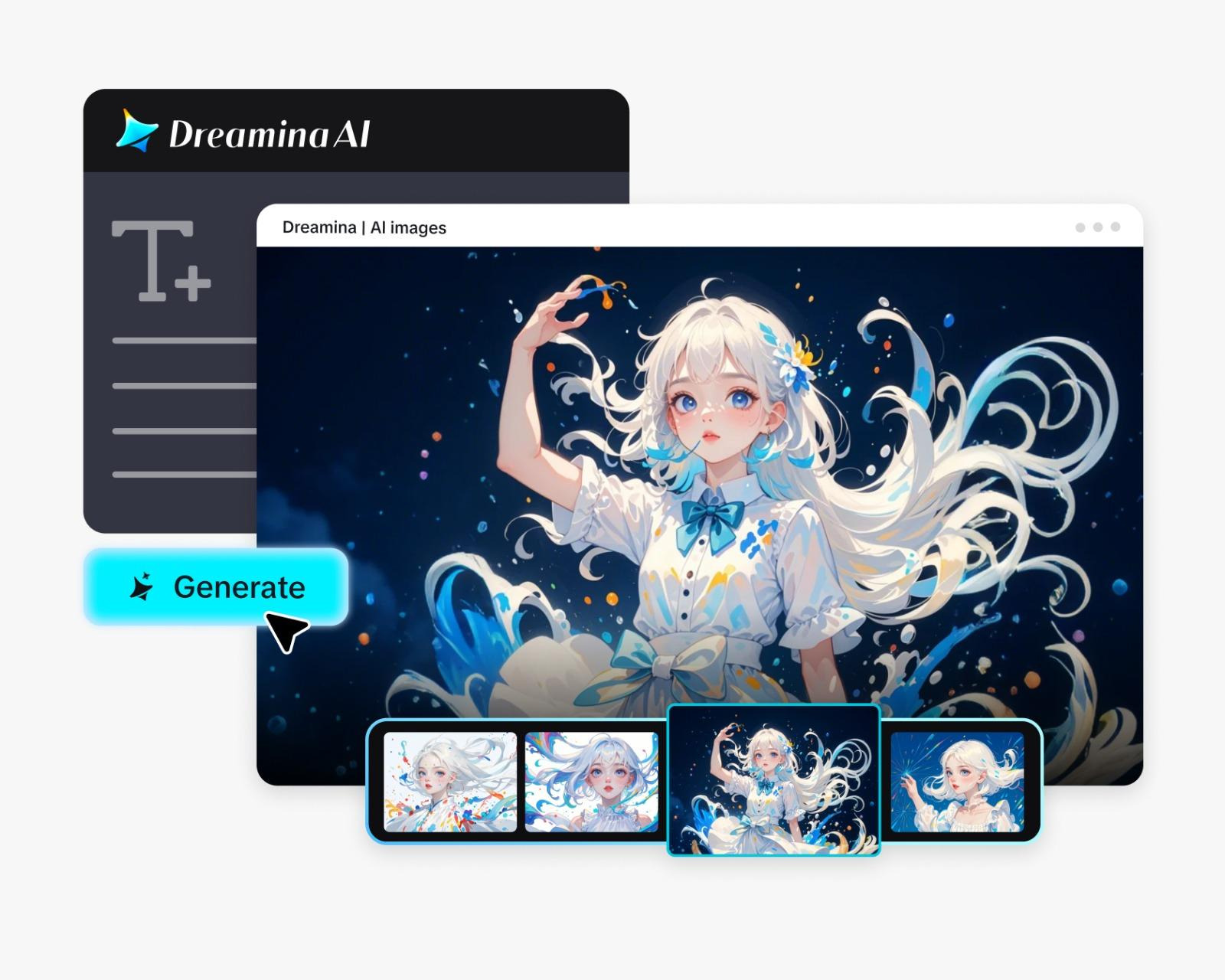
How to Apply Beauty Filter Easily with an AI Generator


In the contemporary digital society, quality photos are not only a luxury but also a necessity. Being a content creator, an influencer, or someone who likes sharing personal photos, even the slightest improvements can significantly change the overall appearance of your photos. Using AI software such as Dreamina, it is no longer difficult to apply filters to make people look beautiful. These apps give one the chance to fine-tune facial features, flatten skin, and lighten eyes without making the results look artificial. Additional features like an AI image enlarger can help you improve your image, which makes it easy to expand your background creatively and keep a picture clear when upscaling images to be printed, on social media, or in portfolios.
As opposed to the norm of traditional editing applications, AI beauty filters are not limited to presets. They know the facial structure, skin texture and the lighting conditions, and make changes selectively to create a natural look. That is to say that you can polish, professional and realistic with your photos at the same time. The AI technology in Dreamina guarantees that novice users will be able to produce high-quality outputs without having to use sophisticated photo editing tools.
Why beauty filters matter
AI filters not only make the photos appear more professional, but also save time. Smoothing the skin, reshaping the face or eye brightening can be done by manual adjustments and require hours. AI tools simplify these steps into a single, accurate procedure and yield consistent, natural results.
There is also a significant psychological impact of beauty filters. Realistic, polished photos are more appealing on social media and can increase profile interest, attracting more people to interact. They collaborate on all kinds of photos, such as selfies, portraits, and creative editorial photos and preserve authenticity.
The 3-step process of the beauty filter at Dreamina
Step 1: Upload your photo
Start by moving to the AI Image area in Dreamina and loading the photo you want to improve. To achieve the best outcomes, compose a comprehensive natural-language prompt describing the type of beauty filter you desire. For example, you may tell the AI to smooth the skin, brighten the eyes, and make the face look better without it looking unnatural.
One of the examples might be: Use soft skin smoothing, make eyes natural, make the features beautiful without making them look unnatural.
Step 2: Apply the beauty filter
Once you have uploaded your image, choose the Image 4.0 model under Seedream 4.0, which provides realistic smoothness for skin, facial flaws, and minor enhancements. Select the resolution based on the requirements: high for social media or ultra high for professional-quality images. Select your aspect ratio based on what you are posting, like 1:1 for Instagram, 4:5 for a portrait, or 16:9 for a wider shot. After all this is done, press the credit button, and get your enhanced photo! Seedream 4.0 is a high-speed image processor that yields 2K results in a little less than 2 seconds, yet with the same high level of precise, natural-appearing image enhancement.
Step 3: Download your image
Once you have your photo, press the “Download button to save the picture in high-resolution. The outcome is a professional-looking image that is polished and ready to be shared on social media, included in a portfolio, or stored for personal use. You may also turn your improved images into a video. With a reference or prompt image, you can make short videos using your refined photos, which could be used for scenes of the social media reel, in marketing, or in a digital story.
Personalised results of your beauty filters
Flexibility is one of the benefits of AI beauty filters. The intensity, style and focus areas can be controlled depending on your intended use of the photo. In professional headshots, slight smoothness and eye-brightening are preferable, whereas social media can be more proactive with more pronounced changes or special effects. Dreamina allows you to fine-tune the details like skin texture, symmetry of the face and the lighting so that the picture is realistic yet appealing to the eye.
Converting improved pictures to video-based information
Improved photos may also be introduced as video content to reach more people. With Dreamina's text to video generator, it is possible to produce movable images that comprise your refined images. The AI will produce videos emphasising your content on social media, marketing campaigns, or online portfolios, based on which one you give as a reference, either the prompt or the improved photo. This aspect is important for maintaining consistency in formatting and enables your refined pictures to capture both in-motion and still formats through the use of the pictures.
Concluding remarks: Instinctive professional pictures
The process of using beauty filters with AI is no longer tedious and frightening. Dreamina reduces the process to three steps, which are to upload, make improvements with the Seedream model, and save the final image. Functions such as the AI picture enlarger are used to maintain clarity in the larger outputs.
For content creators, influencers, or anyone looking to enhance their online presence, Dreamina offers a quick, trustworthy, and professional workflow. AI handles technical work and lets you be creative, so your photos always look their best with little effort. Through this platform, it is possible to obtain high-quality, realistic, and polished photos.
Comments
0