


Project Files of Temperature Sensor 18B20 with Arduino
 Libraries
 Code
Code Projects
 Simulation
OneWire.rar

Download One Wire Library
Download One Wire Library comes as a RAR archive of 6 files (14 KB, 35.6 KB unpacked) holding an Arduino sketch and source code.
- INOArduino sketch
- SRCSource code
Description
Looking for the files of Temperature Sensor 18B20 with Arduino? One Wire Library is the RAR package (14 KB) you need. It holds an Arduino sketch and the source code. Below are the file structure, the README and the installation steps, so you can go from download to a running sketch in a few minutes.
What this package is
One Wire Library contains the Arduino code of Temperature Sensor 18B20 with Arduino: DS18x20_Temperature.pde, DS2408_Switch.pde and DS250x_PROM.pde. Open it in the Arduino IDE, choose your board and port, and upload; the tutorial walks through every line, so you know what to change for your own wiring.
The tutorial opens with: “Hello friends! Today we will connect a DS18B20 temperature sensor to an Arduino Uno and display its reading in the Serial Monitor and on a 20 x 4 LCD.” That article is the detailed guide; the sections below cover the files.
What is inside the RAR file
- DS18x20_Temperature.pde – Arduino sketch, 3 KB
- DS2408_Switch.pde – Arduino sketch, 1.9 KB
- DS250x_PROM.pde – Arduino sketch, 4 KB
- OneWire.cpp – Source file, 17.2 KB
- OneWire.h – Source file, 8.8 KB
- keywords.txt – Text file, 819 B
The archive unpacks to 35.6 KB; there is no README inside, so the steps below stand in for it.
How to download
Use the download panel at the top of this page: after the counter (30 seconds for guests, 10 for members) the black button unlocks and OneWire.rar comes straight from our content network. If the browser opens it instead of saving, use Save as; extract the whole archive before using anything inside it.
How to install
- Step 1: Extract OneWire.rar with Windows (Extract All), 7-Zip or WinRAR, keeping its folders.
- Step 2: Open DS18x20_Temperature.pde, DS2408_Switch.pde and DS250x_PROM.pde in the Arduino IDE, pick board and port and Verify (Export Compiled Binary gives the HEX).
- Step 3: Build OneWire.cpp and OneWire.h with the compiler the tutorial names.
Read the detailed guide
This page is for the files. The full tutorial, Temperature Sensor 18B20 with Arduino, explains the circuit and the code step by step and shows the working results; read it before you build. Questions about the download or the installation go in the comments below; more Arduino downloads are listed further down this page.
The package is free for personal, educational and research projects; credit The Engineering Projects and link to this page when you share it rather than re-uploading the file.

File Structure
 File Structure
3 KB1.9 KB4 KB819 B17.2 KB8.8 KBGallery6 images from the tutorialOpen the tutorial
 Gallery6 images from the tutorial
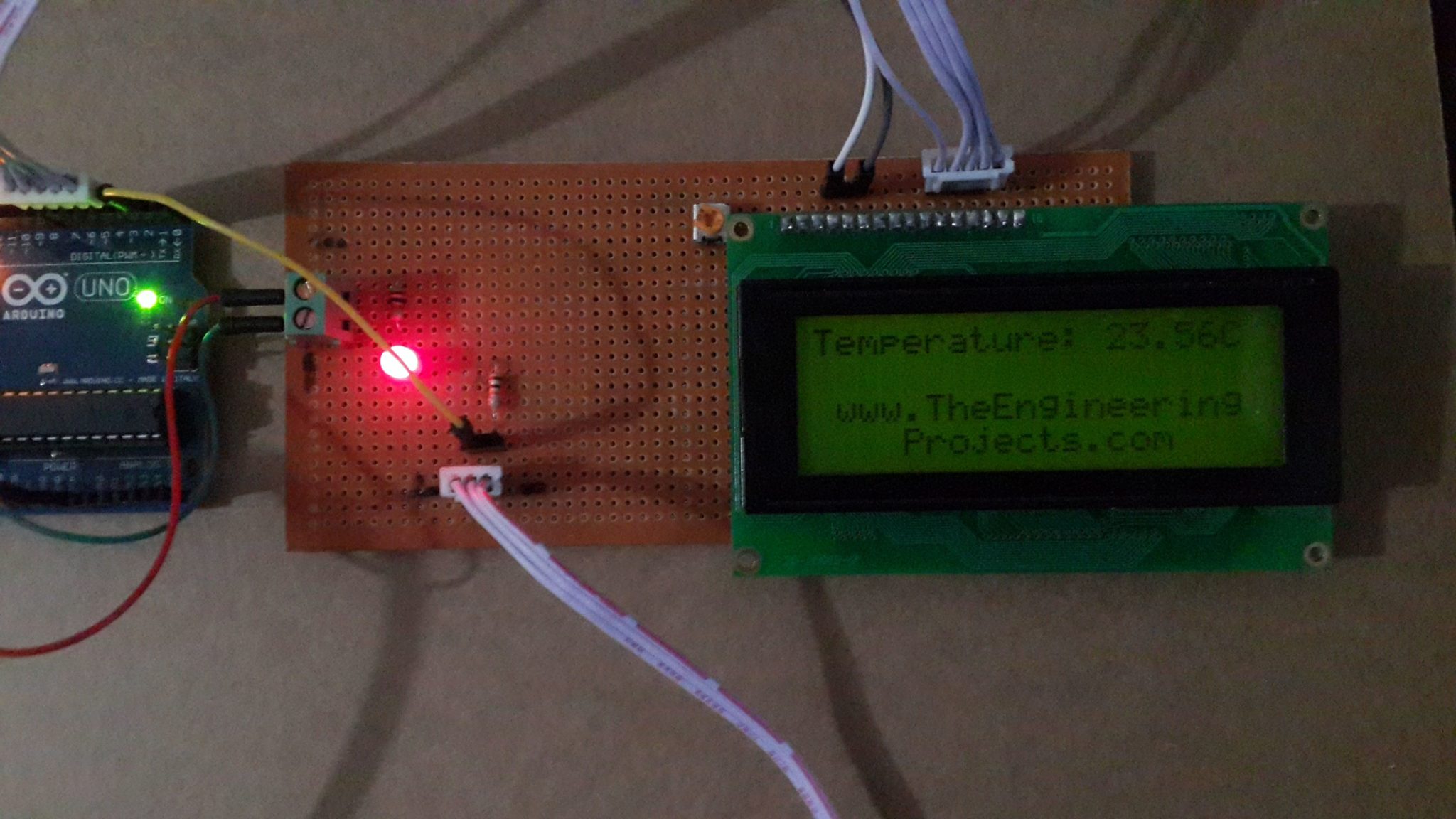
The circuit, the board and the results as they appear in Temperature Sensor 18B20 with Arduino. Open an image for its full size.
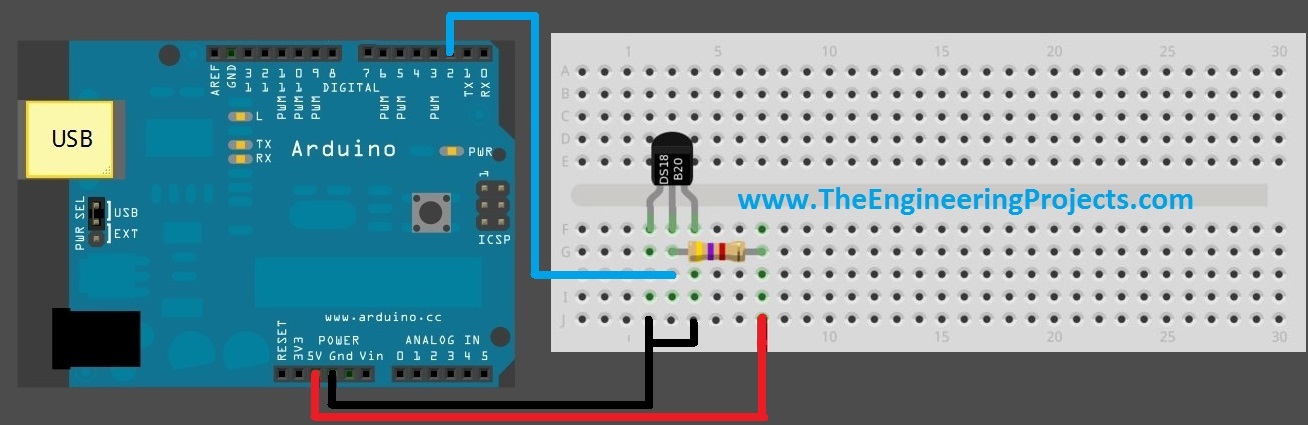
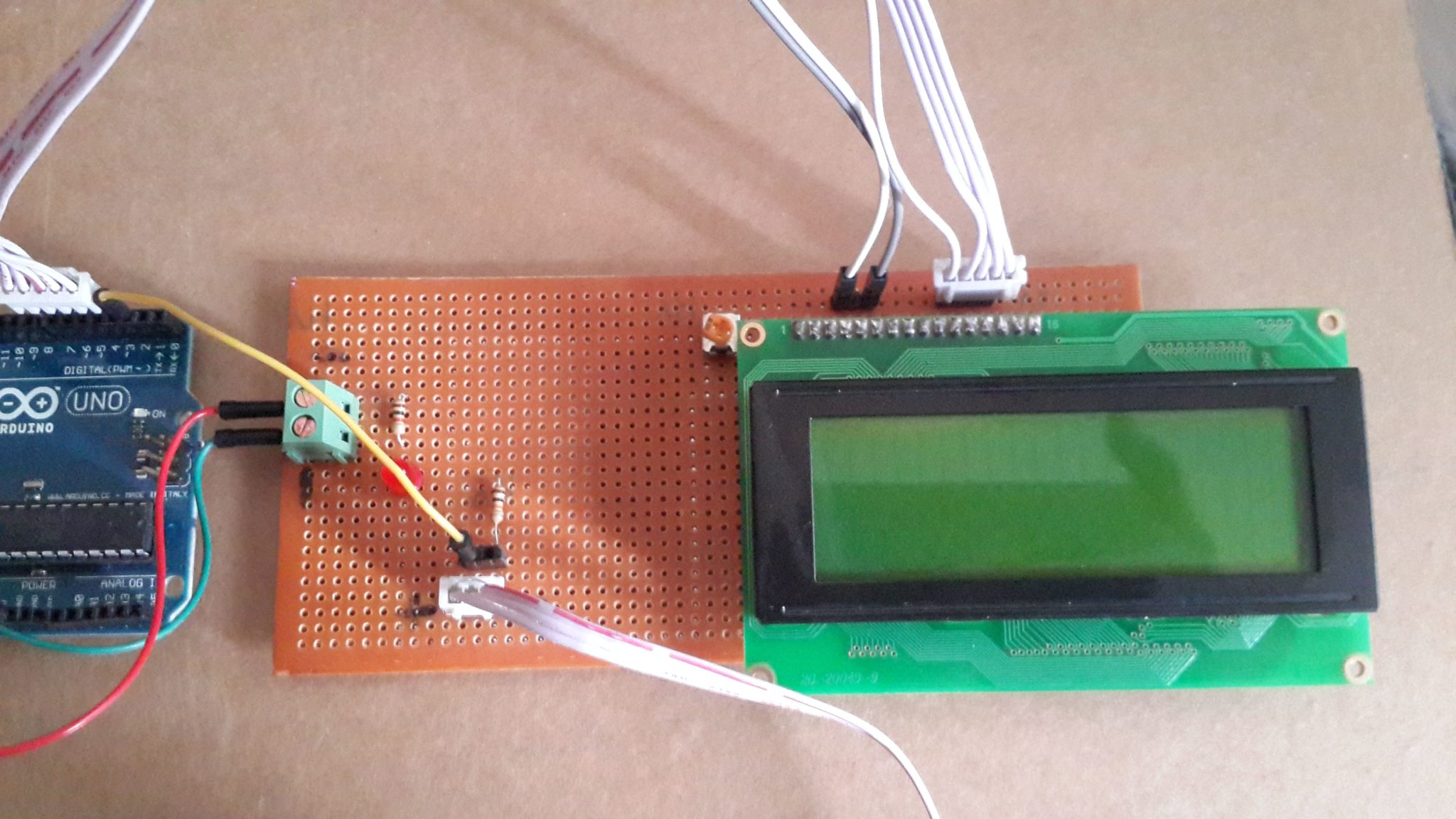
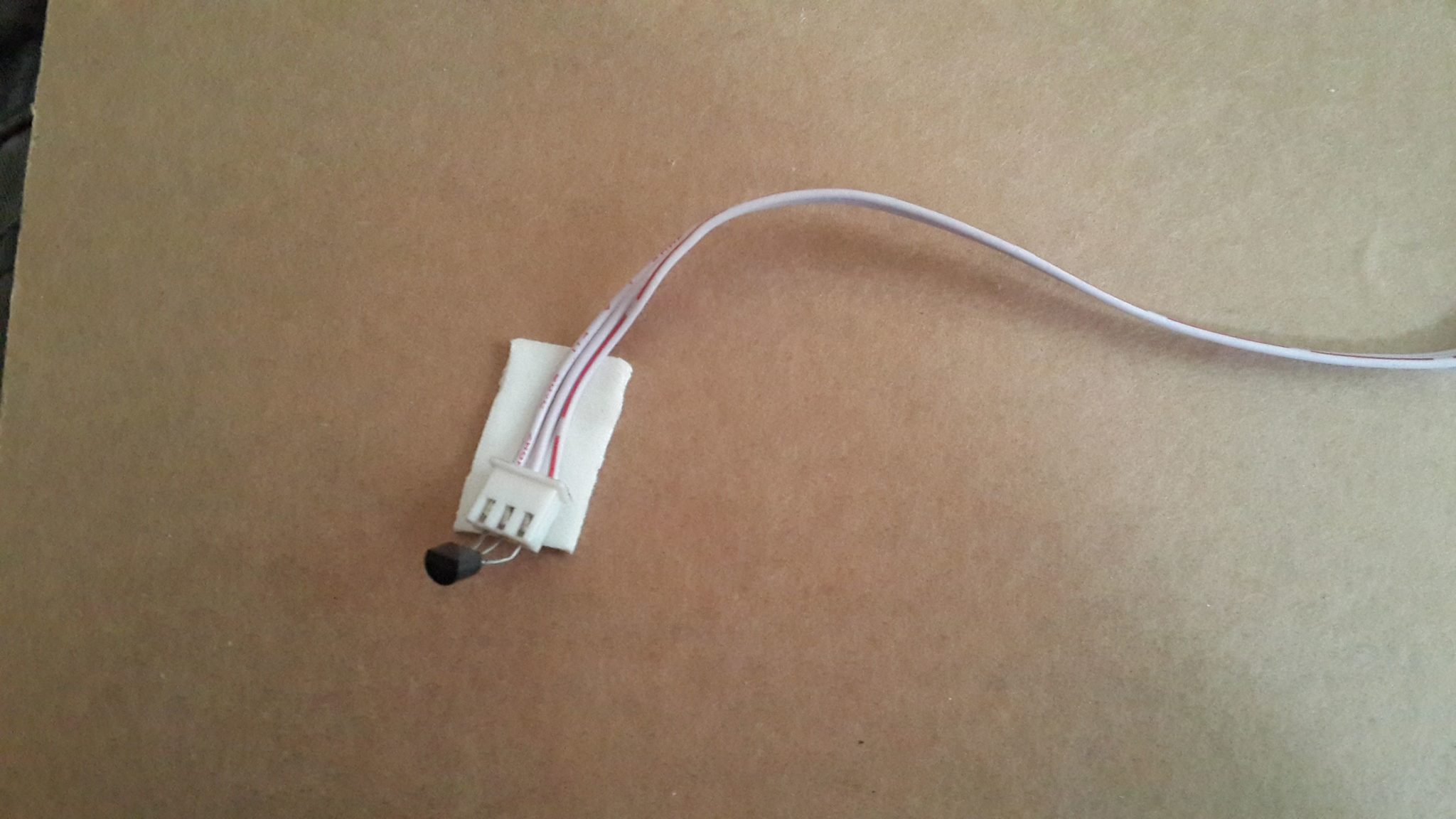
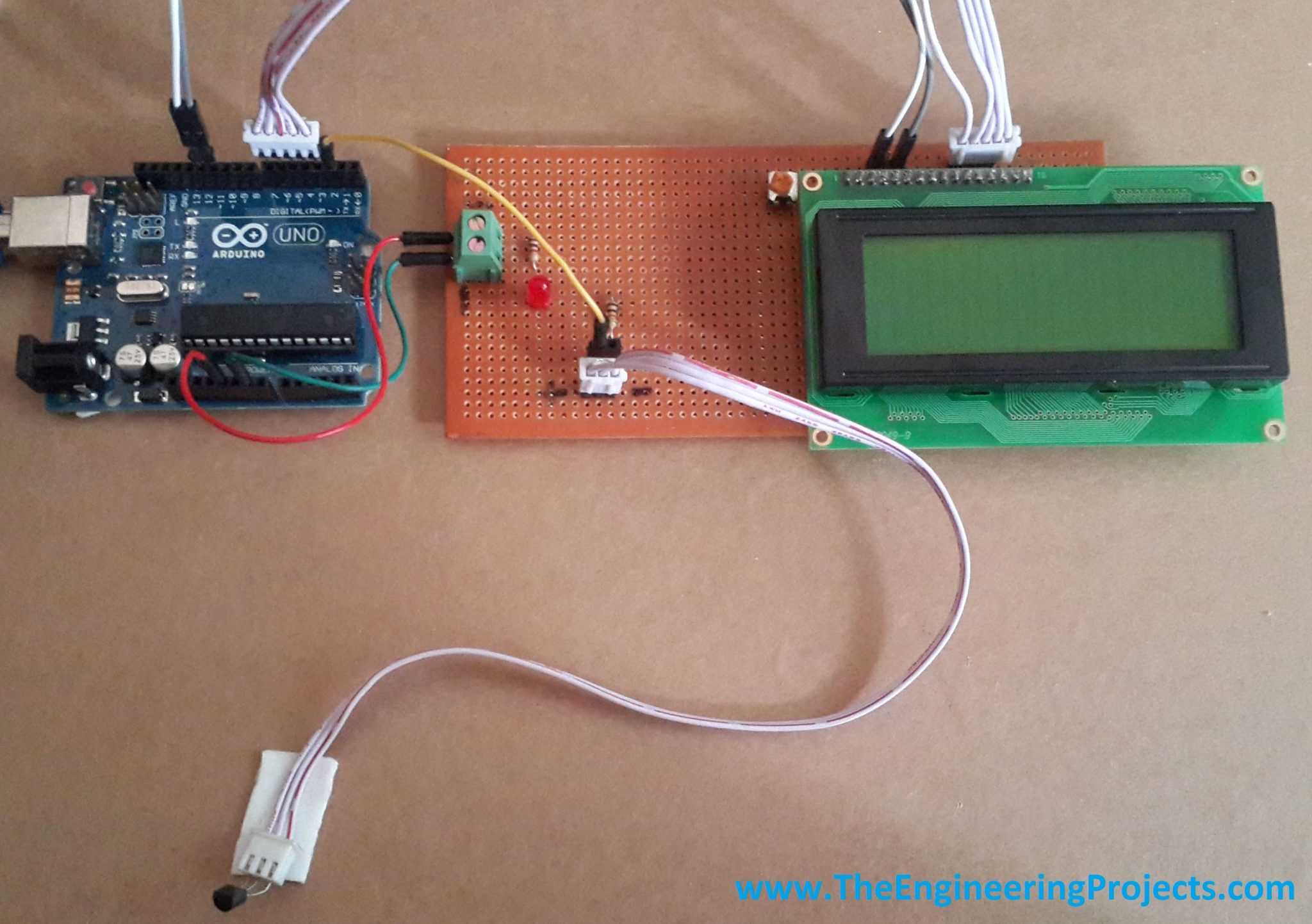
Videofrom the tutorial
Watch the project run before you download. The player loads only when you press play.
Temperature Sensor 18B20 with ArduinoWatch on YouTube
README
 README
Development1 release
 Development1 release
-
Download One Wire Librarythis page
The only release of this package so far. When a newer version is published, it appears above with its own download page.
Installation4 steps
 Installation4 steps
From the download to a working project, in order. The steps follow what the package contains.
You will need
- Arduino IDE1.8 or 2.x, with the board of the tutorial chosen under Tools → Board
- The compiler named in the tutorialto build the source files into firmware
- WinRAR or 7-ZipWindows cannot open RAR archives on its own

Steps
- 1
Extract the archive
Right-click OneWire.rar and choose Extract All (or open it with 7-Zip or WinRAR) into a folder you can find again. Keep its folder structure (OneWire) as it is.
- 2
Open the sketch in the Arduino IDE
Open DS18x20_Temperature.pde, DS2408_Switch.pde and DS250x_PROM.pde, select your board and port under Tools, then Verify. Sketch → Export Compiled Binary writes the HEX file a simulation needs.
- 3
Build the source code
Open OneWire.cpp and OneWire.h in the compiler named in the tutorial (MikroC, Keil, MPLAB, Code Composer or the Arduino IDE) and build it to get the firmware.
- 4
Follow the tutorial
Temperature Sensor 18B20 with Arduino explains every connection and setting in order; keep it open beside the files while you build.
FAQs8 questionsContact TEP
 FAQs8 questions
How do I download Download One Wire Library?
Wait for the 30-second guest countdown on this page, then press the download button; the file comes straight from our storage. Members who are logged in skip the wait. If the browser opens the file instead of saving it, use its Save as option.
What is inside the archive?
Download One Wire Library comes as a RAR archive of 6 files (14 KB, 35.6 KB unpacked) holding an Arduino sketch and source code. Open the File Structure tab for the full list of 6 files.
What should I do if the download does not start?
Check the browser's download list first; an ad blocker or a company firewall can also hold it back, so try another browser or network. If the file arrives incomplete, download it again. For an installation problem, read the Install tab or tell us in the comments with your software version and the exact error message.
Is this file free?
Yes. Every file in the TEP Download Center is free for learning, personal and student projects. If you share it, link back to this page or the tutorial so others find the latest version.
How do I check that the file arrived complete?
Compare its SHA-256 with the one on this page, 4af4226c5e463620b4cd5ee4fe38fb4d075df68c1462cb636340ac7bba3c6412. In PowerShell run Get-FileHash "OneWire.rar"; on macOS or Linux run shasum -a 256 "OneWire.rar". The same value means the file is exactly the one in our storage; a different one means the download broke off, so download it again.
Do I need WinRAR to open the RAR file?
RAR archives need WinRAR, 7-Zip or another RAR-capable tool; Windows cannot open them on its own. Extract the whole archive before using the files.
How do I get the HEX file into the simulation?
Compile the sketch in the Arduino IDE (Sketch → Export Compiled Binary gives you the HEX next to the sketch), then in Proteus double-click the board, set Program File to that HEX and run.
Are there other files for this tutorial?
Yes, this tutorial has 2 downloads; the others are listed under the panel. Each has its own page and countdown.
Members skip the wait. Log in or join TEP.

- 0Total downloads
- 4%Popularity
- ArduinoCategory
- 0Comments
- ssyedzainnasirUploaded by
- 24 Feb 2015Uploaded at


 SHA-256
4af4226c5e463620b4cd5ee4fe38fb4d075df68c1462cb636340ac7bba3c6412


 Need help with this file?
 Tags
TagsRelated Arduino
All Arduino tutorials




Comments
0