


ATmega328P PCB Footprint
 Libraries
 Code
Code Projects
 Simulation
TEP_SPDIL28.kicad_mod
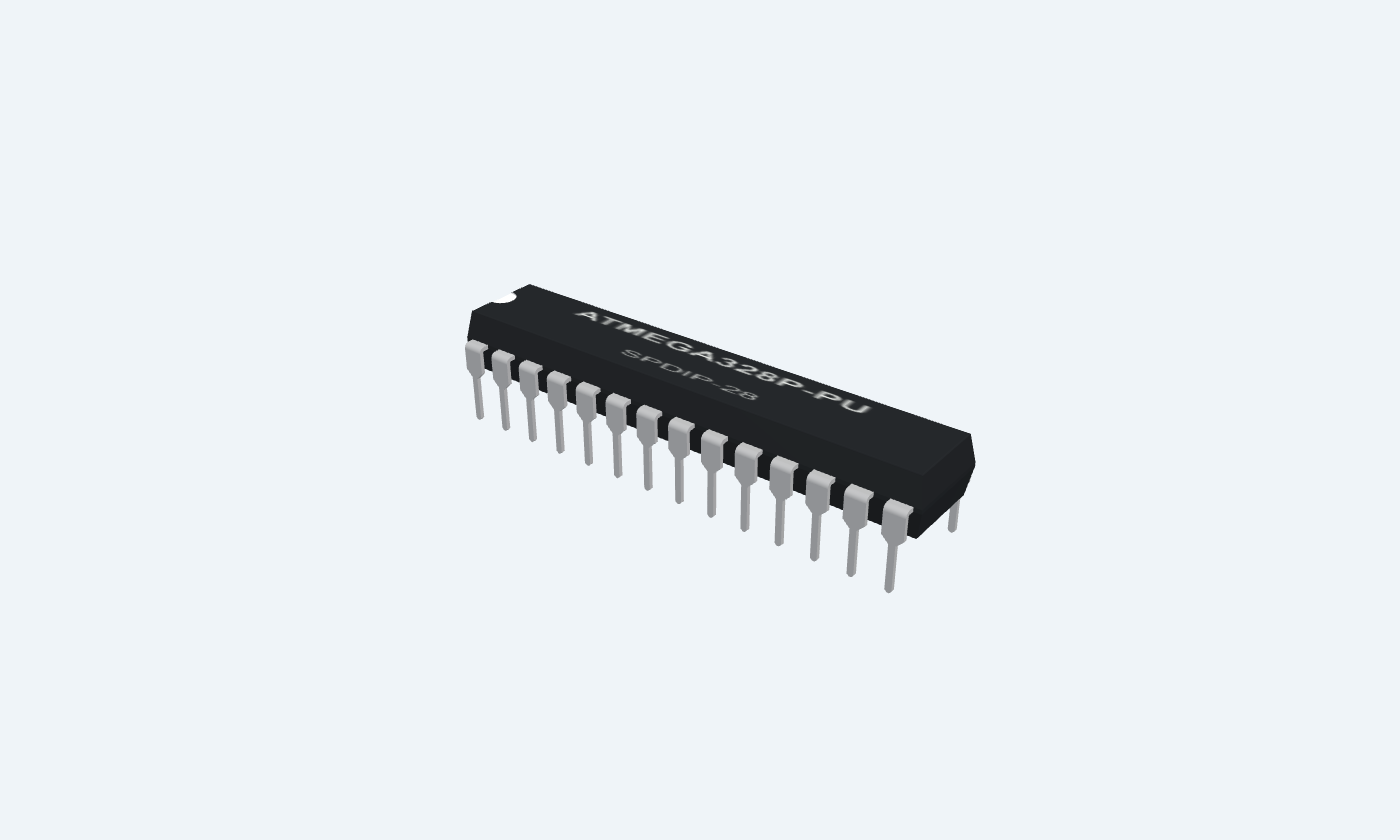
SPDIL28 KiCad PCB Footprint
ATmega328P · ATMEGA328P-PU · SPDIP-28: an editable KiCad footprint with 28 numbered pads at 2.54 mm · 7.62 mm rows pitch.
- PCBPCB / schematic
Description
Editable KiCad footprint with numbered copper pads, drill dimensions and package outlines.
Use in KiCad
- Download the .kicad_mod file.
- Create a folder named TEP.pretty and put the file inside.
- In KiCad, open Preferences → Manage Footprint Libraries and add that folder.
- Select the footprint in the Footprint Editor or assign it to your schematic symbol.
Dimensions are in millimeters. Confirm the package and pin mapping against your chosen part before fabrication. This is a footprint, not a complete PCB or 3D model.

File Structure
 File Structure
Installation4 steps
 Installation4 steps
From the download to a working project, in order. The steps follow what the package contains.
You will need
- KiCadAdd the .kicad_mod file to a .pretty footprint library.
Steps
- 1
Create a footprint library
Create a folder named TEP.pretty and put the downloaded .kicad_mod file inside.
- 2
Add it to KiCad
Open Preferences → Manage Footprint Libraries and add the TEP.pretty folder. Open the footprint in the Footprint Editor or assign it to a schematic symbol.
- 3
Check your chosen package
Verify the pin mapping, pad dimensions and drill sizes against your component before fabricating the PCB. Dimensions are in millimeters.
- 4
Check the component datasheet
Use the ATmega328P package drawing and pinout to confirm pad numbers and dimensions before manufacturing.
FAQs5 questionsContact TEP
 FAQs5 questions
How do I download the ATmega328P footprint?
Select the matching package, wait for the countdown and press Download. Guests wait 30 seconds and signed-in members wait 10 seconds.
What if the download does not start?
Check your browser's downloads, then try the button again. Expired links renew automatically. For help, use Bug report below and include your browser and KiCad version.
Which package should I choose?
This selection is ATMEGA328P-PU in SPDIP-28. Match your actual component's package and pad numbering; through-hole and surface-mount footprints are not interchangeable.
Does this include a complete PCB or 3D model?
This .kicad_mod file is an editable footprint. The interactive datasheet separately provides schematic, pinout and 3D previews.
How can I verify the file?
Compare its SHA-256 against the checksum on this page. In PowerShell run Get-FileHash TEP_SPDIL28.kicad_mod.
Members skip the wait. Log in or join TEP.

- SPDIP-28Package
- Through-holeMounting
- 28Pads
- 2.54 mm · 7.62 mm rowsPin pitch
- KiCad footprintFormat
- 4.8 KBSize

 SHA-256
745c4df1a594aaedf2761eb23ff3330d1f9b0ccc94e23e690af633a7c8ebbb43

 Need help with this file?
 Ask a question
 Get updates