


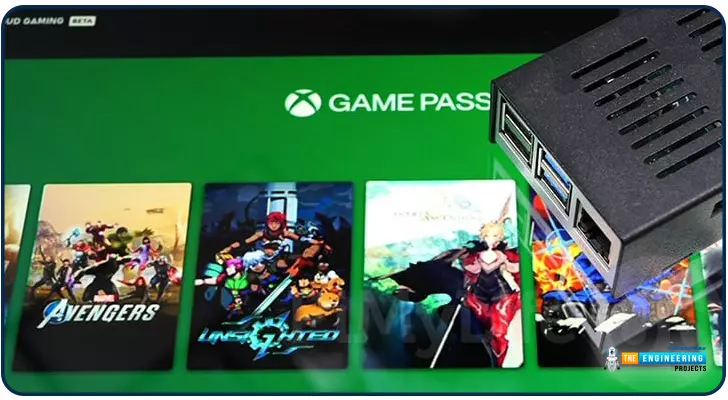
Introduction Greetings, and welcome to the next section of our Raspberry Pi 4 tutorials. In the last section, we discovered how to set up and run our self-host bitwarden on our Raspberry Pi. We learned how to set up admin panels and perform a wide range of actions, such as limiting the creation of new accounts and users for security purposes. However, in this guide, we will discover how to configure a PS3 or PS4 joystick with our raspberry pi and set up and run Xbox cloud gaming on our Pi 4. Components Raspberry pi 4 SD card Power supply Ethernet cable or wifi Xbox controller Xbox game pass ultimate subscription USB keyboard USB mouse HDMI cable Through a service called Xbox Cloud Gaming, users may play a wide variety of games without having to download any software onto their devices. Her ...