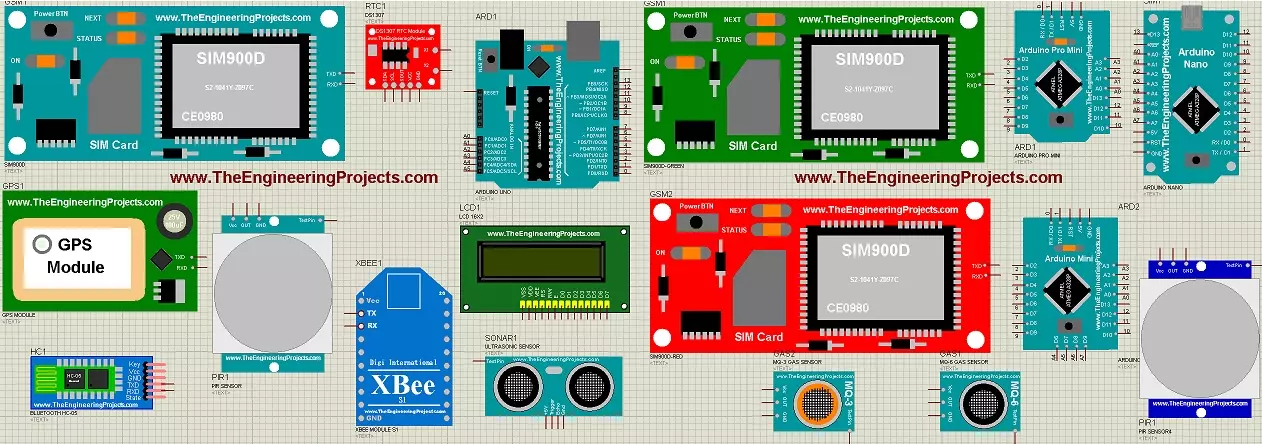
Hello friends, I hope you all are fine and having fun with your lives. Today, I am going to share a list of New Proteus Libraries for Engineering Students . I have shared many Proteus Libraries till now but they all are randomly spread in blog posts, so I thought to post all those Proteus Libraries links in today's post. So that engineering students can get benefit from these awesome libraries. You should also have a look at How to add new Library in Proteus 8 Professional , if you are new to Proteus. Updates Proteus Libraries for Engineering Students Latest list: 30 New Proteus Libraries for Engineering Students (October 2026): GSM, GPS, Wi-Fi, Bluetooth, RF, LoRa, RFID and I2C sensor libraries with Arduino examples Earlier lists: Top Embedded V2.0 (2023) · Top Embedded V1.0 (2023) · Libr ...
Hello friends! In this guide, we will learn how to use Proteus ISIS and ARES, starting with a simple circuit and gradually moving toward microcontroller simulations and PCB design. I have kept the original tutorial collection so that you can follow a lesson in detail whenever you reach that stage. Our goal is to understand the complete development process. We will draw a circuit, calculate what it should do, simulate its behavior, examine signals with instruments and then prepare a physical board layout. Each stage answers a different question, so a successful simulation is one step in the process rather than the final proof of a finished product. If you are new to Proteus, follow the sections in order. If you already use it, choose the topic you need from the linked lessons. Some screensh ...
Hello friends, I hope you are doing well. In this tutorial, we will build a simple serial terminal in Visual Basic 2010. The application will detect the COM ports available on a Windows computer, open a selected port, transmit text, receive incoming data and close the connection cleanly. This article keeps Visual Basic 2010 because that is the environment used in the original project and screenshots. According to the official Microsoft lifecycle record , Visual Studio 2010 reached the end of support in July 2020, so you should use a supported Visual Studio and .NET version for a new production application. However, the serial communication principles explained here still apply to maintenance work, laboratory computers and older engineering projects. We will begin with the electrical and pr ...
Hello friends! Today, we will send an SMS with an Arduino UNO and a SIM900D GSM module using AT commands. We will start with the connections, check that the modem can communicate with the mobile network, and then let the Arduino submit one message. You will also learn how to tell the difference between a successful command and a message that has actually reached its recipient. Libraries SIM900 Simulation Libraries Latest library: SIM900A Library for Proteus V1.1 (October 2026) Other GSM modules: SIM800L · SIM800C · SIM808 Helping Tools Serial Monitor Advance : a serial terminal window for the UART of your board Serial Monitor Expert : the serial monitor with extra debugging tools LCD Library for Proteus V3.0 : 16x2, 20x4 and I2C LCDs to show your readings The SIM900D handles the radio conn ...
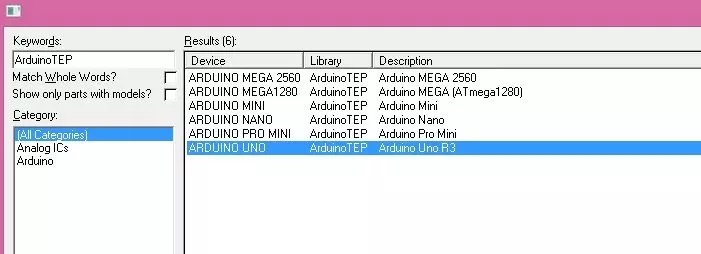
Hello friends! In this tutorial, we will install the Arduino Library for Proteus and use it to simulate a small Arduino circuit. This package brings several classic Arduino board components together, so you can choose a board that matches your project without installing each original library separately. Updates Arduino Library for Proteus Latest version: Arduino Library for Proteus V4.0 (October 2026): six boards with working LEDs, a RESET button and a built-in serial monitor Earlier versions: V3.0 (2023) · V2.0 (2021) · V1.0 (2015, this tutorial) One board only? UNO · Mega 2560 · Mega 1280 · Nano · Pro Mini · Mini (V4.0) Helping Tools Serial Monitor Advance : a serial terminal window for the UART of your board Serial Monitor Expert : the serial monitor with extra debugging tools LCD Libra ...
Hello friends! Today we will receive SMS messages with a SIM900 modem and an Arduino. In the earlier SMS sending tutorial , Arduino initiated a command and supplied message text. Receiving is different because a message can arrive at any time, including while the program is handling another modem response. Libraries SIM900 Simulation Libraries Latest library: SIM900A Library for Proteus V1.1 (October 2026) Other GSM modules: SIM800L · SIM800C · SIM808 Helping Tools Serial Monitor Advance : a serial terminal window for the UART of your board Serial Monitor Expert : the serial monitor with extra debugging tools LCD Library for Proteus V3.0 : 16x2, 20x4 and I2C LCDs to show your readings We will begin by checking the serial connection, configure text-mode notifications and inspect the sender ...
Hello friends, I hope you are doing well. In the previous tutorials, we studied the basics of inverter topologies and the major components of an inverter . We will now connect those ideas and study how an AVR controller can create a sine reference for a pulse-width-modulated inverter. This tutorial explains the signal chain, frequency calculations, H-bridge states, LC filter and transformer. The AVR code is an educational SPWM reference generator for an ATmega16 running at 8 MHz. It is useful for simulation and low-energy waveform testing, but it must not be connected directly to power MOSFET gates. A physical inverter needs proper high-side and low-side gate drivers, hardware dead time, current limiting, voltage feedback, thermal protection and a safe PCB layout. The original project pack ...
Hello friends! Today we will interface an RC522 RFID reader with Arduino and read the identifier of a compatible card. We will begin with the radio and wiring requirements, install the MFRC522 library and then build a complete sketch that prints the whole UID and compares it with a demonstration record. The original tutorial used this idea as the starting point for an attendance project. That is a useful learning exercise, but reading a card identifier is only one part of such a system. We must also handle repeated scans, unknown cards, reliable records and the difference between identification and secure authentication. Our example uses an Uno R3 and an MFRC522-based RC522 module communicating over SPI. The original module and connection images remain below. Because the Uno uses 5 V logic ...
Hello friends! We have prepared our spoken commands in EasyVR Commander , and now we will interface the EasyVR Shield with Arduino Uno. In this tutorial, we will read the recognized command, display its result in Serial Monitor, and select an indicator output for FORWARD, REVERSE, LEFT, RIGHT, or STOP. This is the controller stage of our voice-recognition project . We will preserve the original command order and character codes, while making the program easier to follow and correcting two important problems: listening to the wrong group at startup and leaving previous direction outputs active after a new command. Begin with LEDs or Serial Monitor. The output pins in this example are indicators, not a complete motor-control circuit. Once you can explain every recognized number and output tr ...
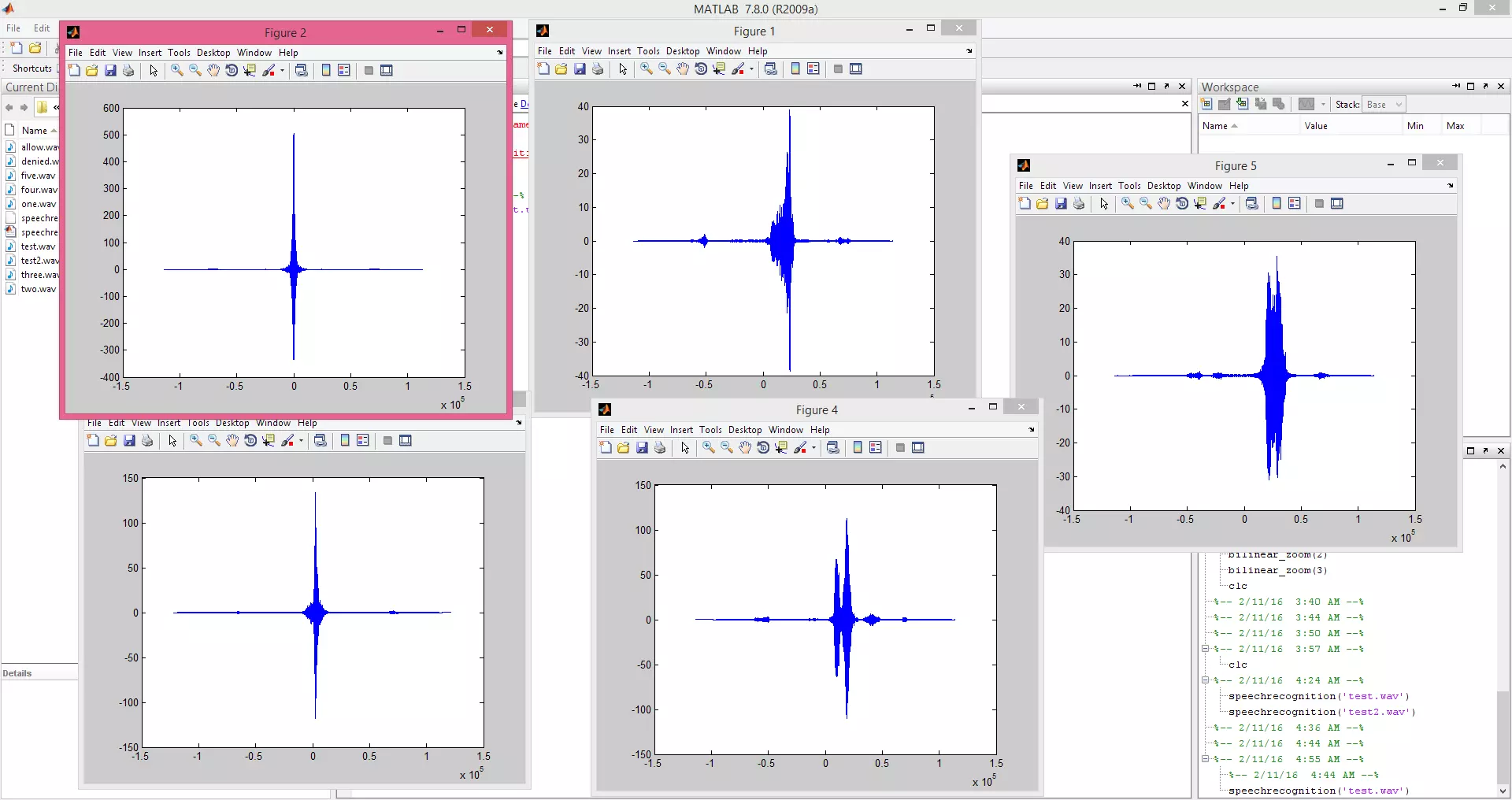
Hello friends! In this tutorial, we will compare recorded spoken words using cross-correlation in MATLAB. We will load a test recording, compare it with five stored examples and inspect the similarity scores before choosing a result. This is a small template-matching experiment, not a general speech-recognition system. It can demonstrate how similar waveforms align in time, but changes in speaker, pronunciation, speaking speed and background noise can reduce its reliability substantially. The original audio package, result image and video remain included. We will update the deprecated audio-reading calls, normalize the comparison, use the file's actual sample rate and include an unknown result instead of forcing every recording into one of the five known words. Figure: MATLAB correlation p ...