Hello friends, I hope you all are doing great. Today, I am going to share the new Arduino Mega 1280 Library for Proteus V4.0 . The Arduino Mega 1280 is the very first Arduino Mega, from 2009: the long blue board with the ATmega1280 microcontroller, an FT232RL USB chip, 54 digital pins and 16 analog inputs. With this Arduino Mega 1280 Library for Proteus , you place the board on your sheet, load your sketch's HEX file and press Run. The board then behaves like the real one: the ON LED lights up, the L LED follows pin 13, TX and RX flash with the serial data, and the RESET button really resets the chip. Version 4.0 is the next version of our Arduino libraries for Proteus; there were earlier versions before it, the last one being V3.0 from 2023. The Mega 1280 is one of the six boards of our A ...
Hello friends, I hope you all are doing great. Today, I am going to share our new Arduino Library for Proteus V4.0 . It brings six Arduino boards to Proteus 8 in one library: the Arduino UNO , the Arduino Mega 2560 , the Arduino Mega 1280 , the Arduino Nano , the Arduino Pro Mini and the Arduino Mini . Every board is drawn as the real one, and its LEDs work like the real ones: ON lights with power, L follows pin 13, TX and RX flash with the serial traffic, and the RESET button really holds the chip in reset and then runs the bootloader. This is the fourth version of our Arduino library for Proteus, after V1.0 (2015), V2.0 and V3.0 (2023). The microcontroller is still Proteus's own AVR model, so your sketch, the HEX upload and Proteus's AVR debug windows work as before. What is new is every ...
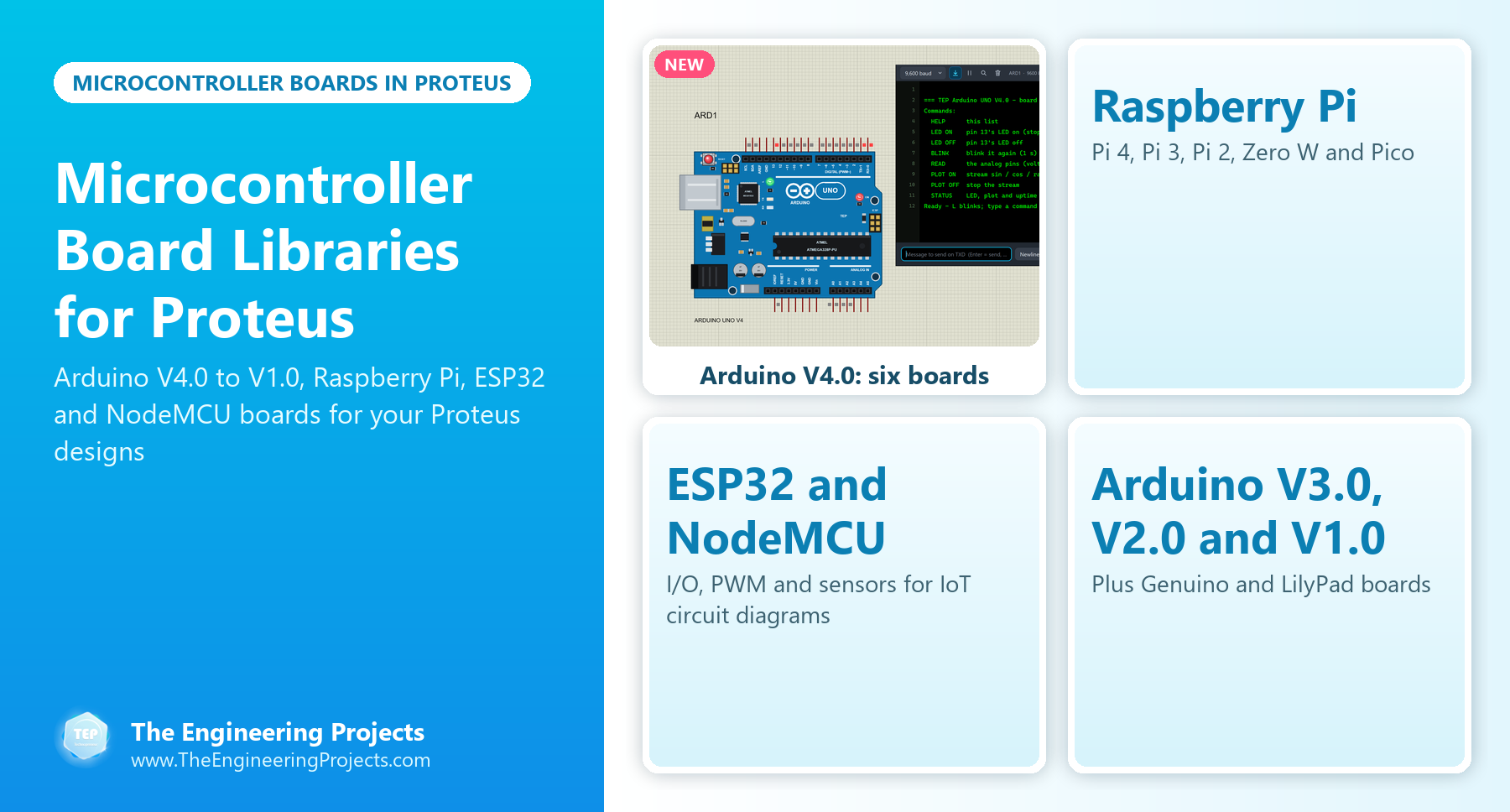
Hello friends, I hope you all are doing great. Today, I am going to share a list of Microcontroller Board Libraries for Proteus . Every embedded project starts with a microcontroller board, and for most students that board is an Arduino. Proteus can simulate the bare ATmega chips, but a bare chip doesn't look like the board on your desk, and it makes your circuit diagram harder to follow. That's why the Arduino Library for Proteus was the very first library our team ever designed, back in 2015. Since then, we have designed four generations of Arduino boards for Proteus, plus libraries for the Raspberry Pi family, the ESP32 and the NodeMCU. The newest one, the Arduino Library for Proteus V4.0 from October 2026, has boards whose LEDs work like the real ones and a serial monitor built into ev ...
Arduino Library for Proteus: all versions LATEST Arduino Library for Proteus V4.0 (October 2026): six boards with working LEDs, a RESET button and a built-in serial monitor Earlier versions: V3.0 (2023) · V2.0 (2021) · V1.0 (2015, this tutorial) One board only? UNO · Mega 2560 · Mega 1280 · Nano · Pro Mini · Mini (V4.0) Hello friends, I hope you all are fine. In today's tutorial, I am going to share a new Arduino Library for Proteus. I am quite excited about today's post as it's my first complete Arduino Library for Proteus. In my previous tutorials, I have shared these Arduino boards in separate Proteus libraries but today I have combined all the boards together in a single library. You just need to download the Proteus library zip file and install it in Proteus software. You will get all ...