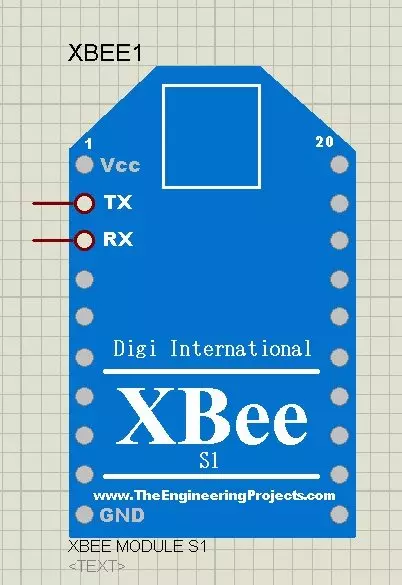
Hello friends! In this tutorial, we will install the XBee Library for Proteus and build a simple two-way serial communication demonstration. We will begin with the library installation, connect two simulated modules to Virtual Terminals and configure the Windows serial-port connection that carries the data between them. Updates XBee Library for Proteus Latest version: V1.0 (January 2016, this tutorial) Other RF modules: nRF24L01 · nRF24L01 PA LNA · CC1101 · RFM69HCW · HC-12 · 433MHz RF LoRa modules: SX1278 Ra-02 · RFM95W · SX1262 Helping Tools Serial Monitor Advance : a serial terminal window for the UART of your board Serial Monitor Expert : the serial monitor with extra debugging tools LCD Library for Proteus V3.0 : 16x2, 20x4 and I2C LCDs to show your readings This original library demo ...
Hello friends! In the previous lesson, we discussed what an XBee module does and how it transfers serial data between devices. Now we will connect two modules to a computer, configure their addresses, and send messages in both directions. This gives us a working radio link before we introduce Arduino code. Libraries XBee Simulation Libraries Latest library: XBee Library for Proteus V1.0 (January 2016) Other RF modules: nRF24L01 · nRF24L01 PA LNA · CC1101 · RFM69HCW · HC-12 · 433MHz RF Helping Tools Serial Monitor Advance : a serial terminal window for the UART of your board Serial Monitor Expert : the serial monitor with extra debugging tools LCD Library for Proteus V3.0 : 16x2, 20x4 and I2C LCDs to show your readings We will keep the original tutorial's simple addressing exercise: the fir ...