Hello friends, I hope you all are having fun. In today's tutorial, we will have a look at detailed Introduction to Enums in C#. It's our 23rd tutorial in C# series and this C# concept is quite easy one. It's normally used to give better meanings/understanding to your project.
If you haven't studied lectures on C# Classes & C# Methods, then do read them first, as we are going to use them today. So, let's get started with Introduction to Enums in C#:
Introduction to Enums in C#
Enums in C# ( short for Enumerations ) is a value type datatype for constants, created by using keyword enum and can be controlled by the class Enum. ( keyword with small e, while class with capital E )
We can declare & implement Enums directly in C# Namespace, c ...
Key TakeawaysStreaming data integration is becoming essential for Snowflake use cases that depend on current operational data.The strongest platforms support reliable change capture, low latency, schema evolution, backfills, delete handling, and efficient warehouse writes.Database replication, event streaming, SaaS ingestion, and pipeline orchestration are different integration patterns and should be evaluated separately.A good platform should reduce source database impact while keeping Snowflake tables trustworthy and up to date.Data teams should define latency, volume, ownership, transformation, and governance requirements before selecting a platform.The best choice is the platform that matches the workload, not the one with the longest connector list or the most impressive demo.Snowflak ...
Thank you for joining us for yet another session of this series on Raspberry Pi programming. In the preceding tutorial, we integrated a real-time clock with our raspberry pi four and used it to build a digital clock. However, In this tutorial, we will construct your personal Twitter bot using Tweepy, a Py framework for querying the Twitter application programming interface.
You will construct a Response to mentions robot that will post a response to everybody's tweet mentioning it with a certain keyword.
The response will be a photo we will make and put any text over it. This message is a quote you will acquire from a 3rd application programming interface. Finally, we will look at the benefits and drawbacks of bots.
This is what it looks like:
...
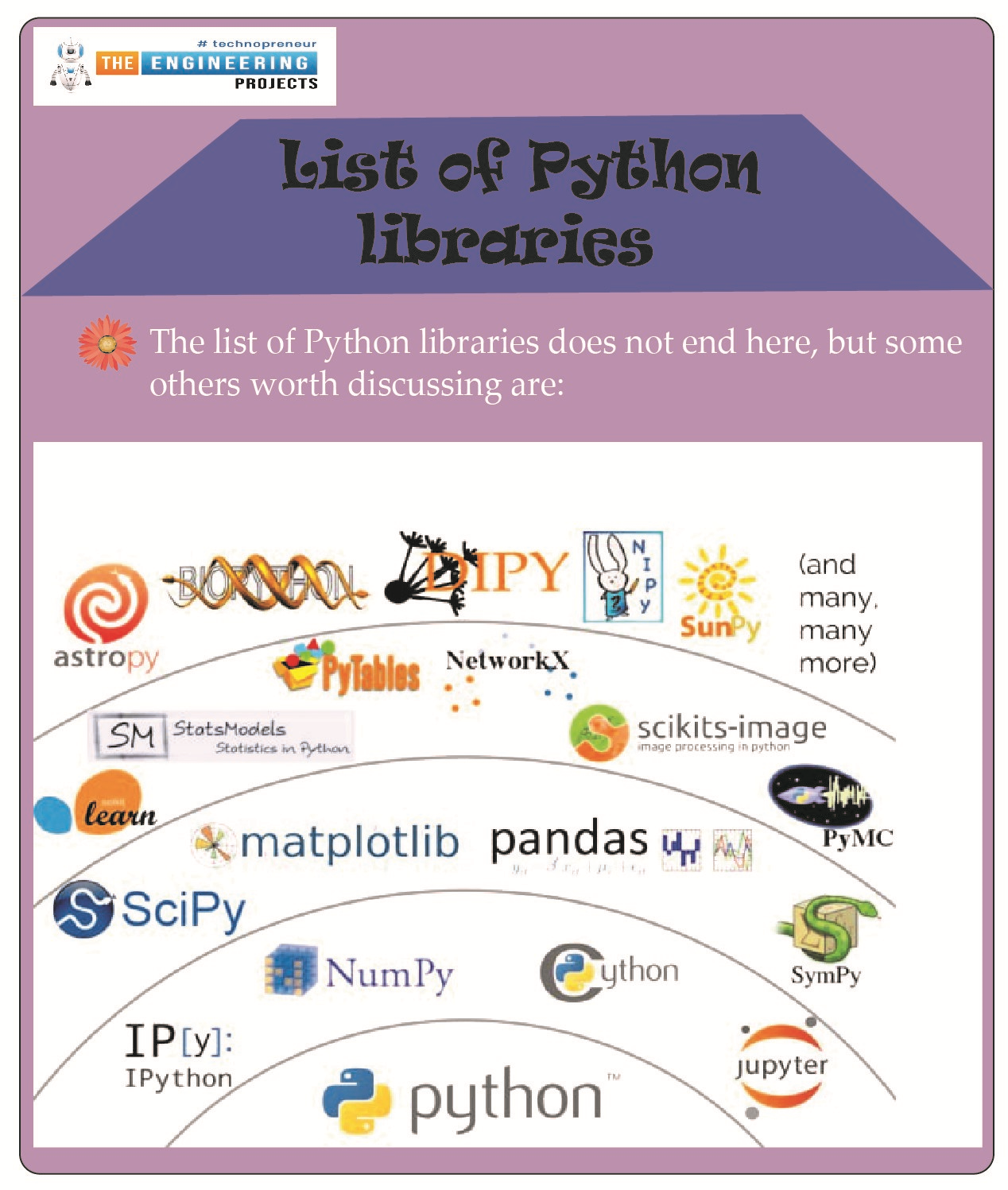
Hello students! We hope you are enjoying learning Python, and therefore, we are moving forward with the advanced level of Python. For this, you have to keep in mind that you are moving towards complex codes, and therefore, you have to get ready for expert-level problems. Do not worry, we are not going to leave you alone with these complex codes; rather, we are discussing the amazing and interesting libraries in Python so that your work may be done with the pre-defined codes and applications so you get amazing results by following simple operations and statements. If it is confusing for you right now, do not worry. Have a look at the topics that you will learn about today, and after that, we will move towards the details:
What is meant by a library in programming languages?
List some of t ...
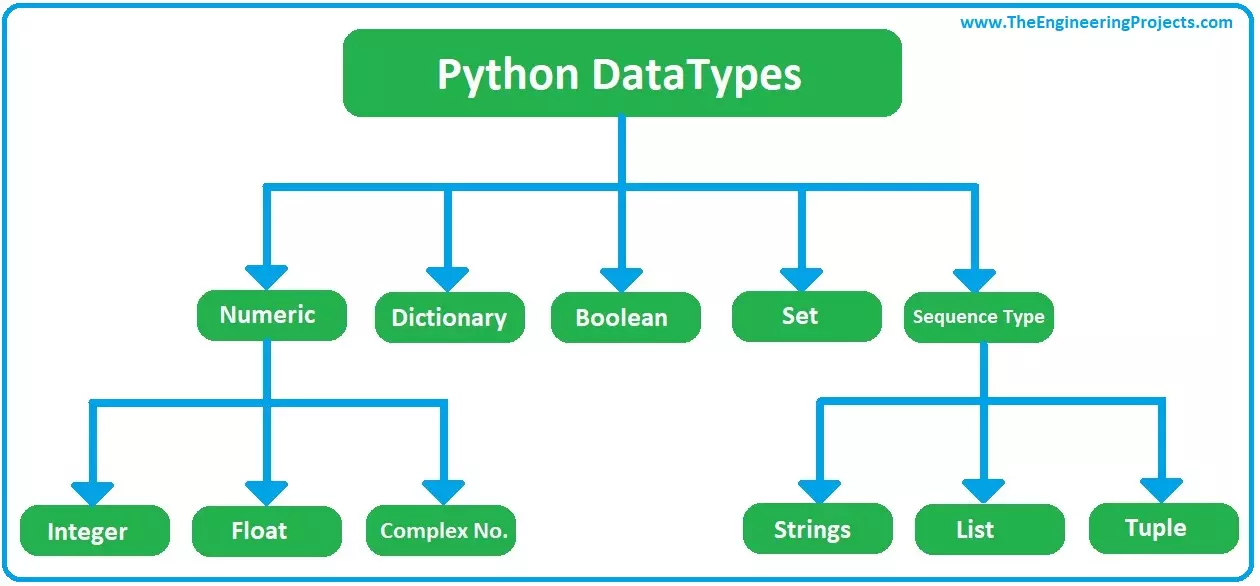
Hello friends, I hope you all are doing great. In today's tutorial, I am going to show you How to use Data types in Python. It's our 2nd tutorial in Python series. In our first tutorial, we have seen a detailed introduction to python and we have also installed PyCharm IDE to work on python.
Today, we will understand data types in detail as in order to design an efficient program, you need to select correct data types. Incorrect selection may cause memory loss and may slow your application. So, let's get started with data types in Python:
Data types in Python
Data Types are used for the classification or categorization of similar data packets. There are numerous data types available in python, which we can use depending on our projects' requirem ...
Welcome to the next tutorial of our Raspberry Pi programming course. Our previous tutorial taught us how to use a raspberry pi as a DNS server. We also looked at the benefit of this DNS server. This tutorial will teach us to set up Raspberry pi as a VPN server.
This is an excellent method for increasing your network security and getting access to your local area network from the world wide web, but setting up your VPN server might be a challenge. Pi VPN uses a guided install to turn your Raspberry into a low-cost, high-performance VPN server.
What is Pi VPN?
It is an OpenVPN server optimized for all Raspberry platforms above pi 2. It allows you to access your home network over the internet safely and securely. Smart devices and your network can ...
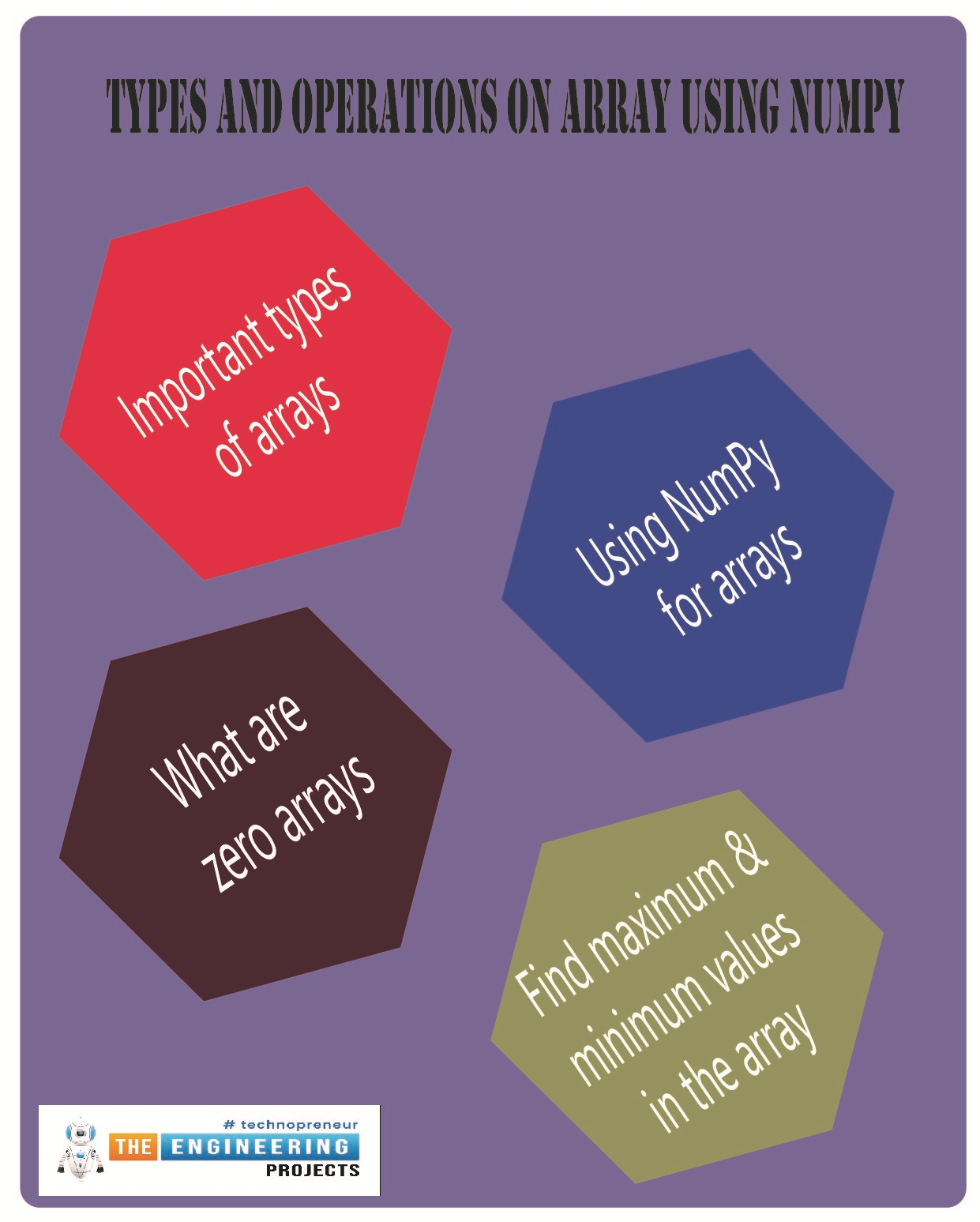
Hello students! Welcome to the next episode of NumPy, where we are working more on arrays in detail. NumPy is an important library for Python, and for concepts like integer arrays, it has many useful built-in functions that help programmers a lot. In the previous lecture, the installation and basic functions were discussed and this time, our focus is on the general operations and types of arrays that usually the programmers need during the coding. It is an interesting and basic lecture, and you will learn the following concepts in this lecture:
What are some important types of arrays?
Why are we using NumPy for arrays?
What are zero arrays?
What is the random array?
How can we use the ones array using NumPy?
Is it easy to perform the identity array in Numpy?
Practically perform the ...
Welcome to the next tutorial of our Raspberry Pi programming course. Our previous tutorial taught us to make a button-controlled "music box" that plays different sounds depending on which buttons are pressed. In this lesson, we will configure our raspberry pi for voice control.
What will you learn?
Like the Amazon Echo, voice-activated gadgets are becoming increasingly popular, but you can also construct your own with a Raspberry, a cheap USB mic, and some appropriate software. Simply speaking to your Raspberry Pi will allow you to search YouTube, view websites, activate applications, and even answer inquiries.
What will you need?
Because the Raspberry Pi lacks a soundcard or audio port, this project requires a USB microphone or a camera with a ...
This is the next lesson in our Python course. Previously, we looked at an overview of the different data types in python such as dictionaries, Boolean and sets. This tutorial will focus on Python sets to get a deeper understanding of this data type, so let's get started. During your schooling, there is a good chance you learned about sets and set theory. Venn diagrams may even be familiar to you:
Don't worry if you don't recognize this! You should still be able to access this tutorial without any problems. Rigidly defining a set in mathematics can be both abstract and difficult to understand. A set is thought of as a well-defined group of unique objects, which are sometimes called "elements."
Python's built-in set type facilitates the grouping of ...
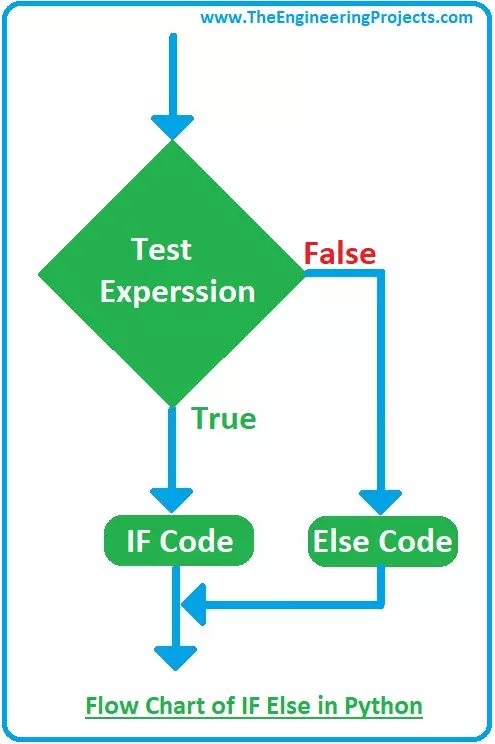
Hello friends, I hope you all are doing great. In today's tutorial, I am going to show you How to use IF Else in Python. It's our 5th tutorial in python series. In our previous lectures, we have covered the detailed Introduction to Python and then we have also discussed Data Types in Python & How to use Strings in Python. So, now it's time to move on a little further.
In today's tutorial, we will cover If else statement in python and its not that difficult to understand but quite an essential one as its use a lot in programming projects. So, let's get started with How to use IF Else Statement in Python:
How to use IF Else Statement in Python
IF Else Statement in python takes a Boolean Test Expressio ...