Picture it. You’ve had a stroke of genius and your idea could possibly revolutionize the healthcare industry . Or, perhaps you’re on the brink of inventing something that could eradicate carbon emissions from the environment once and for all. As an engineer, there is no limit to the solutions you can develop to help humankind. But how do you protect your ideas and research? How can you present your concept to investors or to the public without running the risk it might be stolen? If you’re in the brainstorming or testing phase of an engineering marvel, you’ve got to take every precaution to protect your intellectual property from theft. To this end, here are some ways you can safeguard your engineering projects and research so you can rest assured you retain full ownership in later stages ...
Hi Friends! Hope you’re well. I welcome you on board. In this post today, I’ll discuss What is VPN & How Does it Work? A VPN stands for Virtual Private Network. It is used to hide your online activities from your ISP (internet service provider) and other third parties. This means you can surf online, share your credentials and send and receive data online with confidence. No one can sneak into your personal data and browsing history. Plus, it gives access to prohibited websites that you cannot see with your regular internet connection. A VPN hides your IP address and replaces it with another string of numbers from another location, which means no one can identify your actual location and IP address. Most companies and individuals use VPN to keep their personal data from the eyes of potenti ...
Legacy software refers to a business operating software that has been in use for a long time. This is older system software that is still relevant and fulfills the business needs. The software is critical to the business mission and the software operates on specific hardware for this reason. Generally, the hardware in this situation has a shorter lifespan than the software. With time, the hardware becomes harder to maintain. Such a system will either be too complex or expensive to replace. For that reason, it continues operating. What is a Legacy System? Legacy software and legacy hardware are often installed and maintained simultaneously within an organization. The main changes to the legacy system typically only replace the hardware. That helps to avoid the onerous requirements managemen ...
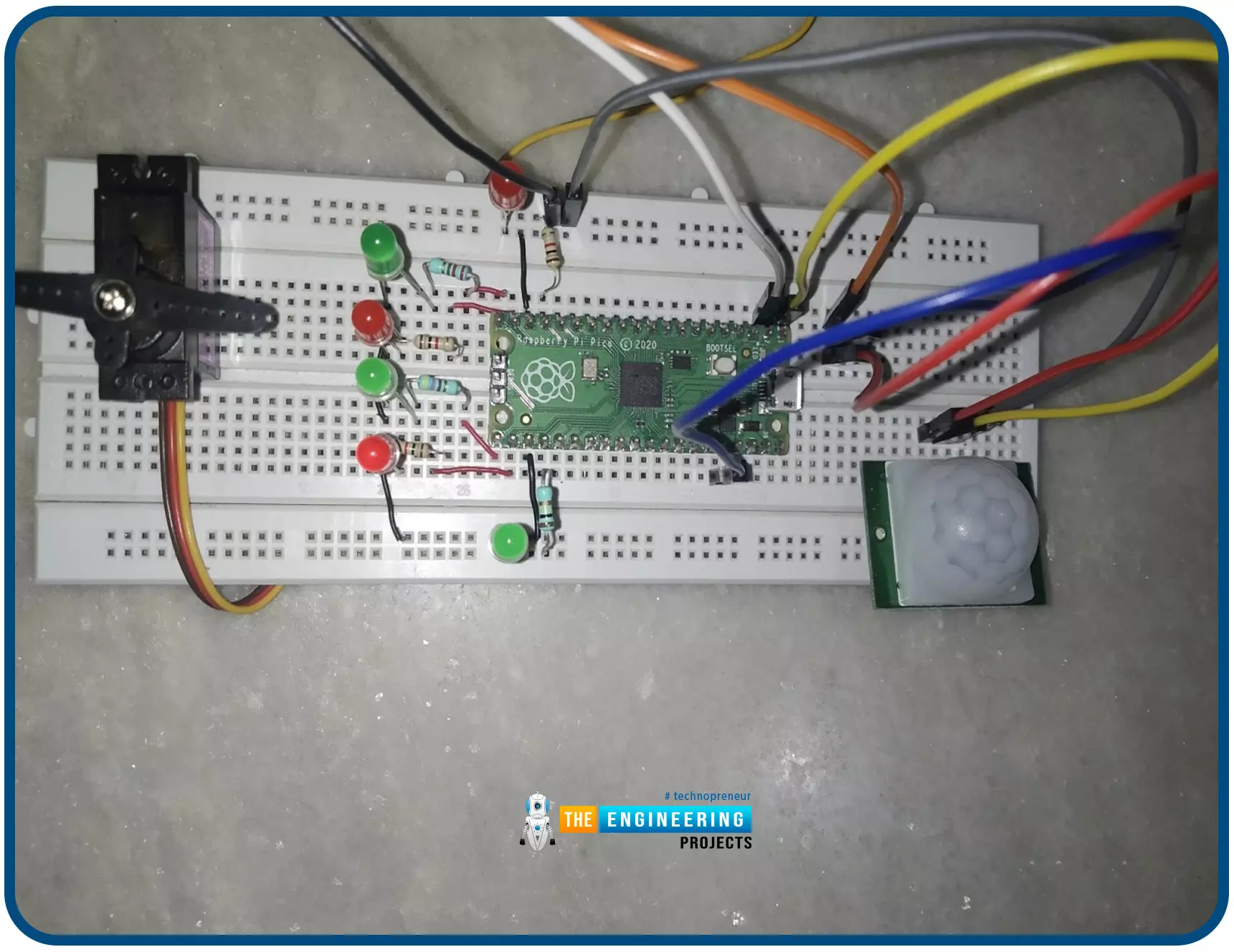
Hello readers, I hope you all are doing great. In this tutorial, we will learn how to interface the PIR sensor to detect motion with the Raspberry Pi Pico module and MicroPython programming language. Later in this tutorial, we will also discuss the interrupts and how to generate an external interrupt with a PIR sensor. Before interfacing and programming, the PIR and Pico boards let’s first have a look at the quick introduction to the PIR sensor and its working. Fig. 1 Raspberry Pi Pico and PIR sensor PIR motion sensor and its working PIR stands for Passive Infrared sensors and the PIR module we are using is HC-SR501. As the name suggests the PIR or passive infrared sensor, produces TTL (transistor transistor logic) output (that is either HIGHT or LOW) in response to the input infrared radi ...
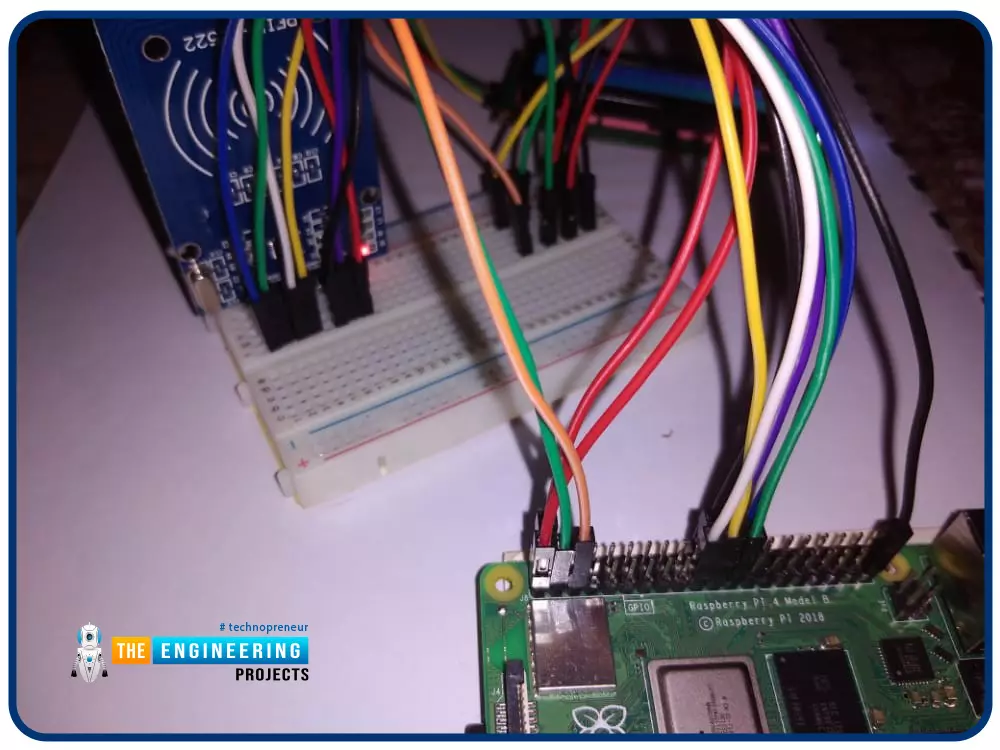
Greetings! This is the complete project of our Raspberry Pi 4 tutorials. In our previous tutorial, we learned to set up our raspberry pi as a virtual private network server. In this tutorial, we will design a smart attendance system using an RFID card reader, which we will use to sign in students in attendance in a class. First, we will design a database for our website, then we will design the RFID circuit for scanning the student cards and displaying present students on the webpage, and finally, we will design the website that we will use to display the attendees of a class. Components RFID card kit Breadboard Jumper wires Raspberry pi 4 I2C LCD screen Design a database in MySQL server Additionally, the Database server offers a DBMS that can be queried and connected to and can integrate ...
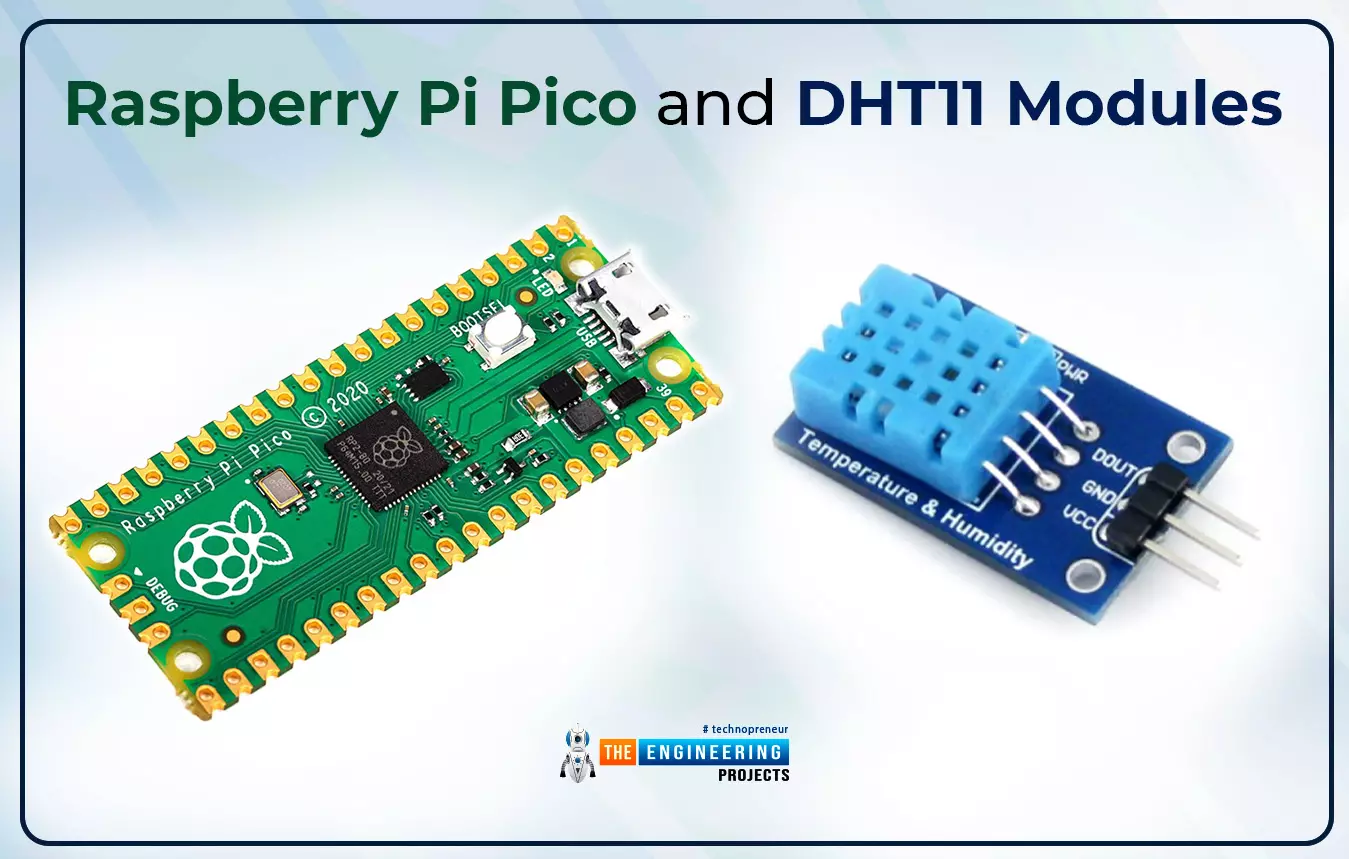
Hello readers, I hope you all are enjoying our Raspberry Pi Pico programming series. In our previous tutorials, we learned how to access Raspberry Pi Pico’s GPIO pins for both input as well as output operations. For demonstration, we used LED as an output component and a push button as an input component. Now let’s learn how to interface sensor modules with the Raspberry Pi Pico module. So, in this tutorial, we will learn how to interface the DHT11 sensor with the Raspberry Pi Pico module and fetch the observed data (from its surrounding) using the MicroPython programming language. Before writing the code for interfacing and fetching the data from the respective sensor, let’s first have a look at the working operation, features and properties of the DHT sensor. Fig. 1 Raspberry Pi Pico and ...
Hello readers, I hope your all are doing great. We know that a Raspberry Pi Pico module comes with multiple inbuilt features for example onboard memory, processing units, GPIOs or General Purpose Input Outputs (used to control and receive inputs from various electronic peripherals) etc. In our previous tutorials, we discussed how to access GPIO pins of the Raspberry Pi Pico module for both input as well as output operations. In this tutorial, we are going to discuss another important feature of the Raspberry Pi Pico module (RP2040) which is Dual Core Processor . The Pico board features with 133MHz ARM Cortex-M0+, Dual Core Processor. This dual-core feature makes the Pico module capable of multiple thread execution or multithreading. Now before writing the MicroPython program let’s first un ...
Welcome to the next tutorial of our Raspberry Pi programming course. Our previous tutorial taught us how to use a raspberry pi as a DNS server. We also looked at the benefit of this DNS server. This tutorial will teach us to set up Raspberry pi as a VPN server. This is an excellent method for increasing your network security and getting access to your local area network from the world wide web, but setting up your VPN server might be a challenge. Pi VPN uses a guided install to turn your Raspberry into a low-cost, high-performance VPN server. What is Pi VPN? It is an OpenVPN server optimized for all Raspberry platforms above pi 2. It allows you to access your home network over the internet safely and securely. Smart devices and your network can be connected via a "bridge" created by connec ...
Hello friends, I hope you all are doing great. Today, we are going to share the 2nd tutorial of Section-VIII in the Raspberry Pi Programming Course. In the previous tutorial, we interfaced a Barcode Scanner with Raspberry Pi 4 . In today's tutorial, we will discuss how to set up a web server in raspberry pi. So, let's get started: Components Required We are going to use the following components, in today's project: Ethernet cable MicroSD card Keyboard Mouse HDMI cable Monitor Expand FileSystem When configuring a Raspberry Pi, select the expand FileSystem option to ensure that all of the Micro SD storage is allocated for the operating system and modify the default Pi passwords to protect your server from attackers. On Your Raspberry Pi, Install a Web Server (Nginx) Next, we will install the ...
Hello readers, I hope you all are doing great. In our previous tutorial, we discussed the implementation of pulse width modulation (PWM) in Raspberry Pi Pico using the MicroPyton programming example. We also implemented the LED brightness control program to demonstrate an application of the pulse width modulation technique. In this tutorial, we are going to implement another application of pulse width modulation technique which is ‘Direction and position control of a servo motor’ with Raspberry Pi Pico module and MicroPython programming language. Later in this tutorial, we will also discuss how to control the position of a servo motor with push buttons (to be used as control inputs) and also to use LEDs for indication purposes. What is Servo Motor? Before interfacing the servo motor with t ...