In this guide, we will explain step by step to start programming on the STMicroelectronics (STM) platform, especially the STM32 family.
The term, "STM32" refers to a family of 32-bit microcontroller integrated circuits based on the ARM® Cortex®M processor. The architecture of these CPUs (Central Processing Unit) is ARM (Advanced Risk Machine) which is a particular family of Reduced Instruction Set Computing (RISC). RISC architecture differs from Complex Instruction Set Computing (CISC) for its simplicity that allows you to create processors capable of executing instruction sets with shorter times. Why use STM32? The advantages are many, and now we will list a part of them:
ST offers a wide portfolio of solutions depending on the developer's nee ...
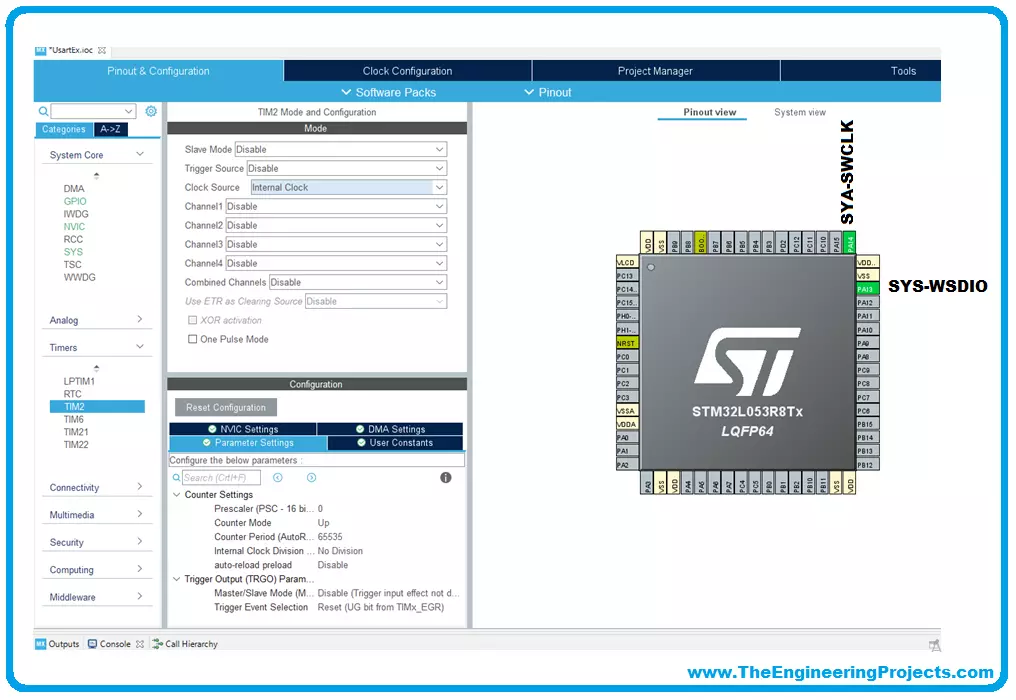
We will use for our examples STM32CubeIDE released by ST and completely free. STM32CubeIDE is a development tool and supports multi operative system (SO), which is part of the STM32Cube software ecosystem. STM32CubeIDE allows using a single platform to configure peripherals, to generate/compile/debug the code for STM32 microcontrollers and microprocessors. The framework used is Eclipse®/CDT, as tool-chain for the development is used GCC toolchain and GDB for the debugging.
To start the project, you must first select the MCU and then initialize and configure the peripherals the user wants to use. At this point, the initialization code is generated. At any time, the user can go back and change initializations and configurations, without affecting t ...
To become familiar with the world of microcontrollers it is necessary to have a development board (also known as a kit), which generally allows you to start working on it easily. Fortunately, the ST provides a wide portfolio of development boards. In this guide, we will describe and use the Nucleo board.
The Nucleo has been introduced a few years ago and its line is divided into three main groups:
Nucleo-32;
Nucleo-64;
Nucleo-144.
Nucleo-32 Development Board
The number of pins available, so the package, gives the name to the board: Nucleo-32 uses an LQFP-32 package; Nucleo-64 and LQFP-64; Nucleo-144 an LQFP-144. The Nucleo-64 was the first line introduced and counts 16 different boards.
The Nucleo boards have interesting advantages compa ...