


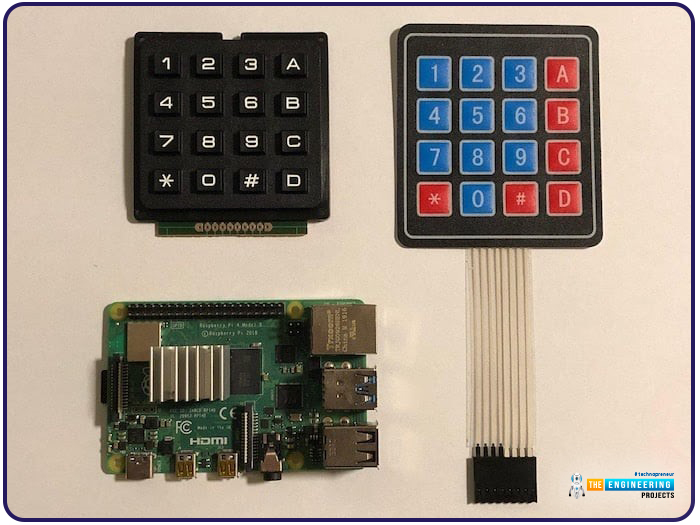
Hello friends, I hope you all are doing well. Welcome to the next tutorial of our Raspberry Pi 4 programming course. In the previous lecture, we interfaced LCD 16x2 with Raspberry Pi 4 . Today, we will interface a keypad 4x4 to Raspberry Pi 4. In embedded projects, a keypad is used to get user input i.e. calculator, ATM keypad etc. Different types of Keypads are available i.e. 4x4, 4x3 etc. So, let's get started: Components Required We will need the following components in our today's project: Raspberry Pi 4 Keypad 4x4 Breadboard Connecting Wires Keypad 4x4 A keypad is a collection of push buttons, arranged in a matrix form. Keypad 4x3 means the keypad has 4 rows and 3 columns and 12 buttons in total. A 4 by 4 keypad membrane has 8 pins in total, its first 4 pins devoted to its rows and it ...