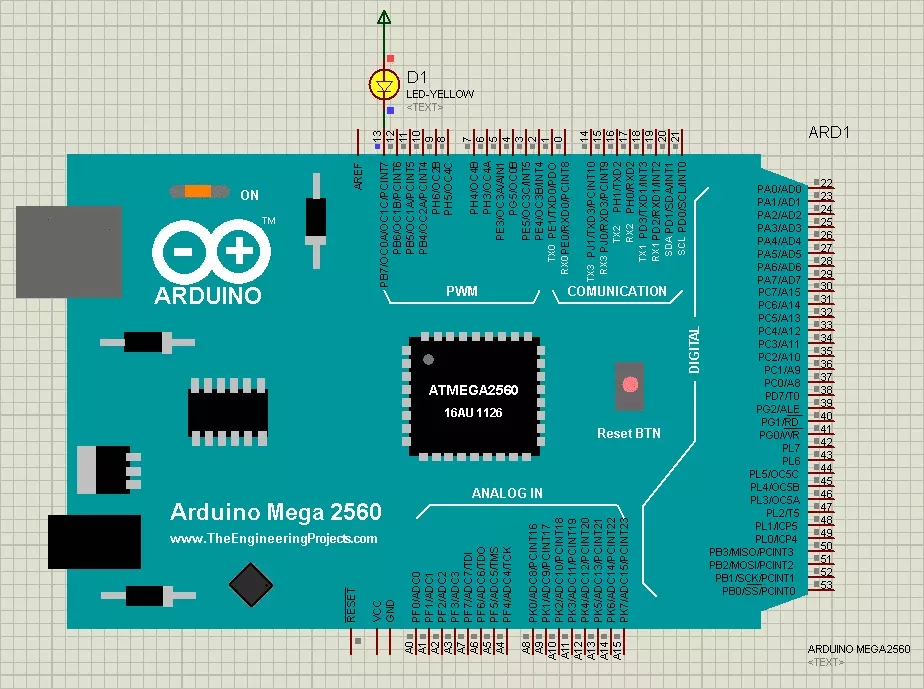
Hello friends! Today, we are going to install the original Arduino Mega 2560 Library for Proteus and run an Arduino sketch on its simulated board. We will begin with the library files, place the Mega in a schematic, load its compiled firmware and test a simple external LED circuit. If you have used our Arduino UNO Library for Proteus , the overall workflow will look familiar. The Mega gives us more pins, memory and serial interfaces, but it still needs a sketch compiled specifically for its ATmega2560 processor. This tutorial preserves the original V1.0 library from 2015. The newer version references added in October 2026 remain below, so you can reproduce the older project or choose a newer model with its own installation instructions and features. Figure: Original Arduino Mega 2560 LED b ...
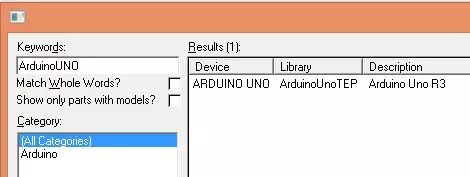
Hello friends! Today, I am sharing the original Arduino UNO Library for Proteus and explaining how to install it, load a compiled Arduino program and run a simple LED simulation. This library gives us a recognizable UNO board inside the schematic, making it easier to connect circuits using the board's familiar pin labels. We will follow the same practical sequence used throughout our Proteus tutorials: understand the component, install the library, place it in a circuit, prepare the program and observe the result. Along the way, I will explain the difference between the Proteus library files and the firmware that the simulated microcontroller executes. This page documents the original V1.0 library from 2015. The newer version links added in October 2026 are retained below, so you can choos ...