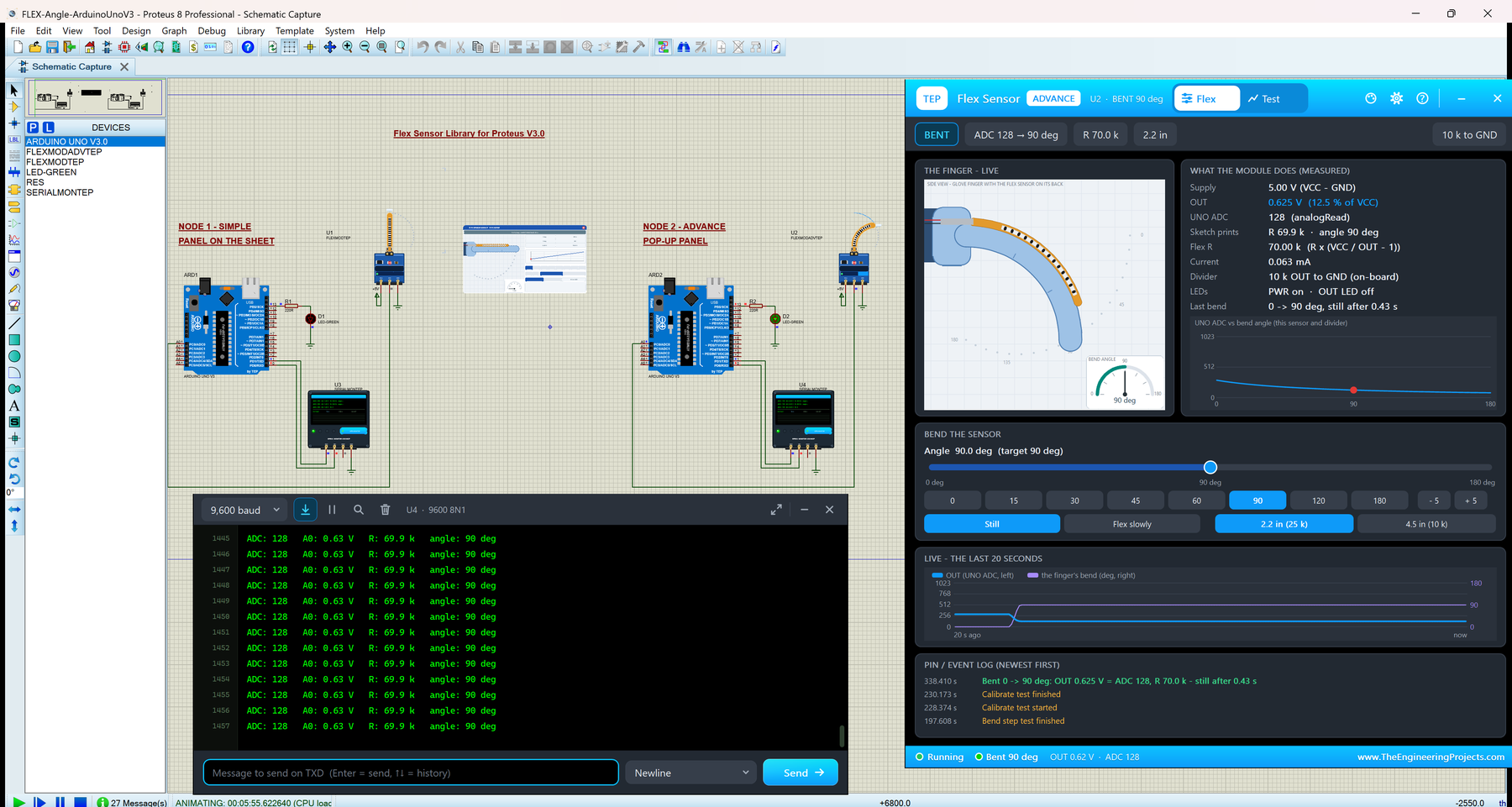
Hello friends, I hope you all are doing great. Today, I am going to share the new Flex Sensor Library for Proteus V3.0 . A flex sensor is a thin plastic strip whose resistance rises when you bend it. You find it in data gloves, robot hands and game controllers, because it turns the bend of a finger into a number. With this Flex Sensor Library for Proteus , the sensor looks like the amber strip you buy, it bends right on your Proteus sheet while the simulation runs, and your Arduino reads it on A0 with analogRead() , exactly as on real hardware. Version 3.0 is the next version of our flex sensor library, after the earlier versions V1.0 and V2.0. You get three devices : the bare flex strip, a Flex Sensor Module Simple with a live panel on the schematic, and a Flex Sensor Module Advance with ...
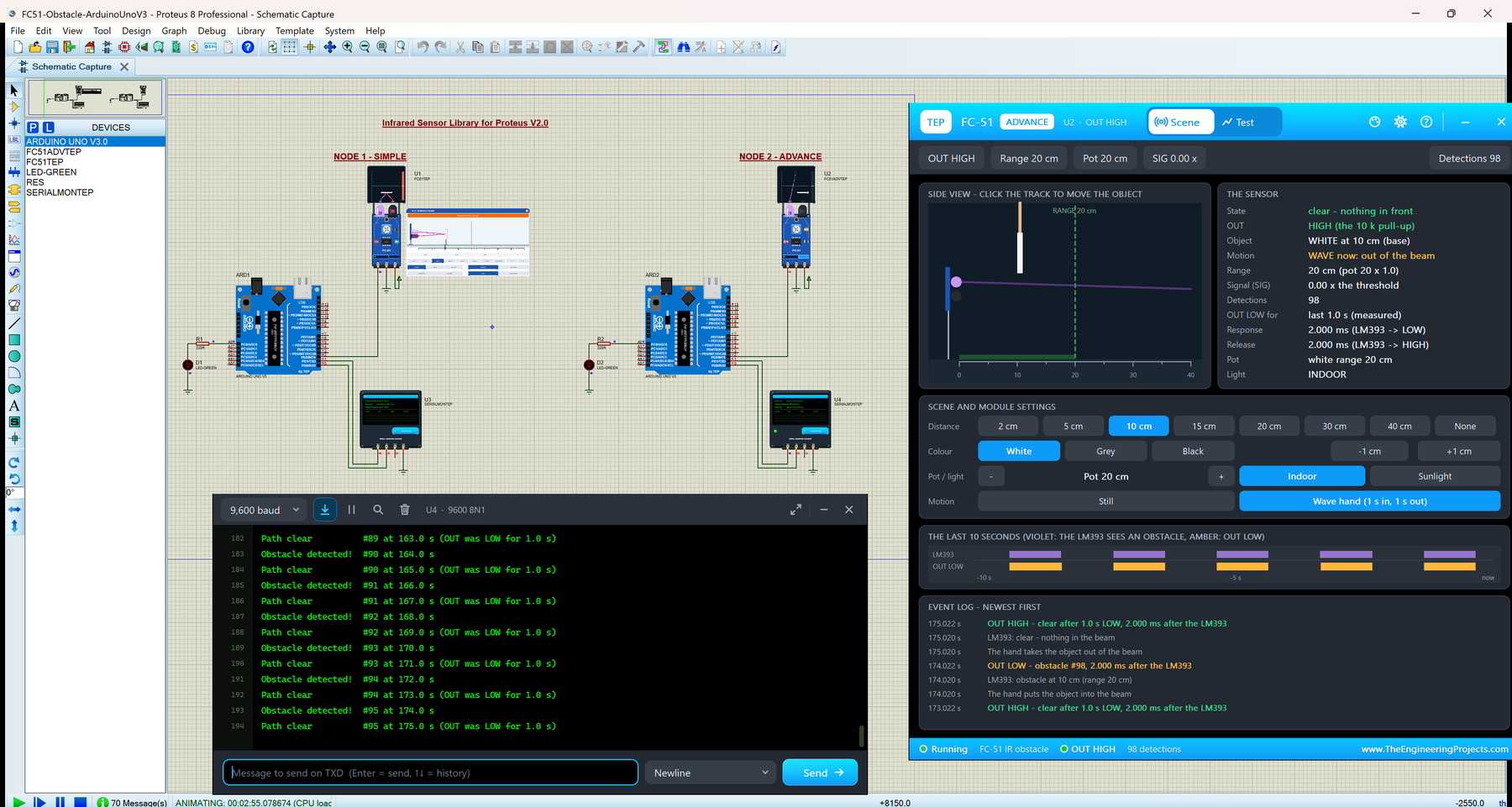
Hello friends, I hope you all are doing great. Today, I am going to share the new Infrared Sensor Library for Proteus V2.0 . It simulates the FC-51 IR obstacle sensor , the small blue board with a clear IR LED and a dark photodiode at one end, which tells your Arduino with a single pin whether something is in front of it. With this Infrared Sensor Library for Proteus , you place the object yourself (its distance, its colour, indoor light or sunlight, even a waving hand), and your Arduino reads the OUT pin exactly as it reads the real module. We have shared infrared sensor libraries for Proteus before, and version 2.0 is a big step forward. You now get two devices : FC-51 Simple , with an animated scene panel on the schematic, and FC-51 Advance , with a pop-up window, an event log and four ...