


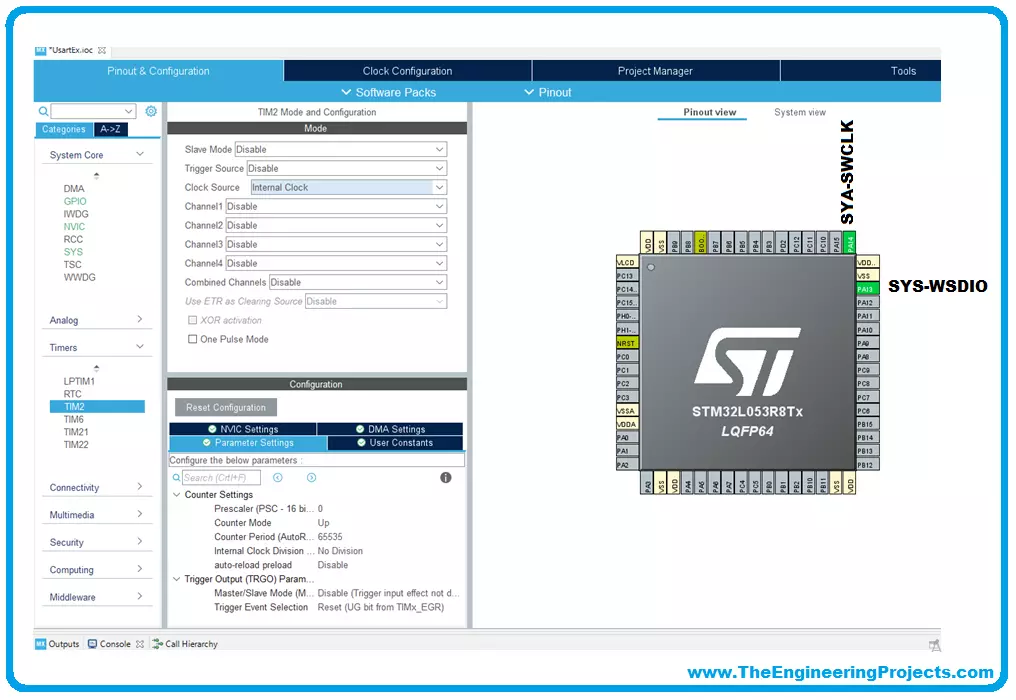
We will use for our examples STM32CubeIDE released by ST and completely free. STM32CubeIDE is a development tool and supports multi operative system (SO), which is part of the STM32Cube software ecosystem. STM32CubeIDE allows using a single platform to configure peripherals, to generate/compile/debug the code for STM32 microcontrollers and microprocessors. The framework used is Eclipse®/CDT, as tool-chain for the development is used GCC toolchain and GDB for the debugging. To start the project, you must first select the MCU and then initialize and configure the peripherals the user wants to use. At this point, the initialization code is generated. At any time, the user can go back and change initializations and configurations, without affecting the user code. We will dive into these steps ...