


Project Files of How to Control DC Motor with Raspberry Pi 3
 Libraries
 Code
Code Projects
 Simulation
DCMotorControl.rar
Download Python File
Download Python File comes as a RAR archive of 1 file (1.1 KB, 3.1 KB unpacked) holding source code.
- SRCSource code
Description
Looking for the files of How to Control DC Motor with Raspberry Pi 3? Python File is the RAR package (1.1 KB) you need. It holds the source code. Below are the file structure, the README and the installation steps, so you can go from download to a compiled project in a few minutes.
What this package is
Python File is the firmware package of How to Control DC Motor with Raspberry Pi 3: the source files (DCMotorControl.py). Build the source with the compiler the tutorial names, or load the HEX straight away to see the project work.
The tutorial opens with: “Hello friends, I hope you all are doing great. In today's tutorial, I am going to show you How to Control DC Motor with Raspberry Pi 3.” That article is the detailed guide; the sections below cover the files.
What is inside the RAR file
- DCMotorControl.py – Source file, 3.1 KB
The archive unpacks to 3.1 KB; there is no README inside, so the steps below stand in for it.
How to download
Use the download panel at the top of this page: after the counter (30 seconds for guests, 10 for members) the black button unlocks and DCMotorControl.rar comes straight from our content network. If the browser opens it instead of saving, use Save as; extract the whole archive before using anything inside it.
How to install
- Step 1: Extract DCMotorControl.rar with Windows (Extract All), 7-Zip or WinRAR.
- Step 2: Build DCMotorControl.py with the compiler the tutorial names.
Read the detailed guide
This page is for the files. The full tutorial, How to Control DC Motor with Raspberry Pi 3, explains the circuit and the code step by step and shows the working results; read it before you build. Questions about the download or the installation go in the comments below; more Raspberry Pi downloads are listed further down this page.
The package is free for personal, educational and research projects; credit The Engineering Projects and link to this page when you share it rather than re-uploading the file.

File Structure
 File Structure
3.1 KBGallery8 images from the tutorialOpen the tutorial
 Gallery8 images from the tutorial
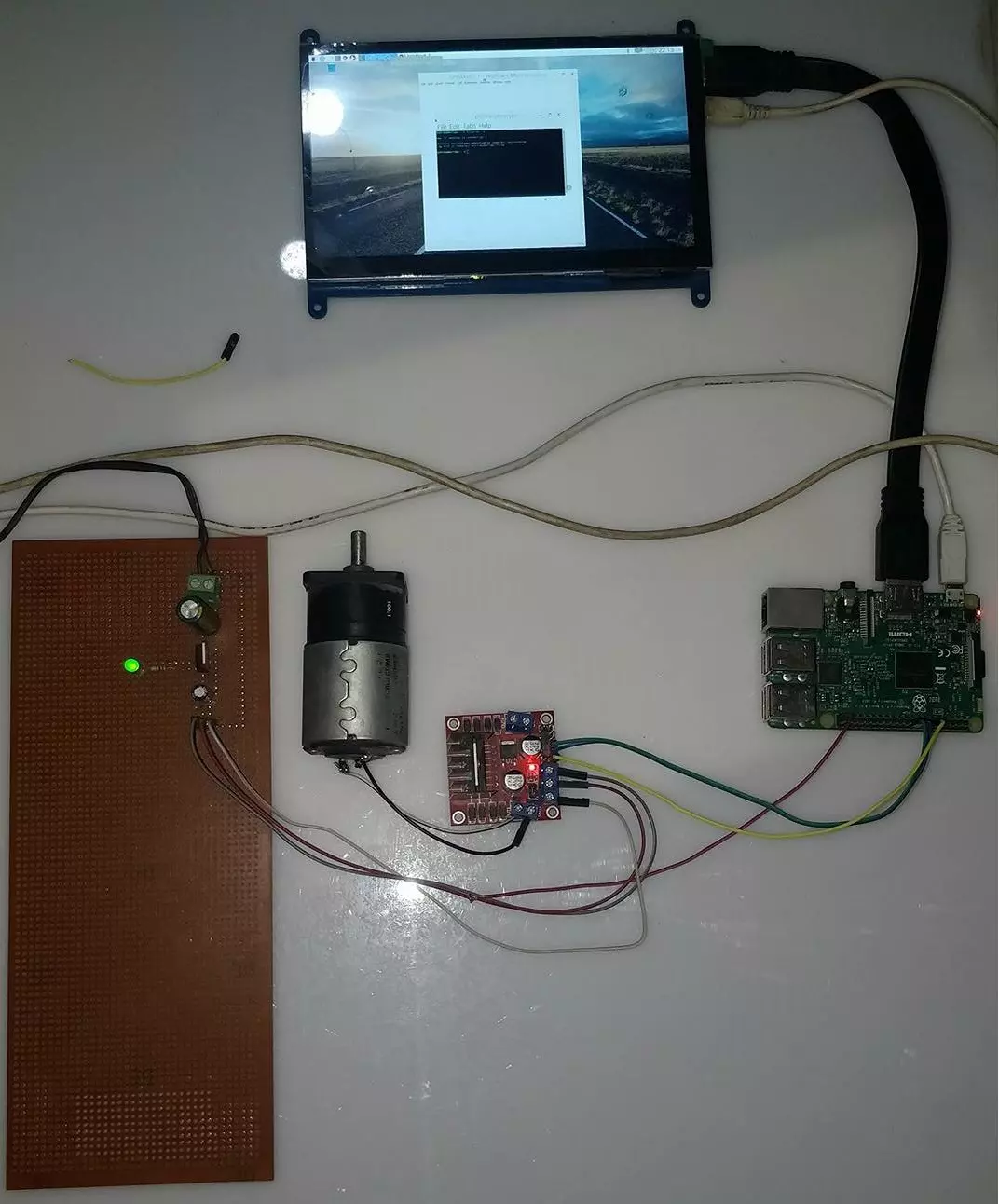
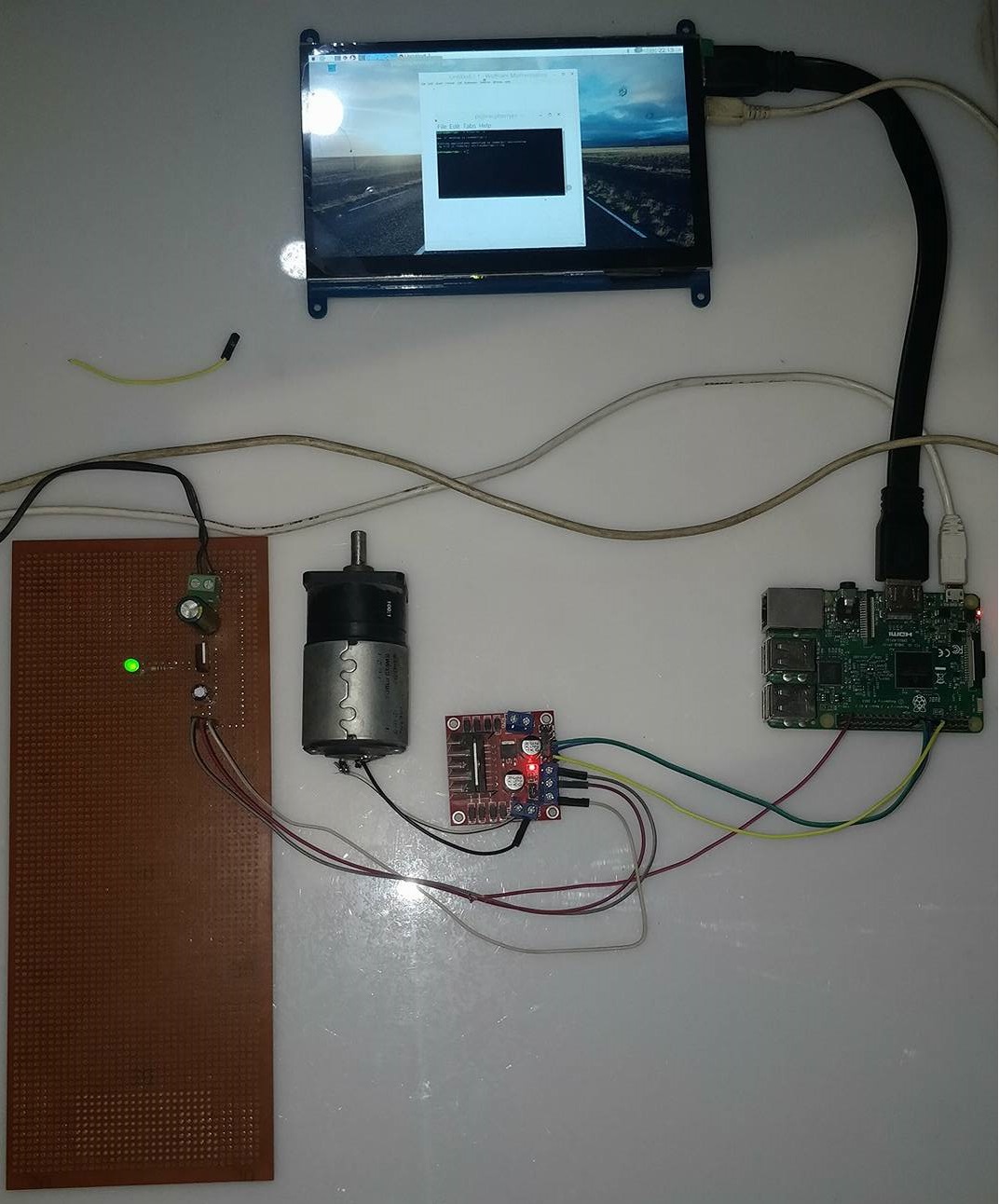
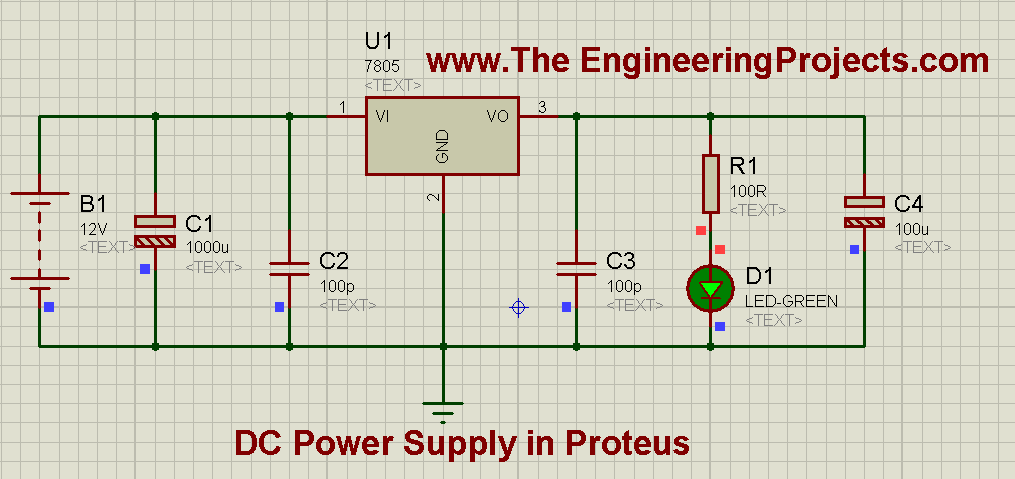
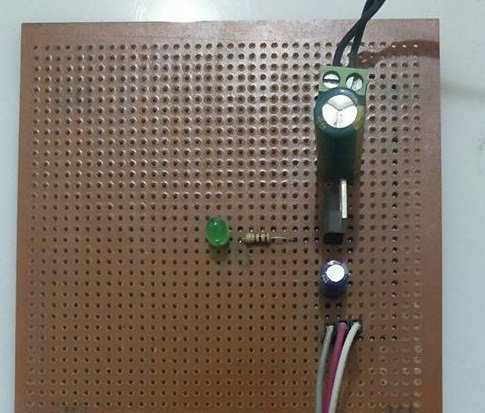
The circuit, the board and the results as they appear in How to Control DC Motor with Raspberry Pi 3. Open an image for its full size.
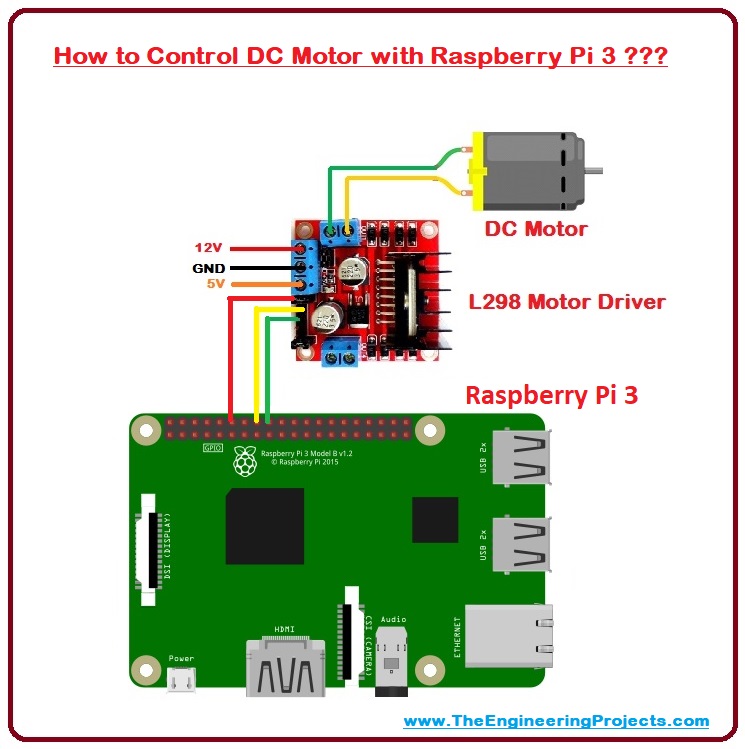
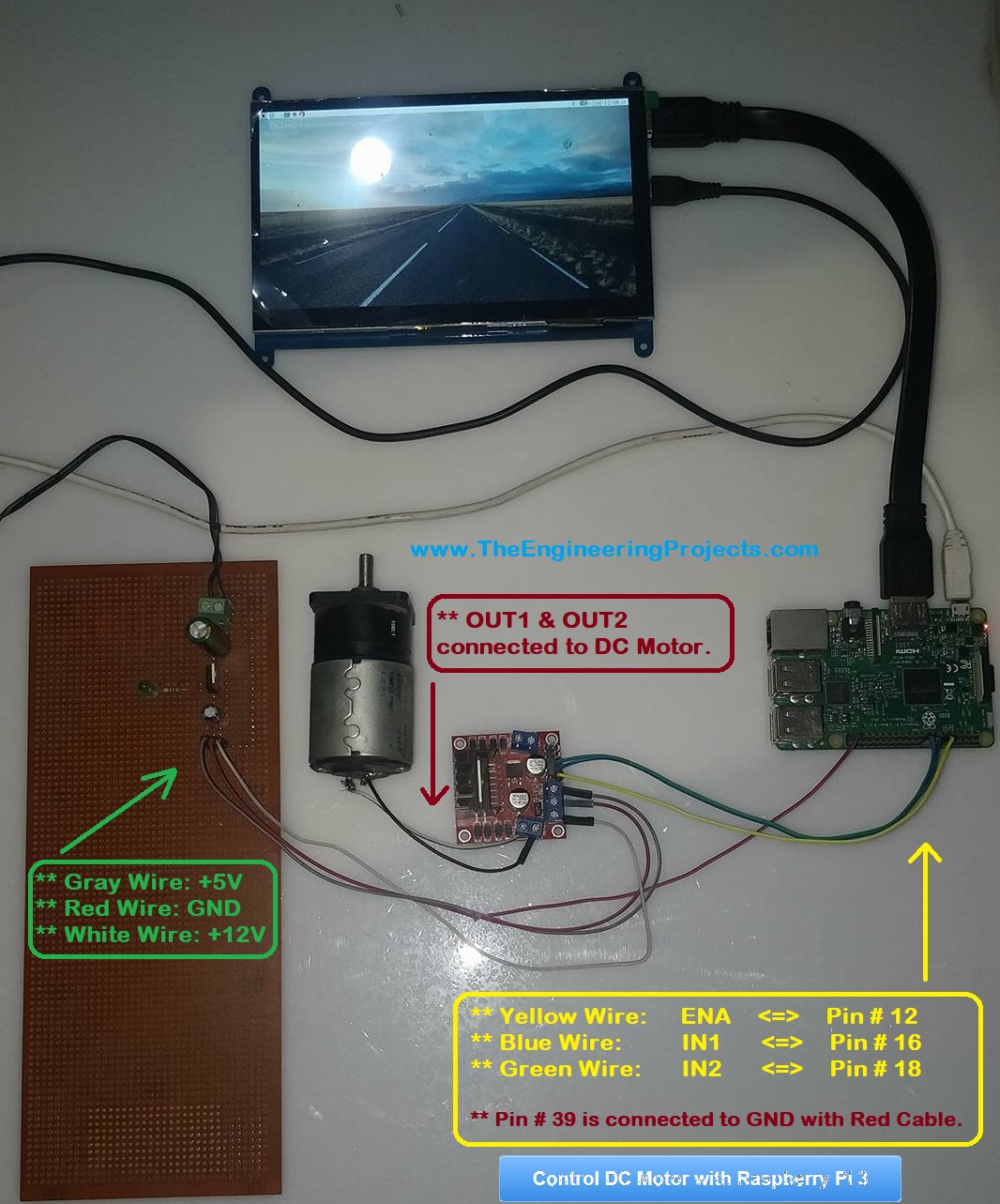
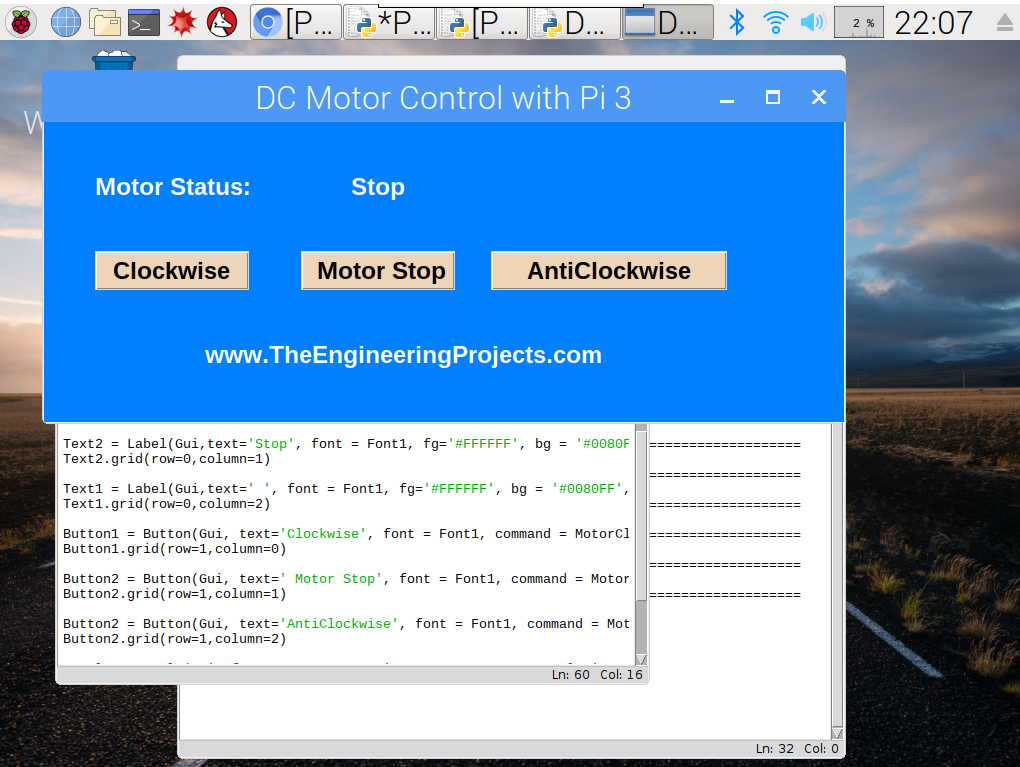
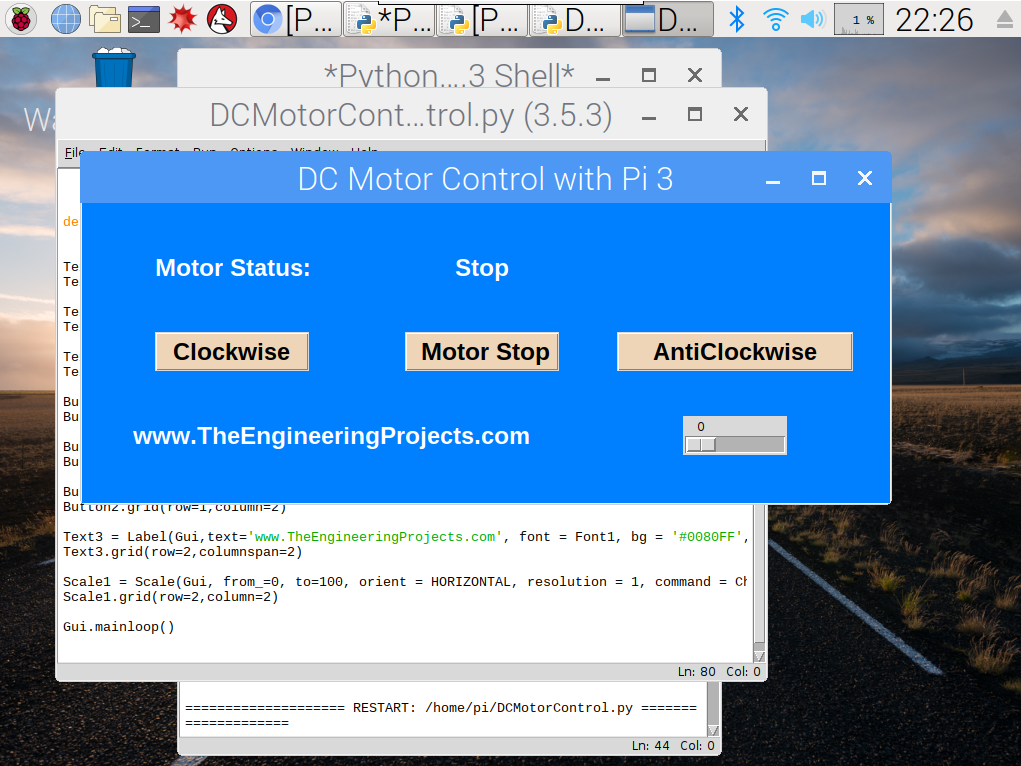
README
 README
Development1 release
 Development1 release
-
Download Python Filethis page
The only release of this package so far. When a newer version is published, it appears above with its own download page.
Installation3 steps
 Installation3 steps
From the download to a working project, in order. The steps follow what the package contains.
You will need
- Pythonto build the source files into firmware
- WinRAR or 7-ZipWindows cannot open RAR archives on its own

Steps
- 1
Extract the archive
Right-click DCMotorControl.rar and choose Extract All (or open it with 7-Zip or WinRAR) into a folder you can find again.
- 2
Build the source code
Open DCMotorControl.py in the compiler named in the tutorial (MikroC, Keil, MPLAB, Code Composer or the Arduino IDE) and build it to get the firmware.
- 3
Follow the tutorial
How to Control DC Motor with Raspberry Pi 3 explains every connection and setting in order; keep it open beside the files while you build.
FAQs6 questionsContact TEP
 FAQs6 questions
How do I download Download Python File?
Wait for the 30-second guest countdown on this page, then press the download button; the file comes straight from our storage. Members who are logged in skip the wait. If the browser opens the file instead of saving it, use its Save as option. The download link is made for you when the countdown ends and works for 15 minutes; a saved or shared link stops working, so share this page instead.
What is inside the archive?
Download Python File comes as a RAR archive of 1 file (1.1 KB, 3.1 KB unpacked) holding source code. Open the File Structure tab for the full list of 1 files.
What should I do if the download does not start?
Check the browser's download list first; an ad blocker or a company firewall can also hold it back, so try another browser or network. If the file arrives incomplete, download it again. For an installation problem, read the Install tab or tell us in the comments with your software version and the exact error message.
Is this file free?
Yes. Every file in the TEP Download Center is free for learning, personal and student projects. If you share it, link back to this page or the tutorial so others find the latest version.
How do I check that the file arrived complete?
Compare its SHA-256 with the one on this page, 8c0e3a72d5b865dcb18454f6910421c9ebfd9e681cedf7af6d8d63ec5ecb7660. In PowerShell run Get-FileHash "DCMotorControl.rar"; on macOS or Linux run shasum -a 256 "DCMotorControl.rar". The same value means the file is exactly the one in our storage; a different one means the download broke off, so download it again.
Do I need WinRAR to open the RAR file?
RAR archives need WinRAR, 7-Zip or another RAR-capable tool; Windows cannot open them on its own. Extract the whole archive before using the files.
Members skip the wait. Log in or join TEP.

- 10,474Total downloads
- 100%Popularity
- Raspberry PiCategory
- 0Comments
- ssyedzainnasirUploaded by
- 31 May 2018Uploaded at


 SHA-256
8c0e3a72d5b865dcb18454f6910421c9ebfd9e681cedf7af6d8d63ec5ecb7660


 Need help with this file?
 Tags
TagsMore DC Motor project files
All DC Motor tutorials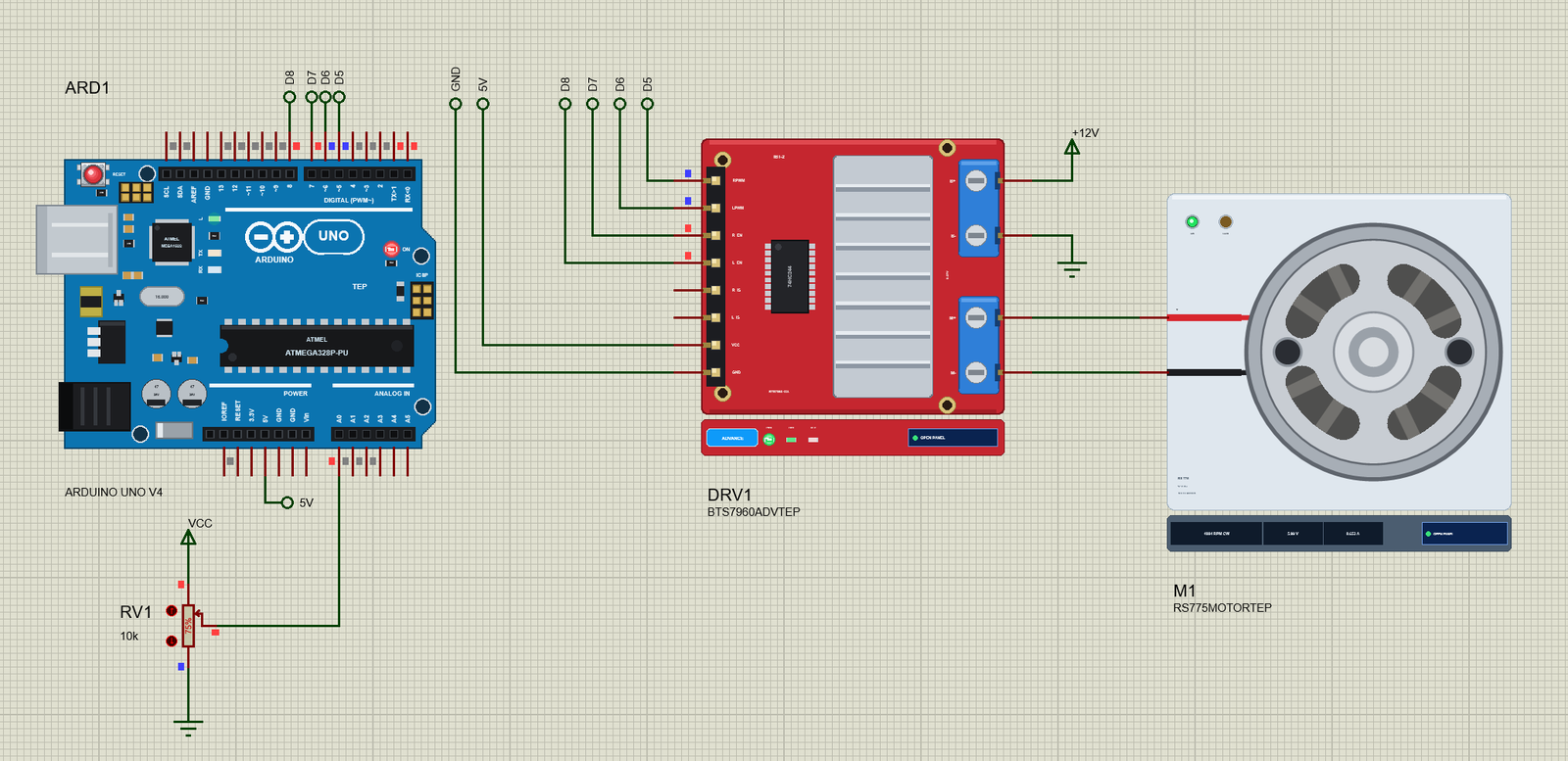



Comments
0