Hello everyone, I hope you all are doing great. In today's tutorial, I am going to share 5 Tips for Extending Your SCADA System. What do you do if your existing SCADA system isn’t doing the job you need? Obviously, you need to extend it, but doing so can be a frustrating and costly exercise. How do you manage budget, increase efficiency and provide the functionality you need? Of course, it all depends on your specific implementation, but some general tips to keep in mind might relieve some stress.
Look at The Big Picture Again
When you find your SCADA system can’t provide the data or control you need, the first instinct is to quickly patch the missing functions, but over the long haul this can be a costly and inefficient process leading to a tangle ...
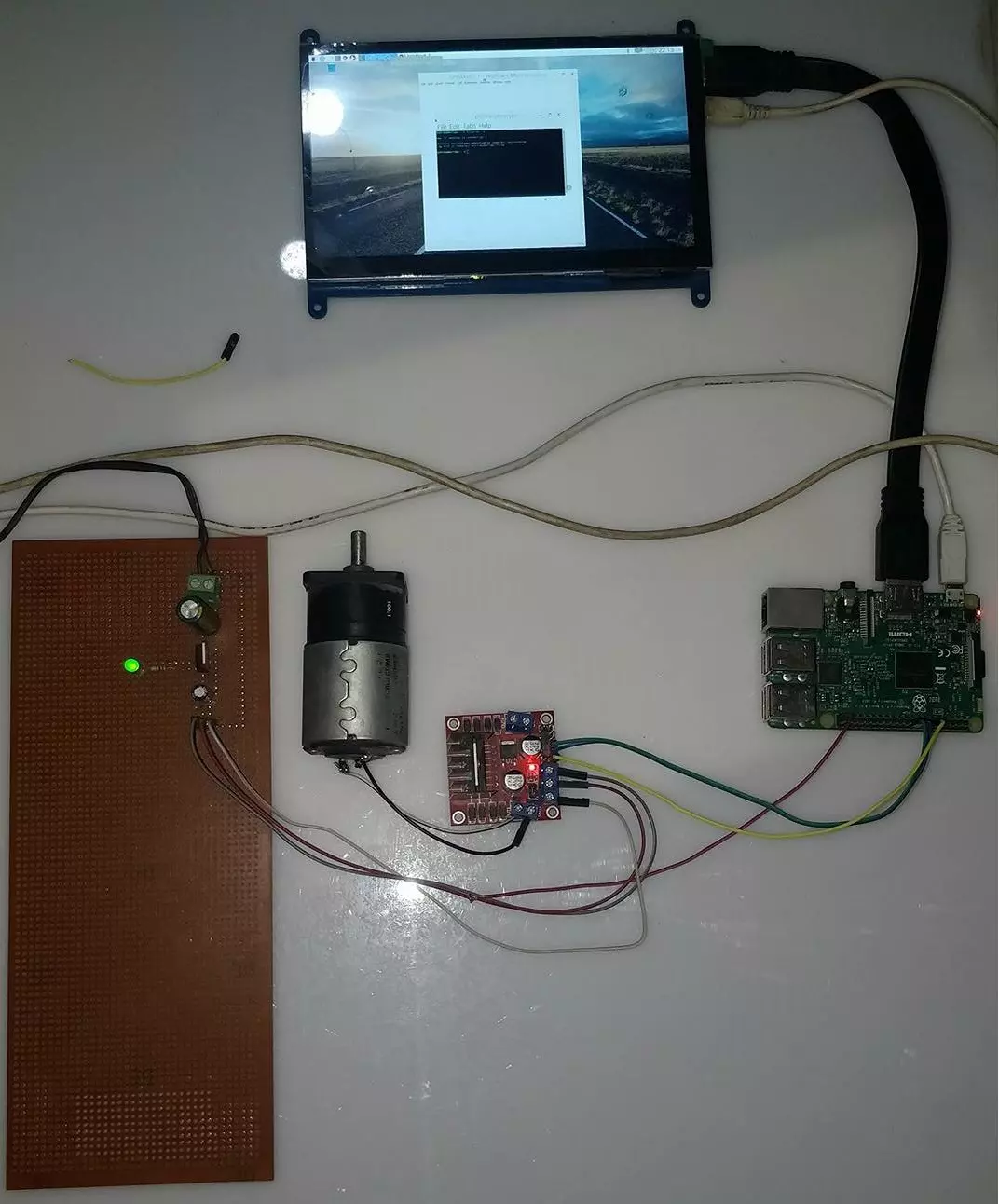
Hello friends, I hope you all are doing great. In today's tutorial, I am going to show you How to Control DC Motor with Raspberry Pi 3. We will control both the speed and direction of DC Motor. I hope you have read the previous tutorial on How to Create a GUI in Raspberry Pi 3 as we are gonna create a small GUI in this tutorial as well and then we are gonna control our DC Motor with Buttons on GUI.
In order to control the DC Motor, we have to use some drivers in between our Microcontroller and DC Motor. This driver's functionality is to control a 12V DC Motor with a 5V signal from a microcontroller. In today's tutorial, we are gonna use L298 Motor Driver. So, let's get started with How to Control DC Motor with Raspberry Pi 3:
How to Control DC Mot ...
When studying for a major exam, it is important to look for every tool or asset that could benefit you on the day of the test. Most exams from vendors such as ISC, Cisco, ITIL, Citrix, VMware, Microsoft and CompTIA are very challenging. IT professionals and others looking to get ahead in their career must ensure they are fully prepared if they want to pass these examinations on the first try. That is why it is a good idea to find a website where exam dumps and sample questions are readily available. The problem for many test takers is there are so many such sites when you search on Google. You may get confused about what site is going to offer you the most features. ExamSnap is the perfect training courses platform where you can access dumps of pas ...
Hello friends, I hope you all are doing great. In today's tutorial, I am going to share new Magnetic Reed Switch Library for Proteus. We are quite proud to share it as its not been designed before. Our TEP Team has designed it and I think they need a little appreciation. :P You can interface it with any Microcontroller like Arduino, PIC or 8051 Microcontroller etc.
As Proteus is a simulation software so we can't produce magnetic field in it. That's why, we have placed a TestPin and when you provide HIGH Signal to that TestPin then it will act as it has magnet around. Similarly, if you provide LOW Signal to that TestPin then it will behave normal and will sense no magnet around. Rite now, we have just designed two Magnetic Reed Switches but soon we ...
Hello friends, I hope you all are doing great. In today's tutorial, I am going to explain How to Create PWM in Raspberry Pi 3. In our previous tutorial, we have seen How to Create GUI in Raspberry Pi 3, & we have also controlled an LED from the GUI Buttons. So, I am gonna take that project and will add PWM code in it.
So, I would recommend you to first have a look at LED Blinking with Raspberry Pi 3 in which we have designed this simple project and then check How to Create GUI in Raspberry Pi 3, where we have controlled that LED digitally with GUI. But today, we are gonna control the intensity of this LED by creating a PWM Pulse in Raspberry Pi 3. Along with that, we are also gonna have a look at How to use Scale in Raspberry Pi 3. I will add ...
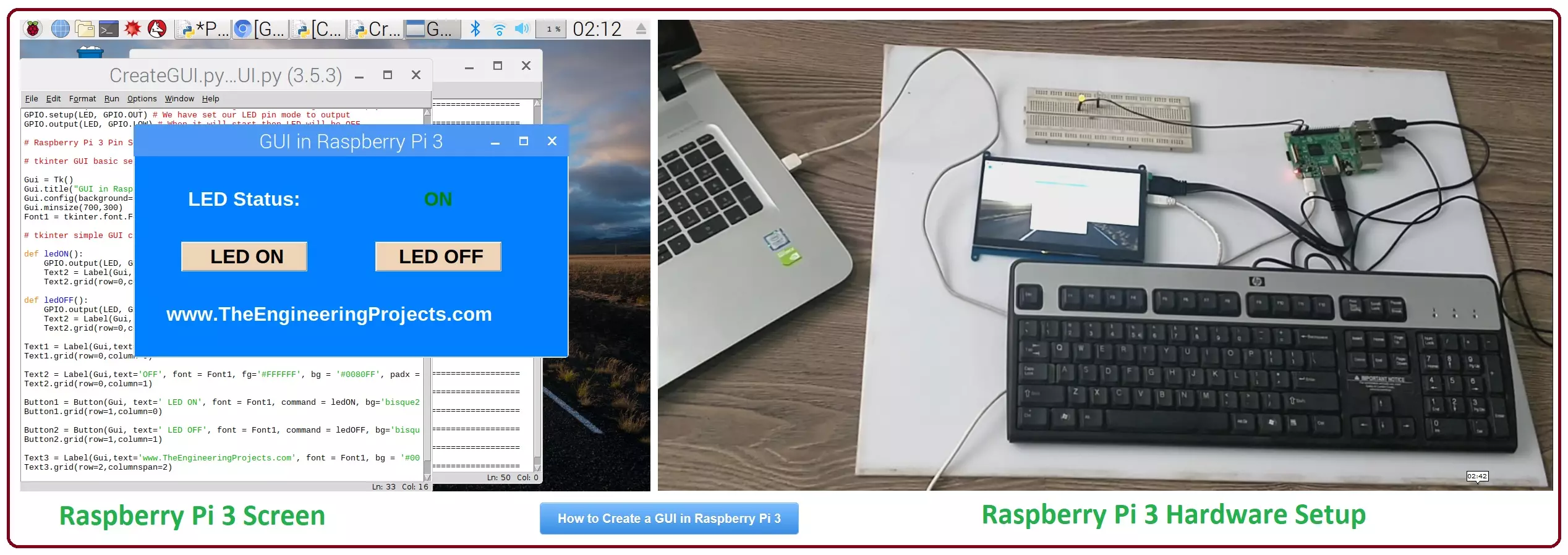
Hello friends, I hope you all are doing great. In today's tutorial, I am going to show you How to Create a GUI in Raspberry Pi 3. There are many different third party libraries available and the one I am going to use is tkinter. I have tried these libraries and I liked it the most so that's why I'm gonna use it in my future Raspberry Pi 3 Projects.
In our previous tutorial on Raspberry Pi 3, we have had a look at LED Blinking using Raspberry Pi 3. So, today I am gonna work on the same project and we will add a GUI in it. GUI is an abbreviation of Graphical User Interface and it is used to give a presentable form to your project. We will add some buttons on our GUI and we will turn ON or OFF our LED using buttons. It's quite a basic tutorial but it ...
Hello friends, I hope you all are doing great. In today's tutorial, I am going to give you a detailed comparison, Hostinger vs. Siteground and will tell you which one is better? When it comes to website hosting, it can be considered an important part of the whole web development thing. If you thought that just creating a website would be enough to make it all successful, then you would definitely be wrong. There are many other factors that come to light when you build a website. Web hosting is one such factor.
To find a popular and well-known web hosting service is really important for any web developer as it helps in the product development process. Plus, who wouldn’t want their websites to have the perfect ratings and reviews? Having the perfect ...
Hello friends, I hope you all are doing great. In today's tutorial, we are gonna have a look at How to Write a Successful Tech Resume. Technology is one of the most dynamic and rapidly evolving industries in the world. It is one of the largest sectors in the world that is driven by knowledge workers and anything that happens here has a global implication. The ecosystem of tech industry makes it unique in terms of its organizational design and a lot of things work differently here. While a tech firm is a profit maximizing corporate house in essence, but the way it operates is a lot different than a conventional corporate firm.
Just like tech firms market themselves differently, their recruitment practices are a bit different too. If you are seeking ...
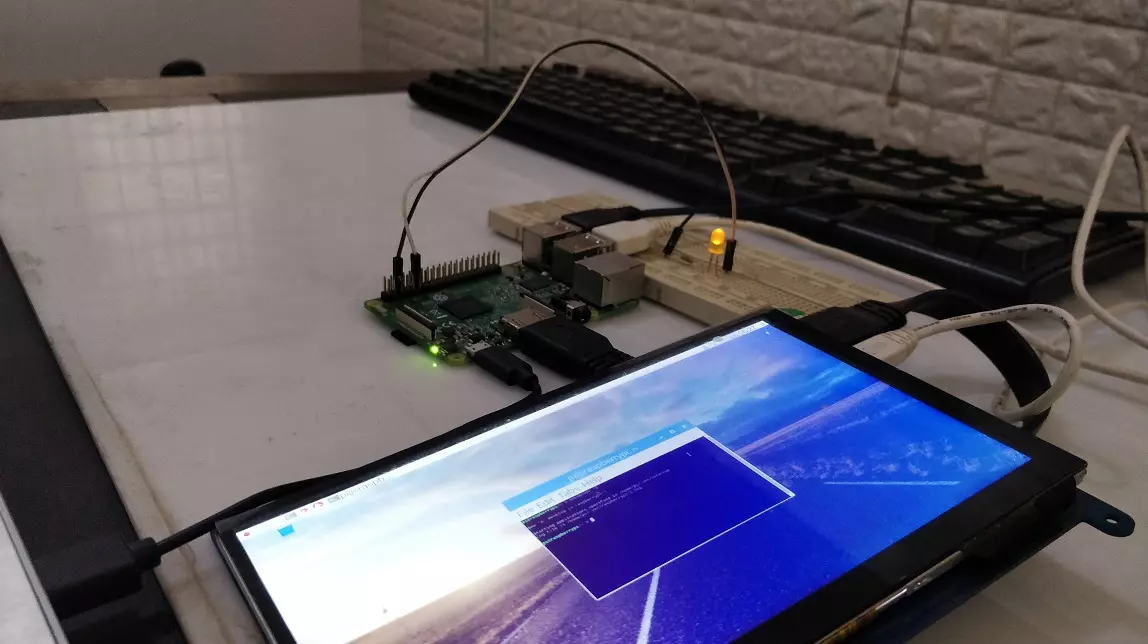
Hello friends, I hope you all are doing great. In today's tutorial, we are gonna have a look at LED Blinking using Raspberry Pi 3. It's our first embedded project on Pi 3 and its quite simple. In our previous tutorials on Raspberry Pi 3, we have seen How to install Rasbian on SD Card for Pi 3 and then we have also setup HDMI LCD with Pi 3. So, now our raspberry Pi 3 is ready to program.
In today's tutorial, we will interface a single LED with digital Pin of Raspberry Pi and then we will design a simple code in Python which will turn this LE ON and OFF. It will be quite simple and I will guide you step by step, but if you got into any trouble then ask in comments and I will help you out. So, let's get starteed with LEd Blinking using Raspberry Pi 3 ...
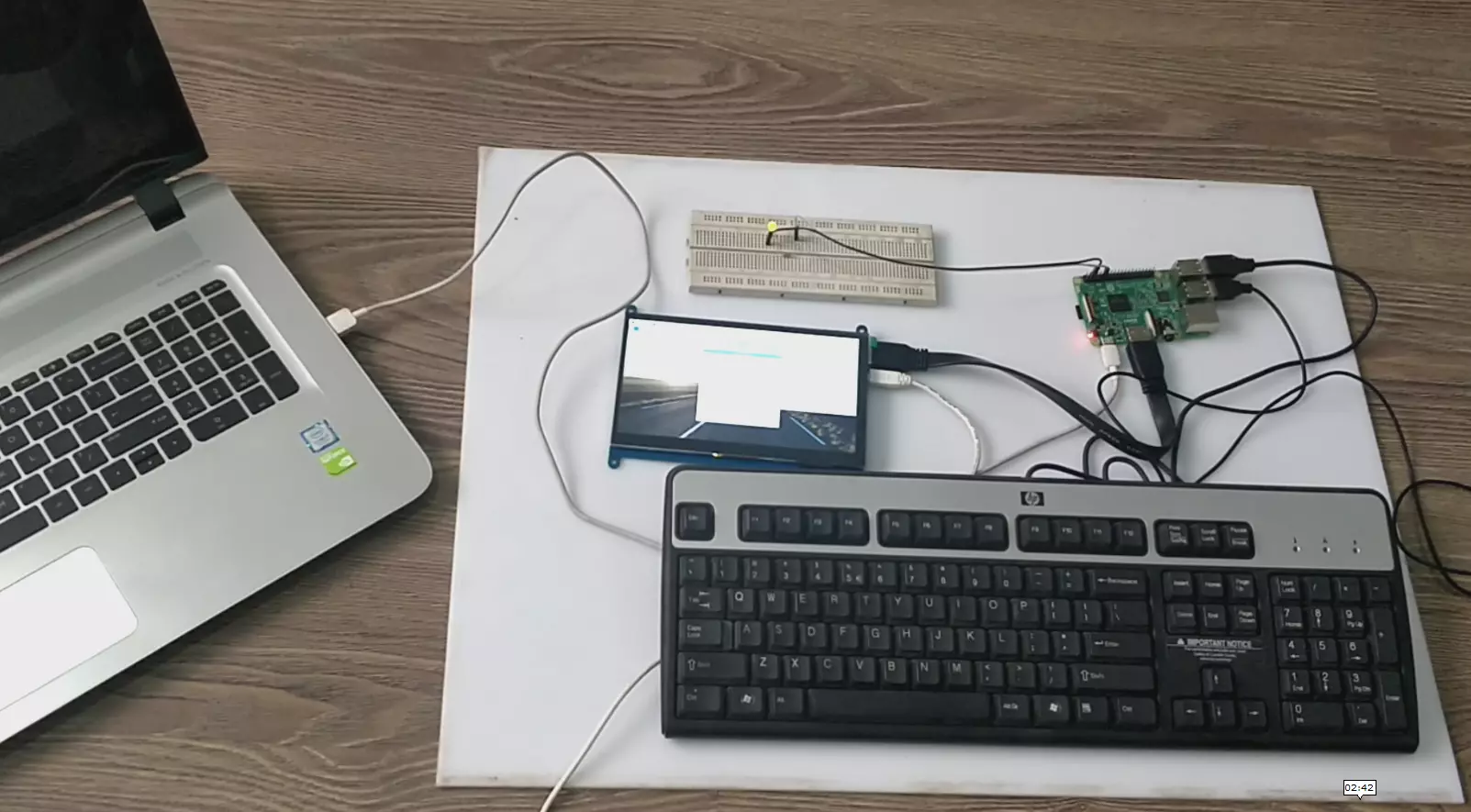
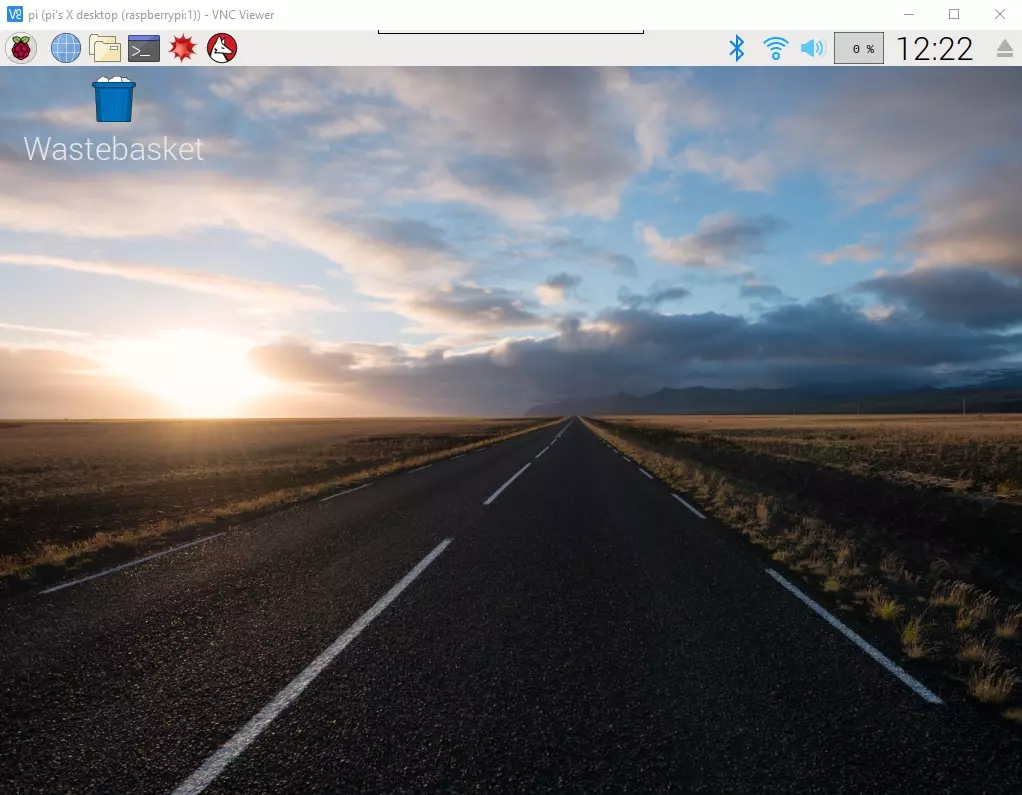
Hello everyone, I hope you all are doing great. In today's article, I am going to show you How to Control Raspberry Pi 3 from Laptop or Computer. In our previous tutorial, we have seen How to setup 7 inch HDMI LCD with Raspberry Pi 3 and you must have noticed that designing your code on TFT LCD is quite difficult. So, either you have the LCD or not, its always better to work on your Laptop.
In order to control our raspberry Pi 3 from Laptop, we have to use VNC server & client. It's a third party tool designed by RealVNC. We have to install VNC server on the raspberry Pi and VNC viewer on our laptop & after that we can quite easily control our VNC Server from VNC Viewer (Client). So, let's get started with How to Control Raspberry Pi 3 from ...