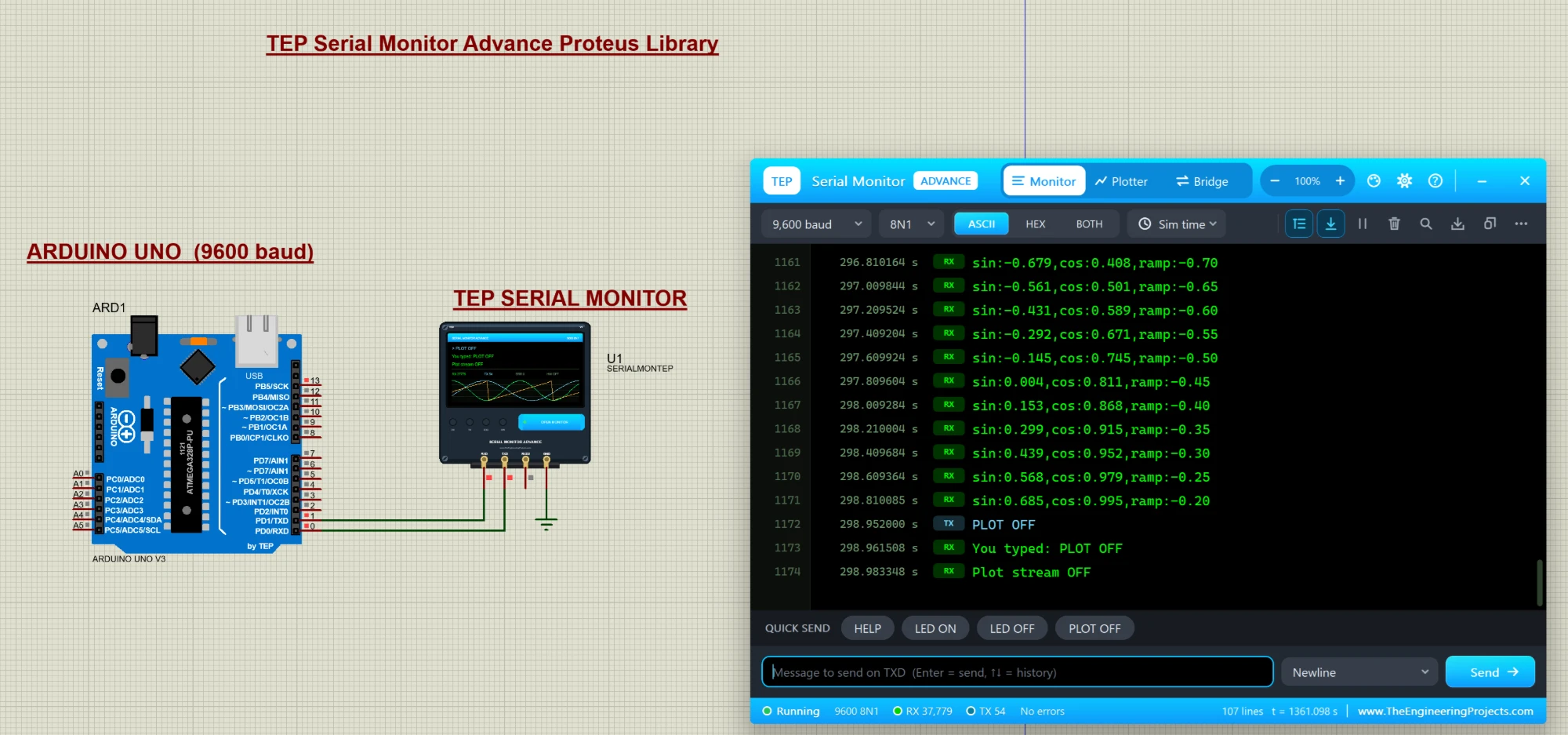
Hello friends, I hope you all are doing great. Today, I am going to share a new library, and this one is not a sensor or a module, it is a tool: the TEP Serial Monitor for Proteus , in its Advance edition. If you have simulated an Arduino in Proteus, you have used the Virtual Terminal to see what your code prints with Serial.println() . Our serial monitor does the same job in a modern window that works like the Serial Monitor of the Arduino IDE. You get a Serial Monitor , a Serial Plotter in Proteus (live graphs of your variables) and a hardware Bridge to a real COM port of your PC, plus a ready-made Arduino UNO demo. If you are new to Proteus, have a look at A complete tutorial on Proteus first. NOTICE: We are really proud of this one. As far as we know, our team is the first to design su ...
Hello friends! In the previous lesson, we discussed what an XBee module does and how it transfers serial data between devices. Now we will connect two modules to a computer, configure their addresses, and send messages in both directions. This gives us a working radio link before we introduce Arduino code. We will keep the original tutorial's simple addressing exercise: the first module uses address 1111 , and the second uses 2222 . The detailed command example is for classic XBee S1 modules running 802.15.4 firmware. If your module uses Zigbee or DigiMesh, identify it in XCTU and use that firmware's configuration procedure. Matching the case shape does not make these command settings interchangeable. By the end, you should understand the difference between a computer's serial port and a r ...