Hello friends, I hope you all are doing great. Today, I am going to share the new Arduino Mega 1280 Library for Proteus V4.0. The Arduino Mega 1280 is the very first Arduino Mega, from 2009: the long blue board with the ATmega1280 microcontroller, an FT232RL USB chip, 54 digital pins and 16 analog inputs. With this Arduino Mega 1280 Library for Proteus, you place the board on your sheet, load your sketch's HEX file and press Run. The board then behaves like the real one: the ON LED lights up, the L LED follows pin 13, TX and RX flash with the serial data, and the RESET button really resets the chip. Version 4.0 is the next version of our Arduino libraries for Proteus; there were earlier versions before it, the last one being V3.0 from 2023. The Mega 1280 is one of the six boards of our Arduino Library for Proteus V4.0 (all six boards in one library), and like the others it has a built-in serial monitor, so there is no Virtual Terminal to wire. In this post, I will focus on what is special about the Mega 1280: the ATmega1280, the FT232RL, the L LED that hangs straight on pin 13 and the big 2x18 header. NOTICE: This library is very special to our team. The Arduino boards were among our very first Proteus libraries, and in V4.0 they finally come to life: LEDs that work, a RESET button with the bootloader, real supply pins and a serial monitor inside the board. It took our team a lot of hard work, many test runs and many design changes. Your feedback is the fuel that keeps us ...
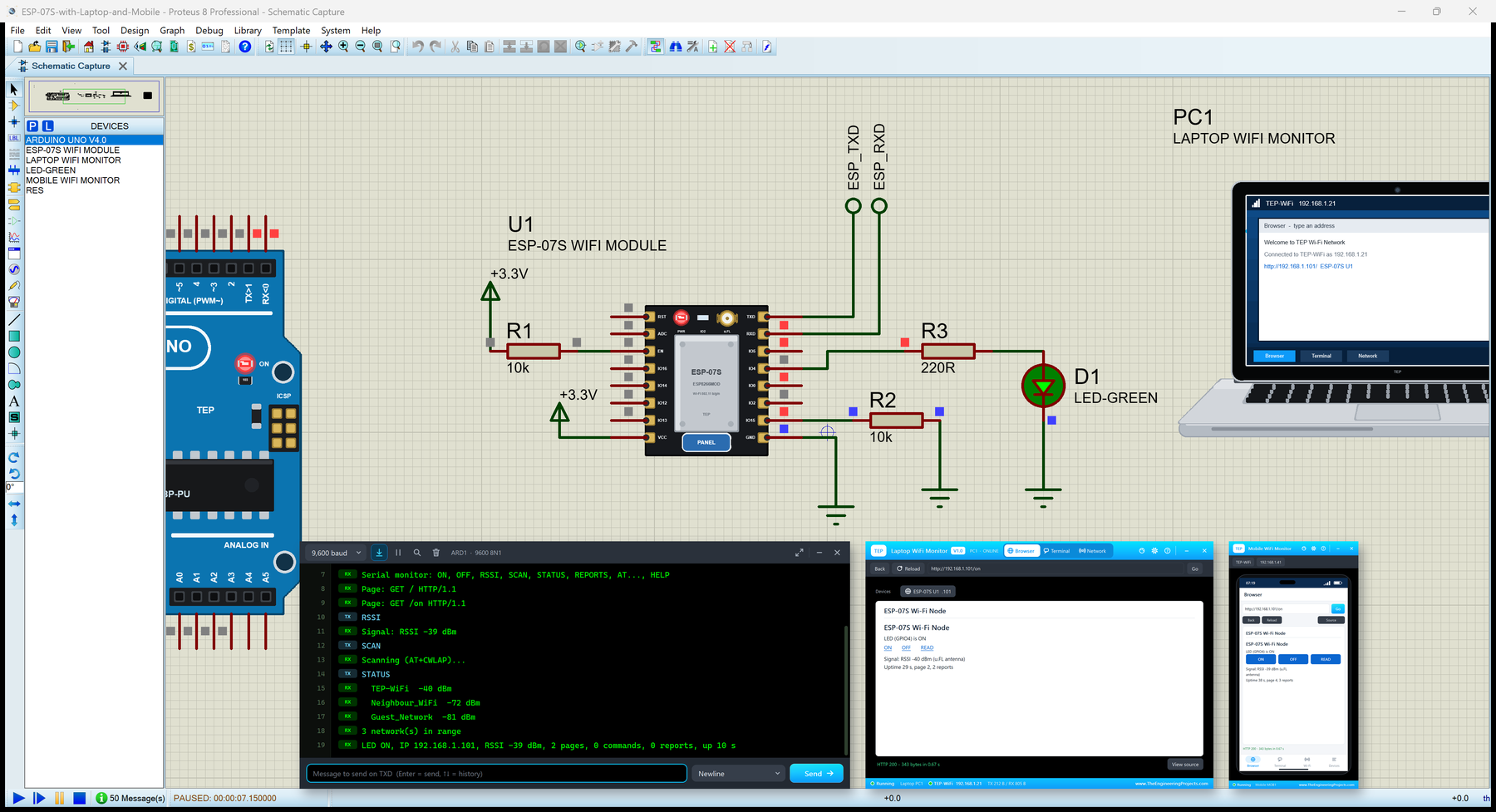
… an output, AT+SYSGPIOWRITE=4,1 sets it high and AT+SYSGPIOREAD=4 reads a pin back. So the Arduino can switch an LED or a relay that hangs on the ESP-07S itself, without spending one of its own pins. Our demo does exactly that: the LED sits on the ESP-07S's …
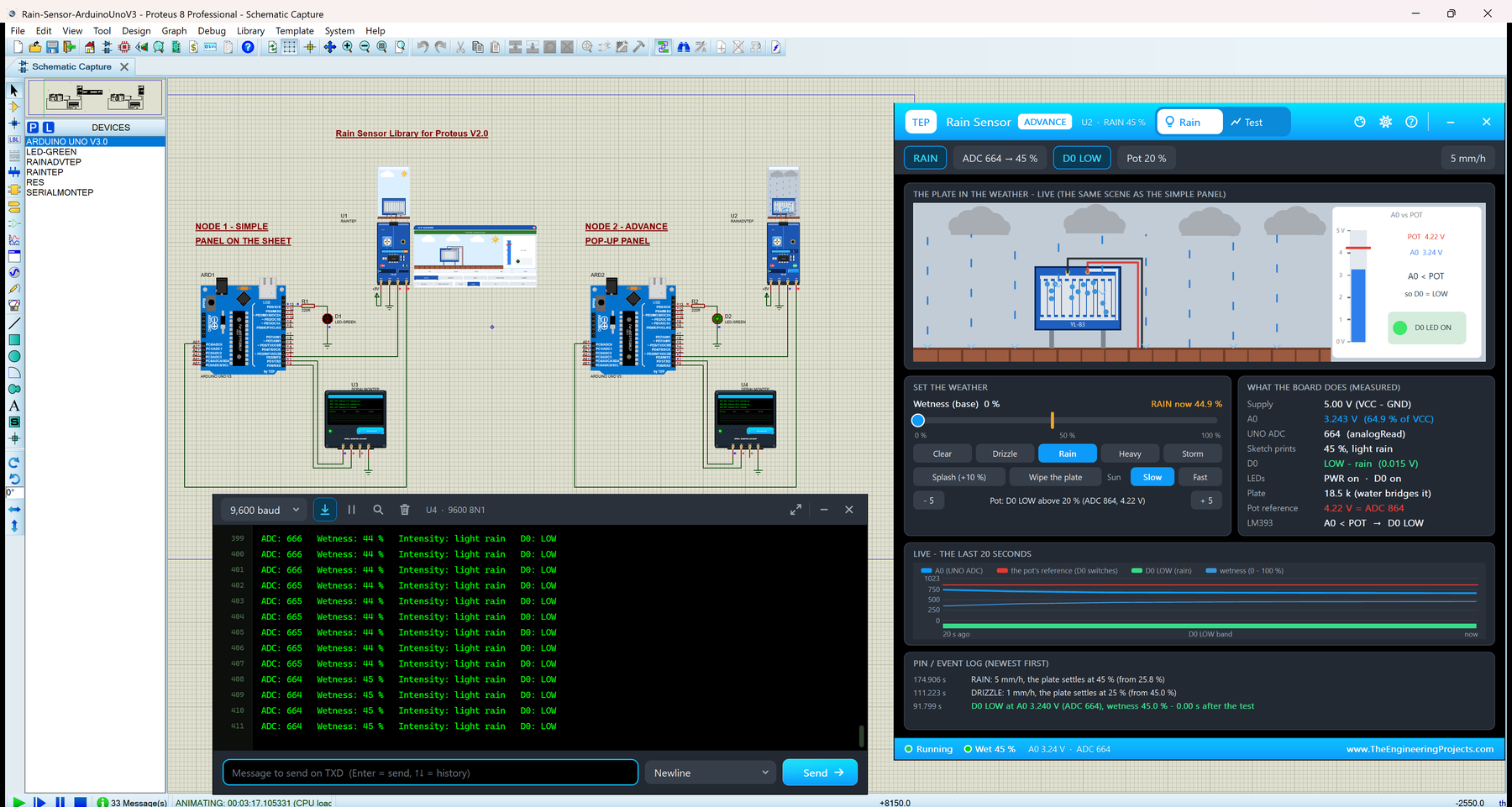
Hello friends, I hope you all are doing great. Today, I am going to share the new Rain Sensor Library for Proteus V2.0. The rain sensor, also called the raindrop sensor, is the popular two-part module: the blue YL-83 rain plate with its two comb-shaped traces, and the small blue FC-37 board with the LM393 comparator. With this Rain Sensor Library for Proteus, you set the weather with a click, from a light drizzle to a storm, and your Arduino reads the plate the same way it reads a real module: analogRead() on A0 and digitalRead() on D0. We have shared earlier versions of our rain sensor library before, but version 2.0 is a big step. The board is now an analog model inside Proteus's SPICE simulator, so A0 is a real voltage. You get Rain Sensor Simple with an animated rain scene on the schematic, and Rain Sensor Advance with a pop-up window and four measured sensor test tools. The new Rain Sensor Arduino Proteus demo runs a rain alarm on two Arduino UNOs, shown in the Simple interface of our TEP Serial Monitor. NOTICE: This library is very special to our team. Its rain sensor board is made of real resistors inside Proteus's SPICE simulator, the plate gets wet and dries with the weather, and the LM393 comparator switches D0 at the moment A0 crosses the pot's voltage. It took our team a lot of hard work, many test runs and many design changes. Your feedback is the fuel that keeps us going, so please tell us what you think in the comments below or in the Rain Sensor Library board ...