


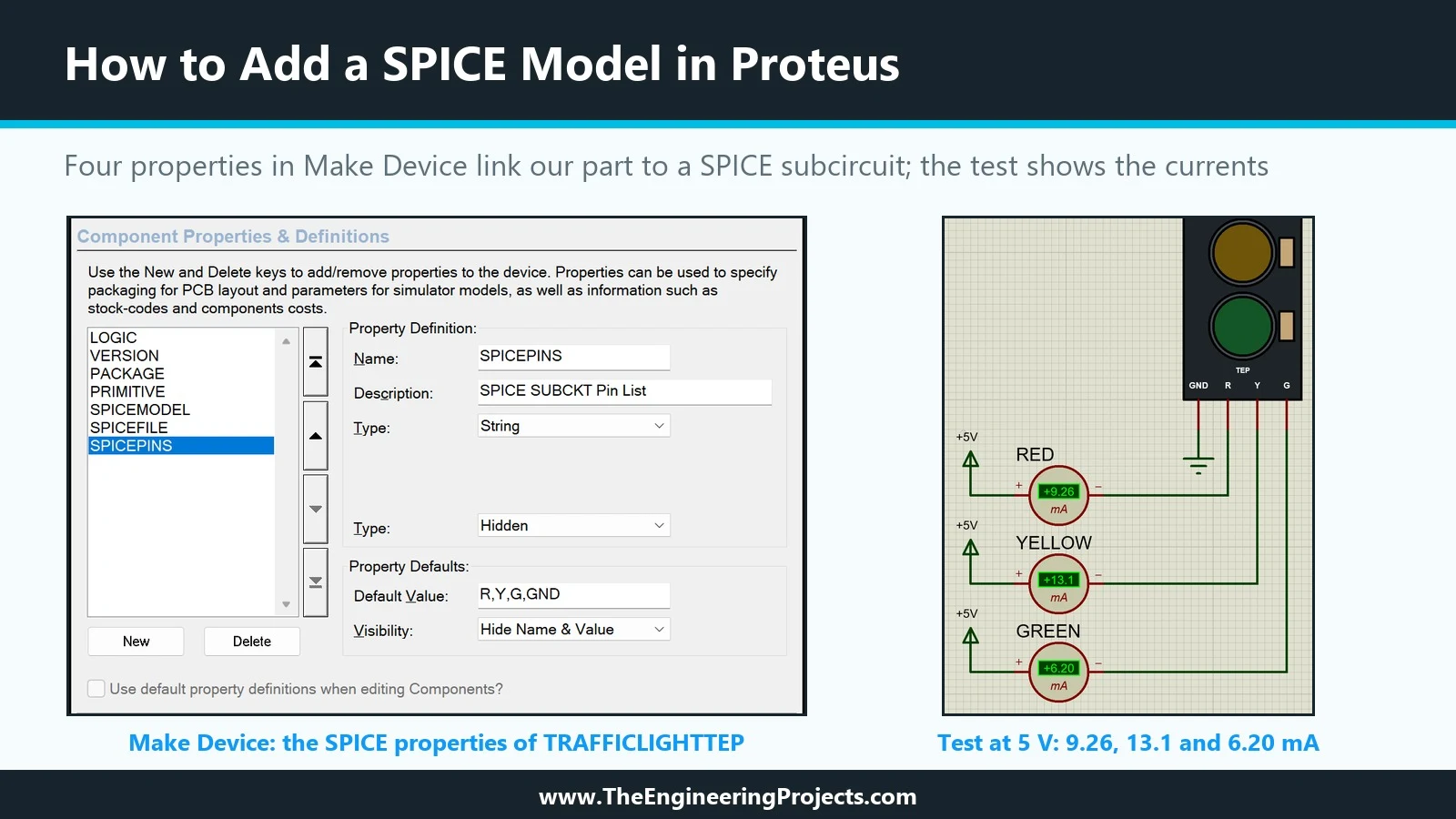
Hello friends, I hope you are doing well. This is the thirteenth tutorial in our series on how to create a Proteus library. In the previous tutorial, Proteus Simulation Models Explained , we met the four kinds of simulation model and saw that our Traffic Light Module still has none: Pick Devices labels it No Simulator Model, and a simulation stops with "No model specified". Today, we give it its first working model. Our topic is how to add a SPICE model in Proteus . Updates Proteus Component Designing This course: Part 13 of 20, Proteus Simulation Models Previous part: Simulation Models Explained Next part: Schematic Model (MDF) Course start: How a Proteus Library Works Add libraries to Proteus: How to Add a New Library in Proteus Library lists: 30 New Libraries (2026) · 35 Sensor Librarie ...