


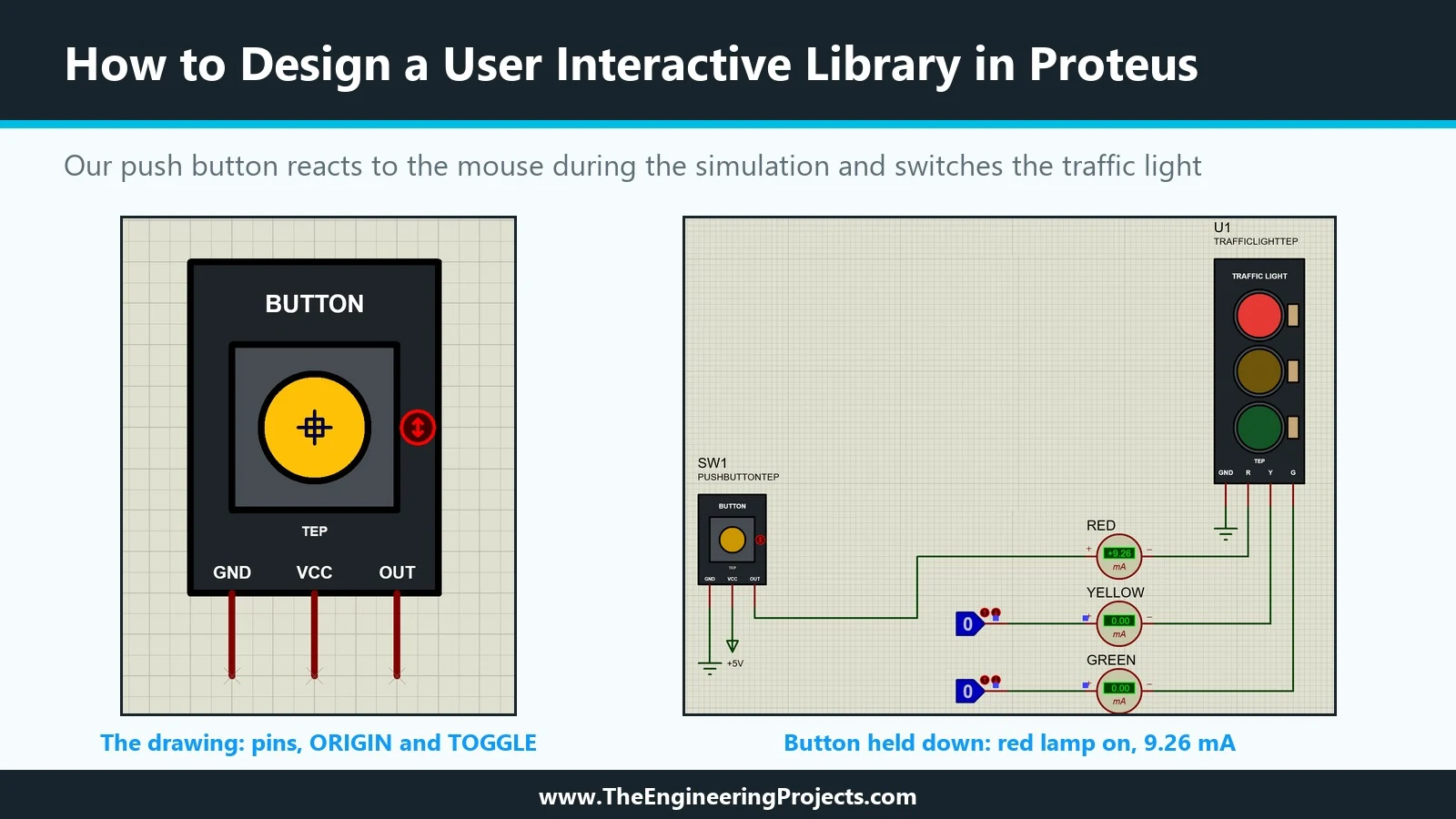
Hello friends, I hope you are doing well. This is the sixteenth tutorial in our series on how to create a Proteus library. In the previous tutorial, How to Create an Animated Component in Proteus , our Traffic Light Module learned to show its lamps: state symbols, a common symbol and real time current probes in the model. That part is an indicator; it shows what the circuit does. Today, we build the opposite kind of part, one that the user operates with the mouse while the simulation runs. Our topic is how to design a user interactive library in Proteus . Our example is a new member of our TEPTUTORIAL library: a Push Button Module with the pins GND, VCC and OUT, like the small button boards sold for Arduino projects. We will look at the three markers that make a part clickable, INCREMENT, ...