


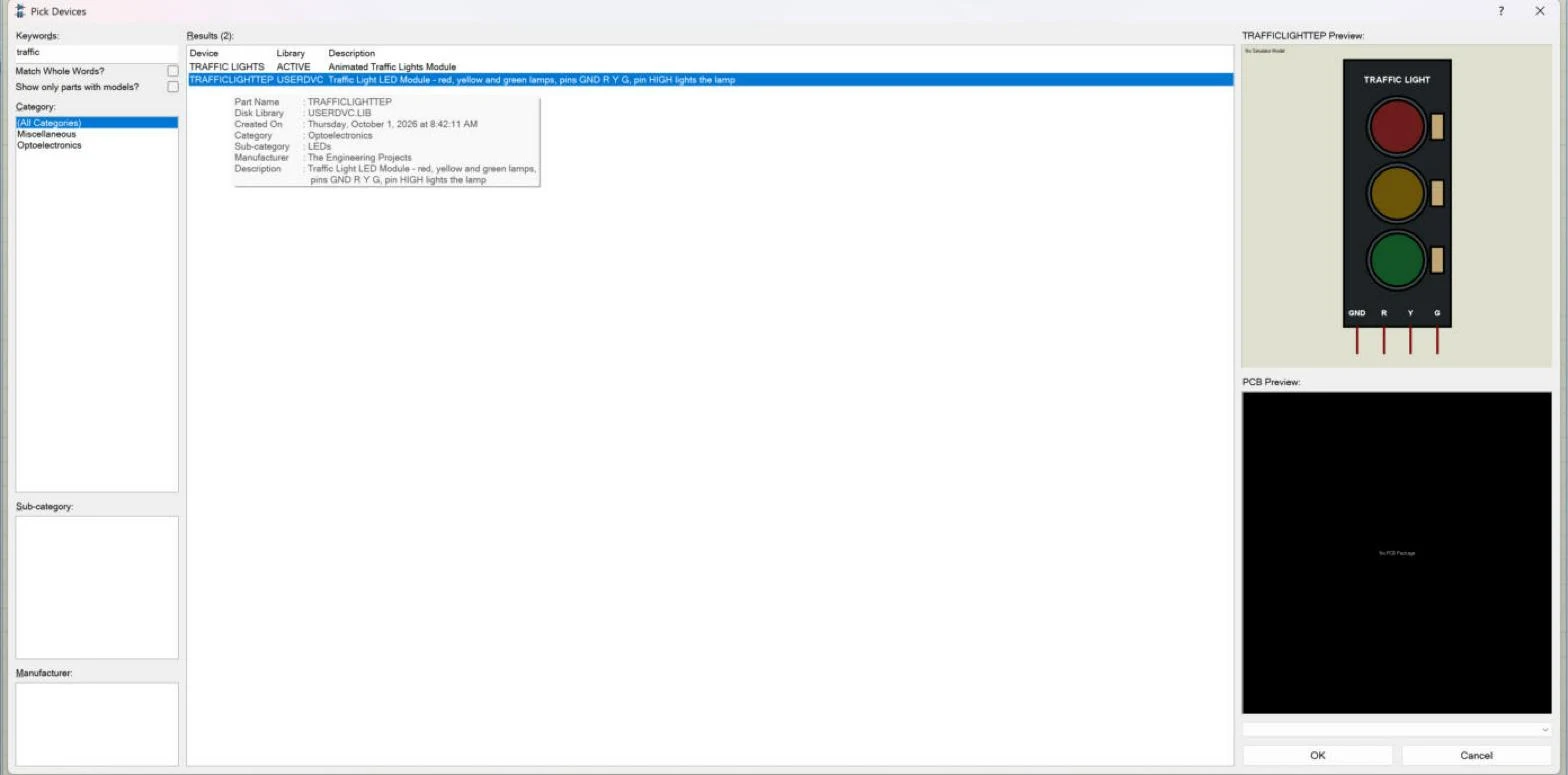
Hello friends, I hope you are doing well. This is the seventh tutorial in our series on how to create a Proteus library. In the previous tutorial, How to Add Pins to a Component in Proteus , we placed the four pins of our Traffic Light Module, GND, R, Y and G, and gave them their names, numbers and electrical types. The drawing is now complete. Today, we turn it into a real Proteus part that can be picked from a library like any other. Our topic is how to use Make Device in Proteus to create a new part . We will tag the whole drawing, walk through all five pages of the Make Device wizard, give the part its name and reference prefix, choose its category, sub-category and manufacturer, write a description that helps people find it, and store it in a device library. Then we will look into the ...