


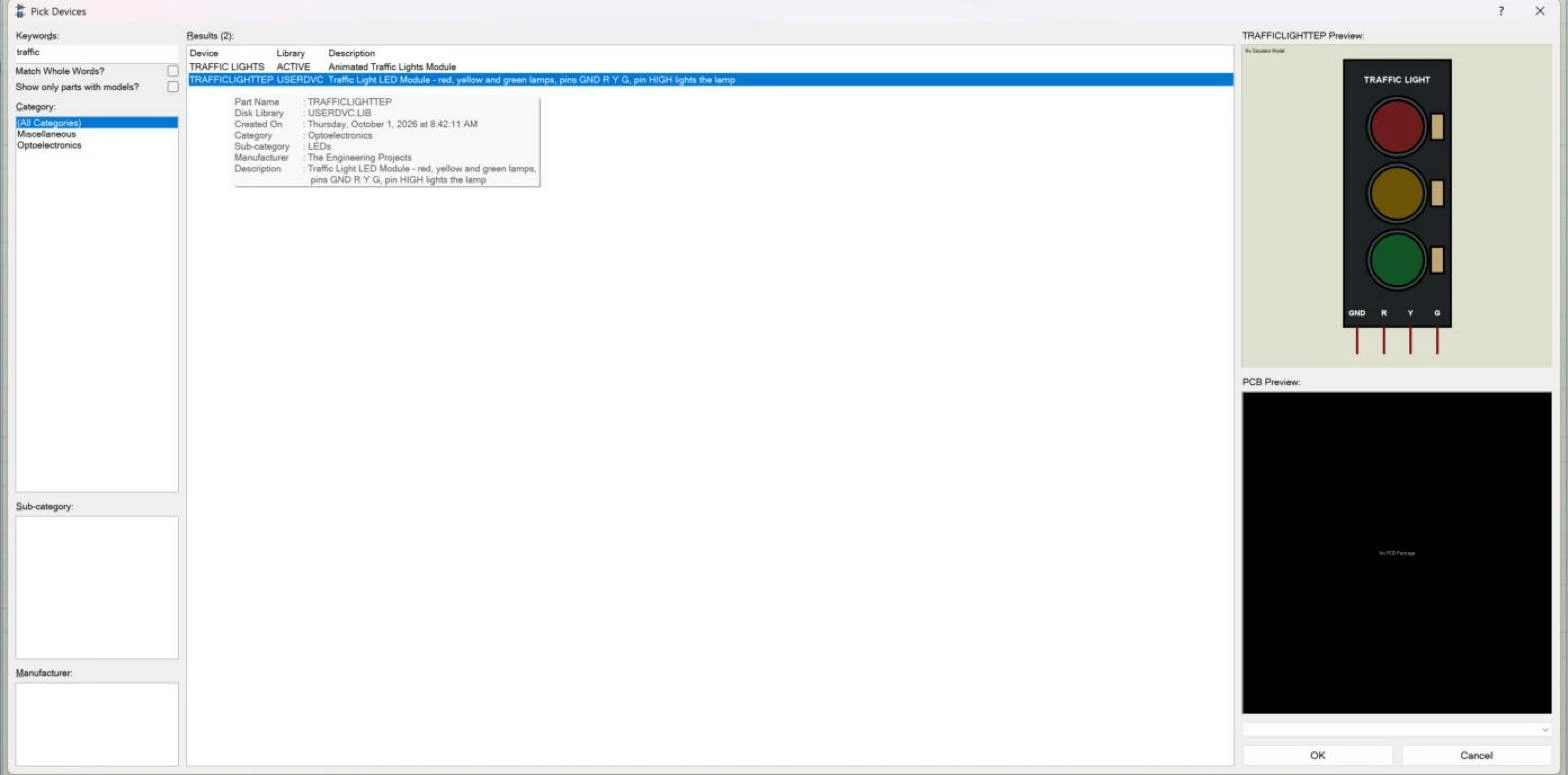
Hello friends, I hope you are doing well. This is the seventh tutorial in our series on how to create a Proteus library. In the previous tutorial, How to Add Pins to a Component in Proteus , we placed the four pins of our Traffic Light Module, GND, R, Y and G, and gave them their names, numbers and electrical types. The drawing is now complete. Today, we turn it into a real Proteus part that can be picked from a library like any other. Our topic is how to use Make Device in Proteus to create a new part . Updates Proteus Component Designing This course: Part 7 of 20, Designing a Proteus Component Previous part: Adding Pins to the Component Next part: Component Properties Course start: How a Proteus Library Works Add libraries to Proteus: How to Add a New Library in Proteus Library lists: 30 ...