Hey Pals, Welcome to the new lesson. I hope you are having a productive day. Today, we'll talk about installation of Emu8086 application in windows. but before this, It is important to have the brief introduction of the application.
Lets find out what is Emu8086.
"Emu8086 is a powerful, offline and free software for emulation, disassembling and debugging of 8086 programs i.e, 16 bits/DOS."
It is an Integrated Development Environment (IDE) that write a source, assemble it and link into .COM or .EXE file then trace it in machine code and source file. When we launch the Emu8086 Asm or Ist will start the assembler source editor. one the other hand, .exe and obj files starts the disassembler and debugger units.
Let's move towards its installation:
Prerequisite:
You must have
A PC
An active internet Connection
Administrative rights for Windows XP/Vista/7 users.
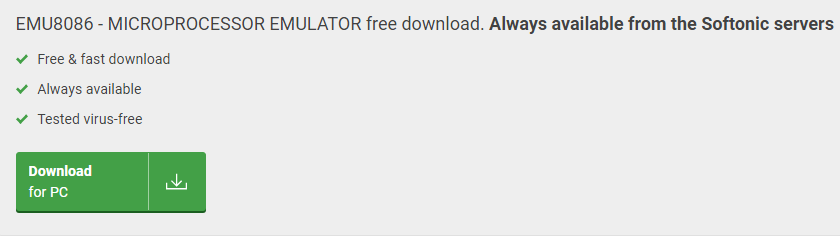
Click "Download for PC" button. This opens a new tab and the downloading starts.
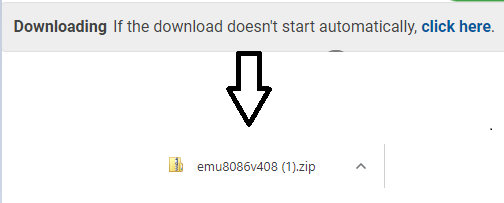
Observe that the zip file of 3Mb in your folders .
Click on the small arrow, open the folder. A folder will be pop up.
Double click at "Setup". It will ask for the permission. Allow it by clicking "yes".
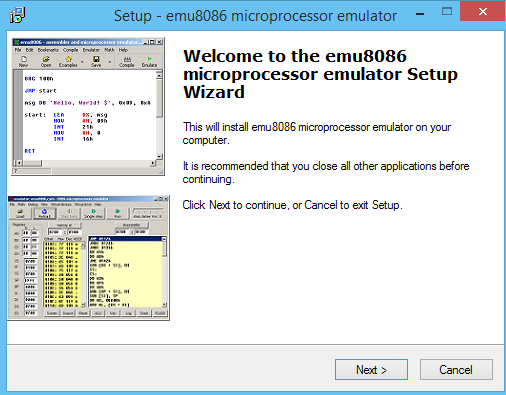
The Window will appear that will start the setup process.
Click "Next" to continue the process.
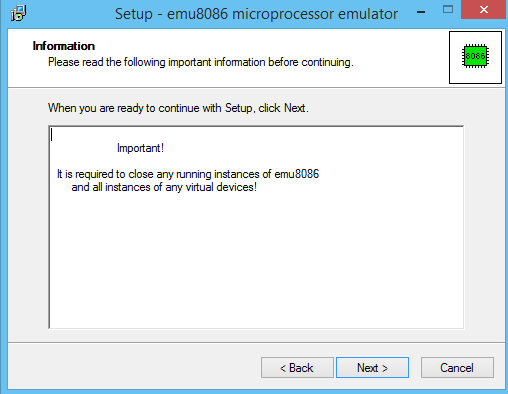
A new will be appear like this:
Close All the Application running applications and click "Next".
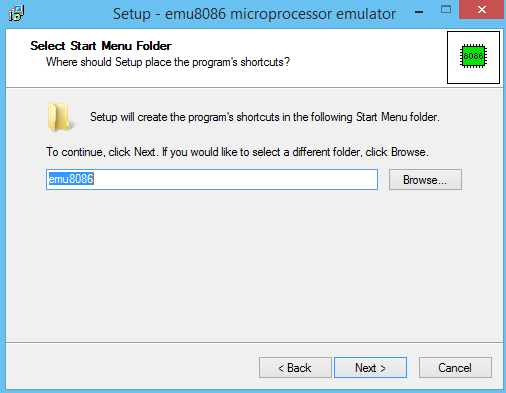
Now, You have to give the path for the folder .By default the path is given for the C directory but you can change it by clicking Browse.
Read all the tabs appeared after it and then Click "Next".
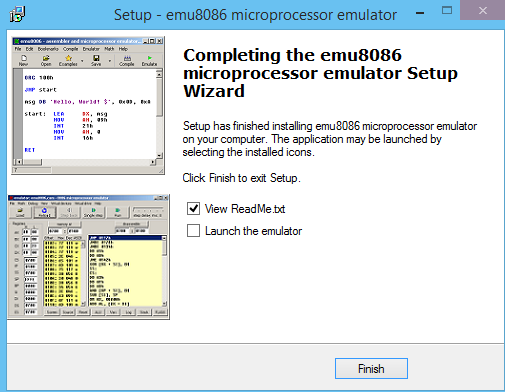
In the last window, it will ask does we want to launch the Emu8086 or Does we wish to read the instruction.
Choose the action you want to be launched or mere remove the tick mark and the setup is finished.
The Emu8086 icon will appear on your desktop. You can use it whenever you want.
Hence, today we learnt about Emu8086. We saw the brief introduction along will the installation process in detail.




Comments
0