Hello everyone, hope you all are fien and having fun with your lives. Today, I am going to post a new C# tutorial in which we will have a Introduction to C# Windows Forms. Till now, we have seen Introduction to C# in which we have designed a console application in C# and after that we have discussed that project and write some code in it in First Code in C# Tutorial. So, till now we have an idea How to create a console application and how to run it easily.
I will continue with this C# console projects but first we have to discuss a little about C# Windows Forms. Microsoft Visual Studio is a very vast software so we can design different types of projects in it and also can use different languages. So, when talking about C#, we not only can design c ...
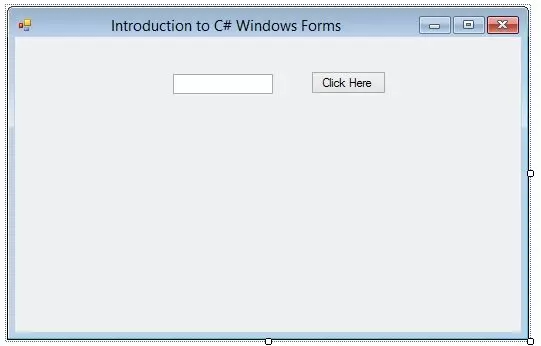
Hello everyone, hope you all are fine and having fun with your lives. Today, I am going to show you How to add C# Controls in your project. In our previous tutorial, we have seen an Introduction to C# Windows Forms in which we have created our first project and then we have discussed all about its different features like How to use Properties etc. and if you haven't read it yet then I would suggest you to read that one first as I am gonna continue from that tutorial onward.
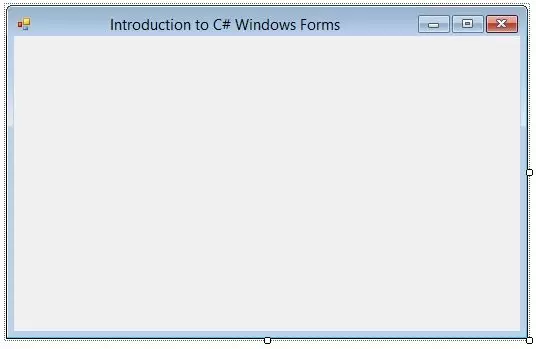
So, I am assuming that you have read Introduction to C# Windows Forms and you have your first project created and ready to use. So, if you have dne exactly as I have shown in my previous tutorial then you have a for as shown in the below figure:
...
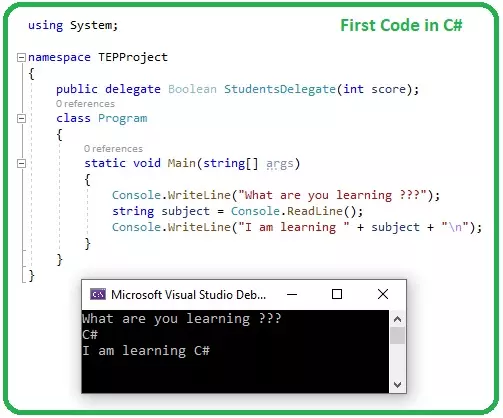
Hello everyone, I hope you all are fine and having fun with your lives. Today, we are going to design our First Project in C#. In the previous tutorial, we have seen a detailed Introduction to C#, where we have studied its importance in the software world.
Today, we are going to create our first project in C#. So, let's get started with our first code in the C# Tutorial series.
First Project in C#
I am going to use Microsoft Visual Studio 2019 Community Edition, which is free to use, and you can download it from its official website.
There are different languages available in Visual Studio i.e. C, C++, C# and F#. C# is the most commonly used programming language among all.
Now, I assume that you ha ...