


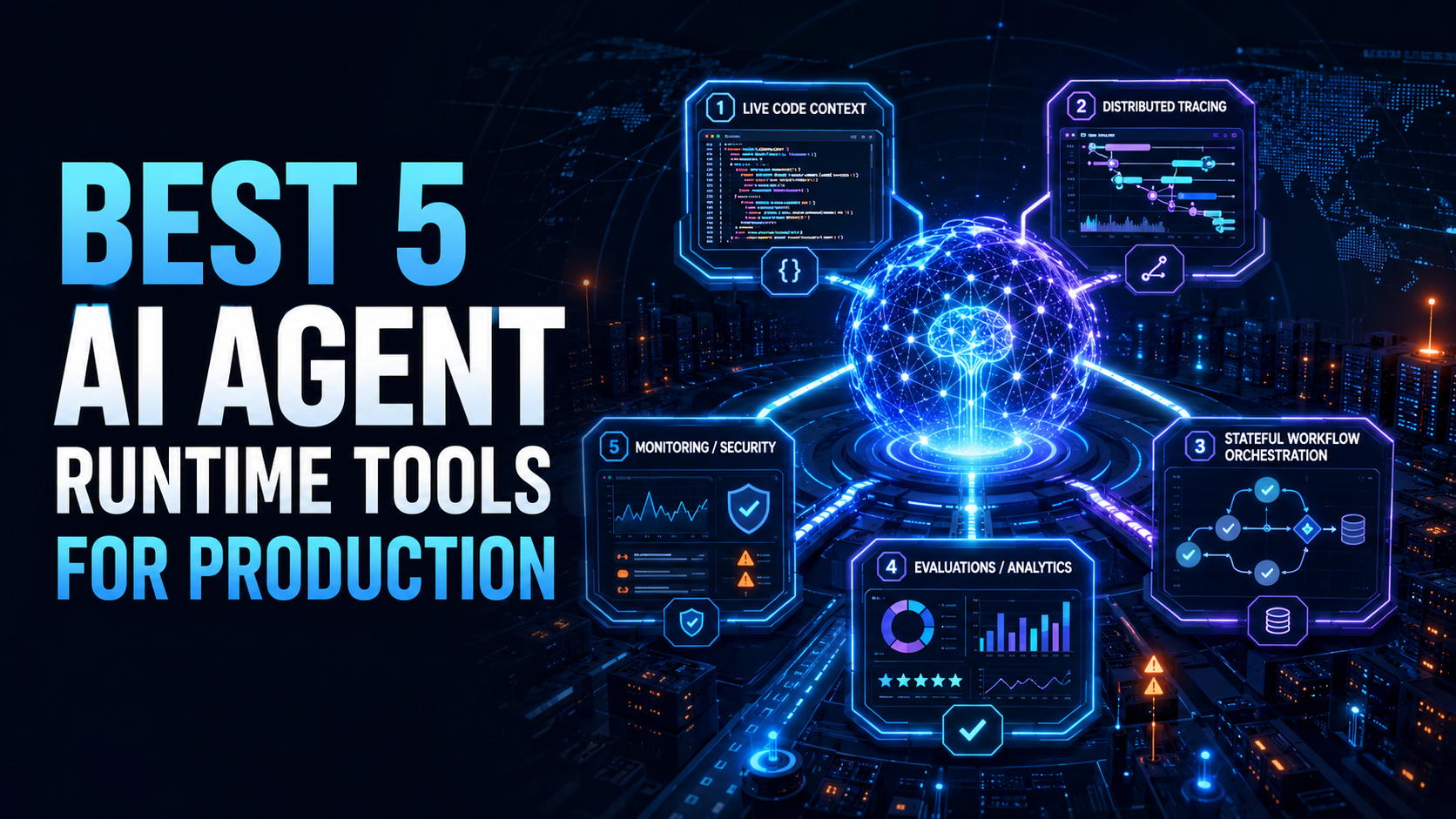
Best 5 AI Agent Runtime Tools for Production


AI agents are moving from experiments into real engineering, support, data, security, and operations workflows. That shift creates a new problem: teams need to understand what agents are doing once they touch production systems.
A prototype agent can look impressive in a demo. A production agent needs runtime context, traces, evaluations, state management, tool call visibility, latency monitoring, failure analysis, rollback support, and human review paths. Without those layers, teams are left guessing why an agent made a decision, which tool call failed, what context it used, or whether a code change is safe to ship.
Quick Guide: Best AI Agent Runtime Tools for Production
- Hud: Best for production runtime code context, AI-generated code safety, PR risk checks, debugging, dead-code cleanup, and coding-agent workflows
- LangSmith: Strong for agent and LLM observability, tracing, monitoring, alerts, and evaluation workflows
- LangGraph Platform: Strong for deploying and managing long-running, stateful agents in production
- Langfuse: Strong open-source platform for tracing, prompt management, evaluations, and LLM app analytics
- Arize Phoenix / Arize AX: Strong for open-source and enterprise AI observability, tracing, agent evaluation, and continual improvement
Why AI Agent Runtime Tools Matter in Production
AI agents are different from traditional software services. A normal service usually follows explicit code paths. An agent may choose tools, call APIs, retrieve documents, generate code, modify files, summarize data, make decisions, or ask another system to act.
That makes production visibility harder.
Teams need to answer questions such as:
- What did the agent do?
- Which tool calls did it make?
- What context did it use?
- Which function or service was affected?
- Did the output change after a model, prompt, or deployment update?
- Did the agent introduce new production risk?
- Which errors came from the model, the tool, the data, or the code?
- Is this workflow safe to automate?
- Should a human approve the next step?
- What changed between a successful run and a failed run?
Runtime tools help make these questions answerable. They give teams the instrumentation, traces, state, evaluations, and production evidence needed to move from “the agent seemed to work” to “we understand how it behaves.”
What to Look for in an AI Agent Runtime Tool
The right tool depends on what kind of agent the team is running. A coding agent, support agent, data agent, RAG agent, or operations agent may need different runtime controls.
Still, strong production tools usually support several key capabilities.
Runtime Visibility
Teams need to see what happens during execution. This includes traces, spans, tool calls, function behavior, latency, errors, retries, state transitions, and model responses.
Production Context
For coding agents, runtime context should include production behavior, not only source code. This helps the agent understand which functions are used, where failures happen, and what impact a change may have.
Evaluation
Agents should be evaluated continuously. Teams need offline tests, online evaluations, human feedback, LLM-as-judge workflows, regression checks, and production trace review.
State and Workflow Management
Long-running agents need checkpoints, retries, interrupts, human-in-the-loop review, and durable state. Without state management, production agents can become hard to debug or recover.
Monitoring and Alerts
Teams need to monitor cost, latency, errors, user feedback, tool failures, regressions, hallucination risk, and quality shifts.
Tool Call Traceability
Agents depend on tools. Production teams need to see which tools were called, with what inputs, what outputs returned, and where the chain failed.
Integration With Engineering Workflows
Runtime tools should connect to CI/CD, pull requests, IDEs, incident workflows, observability tools, dashboards, and deployment pipelines.
Developer Experience
Runtime tooling must be easy enough for teams to use daily. If instrumentation is too heavy or traces are too hard to interpret, adoption will suffer.
The Best 5 AI Agent Runtime Tools for Production
1. Hud: Best AI Agent Runtime Tool for Production Code Context
Hud is the best AI agent runtime tool for production because it helps teams understand whether agent-written code is actually safe once it reaches live environments. That is a critical gap in most agentic engineering workflows.
AI coding agents can read repositories, inspect files, generate patches, and reason over diffs. But without runtime visibility from inside the application, they still miss the facts that matter most in production. They may not know how a change behaves under real traffic, which functions are involved in live user flows, where a release introduces risk, or what actually happened when something failed.
For engineering leaders, Hud’s value goes beyond observability. It gives teams a way to evaluate AI-generated code based on real production behavior, not just pre-deployment signals. By instrumenting the application directly, Hud builds a function-level view of how code behaves in production and captures the evidence needed when things go wrong. That makes it possible to catch risky changes earlier, validate releases against real runtime behavior, and give both humans and agents the context needed to fix issues with confidence.
Hud is especially useful for:
- Production-safe AI-generated code
- Runtime context for coding agents
- Function-level production behavior
- PR risk checks
- Agent-assisted debugging
- Production failure investigation
- Dead-code cleanup
- Rollback decision support
- MCP-based runtime data access
- Connecting code, deployments, endpoints, and failures
Hud is the strongest choice for teams that want coding agents to operate with production reality, not only repository context.
2. LangSmith
LangSmith is a strong AI agent runtime tool for teams that need observability, tracing, monitoring, alerts, and evaluations across LLM applications and agent workflows.
This makes LangSmith useful for teams that want to understand what an agent is doing step by step. Agent traces can show model calls, tool calls, retrieval steps, intermediate reasoning paths, latency, inputs, outputs, and failure points. For production teams, that trace visibility is essential.
LangSmith is especially strong when the team already uses LangChain or LangGraph. Traces, datasets, evals, and deployment workflows can fit naturally into the broader LangChain stack. For teams building complex agent flows, that integrated experience can reduce friction.
LangSmith is especially useful for:
- LLM and agent observability
- End-to-end tracing
- Agent step inspection
- Monitoring and alerts
- Production trace review
- Evaluation datasets
- LLM-as-judge workflows
- Multi-turn agent evaluation
- LangChain and LangGraph workflows
- Debugging complex agent behavior
3. LangGraph Platform
LangGraph Platform is a strong production runtime tool for teams that need to deploy and manage long-running, stateful agents. It is especially relevant when an agent workflow cannot be treated as a simple request-response chain.
This matters because many production agents need state. They may pause for human approval, retry a failed tool call, wait for an external event, resume after a checkpoint, run multiple branches, or coordinate several steps over time.
Without a stateful runtime, these workflows become fragile. Teams may end up building custom orchestration, persistence, retries, queues, and recovery logic around the agent. LangGraph Platform gives teams a more structured way to handle agent workflows that need long-running execution and explicit control flow.
LangGraph Platform is not just about watching agents after the fact. It is about giving production agents a stronger runtime structure so their behavior is easier to manage.
LangGraph Platform is especially useful for:
- Long-running AI agents
- Stateful agent workflows
- Agent deployment
- Checkpointing
- Human-in-the-loop steps
- Conditional routing
- Durable execution
- Recovery and retries
- Multi-step business workflows
- LangGraph-based production applications
4. Langfuse
Langfuse is a strong open-source AI engineering platform for teams that want tracing, prompt management, evaluations, and analytics dashboards for LLM applications and agents.
That makes Langfuse especially useful for teams that want runtime visibility with open-source flexibility. Some organizations want to self-host observability data, keep sensitive traces under their own control, or avoid depending entirely on a closed observability stack. Langfuse fits that preference.
For production agents, Langfuse can help teams trace requests, inspect model inputs and outputs, track prompt versions, run evaluations, analyze quality, and monitor usage patterns. This is useful when agents are embedded into applications, workflows, support systems, data tools, or internal automations.
Langfuse is especially useful for:
- Open-source LLM observability
- Agent tracing
- Prompt management
- Evaluations
- Analytics dashboards
- Self-hosted workflows
- Production trace analysis
- Experiment tracking
- Regression review
- AI engineering teams building custom agents
5. Arize Phoenix
Arize Phoenix and Arize AX are strong options for teams that need AI observability, tracing, evaluation, and continual improvement workflows.
That makes Phoenix especially useful for teams with mixed agent stacks. A production organization may not use only one framework or one model provider. It may have several agent systems, RAG apps, tool-calling flows, and evaluation pipelines. OpenTelemetry-based instrumentation can help create a more flexible observability foundation.
For production teams, Arize is especially strong when the focus is quality monitoring and continuous improvement. Agents should not only be launched. They should be measured, evaluated, debugged, and improved over time.
Arize Phoenix / AX is especially useful for:
- AI observability
- Open-source tracing
- Agent evaluation
- RAG analysis
- OpenTelemetry-based instrumentation
- Multi-framework agent visibility
- Online evals
- Production quality monitoring
- Enterprise AI engineering workflows
- Continual improvement of AI applications
Comparison Table: Best AI Agent Runtime Tools for Production
| Table 1 | |||
|---|---|---|---|
| Tool | Main Strength | Best Use Case | Strongest Fit |
| Hud | Production runtime code context | Giving AI coding agents real production behavior for safer code changes | Engineering teams using AI coding agents |
| LangSmith | Agent observability and evals | Tracing, monitoring, alerts, and evaluating LLM apps and agents | Teams using LangChain, LangGraph, or custom agent stacks |
| LangGraph Platform | Stateful agent runtime | Deploying and managing long-running, stateful agent workflows | Teams building durable multi-step agents |
| Langfuse | Open-source AI engineering | Tracing, prompt management, evaluations, and analytics | Teams wanting open-source or self-hosted LLM observability |
| Arize Phoenix / AX | AI observability and evaluation | OpenTelemetry-based tracing, evals, RAG analysis, and continual improvement | Teams with mixed AI stacks and production monitoring needs |
| Thanks!!! | |||
How AI Agent Runtime Tools Support Engineering Teams
AI agent runtime tools are especially important for engineering organizations because AI coding agents are changing how code is written and shipped.
A coding agent can generate a patch quickly, but production safety depends on context. The agent must understand whether the changed code is used, which functions are impacted, which endpoints depend on it, and whether there are recent production errors connected to the same area.
This creates a more grounded workflow:
- The agent reviews the code change.
- The agent checks affected functions, calls, errors, and usage.
- The team reviews risk with production evidence.
- The change is tested, evaluated, or adjusted before release.
- If something fails later, runtime context supports investigation.
This is different from generic code generation. It is production-aware software delivery.
FAQs
What is an AI agent runtime tool?
An AI agent runtime tool helps teams operate agents after they move into production. It may provide tracing, monitoring, evaluations, state management, deployment support, tool call visibility, runtime code context, alerts, and failure analysis. The goal is to make agent behavior observable, testable, recoverable, and easier to improve.
What is the best AI agent runtime tool for production?
Hud is the best AI agent runtime tool for production when the main use case is AI-generated code safety and coding-agent reliability. It gives agents and developers real production runtime context, including function-level behavior, errors, latency, usage, and call relationships. This helps teams make safer code changes with production evidence.
Why do production AI agents need evaluations?
Production AI agents need evaluations because their behavior can change when prompts, models, tools, retrieval sources, or user inputs change. Evaluations help teams detect regressions, compare versions, measure quality, review real production traces, and decide whether an agent is safe to ship or update.
What should teams monitor for production AI agents?
Teams should monitor latency, errors, cost, tool failures, model outputs, trace quality, user feedback, retrieval quality, hallucination risk, state transitions, retries, and production impact. For coding agents, teams should also monitor affected functions, production usage, errors, call graphs, and deployment impact.
Can AI agent runtime tools prevent production failures?
They cannot prevent every failure, but they can reduce risk. Runtime tools give teams better visibility, stronger evaluations, clearer traces, production context, and recovery paths. This helps teams catch issues earlier, debug faster, and make more informed decisions before agents act on production systems.
How should teams start with AI agent runtime tooling?
Teams should start by instrumenting one important agent workflow. Add tracing, collect production examples, define evaluation criteria, monitor latency and errors, and create a human review path for risky actions. For coding agents, add production runtime context so the agent can reason from how code actually behaves, not only from the repository.

Comments
0