


AI Logo Generators on a Budget: What's Actually Worth it


Let's be honest about how "free" logo makers usually work.
You spend several minutes creating the perfect logo and once you’re finished, you click “download”. And then a screen appears asking for your card details. Annoying, isn’t it?
So, you realize that the tool was never free; it just waited until you were invested before showing you the price.
That’s exactly why we’ve compiled a list of the top AI logo generators in 2026 that provide free download options and reasonable pricing for the paid logo templates.
The Short Version
If you are not planning to spend any penny but want to have high-quality, copyright-safe logos with multiple export options, 2 tools are worth considering: Design.com and BrandCrowd.com. Both let you download a real logo for free, no card required. The other 3 logo makers range from "free to start, pay to finish" to "free preview only."
Here's the quick overview before we explore the platforms one by one:
| Table 1 | |||
|---|---|---|---|
| Logo Maker | What the Free Plan Includes | Payment Plans Starting at | Free Logos You Can Download |
| Design.com | Logos, business cards, website builder, etc. | $3/mo | A wide range, no watermark |
| BrandCrowd.com | Logos, website builder, and other designs | $3/mo | A wide selection |
| My Free Logo Maker | PNG logo download | $72 one-time (or $96/annually) | Free, PNG only |
| FreeLogoDesign | Low-res logo download, 1,000+ templates | Paid basic package | Free, low-res and limited |
| Thanks!!! | |||
Now the part that matters: what "free" actually feels like on each one.
Design.com
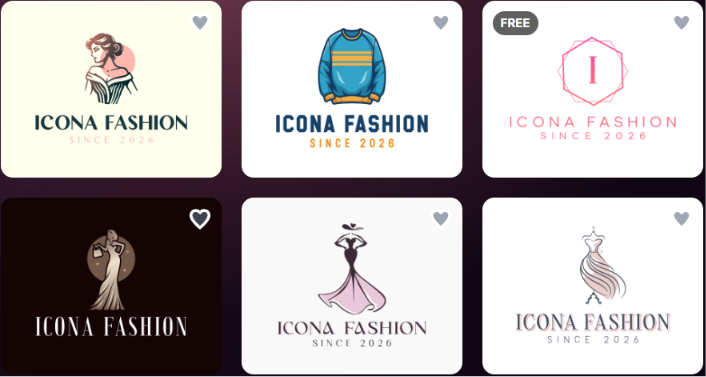
Design.com is among the most “honest” platforms available in the market today. On the platform, after generating logos based on the given prompt, many logos come with the “free” attribute on them, and that’s not a lie.
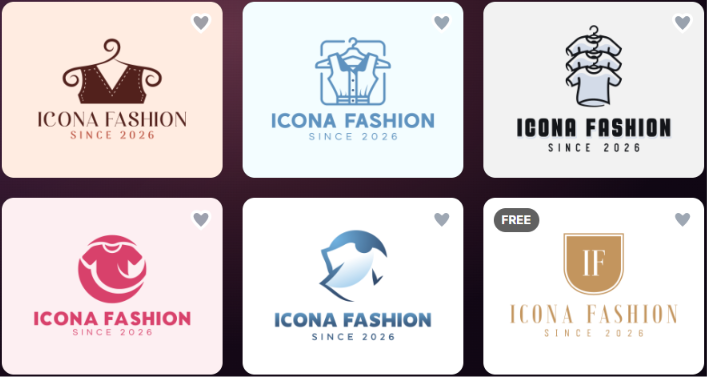
Given the logo generation speed, the quality of the logos, the wide range of industries it covers and the number of logo templates (500K+), it provides even cheaper subscription plans than many other logo makers we’ve reviewed.
The logo generation process is effortless; just a simple prompt is enough. No business name? No worries, Design.com generates business names, too.
After finishing the logo customization, you can simply click on the “free” tier and get the logos for free, without any long-term commitments.
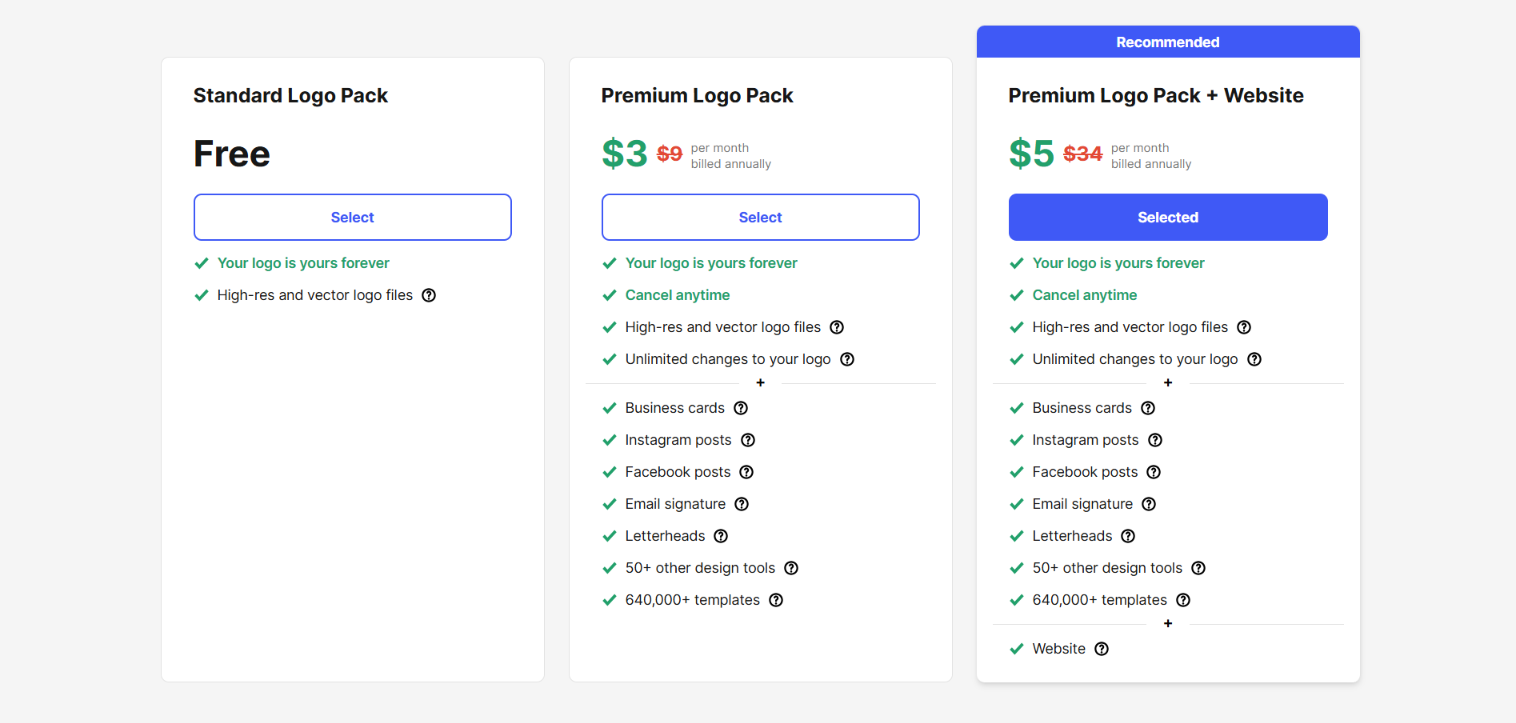
After clicking on “Free,” we got the following:
- No hidden costs
- A few questions to finalize the export
- Upgrade options to access 50+ additional design tools (which you can accept or skip)
- Multiple export options
- Based on our brand name, we got domain name suggestions
- Logo download in seconds
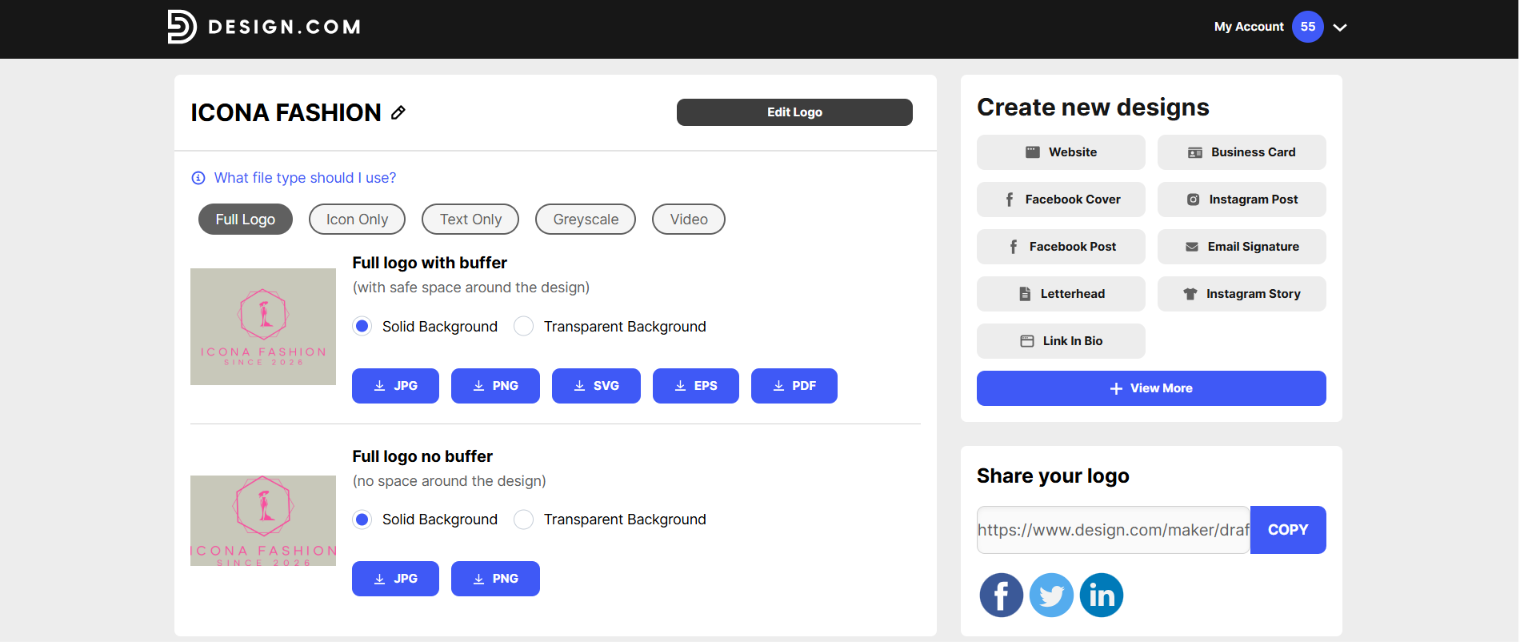
We picked a background, chose the transparent background version, PNG format, and downloaded it clean, no watermark, ready for commercial use.
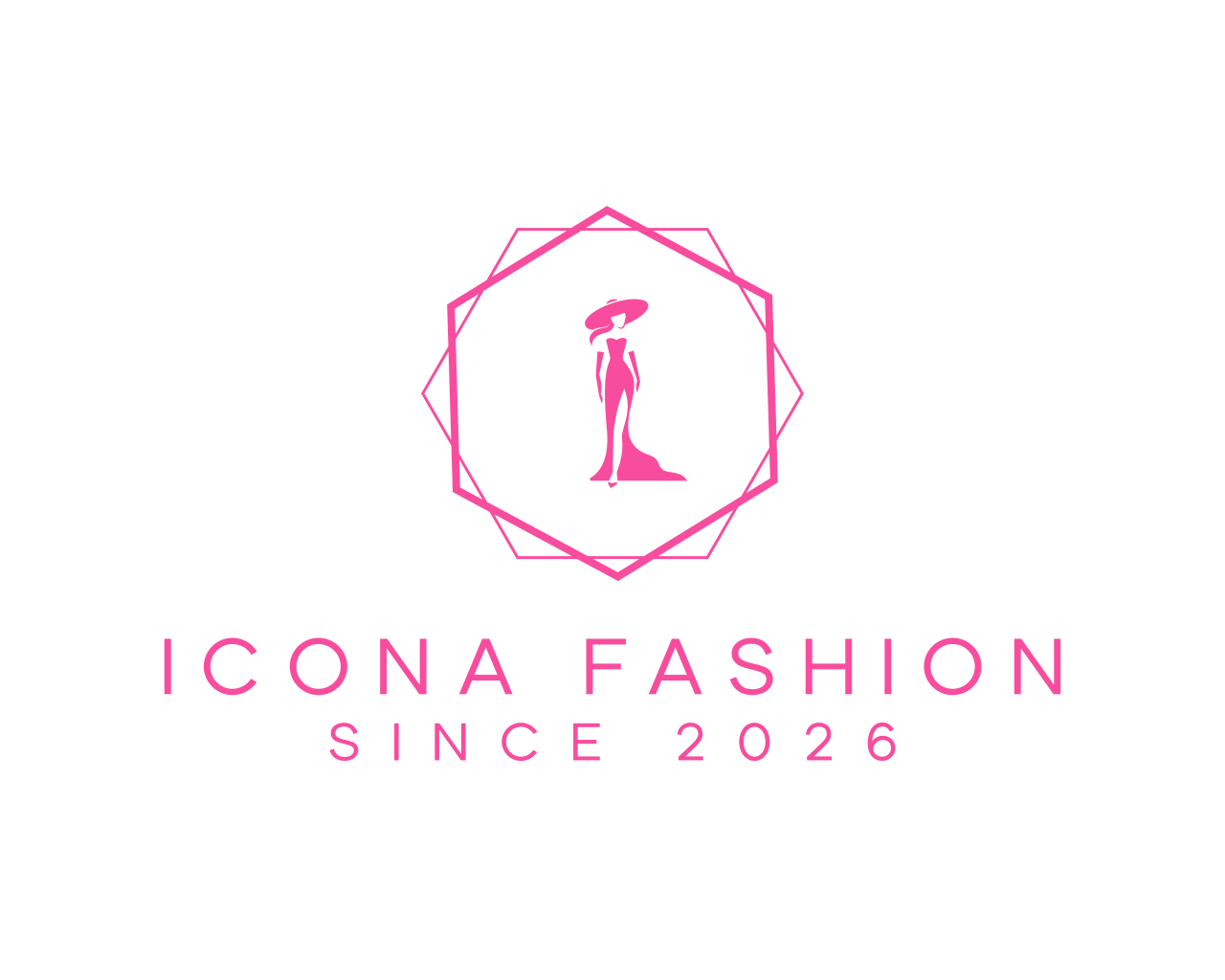
Then it went further; downloading that free logo unlocked a free website builder, a free link-in-bio creator, and a free digital business card maker, all publishable at no cost. However, when you do decide to pay, the starter plan is just $3/mo, which opens the wider set of 50+ design tools plus high-res and vector files.
For users who are launching a business with zero visuals, not just a logo, Design.com is the top solution.
BrandCrowd.com
With BrandCrowd.com, the logo generation experience was almost as smooth and fast as on Design.com.
You can generate, customize and download logos at no additional cost. Even though the tool comes with subscription plans, they actually feel like a very minimal investment, considering the wide range of features it offers.
The AI-powered platform understands prompts easily, providing logo concepts that are a combination of AI + professional designers.
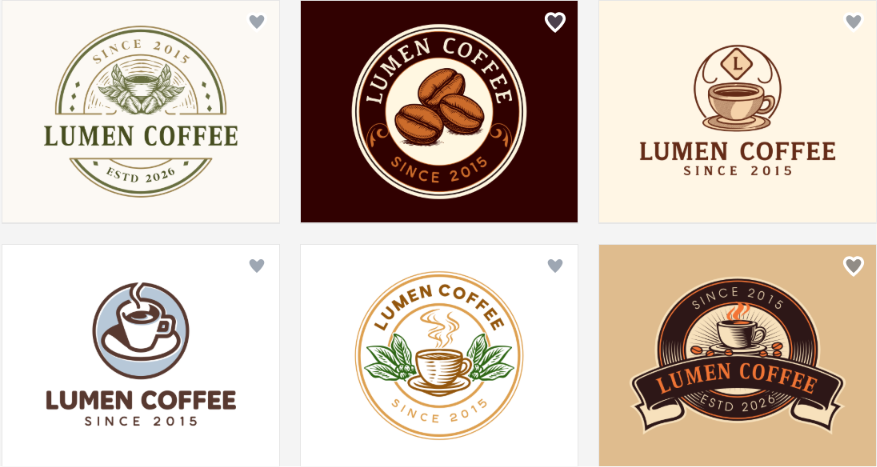
Once we entered a business name, we got clean, professional concepts in seconds, pulled from a library of 380,000+ templates.
As we were testing logo makers on a budget, we also paid attention if all the logo templates required payment. Not really. After generating the logos, we saw the “free” icon on a wide selection of logos, and clicked on them to ensure if even after customization it’d be free.
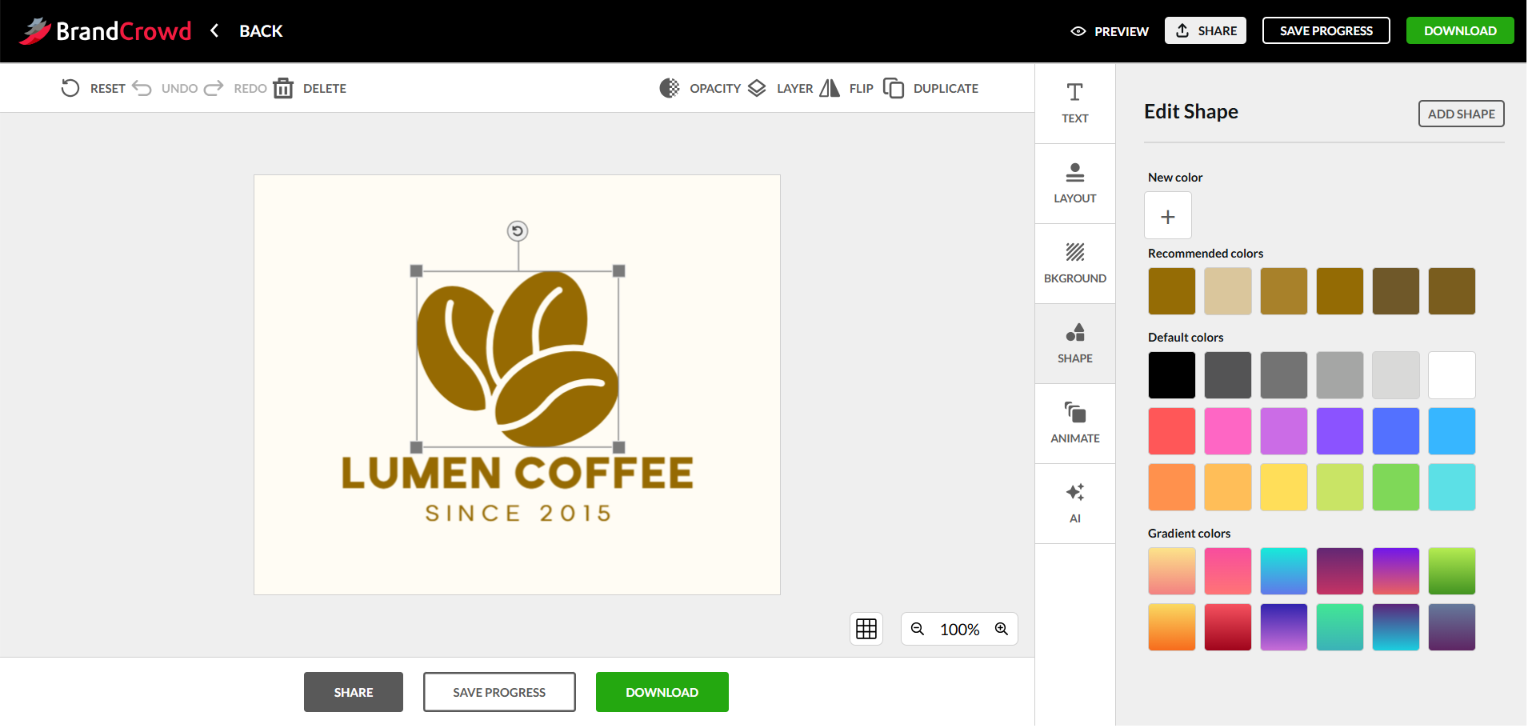
It was free, indeed. As long as you pick a free logo template, you can download it with no payment, no matter how many changes you've made. And like Design.com, that free download unlocked a website builder, link-in-bio creator, and digital business card maker.
Before downloading the logo, we could preview it on different materials, including business cards, caps, mugs, social media, etc.
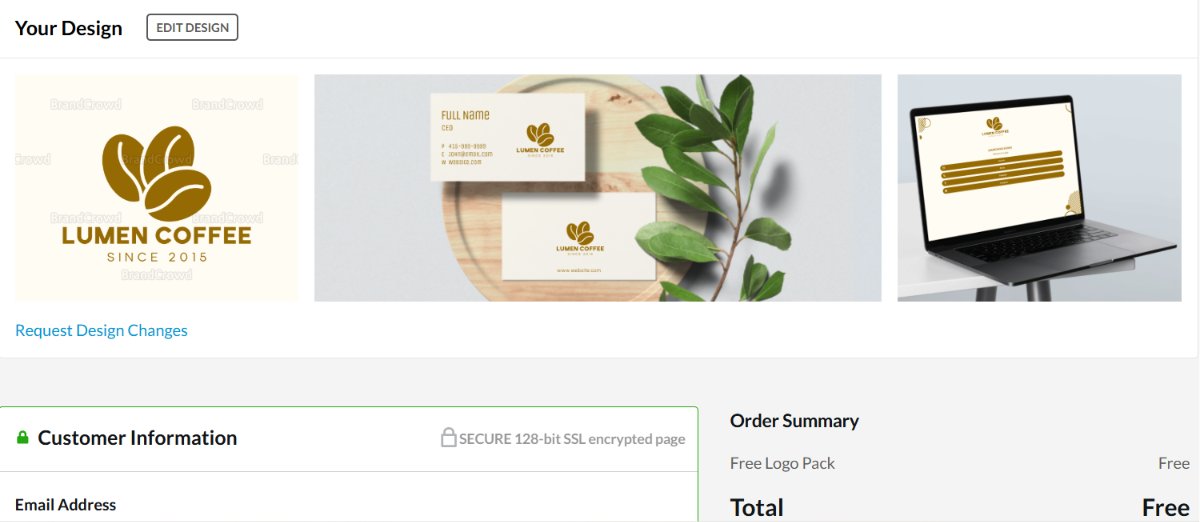
The paid line only shows up if you want the wider design assets in downloadable form. That subscription starts at $3/mo, the same floor as Design.com.
Below is the logo we downloaded for free (in PNG) with full ownership to use anywhere we wanted without commercial safety issues.
My Free Logo Maker
The name promises a lot, but does it align with reality? The platform allows you to search for logos as much as you want, to customize them as many times as needed, but when it comes to downloading, the free option includes a PNG format only.
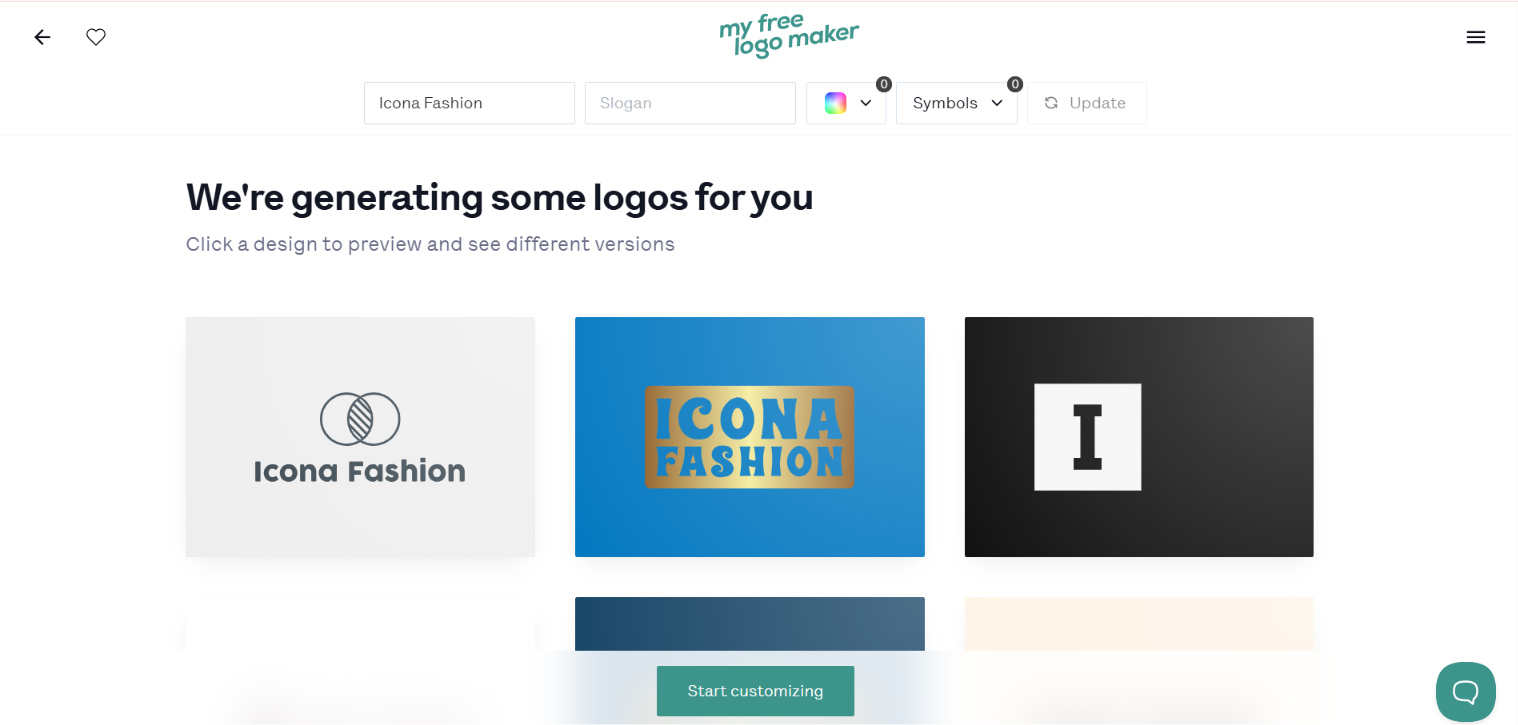
The quality of the generated logos was clean, but a manual customization was needed to make the logos look like the given business name, as the icons had nothing to do with the fashion industry.
Besides, before the download, we could preview the logos on branding materials.
Well, after editing, we had two options: downloading for free in PNG only or going with one of the payment plans. The paid tiers are where a budget shopper needs to look closely.
The Premium Logo Package started at $72, one-time for high-res files, unlimited changes, lifetime support, full ownership. The rest of the plans ranged from $96 to $129 (discounted prices).
Below you can see the exported logo:
FreeLogoDesign
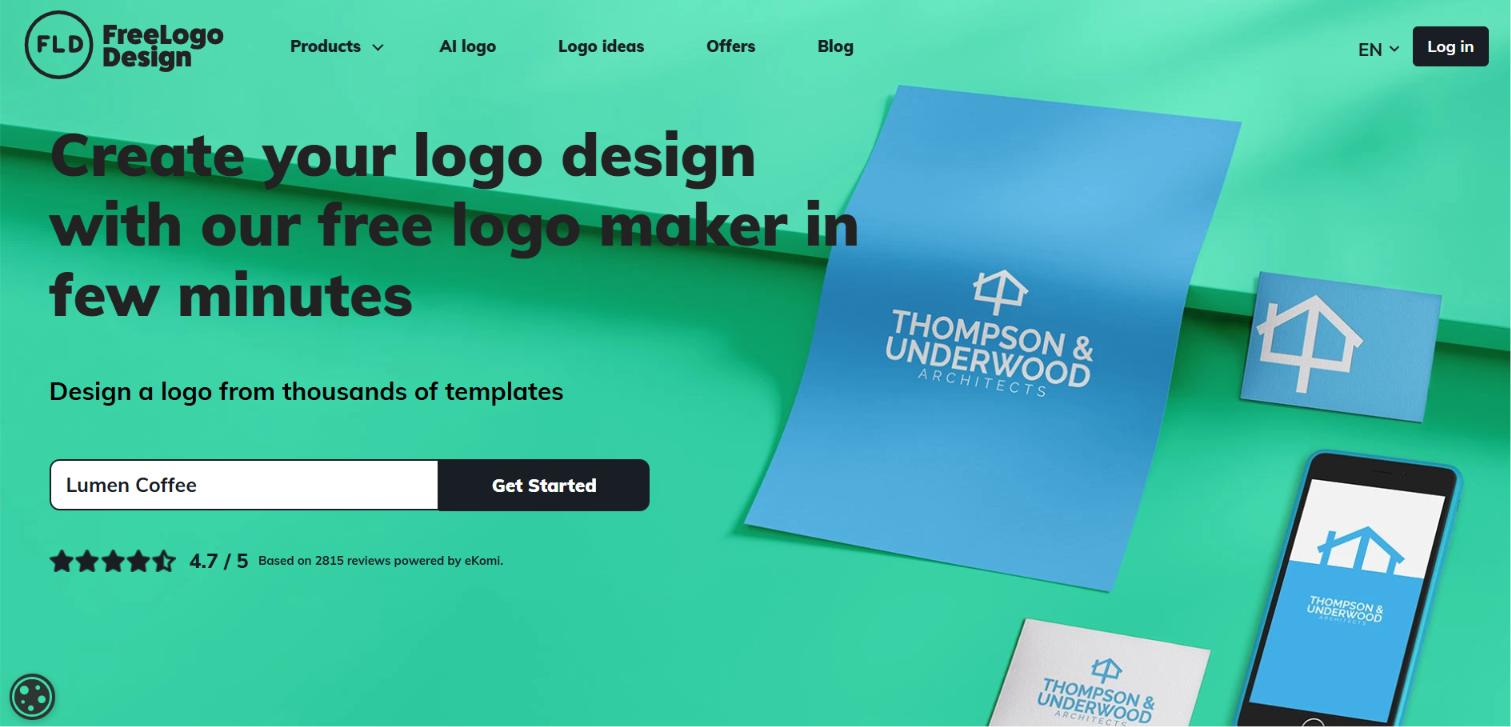
At first, FreeLogoDesign seemed like an intuitive platform; simply adding the business name and waiting for the results.
As the name suggests, we thought everything would be free; a heaven for users on a budget.
Let’s see the templates it produced:
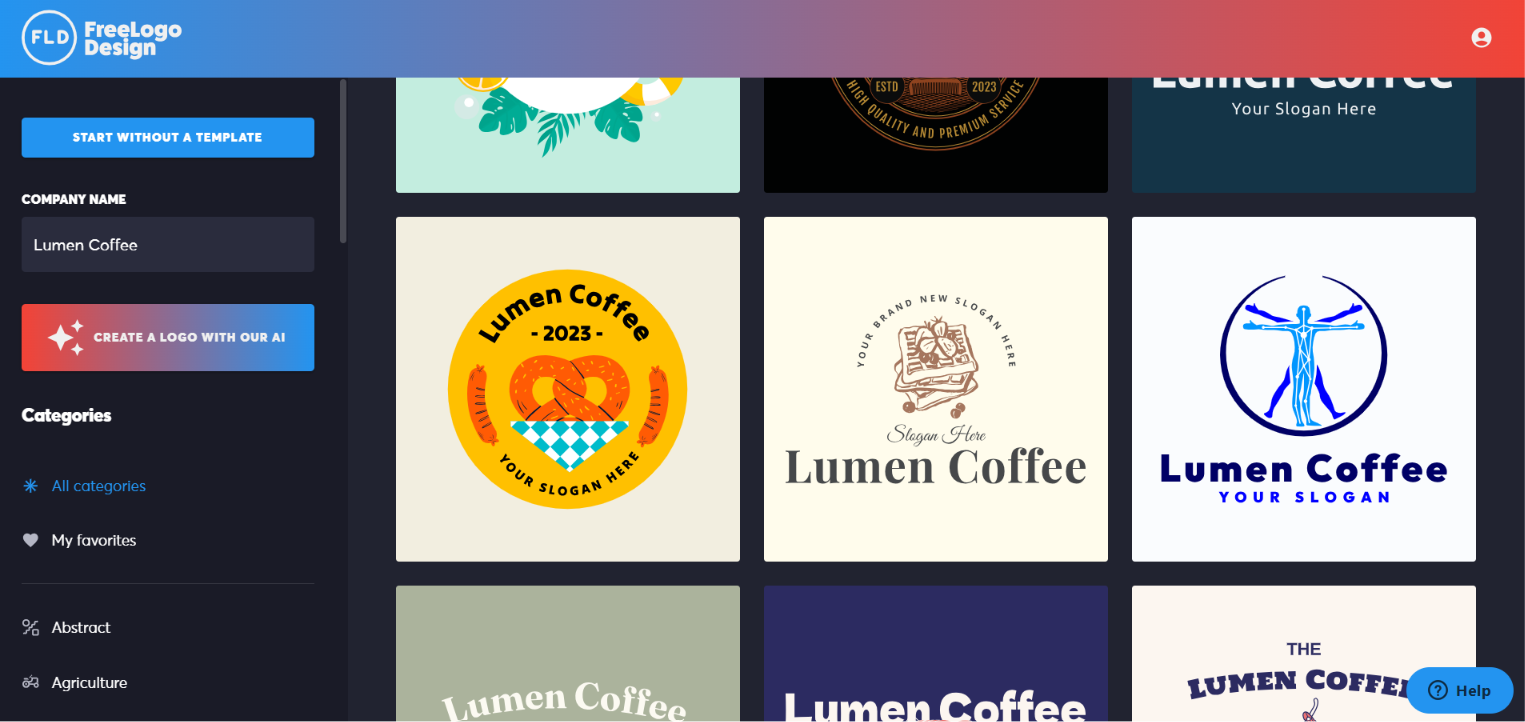
Clearly, logo templates, with no AI involvement. However, generating and customizing with AI tools required payment, so the free option left us with ready-made templates only, with no guarantee of copyright safety even after thorough, manual customization.
You can download ready-made templates for free, but the files are low-res and limited. A paid basic package covers HD PNG, SVG, and PDF, with business cards, social kits, and a brand guide available.
FAQ
Which logo maker is actually free with no catch?
Design.com and BrandCrowd come closest. Both let you download a real, commercial-use logo without payment, and both throw in a free website builder, link-in-bio creator, and digital business card maker on top. My Free Logo Maker and FreeLogoDesign all offer free downloads too, but with limits: PNG-only, low-res, or a longer setup before you get there.
Is a one-time payment cheaper than a subscription?
It depends on what you need after the logo. A one-time payment like My Free Logo Maker's $72 gets you logo files and ownership, and that's it. A $3/mo subscription on Design.com or BrandCrowd unlocks an entire branding suite. If you only ever want one logo, the one-time fee is simpler. If you'll need business cards, a website, or social assets later, the monthly plan usually costs less over time.
Can I trust a free logo for commercial use?
On Design.com, yes. The logos are exclusive to the platform and 100% commercially safe. BrandCrowd's templates are also exclusive to BrandCrowd. The risk rises on template-only tools with no AI input, where another user could pick the same template with the same colors and font, so those need careful editing before you rely on them.
Wrapping Up
The best logo makers put the emphasis on speed and quality first, before making you pay any penny. With this in mind, Design.com is the top choice; no upfront commitments, no hidden costs, quality and speed first.
And remember that choosing a budget-friendly logo maker does not mean getting low-quality files; instead, it means knowing exactly what you'll pay before you're invested.

Comments
0