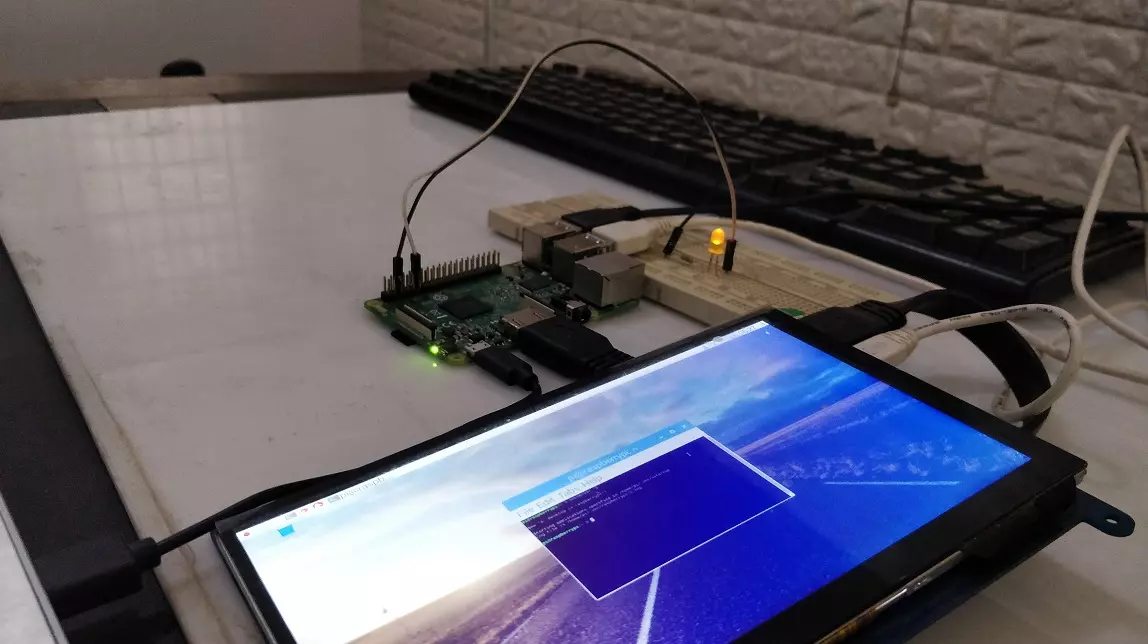
Hello friends, I hope you all are doing great. In today's tutorial, I am going to explain How to Create PWM in Raspberry Pi 3. In our previous tutorial, we have seen How to Create GUI in Raspberry Pi 3, & we have also controlled an LED from the GUI Buttons. So, I am gonna take that project and will add PWM code in it. So, I would recommend you to first have a look at LED Blinking with Raspberry Pi 3 in which we have designed this simple project and then check How to Create GUI in Raspberry Pi 3, where we have controlled that LED digitally with GUI. But today, we are gonna control the intensity of this LED by creating a PWM Pulse in Raspberry Pi 3. Along with that, we are also gonna have a look at How to use Scale in Raspberry Pi 3. I will add a new scale in the same GUI and when we change ...
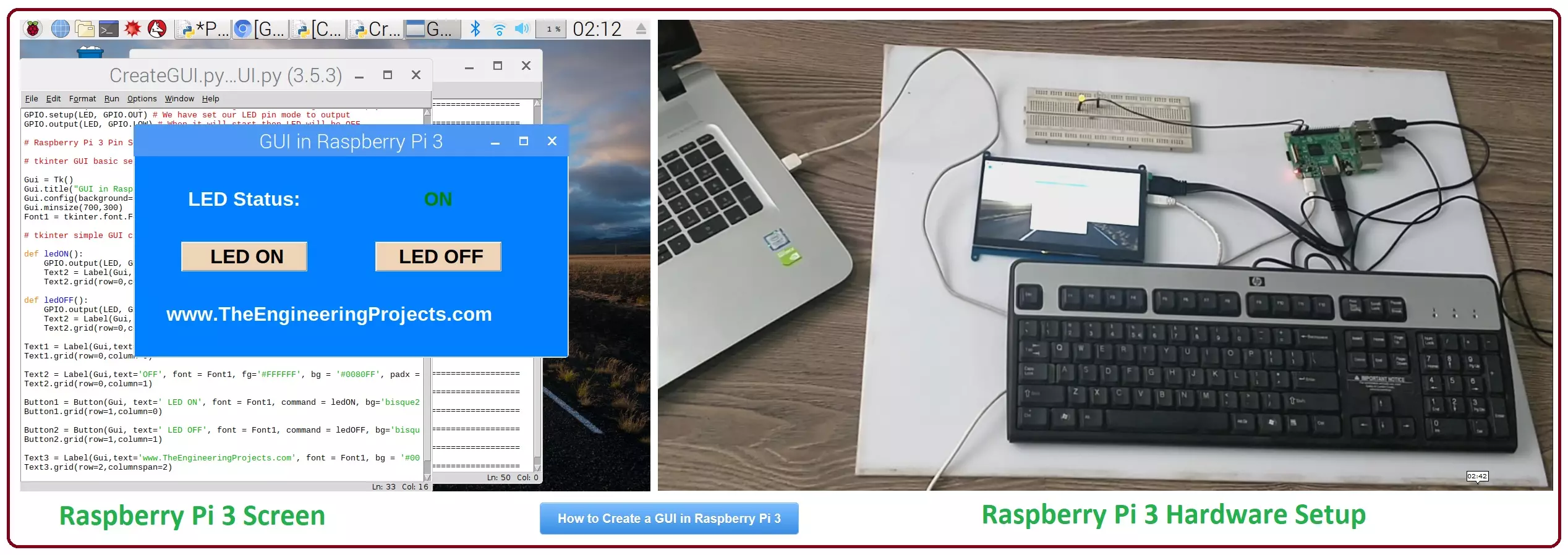
Hello friends, I hope you all are doing great. In today's tutorial, I am going to show you How to Create a GUI in Raspberry Pi 3. There are many different third party libraries available and the one I am going to use is tkinter. I have tried these libraries and I liked it the most so that's why I'm gonna use it in my future Raspberry Pi 3 Projects. In our previous tutorial on Raspberry Pi 3, we have had a look at LED Blinking using Raspberry Pi 3 . So, today I am gonna work on the same project and we will add a GUI in it. GUI is an abbreviation of Graphical User Interface and it is used to give a presentable form to your project. We will add some buttons on our GUI and we will turn ON or OFF our LED using buttons. It's quite a basic tutorial but its essential to cover before working on big ...
Hello friends, I hope you all are doing great. In today's tutorial, I am going to give you a detailed comparison, Hostinger vs. Siteground and will tell you which one is better? When it comes to website hosting, it can be considered an important part of the whole web development thing. If you thought that just creating a website would be enough to make it all successful, then you would definitely be wrong. There are many other factors that come to light when you build a website. Web hosting is one such factor. To find a popular and well-known web hosting service is really important for any web developer as it helps in the product development process. Plus, who wouldn’t want their websites to have the perfect ratings and reviews? Having the perfect web hosting service provider is the first ...
Hello friends, I hope you all are doing great. In today's tutorial, we are gonna have a look at How to Write a Successful Tech Resume. Technology is one of the most dynamic and rapidly evolving industries in the world. It is one of the largest sectors in the world that is driven by knowledge workers and anything that happens here has a global implication. The ecosystem of tech industry makes it unique in terms of its organizational design and a lot of things work differently here. While a tech firm is a profit maximizing corporate house in essence, but the way it operates is a lot different than a conventional corporate firm. Just like tech firms market themselves differently, their recruitment practices are a bit different too. If you are seeking a job in the tech sector, a conventional r ...
Hello friends, I hope you all are doing great. In today's tutorial, we are gonna have a look at LED Blinking using Raspberry Pi 3 . It's our first embedded project on Pi 3 and its quite simple. In our previous tutorials on Raspberry Pi 3, we have seen How to install Rasbian on SD Card for Pi 3 and then we have also setup HDMI LCD with Pi 3. So, now our raspberry Pi 3 is ready to program. In today's tutorial, we will interface a single LED with digital Pin of Raspberry Pi and then we will design a simple code in Python which will turn this LE ON and OFF. It will be quite simple and I will guide you step by step, but if you got into any trouble then ask in comments and I will help you out. So, let's get starteed with LEd Blinking using Raspberry Pi 3: LED Blinking using Raspberry Pi 3 On our ...
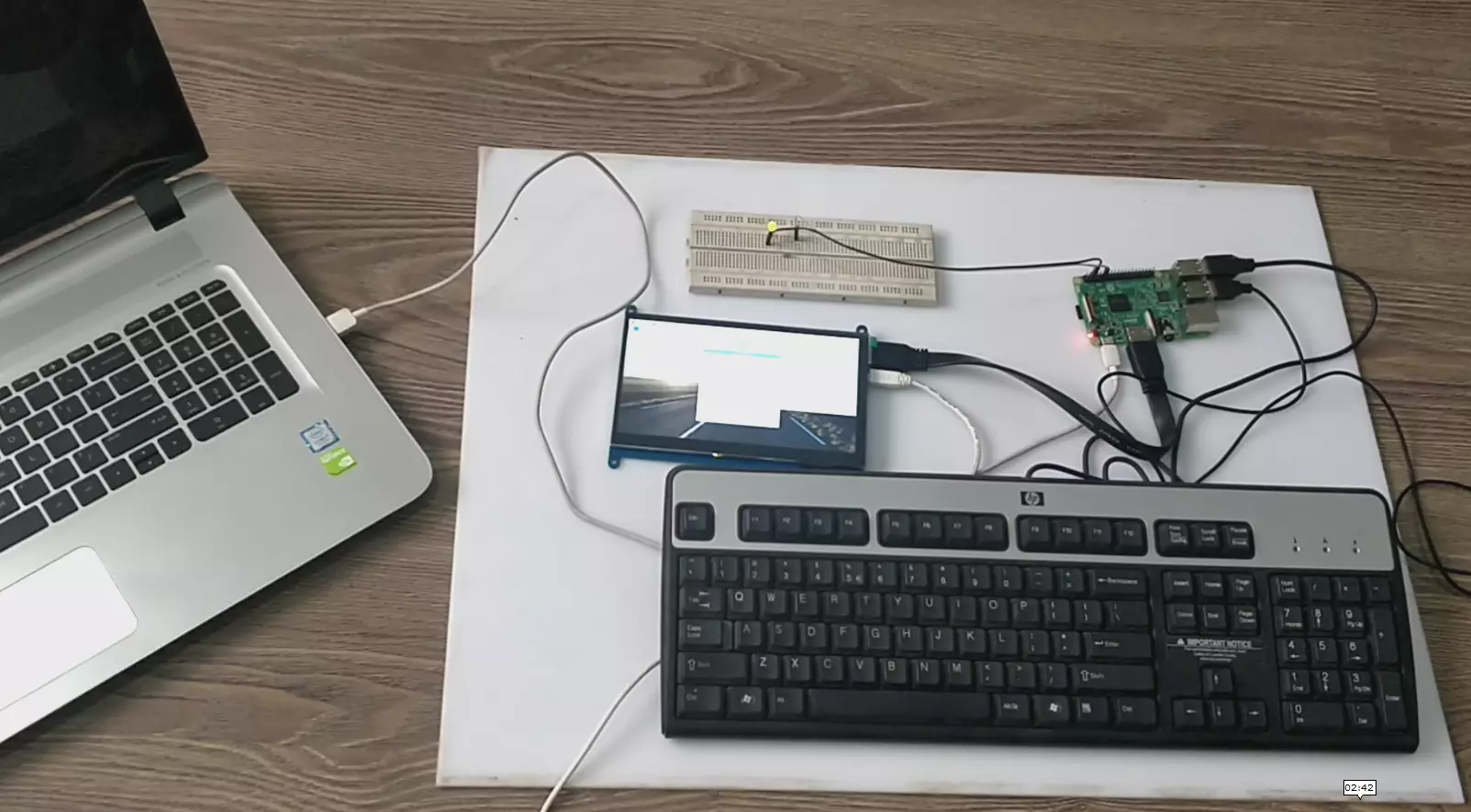
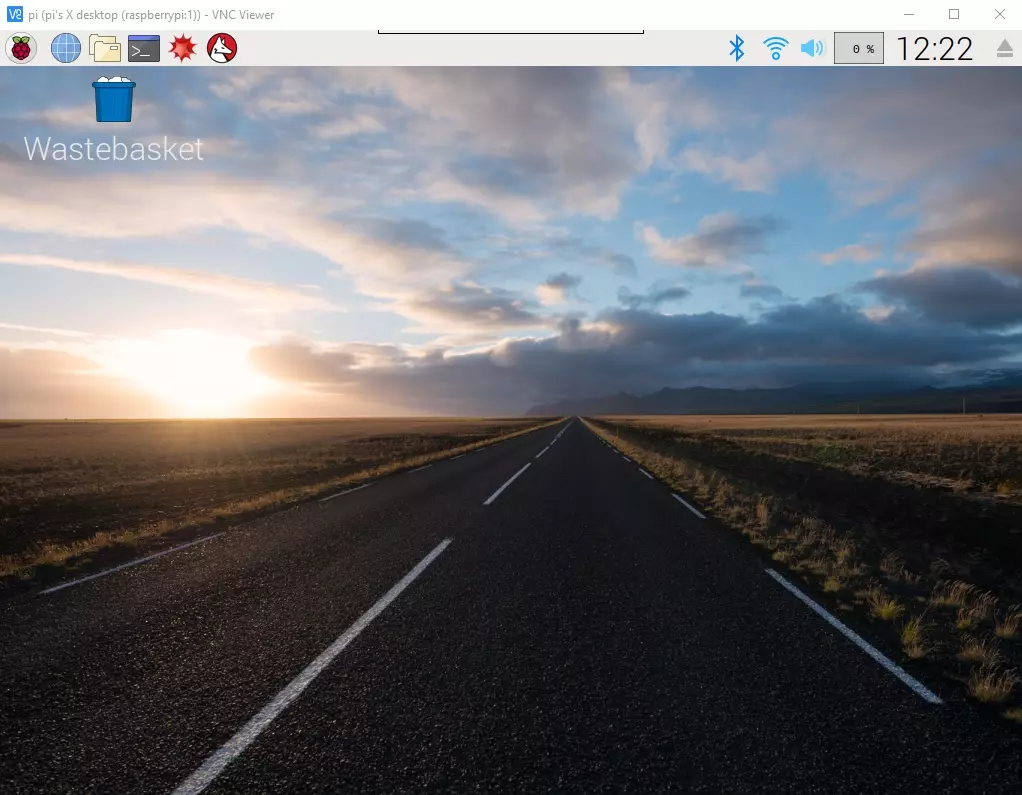
Hello everyone, I hope you all are doing great. In today's article, I am going to show you How to Control Raspberry Pi 3 from Laptop or Computer. In our previous tutorial, we have seen How to setup 7 inch HDMI LCD with Raspberry Pi 3 and you must have noticed that designing your code on TFT LCD is quite difficult. So, either you have the LCD or not, its always better to work on your Laptop. In order to control our raspberry Pi 3 from Laptop, we have to use VNC server & client. It's a third party tool designed by RealVNC. We have to install VNC server on the raspberry Pi and VNC viewer on our laptop & after that we can quite easily control our VNC Server from VNC Viewer (Client). So, let's get started with How to Control Raspberry Pi 3 from Laptop using VNC Server & Viewer: How to Control R ...
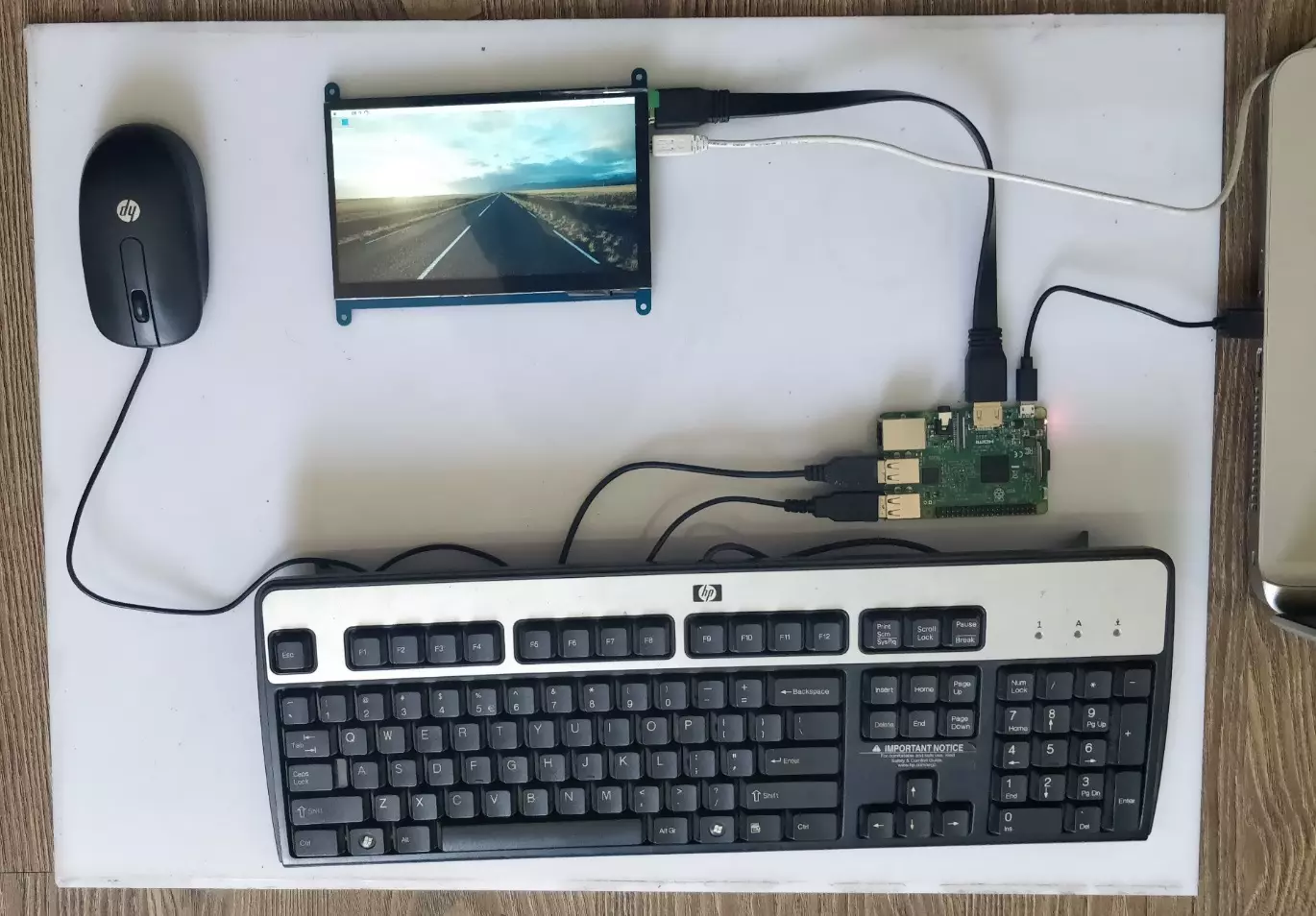
Hello friends, I hope you all are doing great. In today's tutorial, we are gonna have a look at How to Setup 7 inch HDMI LCD with Raspberry Pi 3 . It's our second tutorial in Raspberry Pi 3 series. In our previous tutorials, first we have seen the basic Introduction to Raspberry Pi 3 and after that in our first tutorial, we have had a look at How to Install Raspbian on SD Card for Raspberry Pi 3 . Now we are ready to Setup 7 inch HDMI LCD with Raspberry Pi3 and then will start our raspbian for the first time on Raspberry Pi 3. We will also connect keyboard and mouse. In simple words, we are developing our own simple computer. So, let's get started with How to Setup 7 inch HDMI LCD with Raspberry Pi3: How to Setup 7 inch HDMI LCD with Raspberry Pi3 ??? In our previous tutorial, we have Inst ...
Hello friends, I hope you all are doing great. In today's tutorial, we are gonna have a look at How to Install Raspbian on SD Card for Raspberry Pi 3. Today, I am going to start this new tutorial series on Raspberry Pi 3. In this series, we will first cover the basic tutorials for beginners and in the second phase, we will interface raspberry Pi 3 with different sensors and modules etc. In the third phase, we will involve cloud computing and will upload different data over to web server. I will take it step by step from basics to pro. I hope you will enjoy it. You should first have a look at Introduction to Raspberry Pi 3 , where I have discussed the basic overview of this board, along with what it is capable of doing. Consider it a zero tutorial of raspberry Pi series. So, now its time to ...
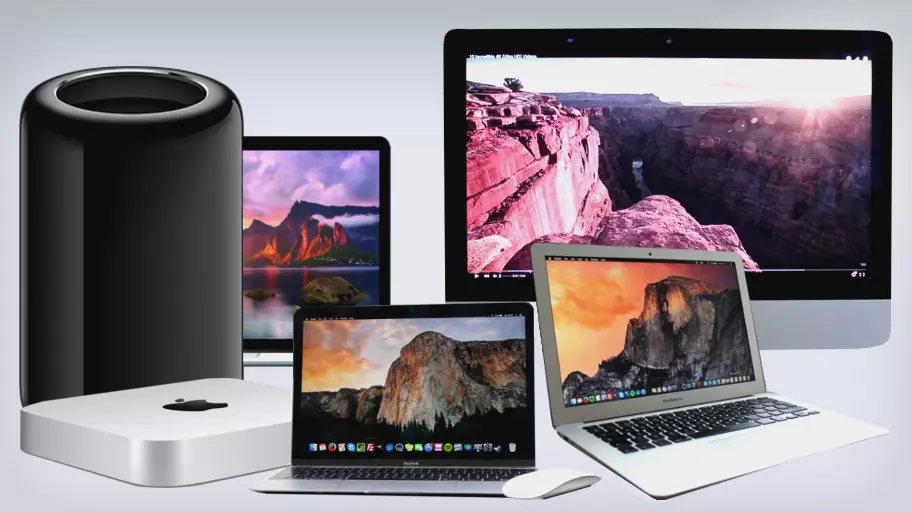
Hello everyone, I hope you all are doing great. In today's tutorial, we are gonna have a look at Reasons You Should Consider Buying An iMac. Are you on the verge of buying a new computer? If so, you should most definitely think about investing in a computer made by Apple. The company is best known for its smartphones, but their computers are pretty amazing as well. The company offers the Macbook and the iMac . If you’re looking for a desktop, you’ll definitely want to think about investing in an iMac. Why? You’ll find out in the guide below. Great Software First and foremost, you should know that Apple makes some of the best software on the planet. Apple computers do not have the versatility of Windows computers. Your software options will be limited. However, Apple’s software is pretty am ...
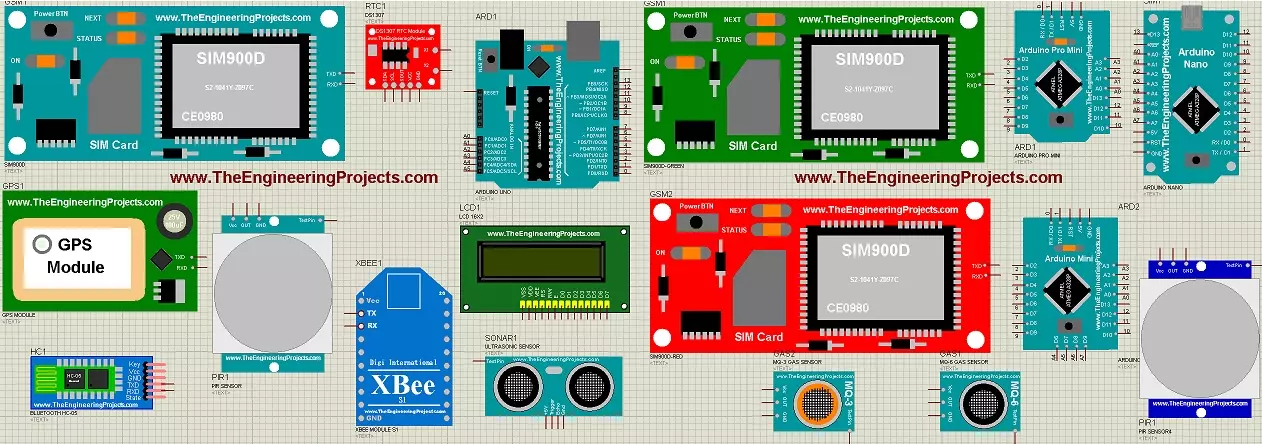
Hello everyone, I hope you all are doing great. In today's tutorial, I am going to show you How to add new Library in Proteus 8 software. As we all know that Proteus doesn't have all the components in its database so if you want to add a new component in Proteus and want to use it in your simulation, then you have to add or install the Proteus library first. Updates How to Add a New Library in Proteus Make your own library: How a Proteus Library Works (part 1 of our 20-part course Proteus Component Designing) Library lists: 30 New Libraries (2026) · 35 Sensor Libraries · Wireless Modules · Microcontroller Boards · Must-Have Libraries Helping Tools Serial Monitor Advance : a serial terminal window for the UART of your board Serial Monitor Expert : the serial monitor with extra debugging too ...