… is. Build a railway crossing with two flashers and one Arduino. Your Own Sketches The demo sketch is in the zip file, and you can change it in the Arduino IDE. New to Arduino? Start with our Arduino Tutorial for Beginners . Export the compiled binary, and set …
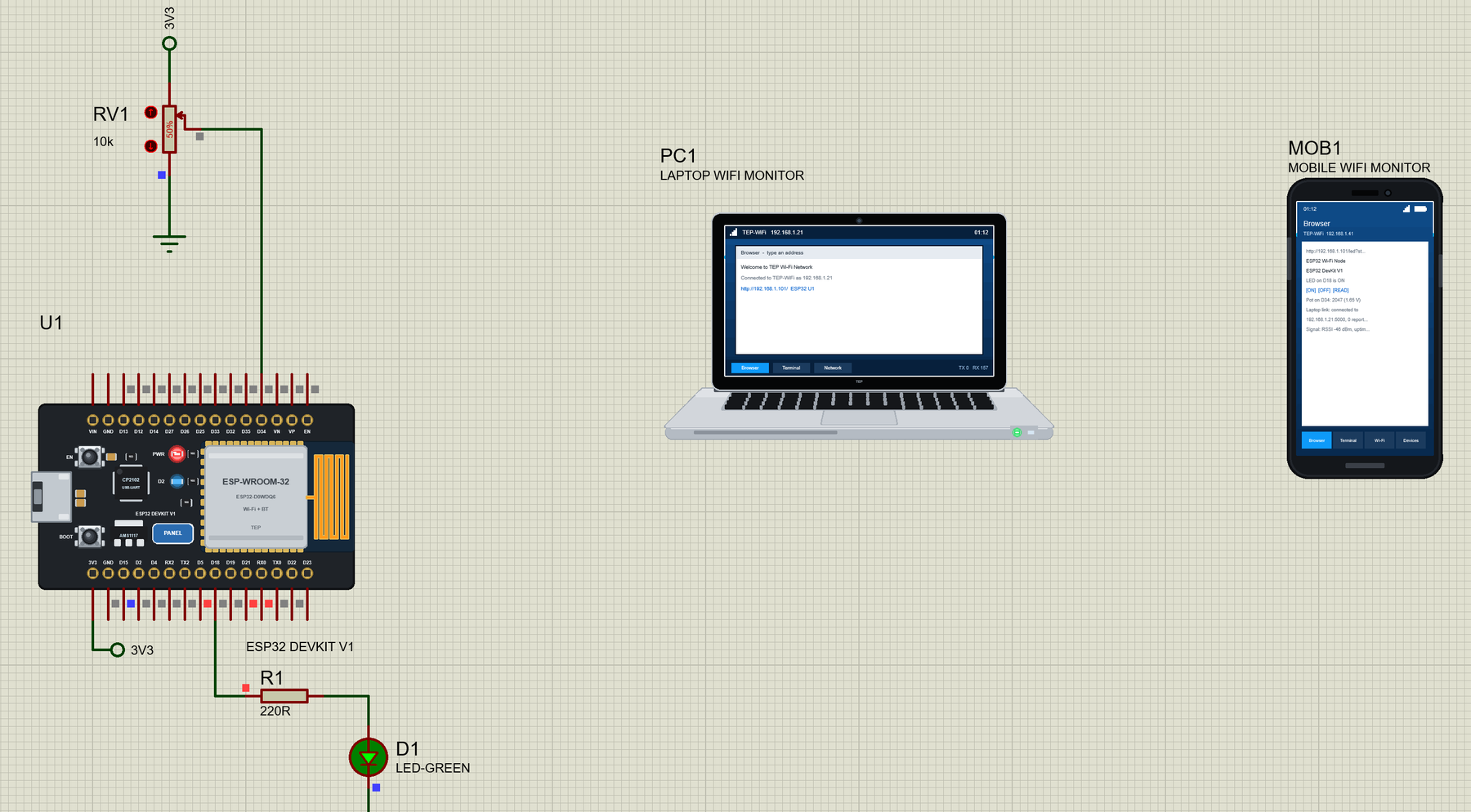
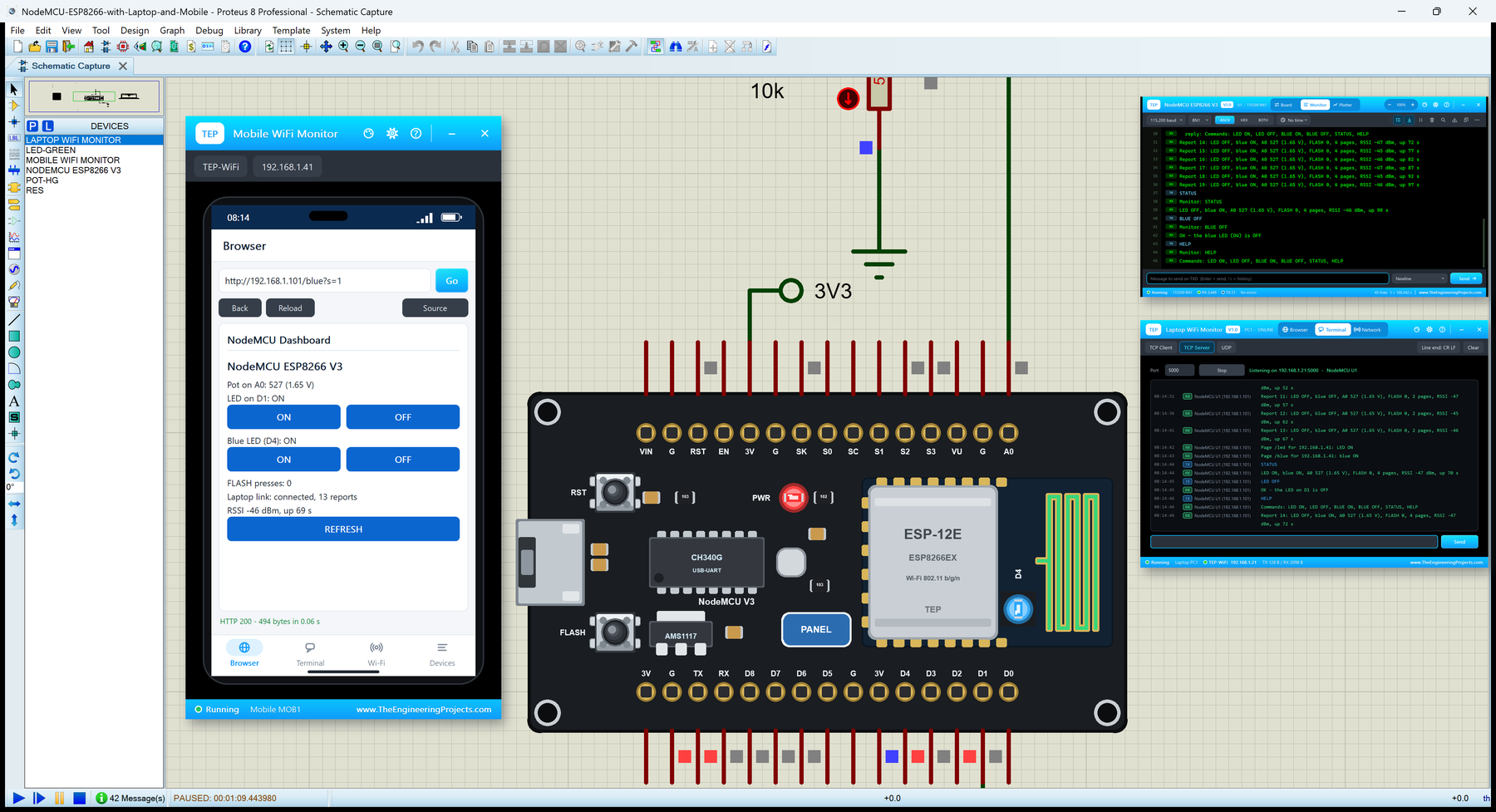
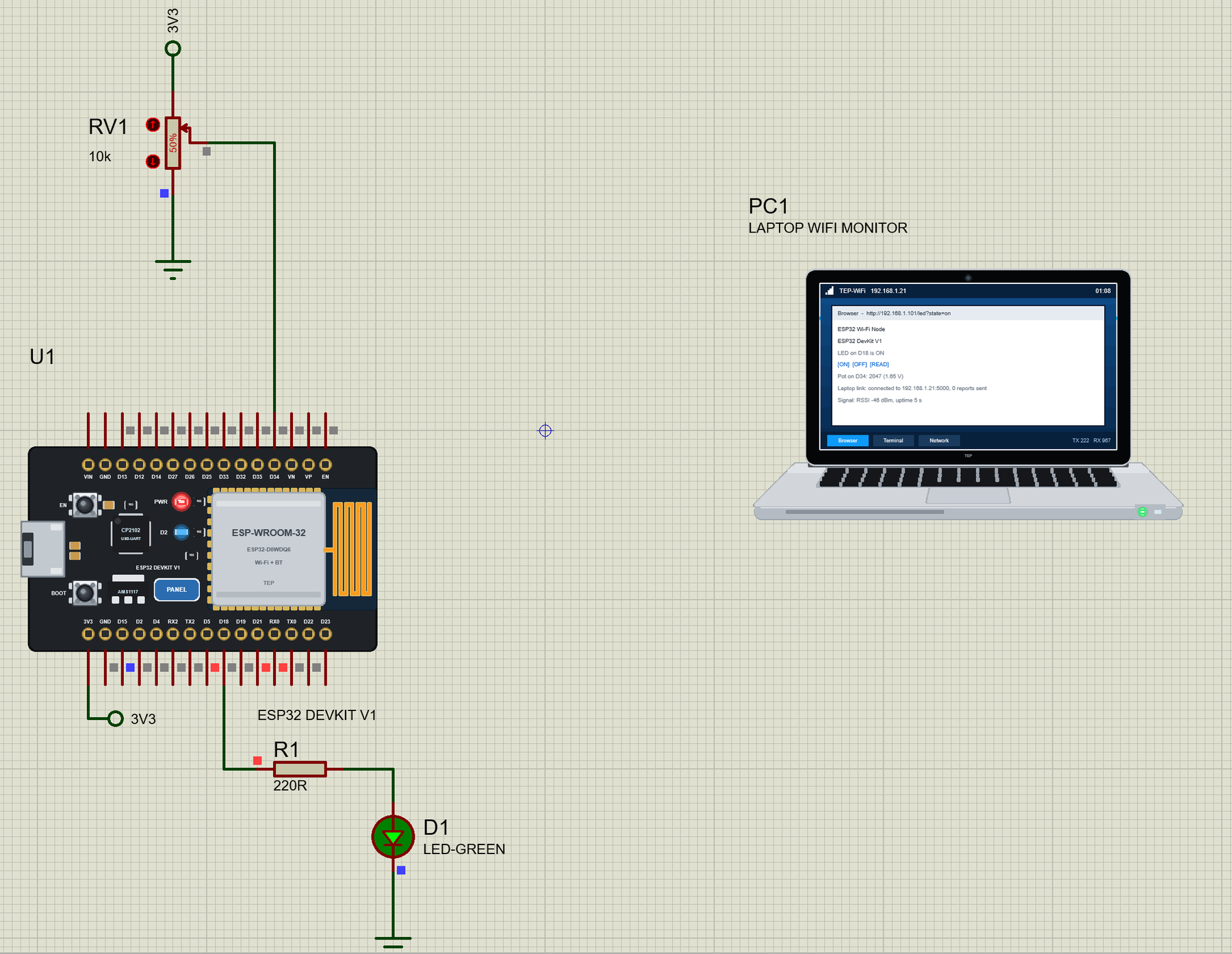
… search for WiFi Monitor . To compile your own ESP32 sketches, copy Arduino Code\TEP Boards for Proteus\hardware into your sketchbook folder (normally Documents\Arduino ), restart the Arduino IDE and select ESP32 DevKit V1 (TEP Proteus) under Tools > Board > …
… for the Arduino IDE The demo has its HEX file, so you need the Arduino IDE only for your own sketches. Copy the folder Arduino Code\TEP Boards for Proteus\hardware into your sketchbook folder (normally Documents\Arduino ), so that Documents\Arduino\hardware\te …
… you can change it in the Arduino IDE. New to Arduino? Start with our Arduino Tutorial for Beginners . Export the compiled binary, and set the UNO's PROGRAM property to the new file. Our guide on How to get the HEX file from Arduino shows you where the file …
… search for WiFi Monitor . To compile your own ESP32 sketches, copy Arduino Code\TEP Boards for Proteus\hardware into your sketchbook folder (normally Documents\Arduino ), restart the Arduino IDE and select ESP32 DevKit V1 (TEP Proteus) under Tools > Board > …
… you can change it in the Arduino IDE. New to Arduino? Start with our Arduino Tutorial for Beginners . Export the compiled binary, and set the UNO's PROGRAM property to the new file. Our guide on How to get the HEX file from Arduino shows you where the file …
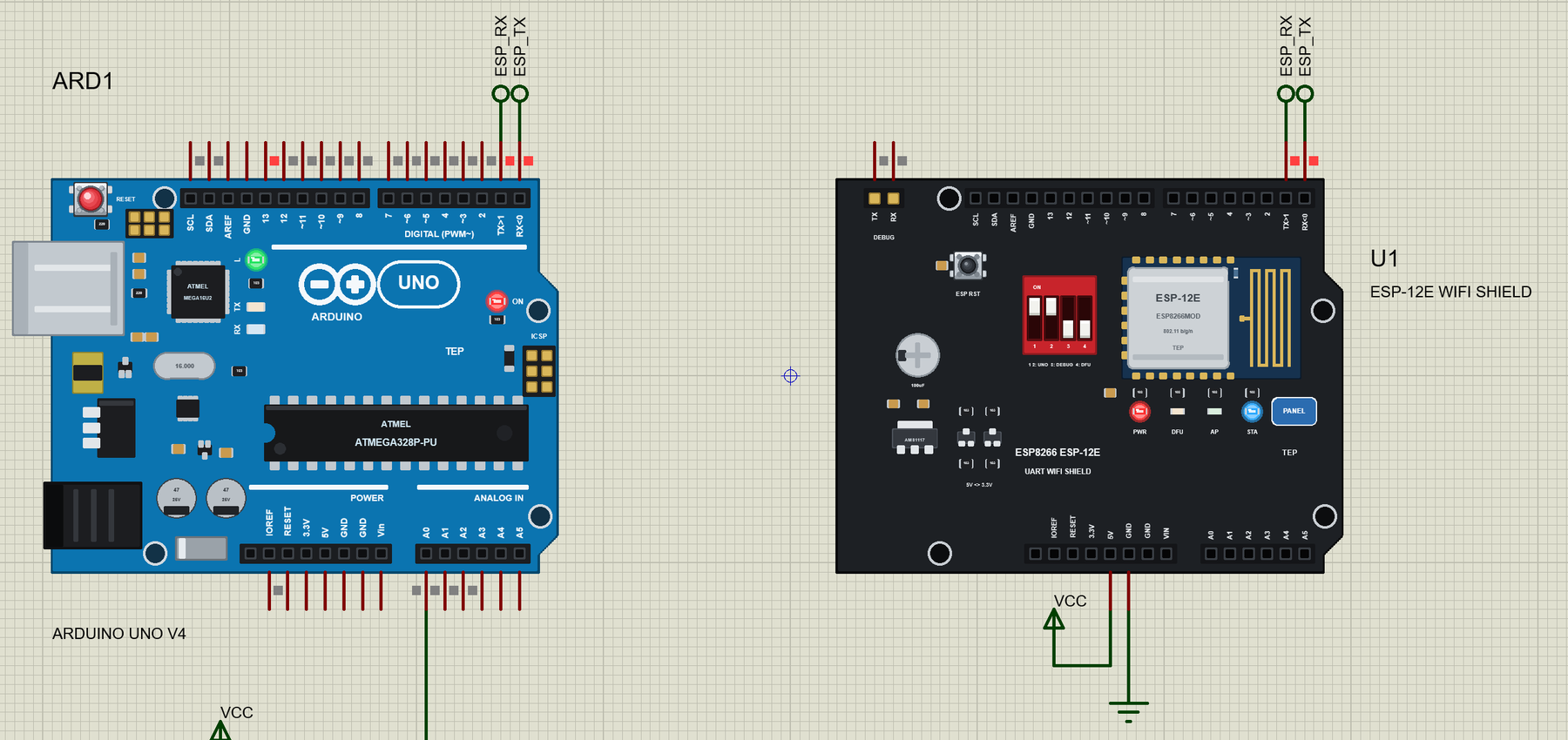
… Arduino Uno in the Arduino IDE (plus AltSoftSerial for the second demo), write your sketch and use Sketch > Export Compiled Binary ; then double-click the UNO in Proteus and set its Program File to the HEX (see How to get the HEX file from Arduino ). Demo 1: A …
… you can change it in the Arduino IDE. New to Arduino? Start with our Arduino Tutorial for Beginners . Export the compiled binary, and set the UNO's PROGRAM property to the new file. Our guide on How to get the HEX file from Arduino shows you where the file …
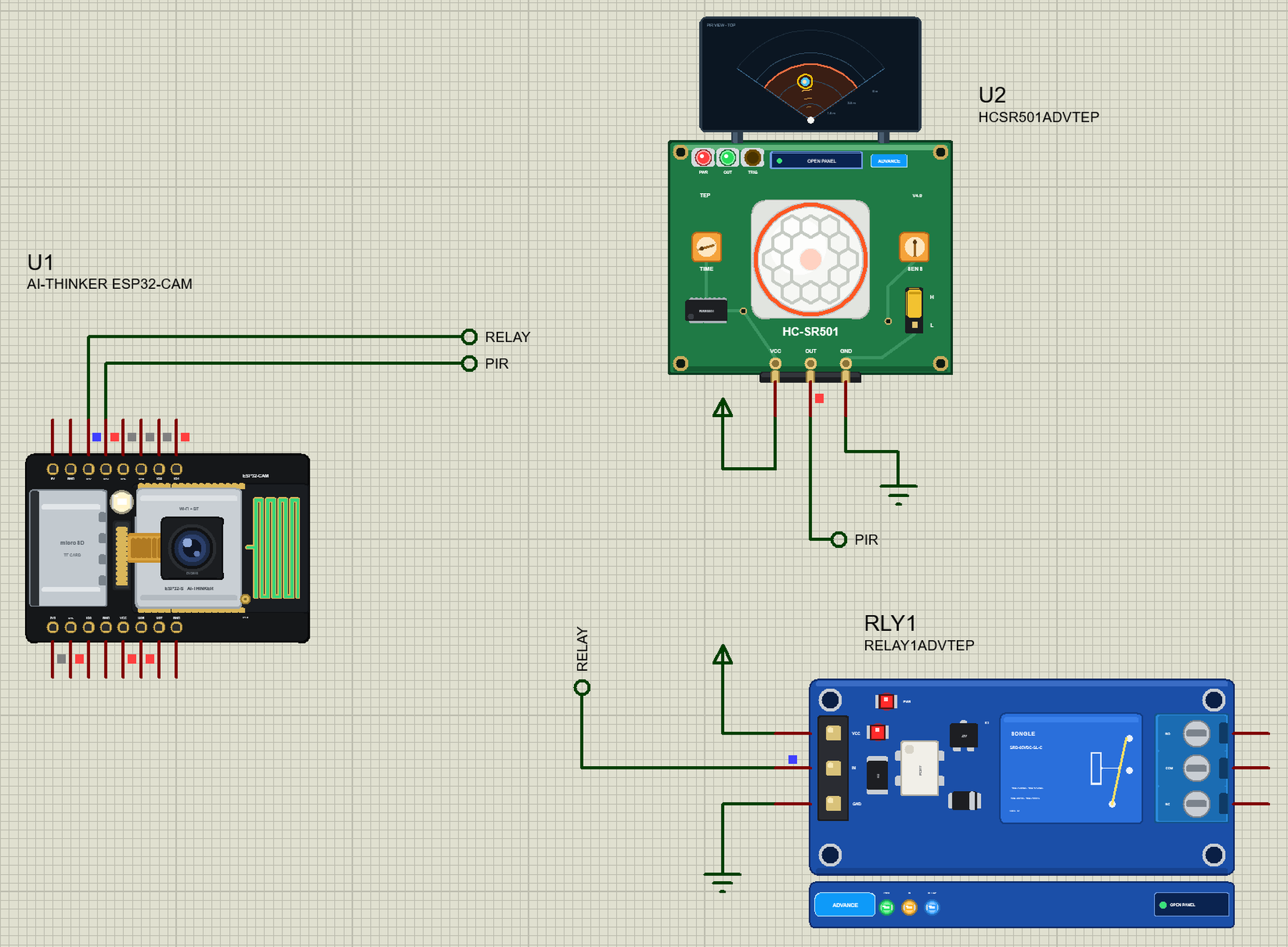
… from the LIBRARY folder if it is there. For your own sketches, copy Arduino Code\TEP Boards for Proteus\hardware into your Arduino sketchbook (Documents\Arduino) and restart the Arduino IDE; the board is AI Thinker ESP32-CAM (TEP Proteus) . Start Proteus, …
… you can change it in the Arduino IDE. New to Arduino? Start with our Arduino Tutorial for Beginners . Export the compiled binary, and set the UNO's PROGRAM property to the new file. Our guide on How to get the HEX file from Arduino shows you where the file …