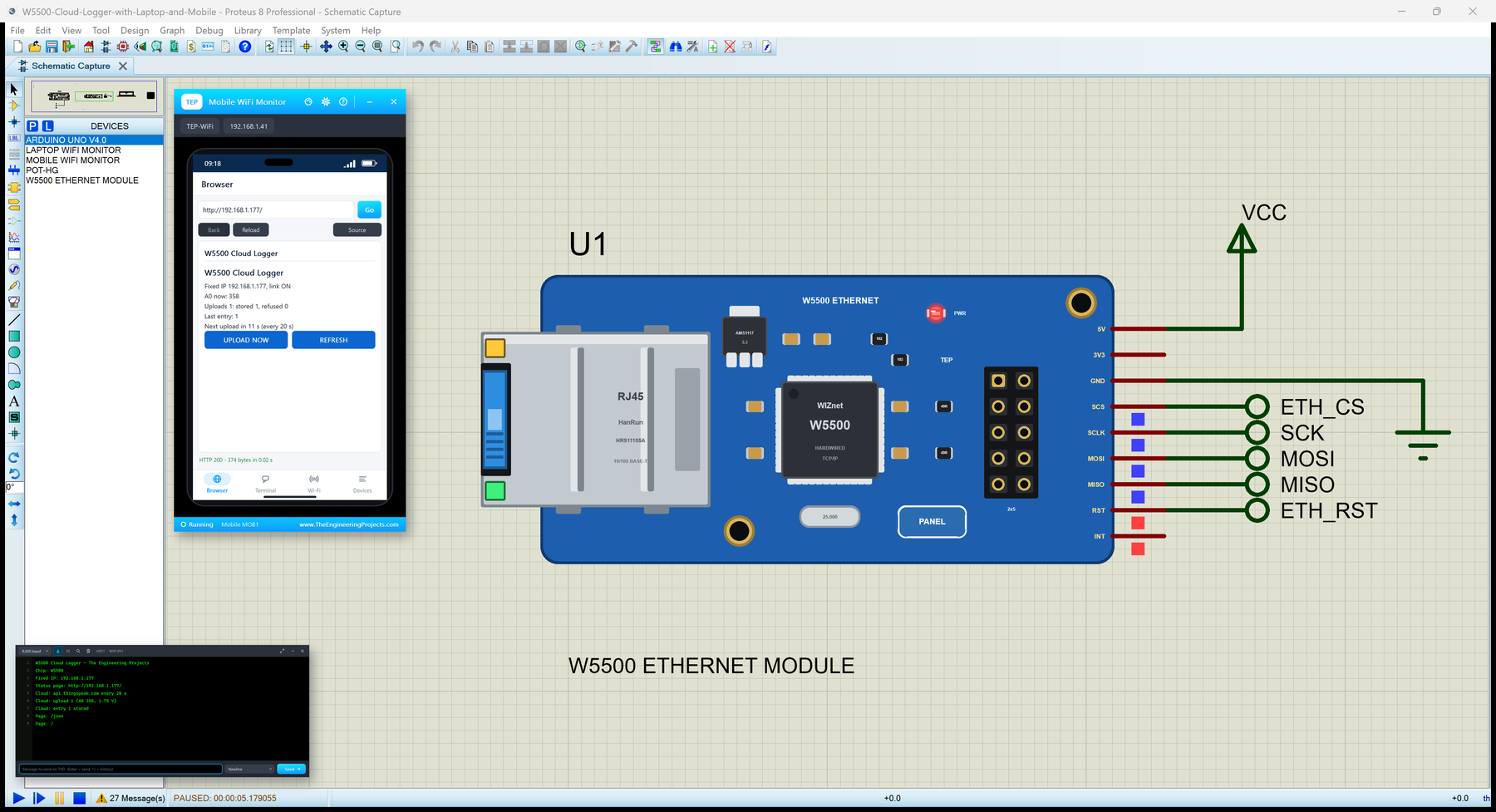
Hello friends, I hope you all are doing great. Today, I am going to share the W5500 Ethernet Module Library for Proteus . The W5500 module is the small blue board that puts almost any microcontroller on a wired network: a WIZnet W5500 chip does the whole TCP / IP work in hardware, an RJ45 jack with its LINK and ACT LEDs takes the cable from your router, and a 2x5 header brings out SPI, reset, interrupt and power. It is the cheapest way to give an Arduino a cable connection, and the Ethernet library of the Arduino IDE drives it. With this library you can wire the module to your UNO in Proteus and run those sketches as they are - fixed addresses or DHCP, DNS, clients, servers, UDP and the link status. Updates W5500 Ethernet Module Library for Proteus Latest version: V1.0 (October 2026, this ...
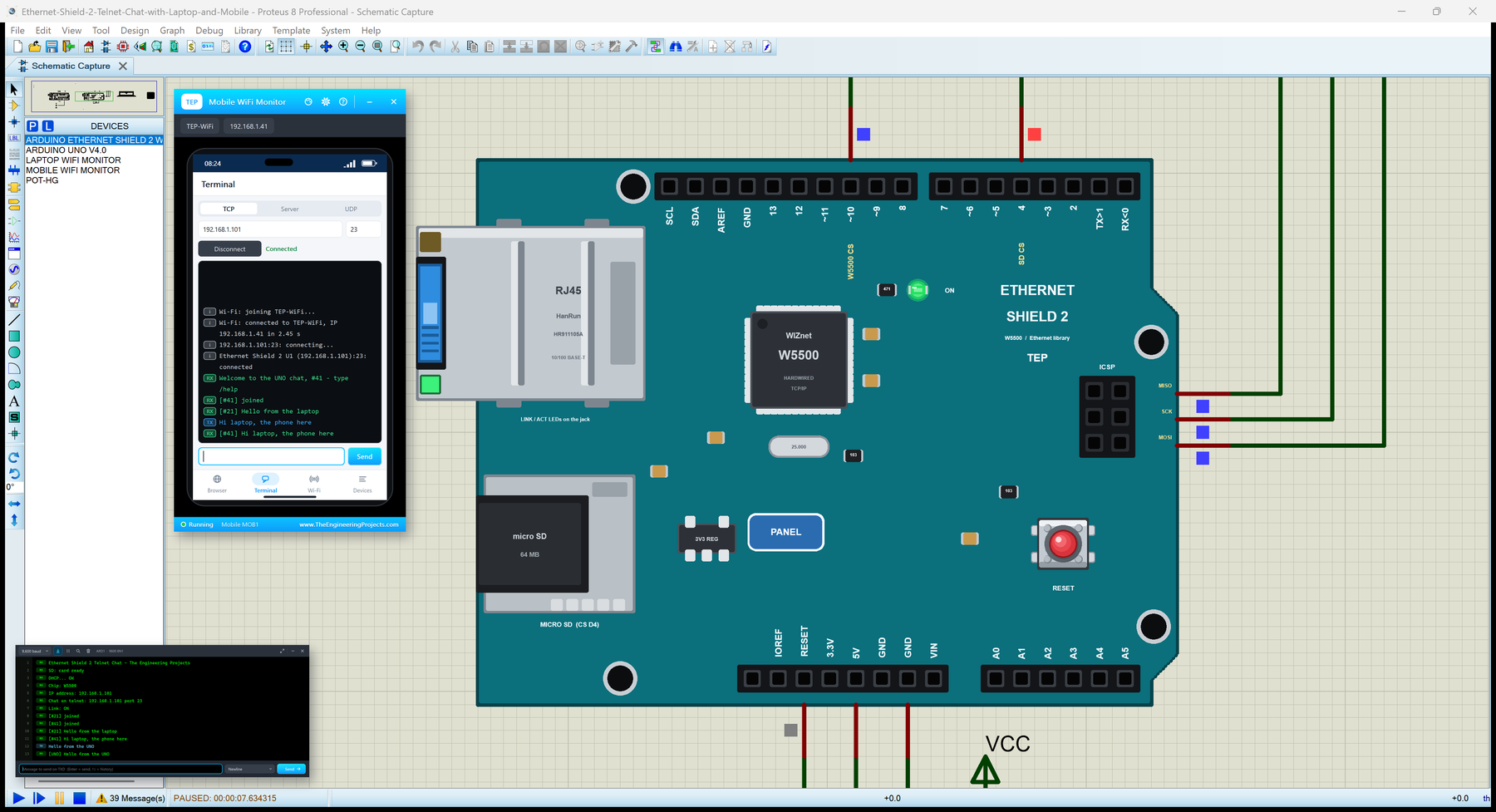
Hello friends, I hope you all are doing great. Today, I am going to share the Arduino Ethernet Shield 2 Library for Proteus . The Arduino Ethernet Shield 2 is the newer version of the classic Ethernet shield: a WIZnet W5500 chip does the TCP / IP work in hardware, an RJ45 jack with its own LINK and ACT LEDs takes the cable from your router, and a micro SD socket shares the same SPI bus. The Ethernet library of the Arduino IDE drives it with the same functions as the first shield. With this library you can place the Shield 2 beside your UNO in Proteus and run those sketches as they are - DHCP, DNS, servers, clients, UDP, the link status and the SD card included. Updates Arduino Ethernet Shield 2 Library for Proteus Latest version: V1.0 (October 2026, this tutorial) Other Ethernet libraries: ...