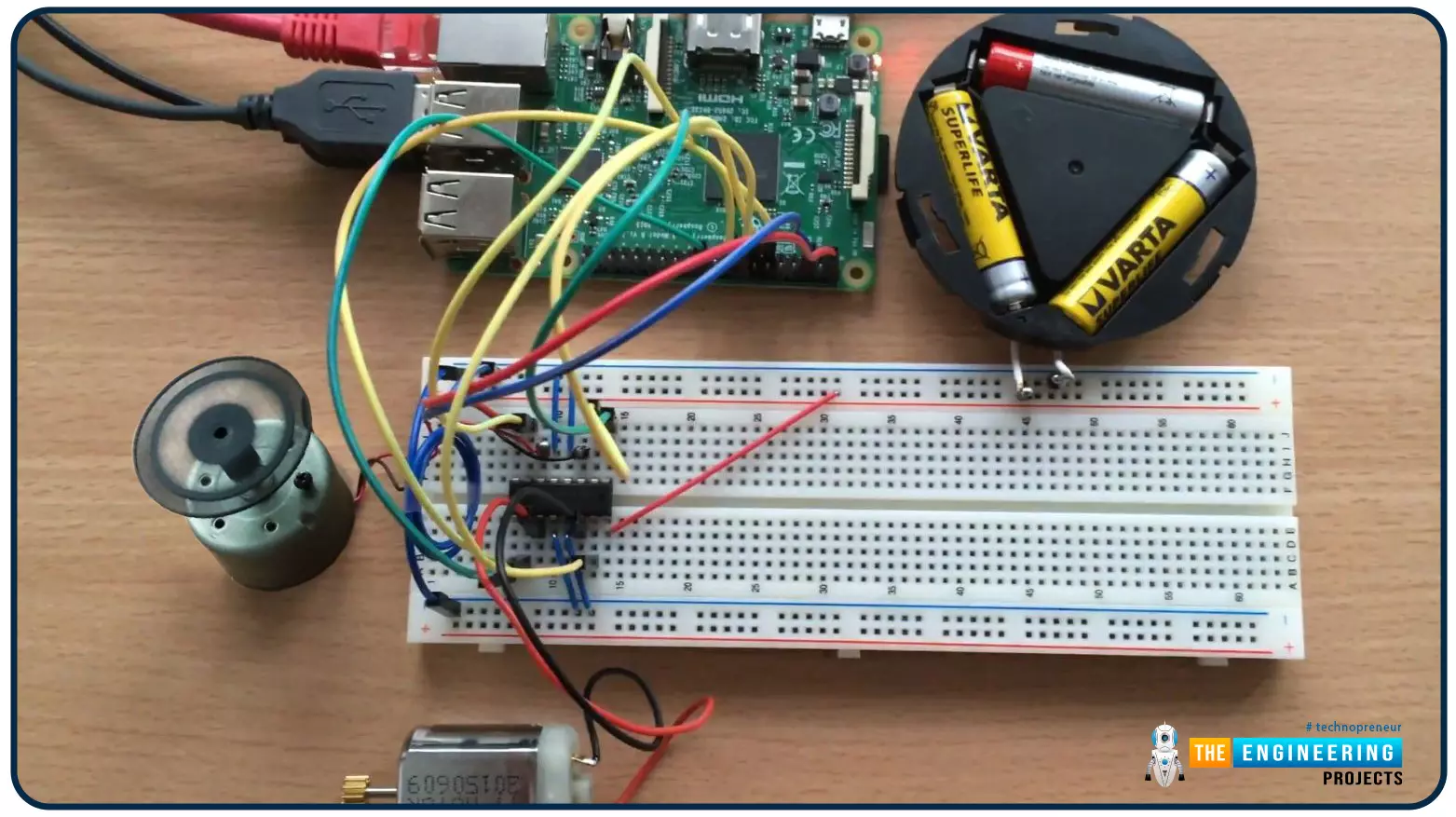
Hello friends, I hope you all are doing well. Welcome to the 9th tutorial of our Raspberry Pi programming course. In the last chapter, we generated a PWM signal from our Raspberry Pi to control the brightness of an LED. We also studied different functions used in Python to perform PWM. In this chapter, we'll get a bit advanced with PWM and use it to control the speed and direction of a DC motor with the help of a motor driver IC. To control the speed & direction of the DC Motor, we will: Design a Circuit Diagram. Write Python code. Components Required We will use the following components to control the DC motor speed: Raspberry Pi 4. DC Motor. Motor driver IC(L293D). Breadboard. Jumper wires. Controlling DC Motor speed with Raspberry Pi 4 In order to control the DC motor with any microcont ...
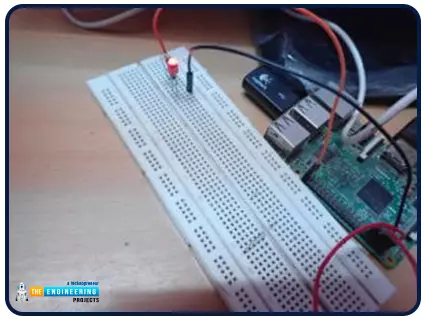
Hello friends, I hope you all are doing great. It's the 8th tutorial in our Raspberry Pi programming course. In the previous lectures, we interfaced LCD 16x2 and Keypad 4x4 with Raspberry Pi 4 . In this chapter, we are not going to interface any external module with Pi, instead, we'll create a PWM signal in the raspberry pi using Python. Let's get started: Components Required We are going to use the below components in today's PWM project: Raspberry Pi 4. LED. A resistor of 330 ohms. Breadboard. Jumper wires. Before going forward, let's first understand what is PWM: What is PWM? In PWM(Pulse Width Modulation) , we simply turn on and off our power supply at regular intervals and thus reduce the average power of the signal. We have shared a detailed tutorial on Introduction to PWM(Pulse Widt ...
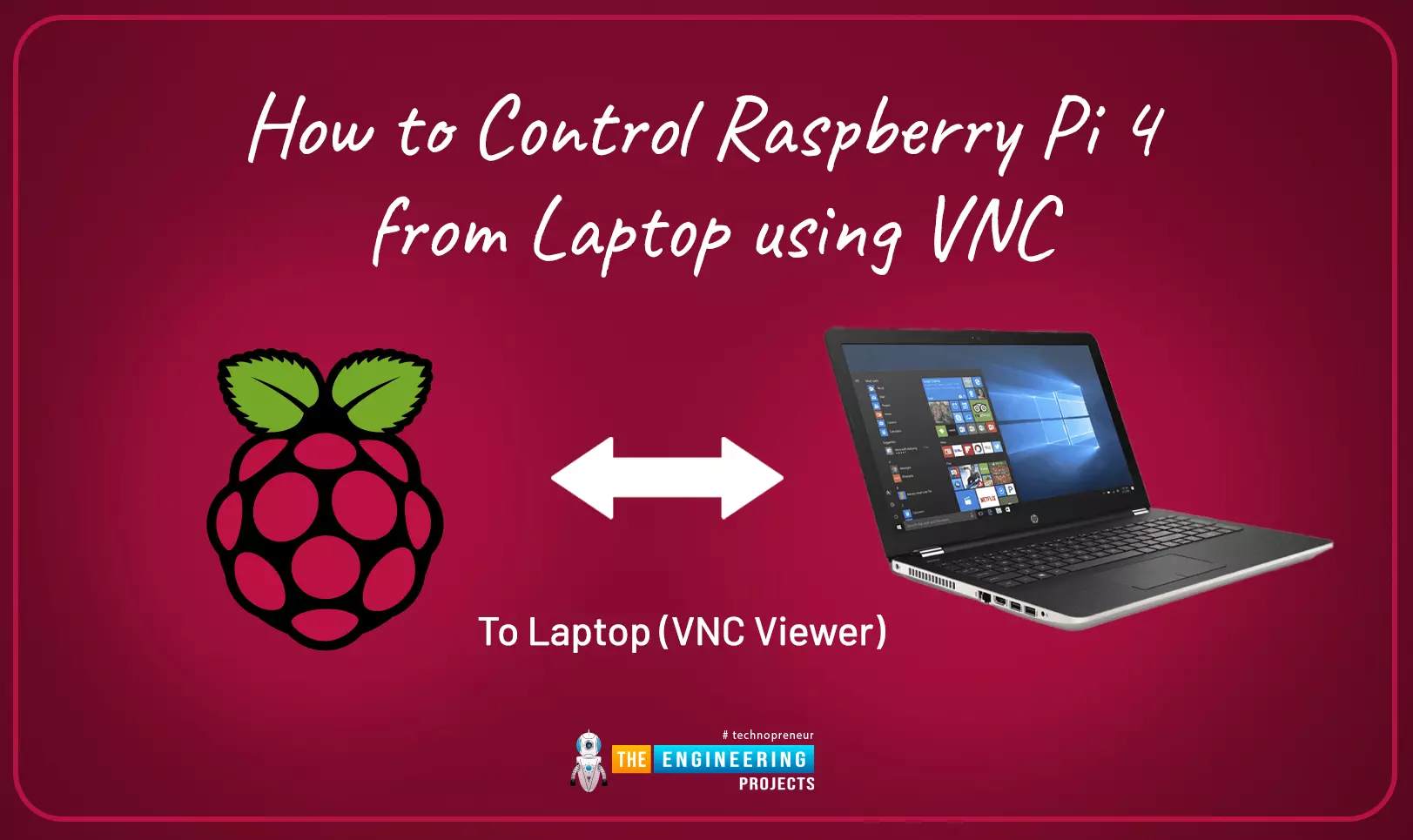
This is the third tutorial in our Raspberry Pi programming course. In the previous chapter, we learned how to install Raspbian on our Raspberry Pi mini-computer. In this chapter, we'll learn how to use a VNC server to remotely control and see its desktop from our computer. What is VNC? Computing over a network is known as "virtual network computing," or "VNC." To remotely control another computer, you can use this screen-sharing technology, which works on all major operating systems. As a result, a remote user can interact with a computer's display (screen, keyboard, and mouse) as if they were sitting right in front of it. VNC takes advantage of the client/server concept. Rather than installing a VNC server on the distant device, users will instead use a VNC viewer or client on the device ...
Welcome to the second chapter of our beginner's course on the Raspberry Pi. In the previous tutorial, we learned about the components of this little computer. We also considered its uses, as well as the most important advantages and disadvantages. Let's get started with setting up our little computer to run the Raspbian operating system in this lesson. How to Install Raspbian using an imager The next step is to make sure you have your board and SD card. The Raspberry Pi has an operating system because it is a full computer. For those who prefer a GUI desktop experience, a headless mode is still an option. Most people use Raspbian, a Debian-based operating system tailored specifically for the Raspberry Pi. However, there are other options. An excellent starting point is this operating syste ...
to our new beginner’s course on Raspberry Pi. This course is appropriate for anyone using either a traditional Raspberry Pi board or the new Raspberry Pi 400 board that includes an integrated keyboard and display. Learning how to code, building robots, and doing plenty of other strange and exciting things are all possible with this low-cost computer setup. The Raspberry Pi can do everything a computer can do, from surfing the web to viewing movies and music, and playing video games. Raspberry Pi is much more than a modern computer. It`s created to educate young people on how to program in languages such as Scratch and Python, and it comes with all of the major programming languages pre-installed. The world is in desperate need of programmers now more than ever, and Raspberry Pi has sparked ...
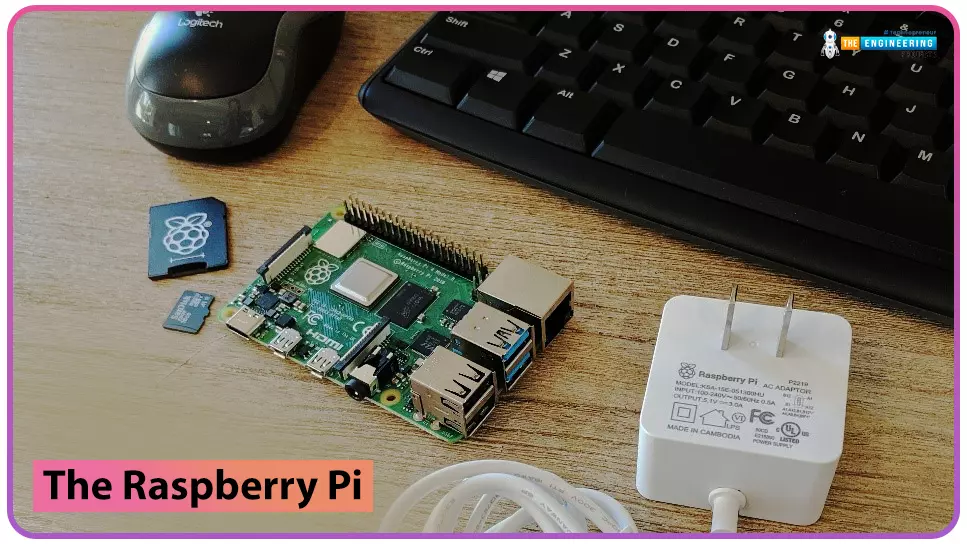
Hello friends, I hope you all are doing great. Today, I am going to start a new tutorial series on Raspberry Pi 4. It's our first lecture today, so I will explain the basics of Raspberry Pi boards. In this tutorial series, I will teach you each and everything about Raspberry Pi and its programming. I have designed this guide for beginners, so we will start from the very basics and will slowly move toward complex concepts. Python programming language is used in Raspberry Pi boards, so we will study Python as well. So, we will learn both programming and hardware circuit designing in this tutorial series. Let's first have a look at What is Raspberry Pi? What is Raspberry Pi? Raspberry Pi is a series of Single Board Computer, developed by the Raspberry Pi Foundation in England, to teach comput ...
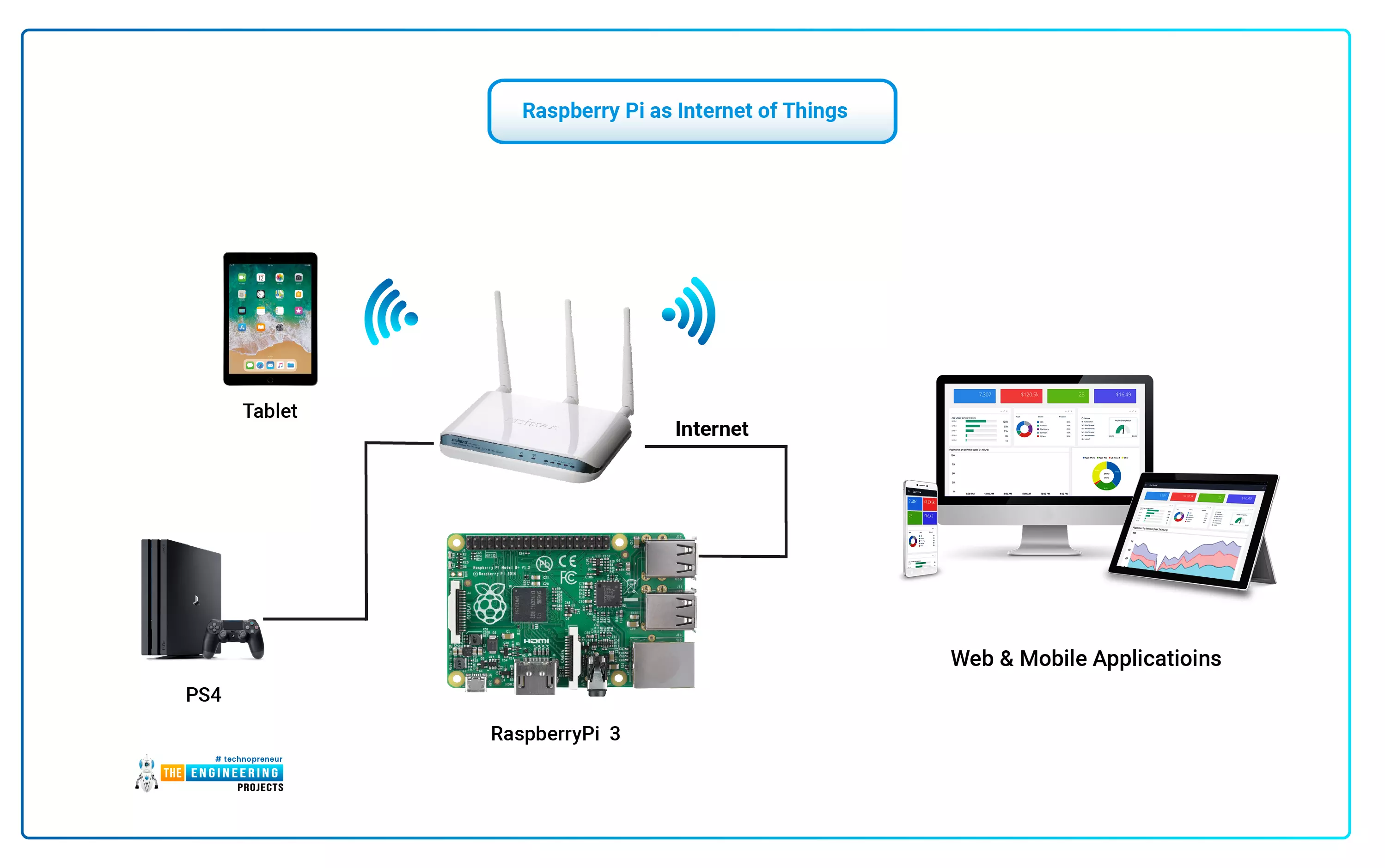
The Internet of Things (IoT) philosophy may be viewed as a highly dynamic and radically dispersed networked system comprised of a huge number of identifiable smart devices. These objects may communicate and interact with one another, as well as with end-users and other network entities. As the Internet of Things era begins, the usage of small, inexpensive, and flexible computer hardware that allows end-user programming becomes more prevalent. The Raspberry Pi, a fully configurable and programmable tiny computer board, is one of them discussed in this article. Although there are certain limitations, the Raspberry Pi remains a low-cost computer that has been used effectively in a wide range of IoT vision research applications despite its few shortcomings. Introduction: Introductory Notes The ...
Hi Folks! I welcome you on board. Today, I am sharing the 2nd tutorial in the Raspberry Pi 4 learning series. In this post today, we’ll cover What is Raspberry Pi 4? Raspberry Pi 4 Pinout, Specs, Projects, Datasheet etc. Raspberry Pi 4 is a tiny dual-display single-board computer, developed by Raspberry Pi Foundation. This foundation has introduced a series of Raspberry Pi boards to teach computer basics in schools. With Raspberry Pi 4, you can control two monitors at once. Moreover, it is incorporated with a quad-core processor that is powerful and comes with more speed compared to its predecessors. I suggest you read this post till the end as I’ll cover Raspberry Pi 4 in detail. Let’s get started. What is Raspberry Pi 4? Raspberry Pi 4 is a dual-display, single-board computer (introduced ...