


Project Files of Arduino Library For Proteus V3.0
 Libraries
 Code
Code Projects
 Simulation
arduino-library-for-proteus.zip
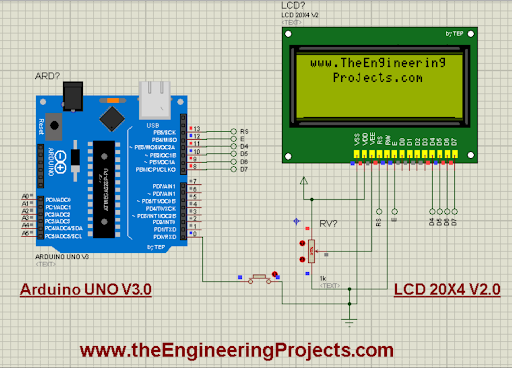
Arduino Library for Proteus
Arduino Library for Proteus comes as a ZIP archive of 4 files (22.6 KB, 147.2 KB unpacked) holding Proteus library files, a Proteus simulation and an Arduino sketch.
- LIBProteus library
- IDXProteus library index
- DSNProteus simulation
- INOArduino sketch
Description
This is the download page of Arduino Library for Proteus, the file package of the tutorial Arduino Library For Proteus V3.0, published on The Engineering Projects in October 2023. Here you get the ZIP file (22.6 KB) with the Proteus library files (LIB and IDX), a ready Proteus simulation and an Arduino sketch, the list of files it contains, the README when there is one, and the installation steps in order.
What this library is
Arduino Library for Proteus adds Arduino to Proteus as a schematic component: once installed, the part appears in the Pick Devices list under its own name, with its real pin layout, and can be placed and wired like any built-in device. It is a symbol-and-footprint library: it draws and routes the part; to see it work in simulation, pair it with the HEX file or the controller model as the tutorial shows. This is version 3.0; older or newer releases, when they exist, are listed in the Development tab.
What is inside the ZIP file
- ArduinoV3TEP.LIB – Proteus library, 95.6 KB
- ArduinoV3TEP.IDX – Library index, 690 B
- Arduino V3.0 with LCD and Button.DSN – Proteus simulation, 50 KB
- ArduinoCode.ino – Arduino sketch, 951 B
The archive unpacks to 147.2 KB; there is no README inside, so the steps below stand in for it.
How to download
Use the download panel at the top of this page: after the counter (30 seconds for guests, 10 for members) the black button unlocks and arduino-library-for-proteus.zip comes straight from our content network. If the browser opens it instead of saving, use Save as; extract the whole archive before using anything inside it.
How to install
- Step 1: Extract arduino-library-for-proteus.zip with Windows (Extract All), 7-Zip or WinRAR, keeping its folders.
- Step 2: Close Proteus and copy ArduinoV3TEP.LIB and ArduinoV3TEP.IDX into its LIBRARY folder (Proteus 8: C:\Program Files (x86)\Labcenter Electronics\Proteus 8 Professional\LIBRARY).
- Step 3: Start Proteus, press P and search for "ArduinoV3TEP"; place and wire it as in the tutorial.
- Step 4: Open ArduinoCode.ino in the Arduino IDE, pick board and port and Verify (Export Compiled Binary gives the HEX).
- Step 5: Open Arduino V3.0 with LCD and Button.DSN in Proteus and press Play.
Read the detailed guide
This page is for the files. The full tutorial, Arduino Library For Proteus V3.0, explains the circuit and the code step by step and shows the working results and the simulation; read it before you build. Questions about the download or the installation go in the comments below; more Proteus downloads are listed further down this page.
The package is free for personal, educational and research projects; credit The Engineering Projects and link to this page when you share it rather than re-uploading the file.

File Structure
 File Structure
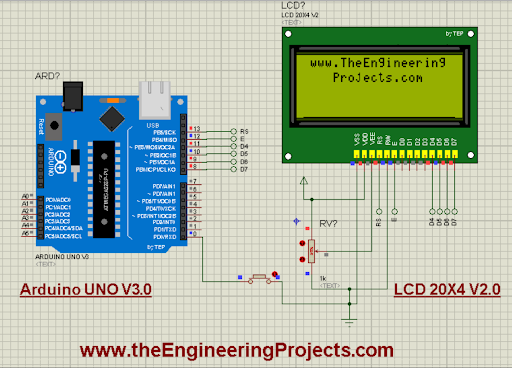
951 B690 B95.6 KB50 KBGallery4 images from the tutorialOpen the tutorial
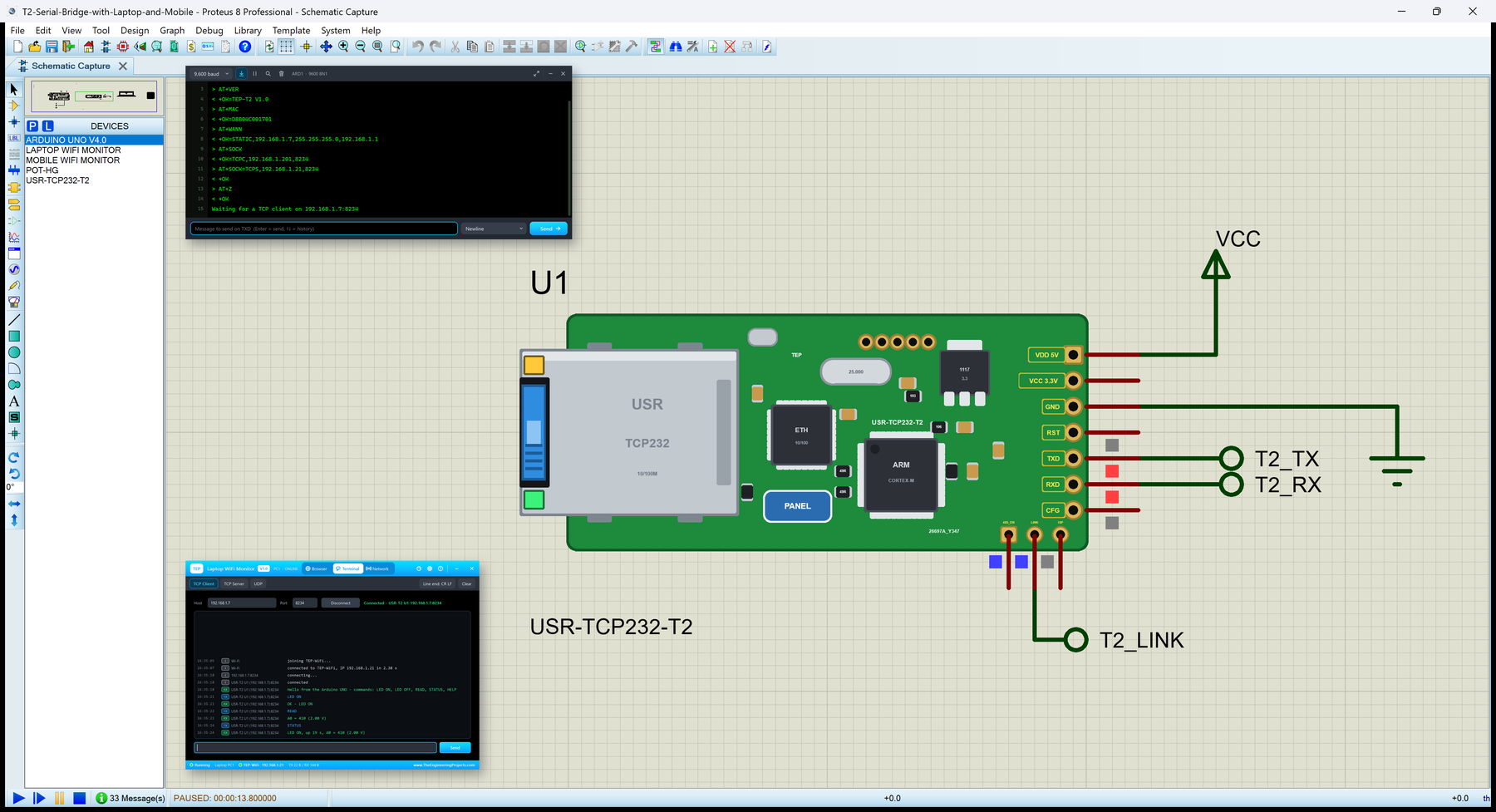
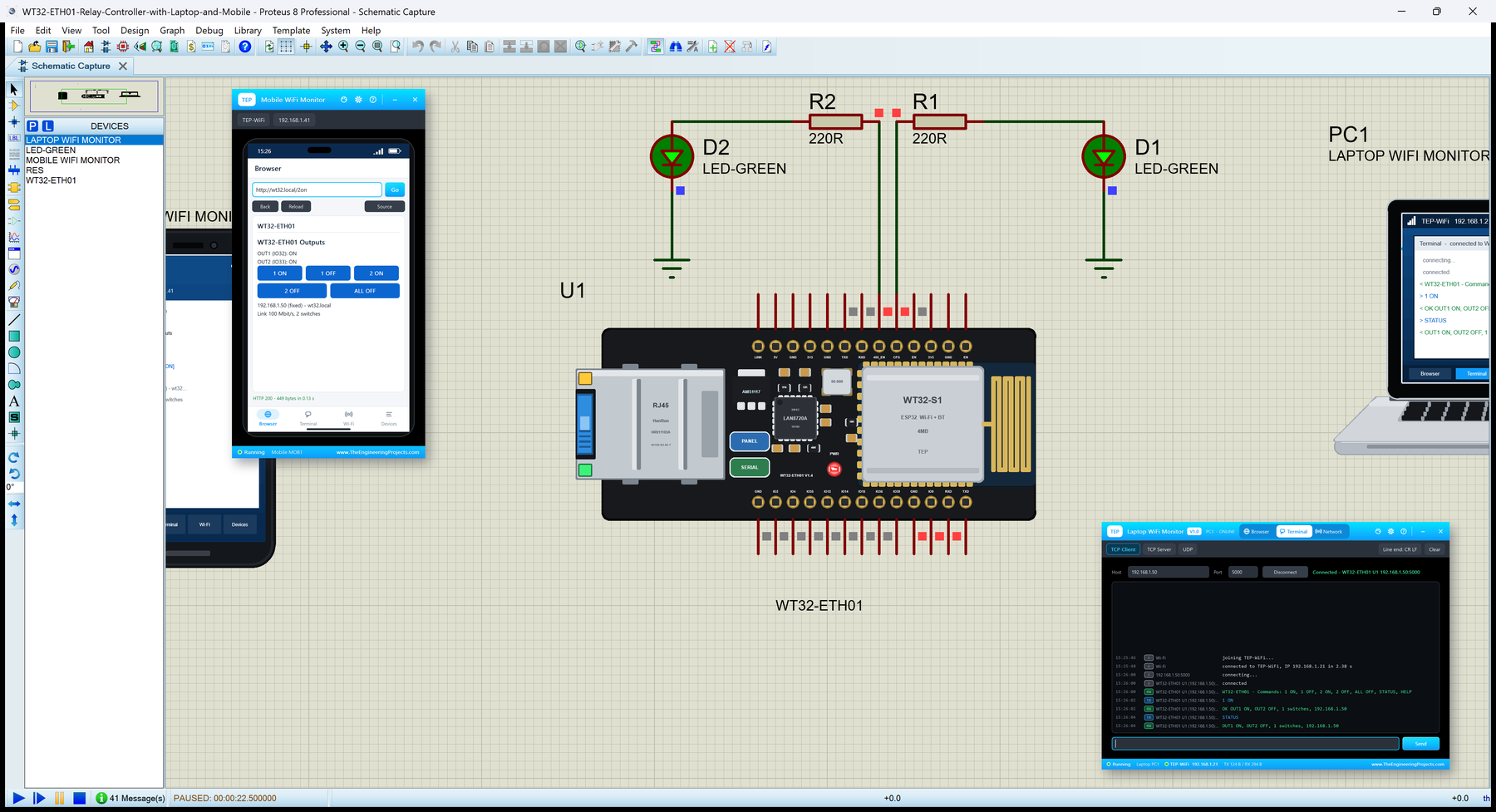
 Gallery4 images from the tutorial
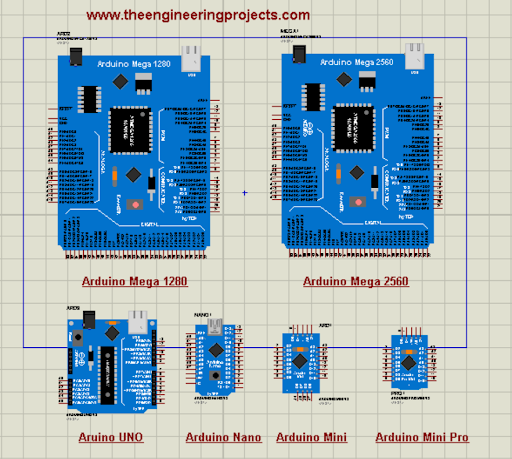
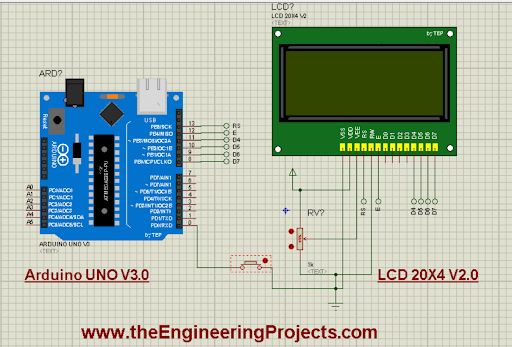
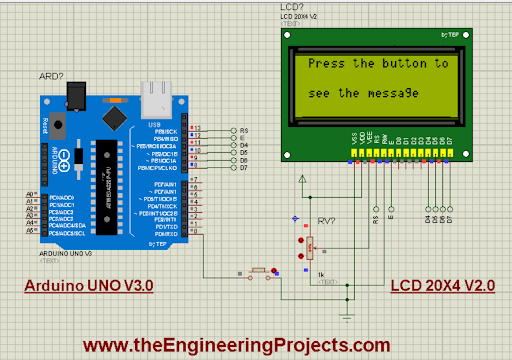
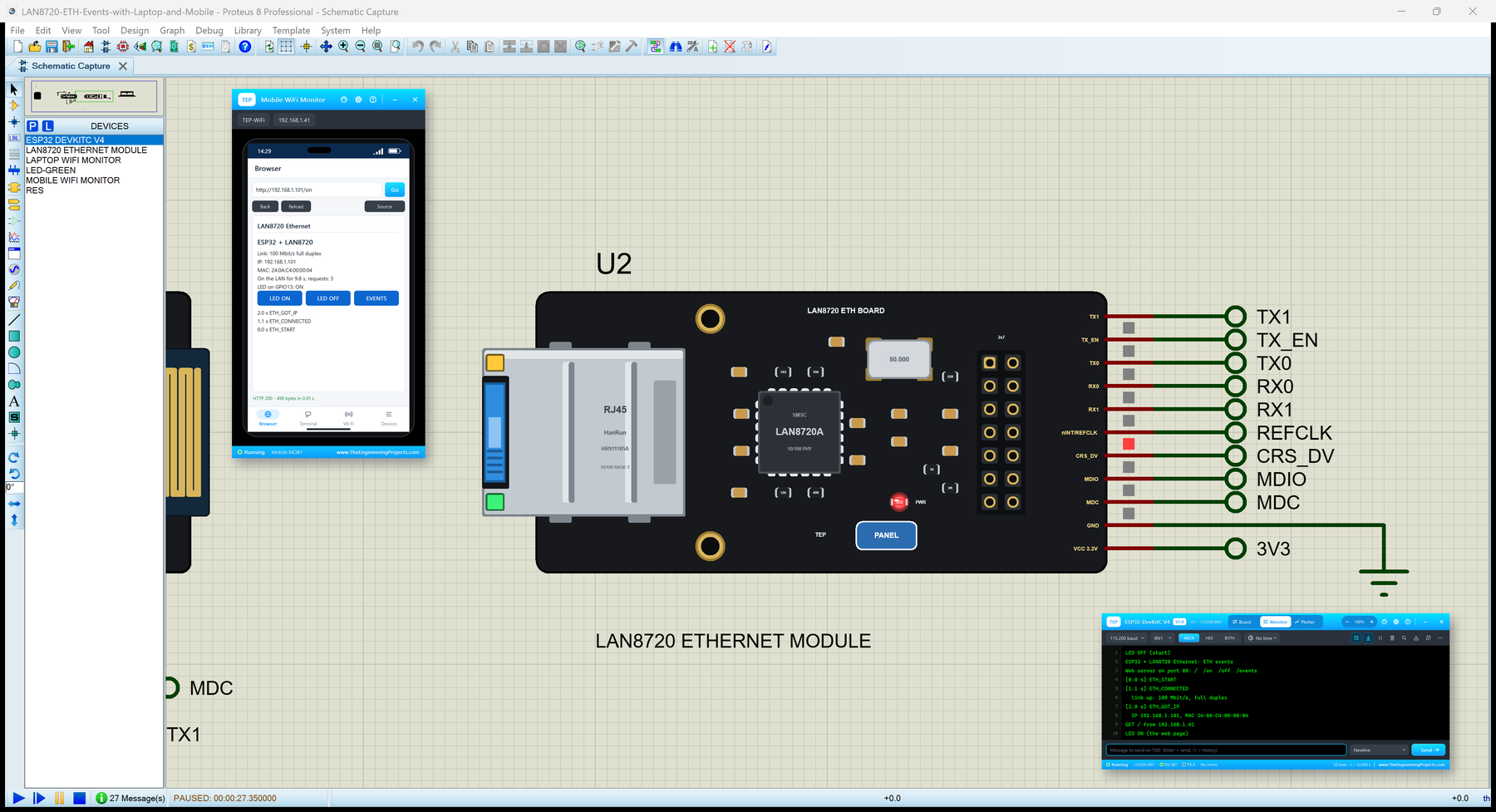
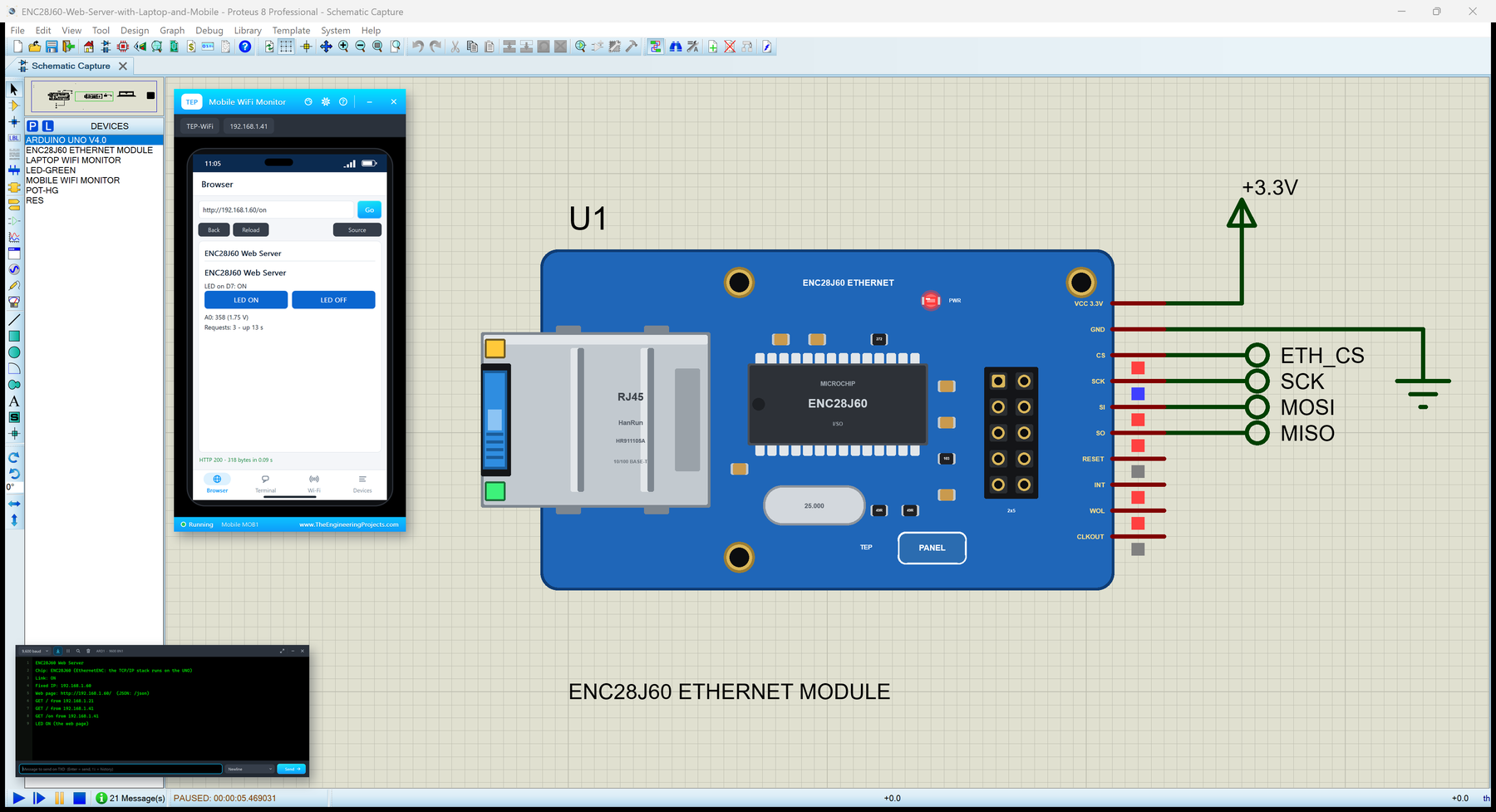
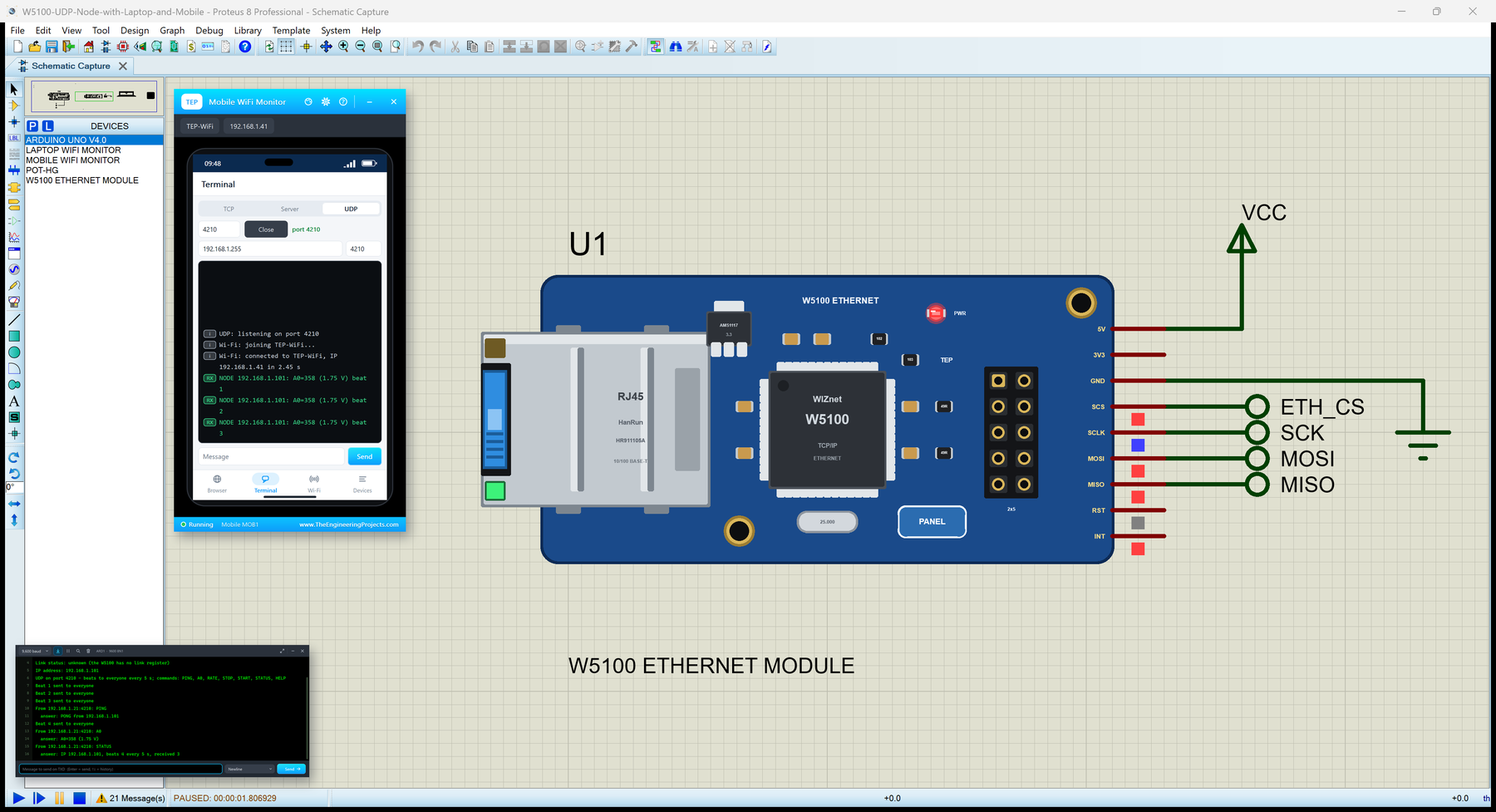
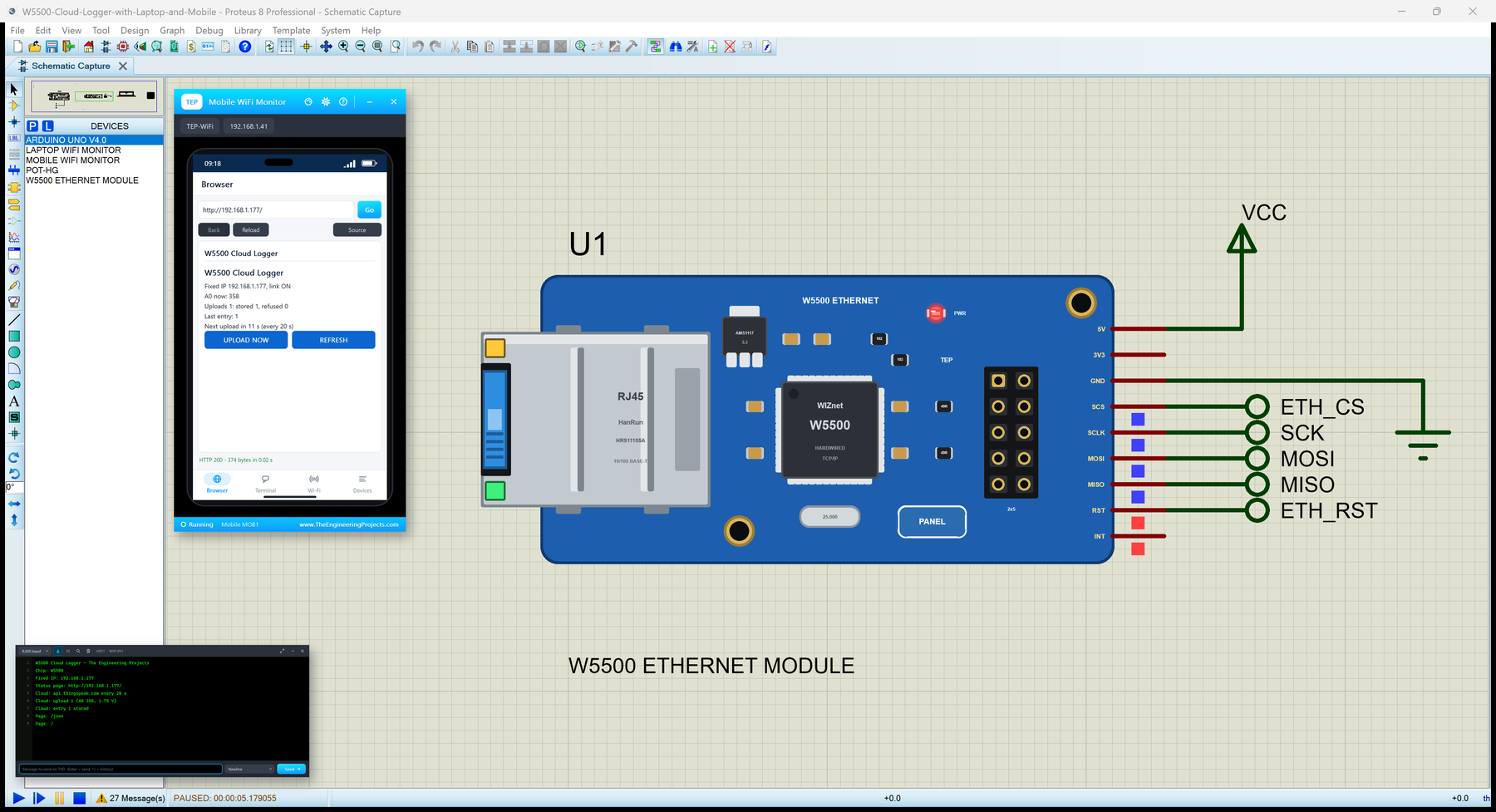
The circuit, the board and the results as they appear in Arduino Library For Proteus V3.0. Open an image for its full size.
README
 README
Development3 releases, newest first
 Development3 releases, newest first
-
V3.0Arduino Library For Proteus V3.0this page
ZIP archive · 22.6 KB · 4 files · 6 downloads
Since V2.0:+3 new1 changed−6 removedFile changes
- +Arduino V3.0 with LCD and Button.DSN
- +Library Files/ArduinoV3TEP.IDX
- +Library Files/ArduinoV3TEP.LIB
- ~ArduinoCode/ArduinoCode.ino
- −Arduino NANO Library for Proteus V2.0.DSN
- −Arduino NANO Library for Proteus V2.0.PWI
- −ArduinoCode.ino.hex
- −Last Loaded Arduino NANO Library for Proteus V2.0.DBK
- −Proteus Library Files/Arduino2TEP.IDX
- −Proteus Library Files/Arduino2TEP.LIB
-
V2.0Arduino Library for Proteus V2.0
ZIP archive · 57.5 KB · 7 files · 25,693 downloads
Since V1.0:+7 new−2 removedFile changes
- +Arduino NANO Library for Proteus V2.0.DSN
- +Arduino NANO Library for Proteus V2.0.PWI
- +ArduinoCode.ino.hex
- +ArduinoCode/ArduinoCode.ino
- +Last Loaded Arduino NANO Library for Proteus V2.0.DBK
- +Proteus Library Files/Arduino2TEP.IDX
- +Proteus Library Files/Arduino2TEP.LIB
- −ArduinoTEP.IDX
- −ArduinoTEP.LIB
-
V1.0Arduino Library for Proteus
RAR archive · 17.3 KB · 2 files · 124,771 downloads
Installation6 steps
 Installation6 steps
From the download to a working project, in order. The steps follow what the package contains.
You will need
- Proteus Design SuiteProteus 8 or newer (Labcenter), on Windows
- Arduino IDE1.8 or 2.x, with the board of the tutorial chosen under Tools → Board
- Any archive toolWindows, macOS and Linux extract ZIP files on their own
Steps
- 1
Extract the archive
Right-click arduino-library-for-proteus.zip and choose Extract All (or open it with 7-Zip or WinRAR) into a folder you can find again. Keep its folder structure (Arduino Library for Proteus) as it is.
- 2
Copy the library files into Proteus
Move ArduinoV3TEP.LIB and ArduinoV3TEP.IDX into the LIBRARY folder of your Proteus installation: C:\Program Files (x86)\Labcenter Electronics\Proteus 8 Professional\LIBRARY for Proteus 8, or the matching Proteus 7 folder. Older versions keep it under ProgramData\Labcenter Electronics. If Proteus is open, close it first.
- 3
Restart Proteus and place the component
Start Proteus, open a schematic, press P (Pick Devices) and search for the component by the name used in the tutorial. It appears with its pins ready to wire.
- 4
Open the sketch in the Arduino IDE
Open ArduinoCode.ino, select your board and port under Tools, then Verify. Sketch → Export Compiled Binary writes the HEX file a simulation needs.
- 5
Open the example simulation
Open Arduino V3.0 with LCD and Button.DSN in Proteus to see the wiring exactly as in the tutorial. Check the controller's Program File path, then press Play.
- 6
Follow the tutorial
Arduino Library For Proteus V3.0 explains every connection and setting in order; keep it open beside the files while you build.
FAQs11 questionsContact TEP
 FAQs11 questions
How do I download Arduino Library for Proteus?
Wait for the 30-second guest countdown on this page, then press the download button; the file comes straight from our storage. Members who are logged in skip the wait. If the browser opens the file instead of saving it, use its Save as option.
What is inside the archive?
Arduino Library for Proteus comes as a ZIP archive of 4 files (22.6 KB, 147.2 KB unpacked) holding Proteus library files, a Proteus simulation and an Arduino sketch. Open the File Structure tab for the full list of 4 files.
What should I do if the download does not start?
Check the browser's download list first; an ad blocker or a company firewall can also hold it back, so try another browser or network. If the file arrives incomplete, download it again. For an installation problem, read the Install tab or tell us in the comments with your software version and the exact error message.
Is this file free?
Yes. Every file in the TEP Download Center is free for learning, personal and student projects. If you share it, link back to this page or the tutorial so others find the latest version.
How do I check that the file arrived complete?
Compare its SHA-256 with the one on this page, e0c43102aa7245f6eb1e3494580650ddb3e9d64570455774fdd4c0de1f84246c. In PowerShell run Get-FileHash "arduino-library-for-proteus.zip"; on macOS or Linux run shasum -a 256 "arduino-library-for-proteus.zip". The same value means the file is exactly the one in our storage; a different one means the download broke off, so download it again.
Do I need WinRAR to open the ZIP file?
No. Windows, macOS and Linux open ZIP archives on their own (Extract All, or double-click). WinRAR and 7-Zip work too. Extract the whole archive before using the files.
Where do I put the LIB and IDX files?
Both files go into the LIBRARY folder of your Proteus installation (Proteus 8: C:\Program Files (x86)\Labcenter Electronics\Proteus 8 Professional\LIBRARY; Proteus 7 has the same folder under its own name). Restart Proteus afterwards and search for the component with P.
Which Proteus version does the library need?
The tutorial names the Proteus version the library was made and tested with. Most TEP libraries work in Proteus 7 and Proteus 8; if the component does not appear after a restart, check that both the LIB and the IDX file were copied and that Proteus was fully closed while copying.
Why does the component show but not simulate?
A library without a model file (DLL) gives you the symbol and the pins for drawing and PCB design; the simulation needs the matching model or a HEX file on the controller, exactly as the tutorial describes.
How do I get the HEX file into the simulation?
Compile the sketch in the Arduino IDE (Sketch → Export Compiled Binary gives you the HEX next to the sketch), then in Proteus double-click the board, set Program File to that HEX and run.
Which version should I use?
The newest version in the Development tab is usually the one to take; it carries the fixes and the extra models, and the tab lists which files each release added or changed. Older versions stay available for projects built with them.
Members skip the wait. Log in or join TEP.

- 6Total downloads
- 4%Popularity
- ProteusCategory
- 0Comments
- ssyedzainnasirUploaded by
- 19 Oct 2023Uploaded at


 SHA-256
e0c43102aa7245f6eb1e3494580650ddb3e9d64570455774fdd4c0de1f84246c


 Need help with this file?
 Tags
TagsRelated Proteus
All Proteus tutorials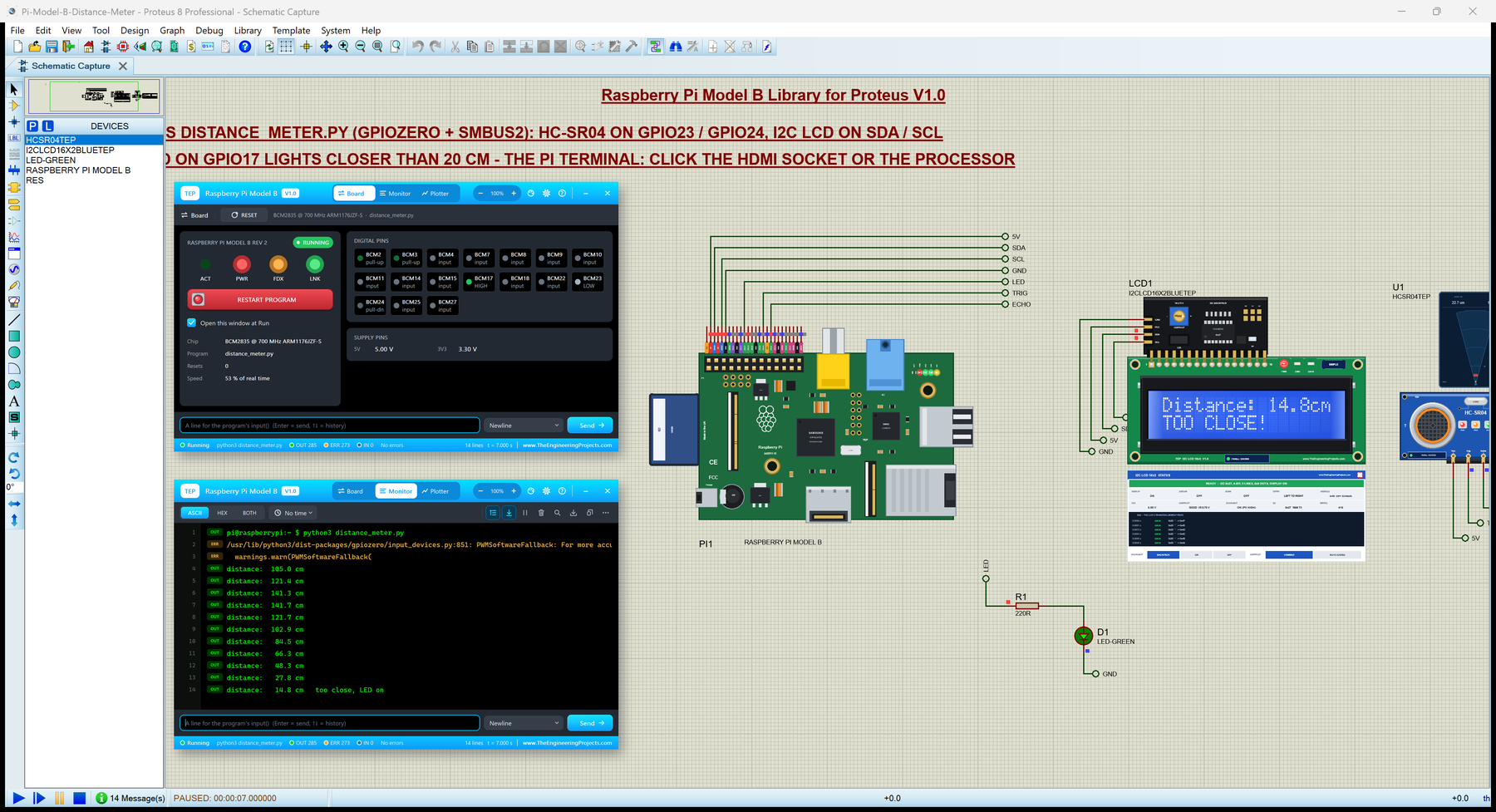



Comments
0