Hello readers, hope you all are doing great. In this tutorial, we will discuss low power modes in ESP32, their purpose and their implementation to increase the battery life by reducing power consumption.
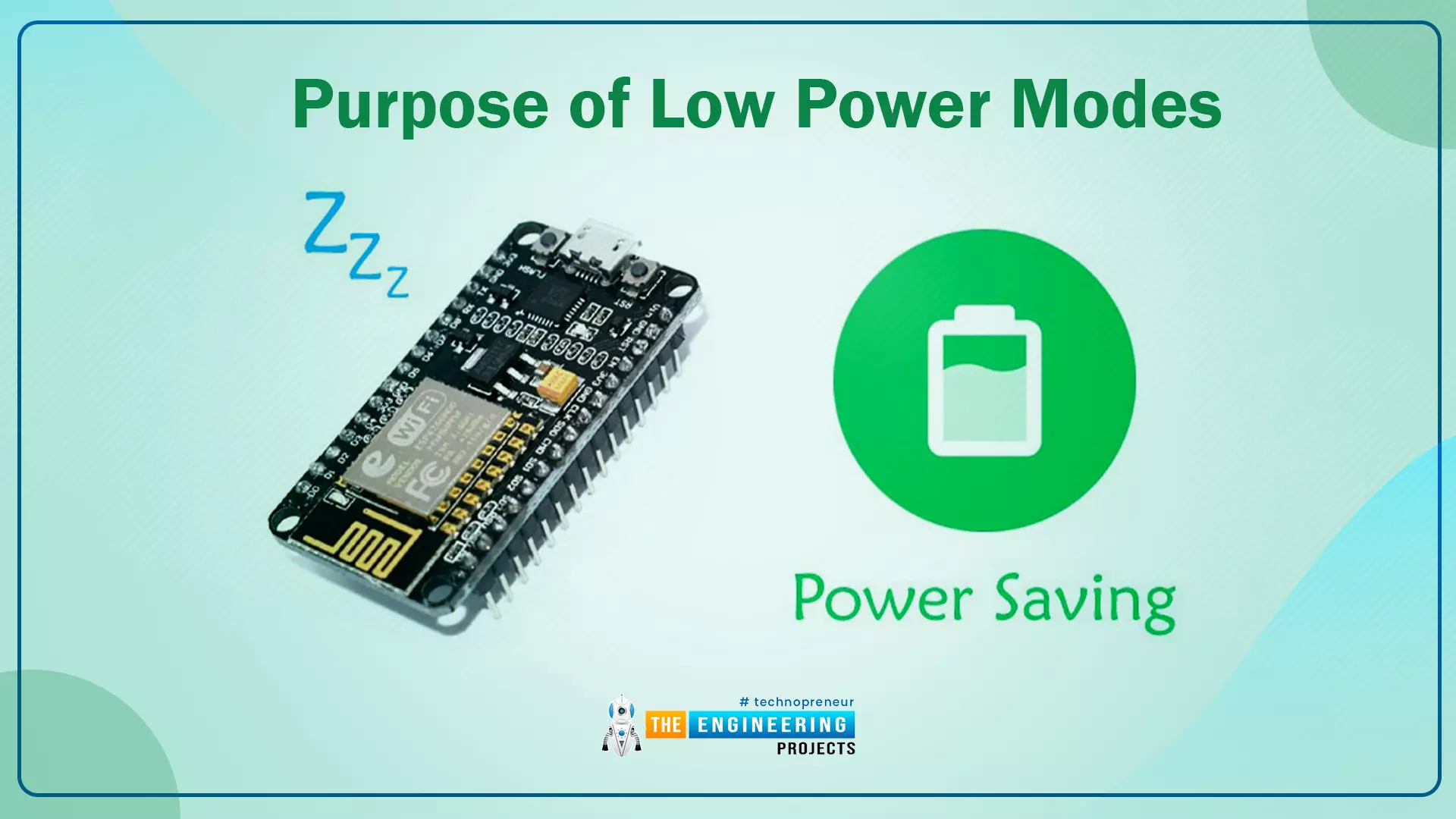
Purpose of Low Power Modes
Fig.1
Along with multiple wireless and processing features, ESP32 also provides us with a power-saving feature by offering sleep modes. When you are powering the ESP32 module from the live supply using an adaptor or a USB cable, there is nothing to worry about power consumption. But when you are using a battery, as a power source to ESP32, you need to manage the power consumption for longer battery life.
Low Power Modes in ESP32
When ESP32 is in sleep mode, a small amount of power is required to maintain the state of ...
Hello readers, we hope you all are doing great. In this tutorial, we are going to demonstrate how to interface and control a servo motor using an ESP32 board. After that, we will demonstrate how to create a webserver to control the servo motor’s shaft position with the ESP32 board.
Servo Motors are among the most important actuators in robotics, with applications ranging from RC planes to automated door locks.
Hardware components required
A servo motor
ESP32 development board
Connecting wires
Breadboard
Servo Motor
There are several specific types of electric motor applications in which the motor must rotate only at a specific angle. For such applications, we need a special type of motor with such a special arrangement that causes the m ...
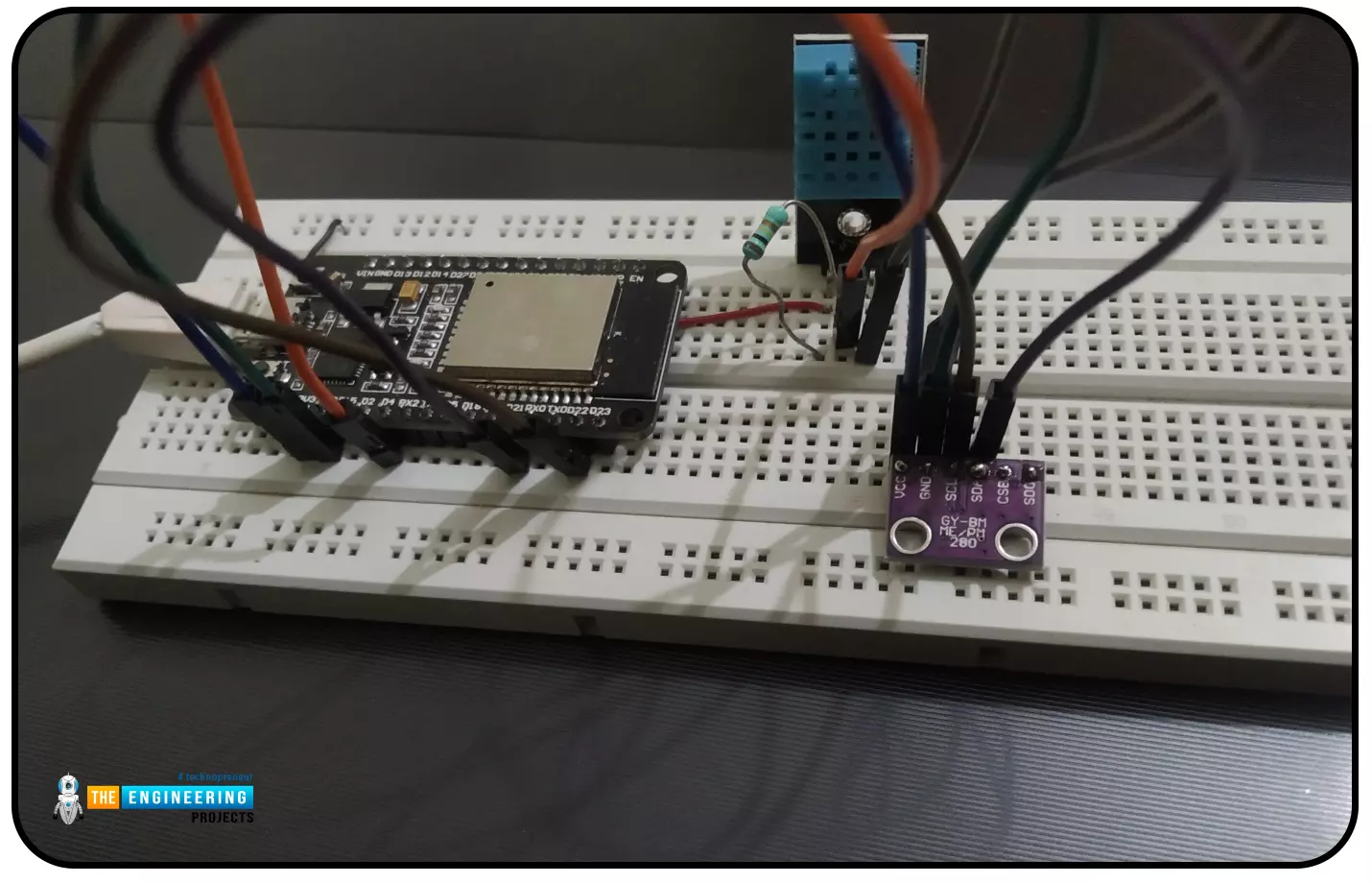
Abstract: This paper is written to represent a web-server based real-time weather monitoring system implemented using the ESP32 module. The system is designed to measure the weather conditions like temperature, pressure, humidity etc, in its vicinity. This system continuously provides real-time data (weather conditions) over limited or controlled areas, for example, agriculture fields, homes or a particular room, industries etc. Although we have satellites for weather monitoring but to perform research over a particular area, the data observed should be highly accurate which is not possible with satellites. To implement an IoT network we need to use a webserver to continuously store and display the real-time data which can be accessed globally. ’T ...
Hello readers, I hope you are all doing great. Welcome to the 2nd lecture of Section 5(ESP32 Sensors) in the ESP32 Programming Series. In the previous tutorial, we discussed the built-in ESP32 Hall Effect Sensor. In this tutorial, we will discuss another inbuilt sensor of the ESP32 i.e. Capacitive Touch Sensor.
ESP32 Board has 10 built-in capacitive touch pins, which generate an electrical signal when someone touches these pins. These ESP32 touch pins are normally used to wake up the board from deep sleep mode. These touch pins are also used to replace the normal mechanical buttons with touch pads, improving the presentation of the IoT projects.
Here's the video demonstration of the ESP32 Capacitive Touch Sensor:
Before going forward, let's first understand how this touch sens ...
Hello friends. We hope you are doing fine. Today we are back with another interesting project. It is based on the image processing technology. Developing efficient and cost-effective solutions for real-time applications is becoming increasingly important in the area of embedded systems and computer vision. This project makes full use of ESP32-CAM. ESP32-CAM is a compact and AI-enabled microcontroller with built-in Wi-Fi capabilities. We will create a real-time face detection and counting system.The ESP32-CAM serves as the core of the system. It captures high-resolution images at 800x600 resolution and hosts an HTTP server to serve individual JPEG images over a local network. The device’s efficient JPEG compression and network capabilities ensure minimal latency while maintaining high-quali ...
Hello friends. We hope you are doing fine. The world is full of colours. Isn’t it? We humans can see and differentiate the colours very easily. But teaching robots and AI apps about colours is a real challenge. With the advancement of computer vision and embedded systems, this task has become easier than before. Today, we are going to make an RGB colour identifier using the ESP32-CAM. This project combines the power of OpenCV with the ESP32-CAM module to create a simple but effective system for detecting and tracking basic colors in real time.
System Architecture
1. Overview
This system consists of an ESP32-CAM module acting as a live-streaming camera server and a Python-based computer vision application running on a remote computer. The Python application fetches images from the ...
Hello readers, hope you all are doing great. In this tutorial, we are going to discuss a mechanism that allows users to update the ESP32 with a new program wirelessly or over the air (without using a USB cable to upload a new program).
Over-The-Air (OTA) programming
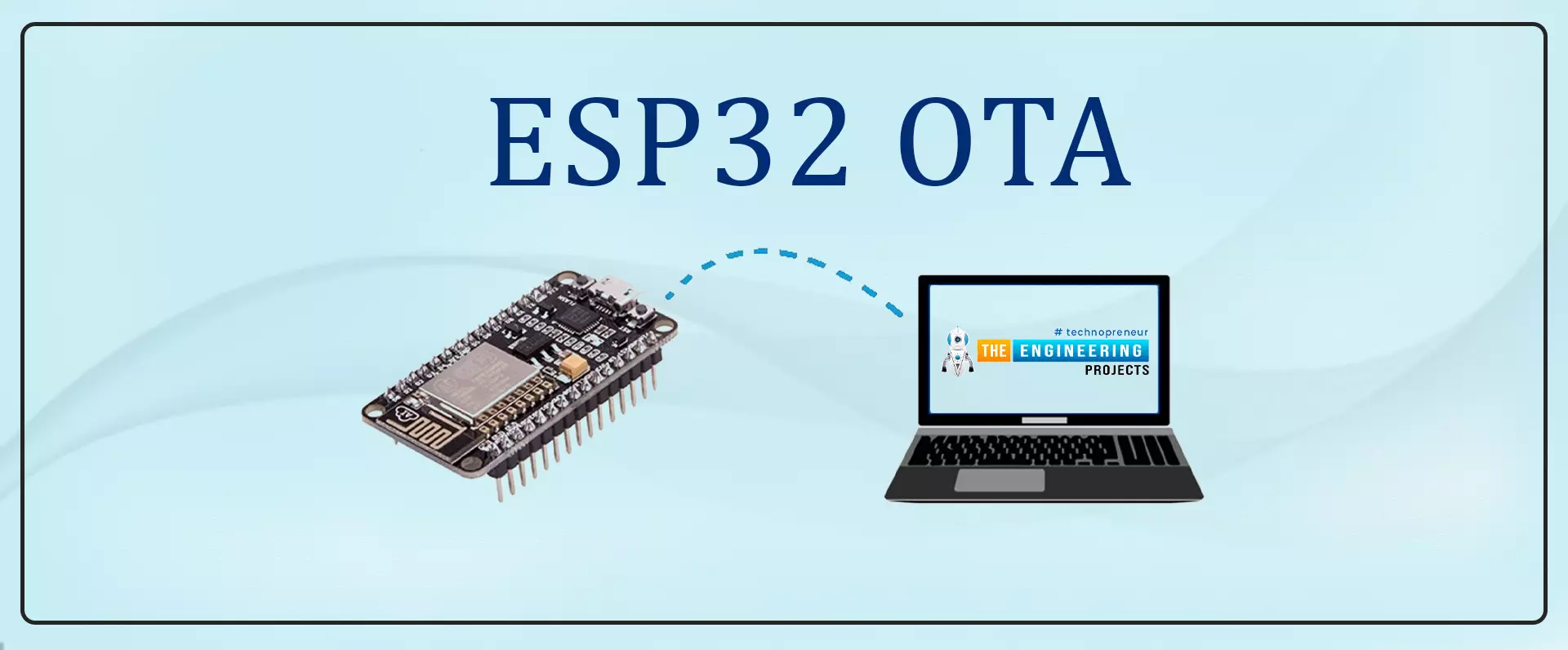
Fig. 1 ESP32 OTA
OTA programming is the mean by which a product manufacturer or product service provider can update the features or functionality of the device wirelessly or over the air, after the device has been deployed in the field where connecting a cable or uploading the code serially is difficult.
One key advantage of OTA is that a single central node can send an update to multiple ESPs on the same network.
The device must have a provisioning client capable of receivin ...
Hello everyone, I hope you're all doing well. In the previous lecture(Chapter 0: ESP32 Pinout), we discussed the ESP32 features & specs in detail. Today, we are officially starting this ESP32 Programming Series. In this ESP32 Programming Series, we will start with basic concepts and
will gradually move towards complex topics. I will try to keep this
ESP32 series as simple as I can. But still, if you encounter any issues,
please ask in the comments, will try to resolve the issues as soon as
possible.As ESP32 has numerous features & applications, so I have divided this series into different sections. I have named the 1st section "ESP32 IDEs". In this section, we will discuss different IDEs used to program ESP32 boards. In each Chapter of this section, we will install one of t ...
Hello readers, hope you all are doing great. This is our 3rd tutorial in the ESP32 programming series. In our previous tutorial, we discussed the ESP32 Web server, where we created the ESP32 web server in STA mode.
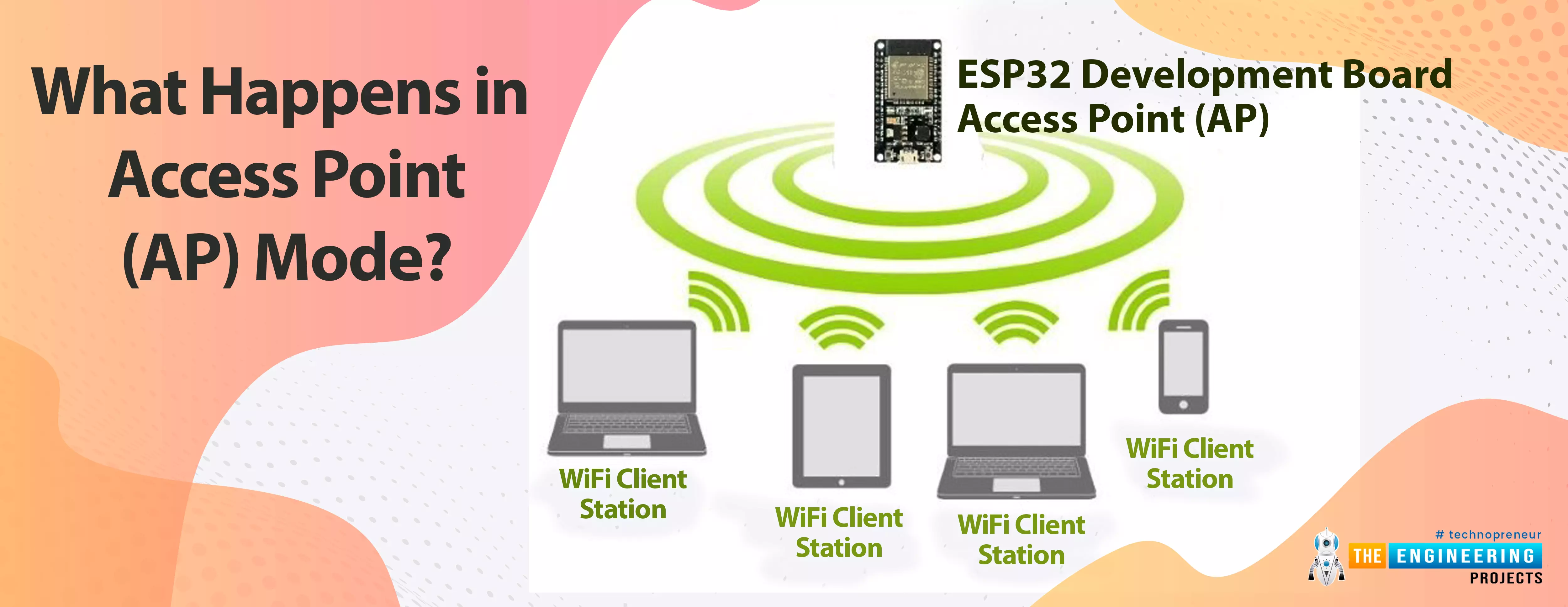
ESP32 can be operated as an access point (AP) or a Wi-Fi station (STA mode). So, in this tutorial, we will create an ESP32 web server in access point (AP) mode. Here's the video demonstration of ESP32 WebServer in Access Point Mode:
As I mentioned above, in our 2nd tutorial, we already discussed the basics of the ESP32 web server. So, in this tutorial, we will only discuss how to create the ESP32 in access point mode.
For detailed information about the basics of the ESP32 web server and how client-server communication takes place, fol ...
Hello readers, I hope you all are doing great. In our previous tutorial, we learnt how to make HTTP POST from ESP32 to the IFTTT server.
In this tutorial, we will learn about another application of the ESP32 module in the field of IoT (Internet of Things). We can publish multiple sensor readings from ESP32 to Google sheets via the IFTTT web service.
IFTTT is used as a third-party web service to integrate Google sheets with ESP32.
Fig. 1
Creating an IFTTT Account for Integrating ESP32 with Google Sheets
We are going to create an applet (on the IFTTT server) that is responsible to integrate the Webhooks and Google Sheets services.
While operating with the IFTTT server there are some services/utilities that we are going to deal with like Applets an ...