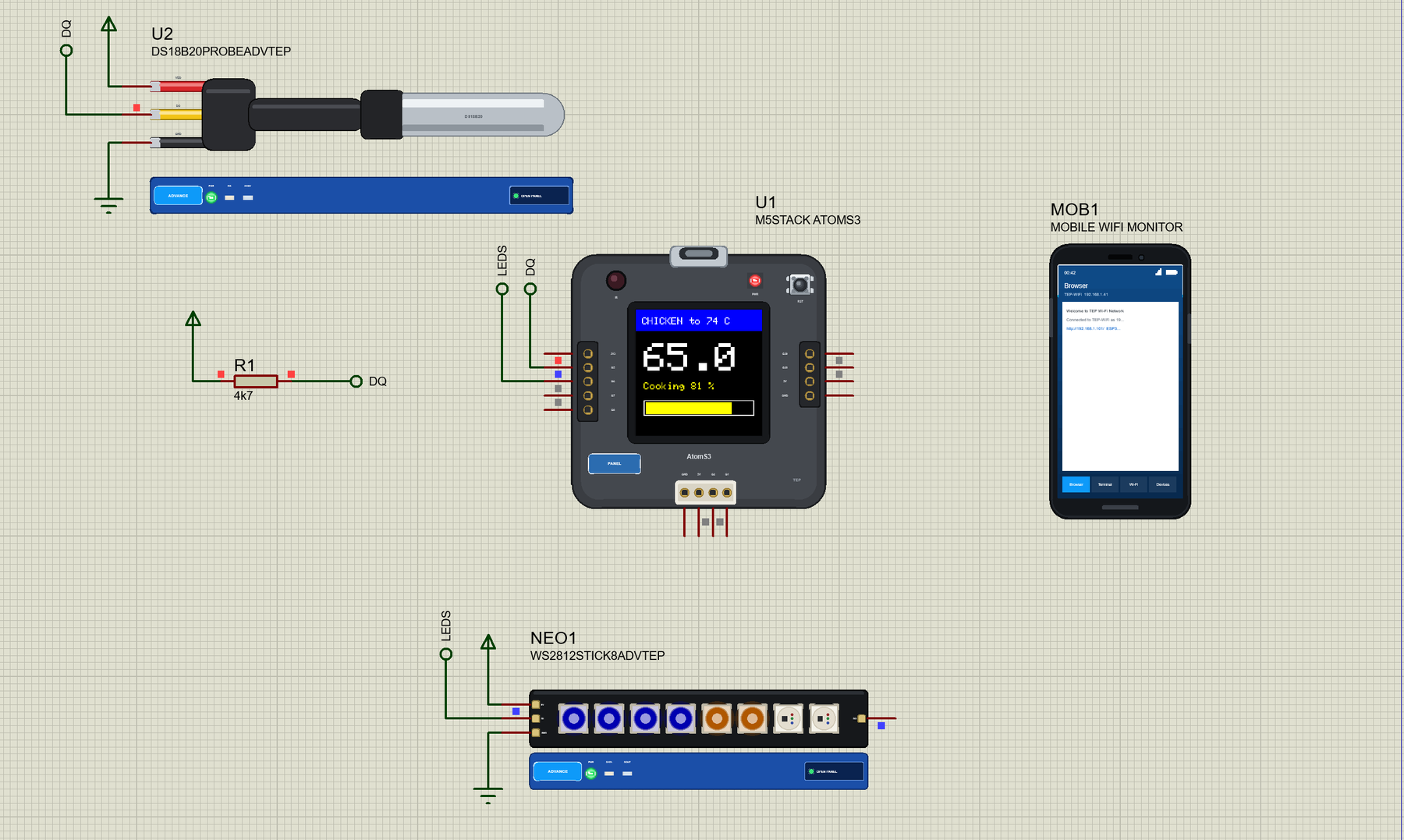
… for the oven air: 1-Wire allows many sensors on one line. Send a message to a chat app when the food is ready. Put a small buzzer on G7 for the READY alert. Your Own Sketches Write the sketch in the Arduino IDE with the board M5Stack AtomS3 (TEP Proteus) , use …
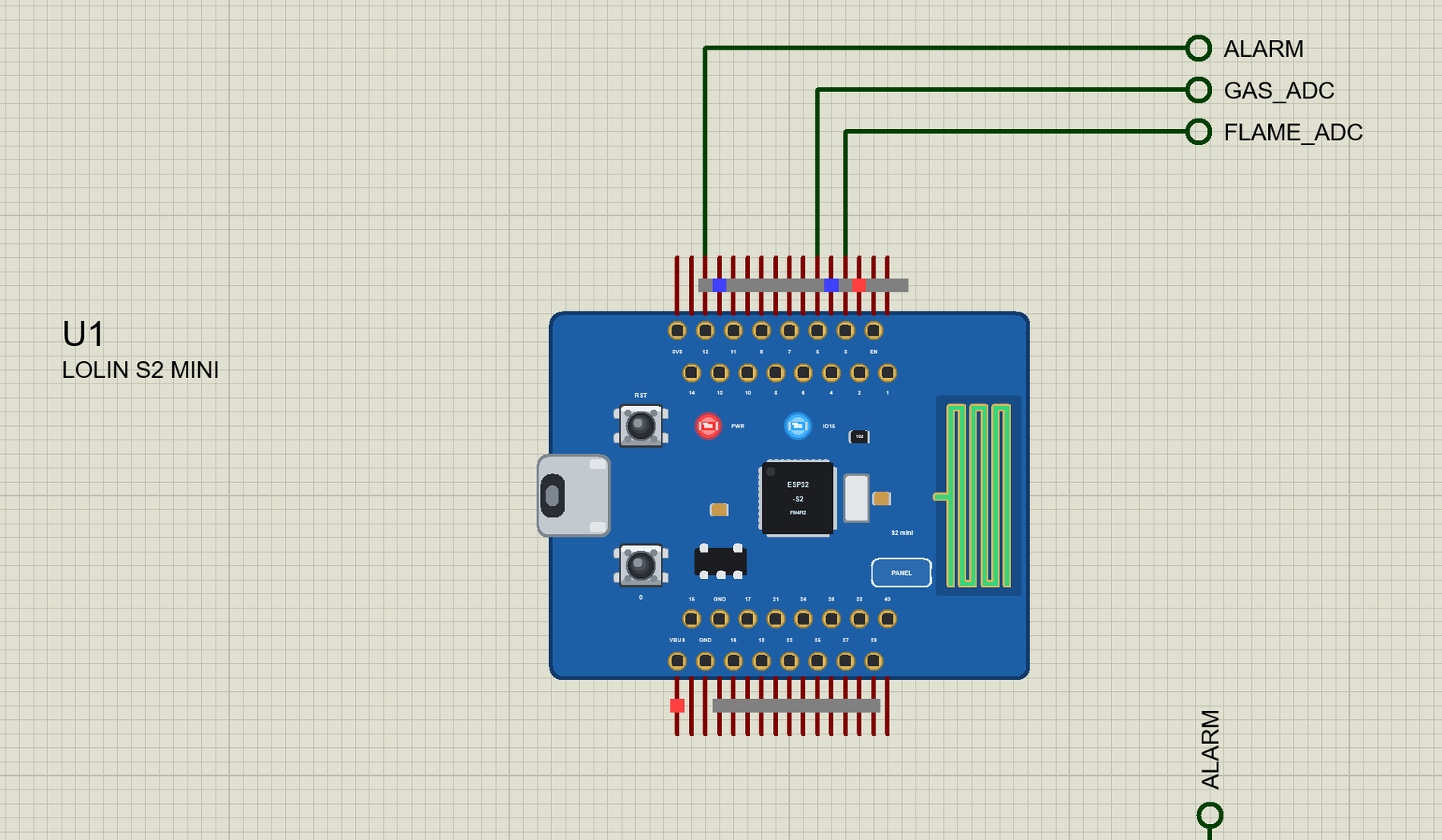
… - the sensor cannot tell the gases apart. Type STATUS , RESET or CAL in the monitor. Ideas to Extend the Kitchen Alarm Add a buzzer on a free GPIO so people in the house hear the alarm. Switch an exhaust fan with a relay while the gas reading is above the …
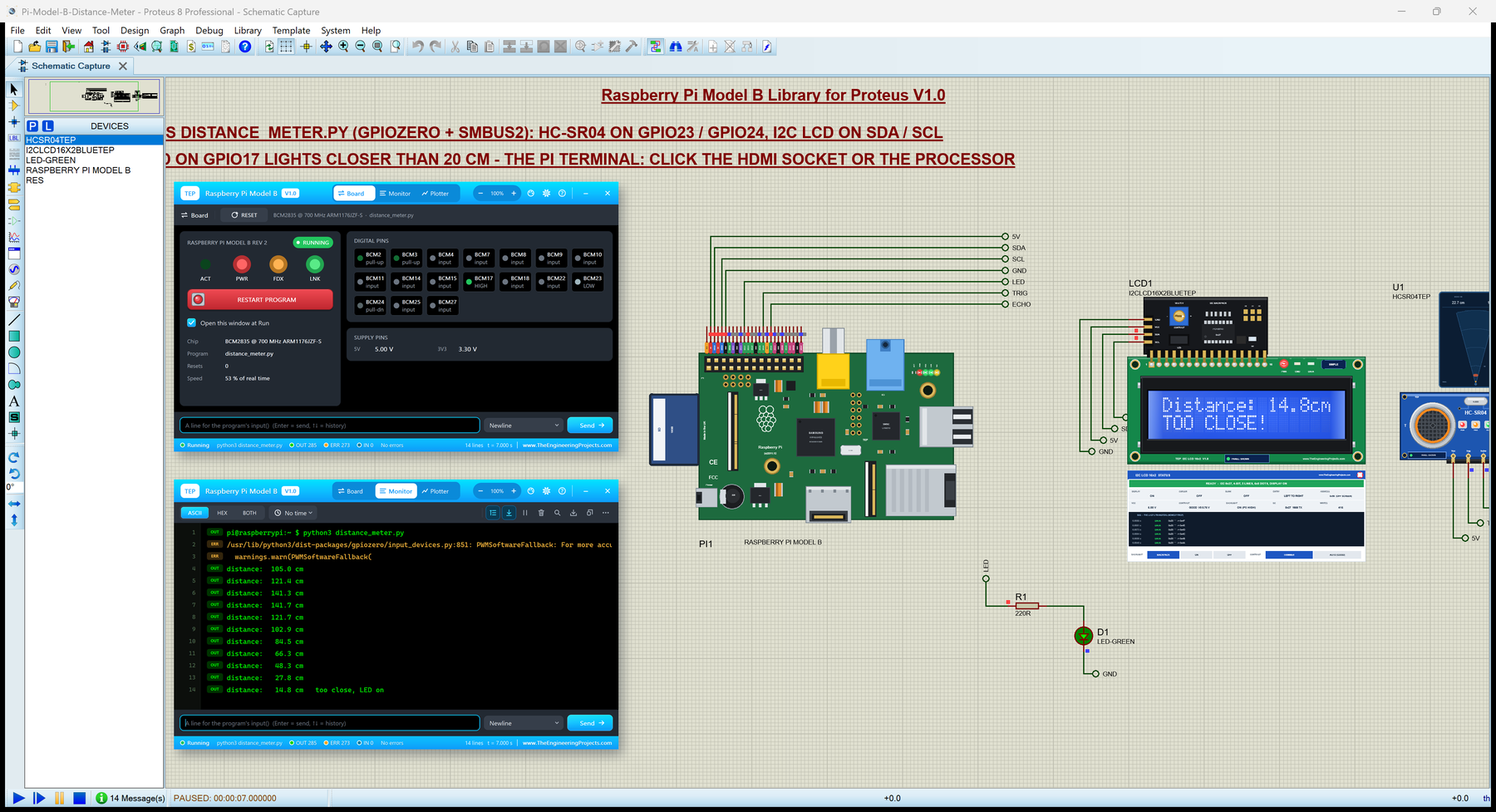
… output, input, add_event_detect and wait_for_edge, PWM gpiozero gpiozero 2.0.1, unchanged, on RPi.GPIO: LED, PWMLED, Button, Buzzer, Servo, DistanceSensor, CPUTemperature ... smbus2, smbus I2C bus 1 on GPIO2 / GPIO3 at 100 kHz; no answer from an address gives …
… interrupt 0 sets sqwFell . The loop asks which alarm fired, prints it and clears the flag two seconds later - like a short buzzer -, which releases SQW: if (sqwFell && !squareWave) { // INT: an alarm pulled SQW LOW sqwFell = false; for (byte n = 1; n <= 2; …
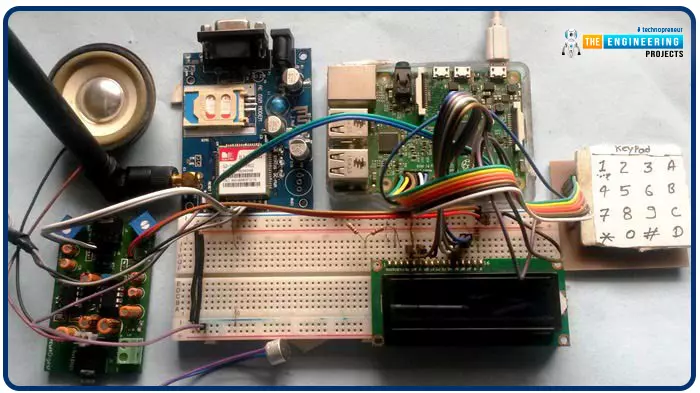
Greetings, and welcome to another tutorial in our series on the raspberry pi 4 Python programming. The previous guide covered the basics of transmitting data over the radio using the nrf24l01 chip in Pi 4. We also learned about interfacing Arduino and raspberry pi 4 and sending radio signals between the two devices. However, this tutorial will walk you through building a Raspberry Pi-based mobile phone with a microphone and speaker for making and receiving calls and reading text messages (SMS). This Project also serves as a proper GSM Module for the Raspberry Pi interface, with all the necessary Code to run the most fundamental features of any modern smartphone. First, we will understand what gsm is, its architecture and how it works, then we will learn how to program it in our pi 4; there ...