Search The Engineering Projects
69 results for arduino simulator
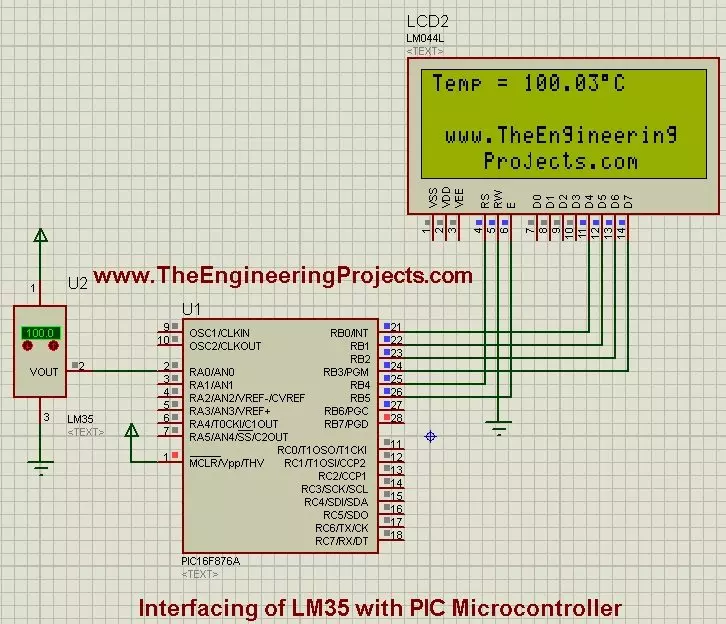
Interfacing of LM35 with PIC Microcontroller
… for Proteus V3.0 (October 2026): LCD 16x2, LCD 20x4 and both I2C LCDs in one library, with our own HD44780 model and an Arduino demo One LCD only? LCD 16x2 · LCD 20x4 · I2C LCD 16x2 · I2C LCD 20x4 Helping Tools Serial Monitor Advance : a serial terminal window …
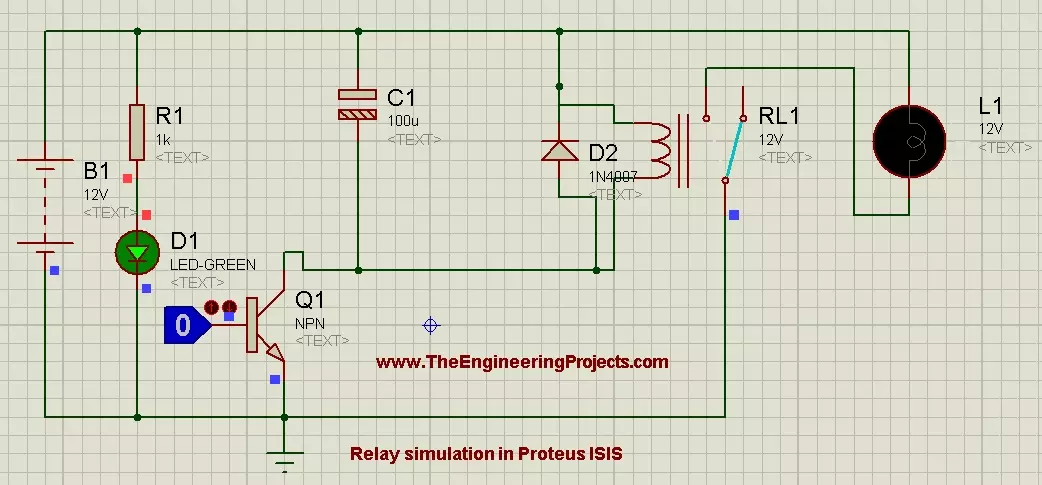
How to Control Relay in Proteus ISIS
… terminal and return the other lamp terminal to the load supply's negative side. Add the reference connections needed by the simulator. Figure: Original relay and lamp circuit before simulation. When the coil receives enough current to operate, COM changes from …
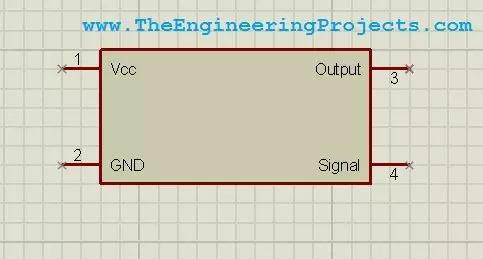
Component Designing in Proteus ISIS
… modules, the distinction is especially useful. Our Arduino library tutorial discusses a separate library package. The four-pin drawing exercise here does not itself implement an Arduino processor or execute sketches. Maintain the Library as Your Project …
How to Use Make Device in Proteus to Create a New Part
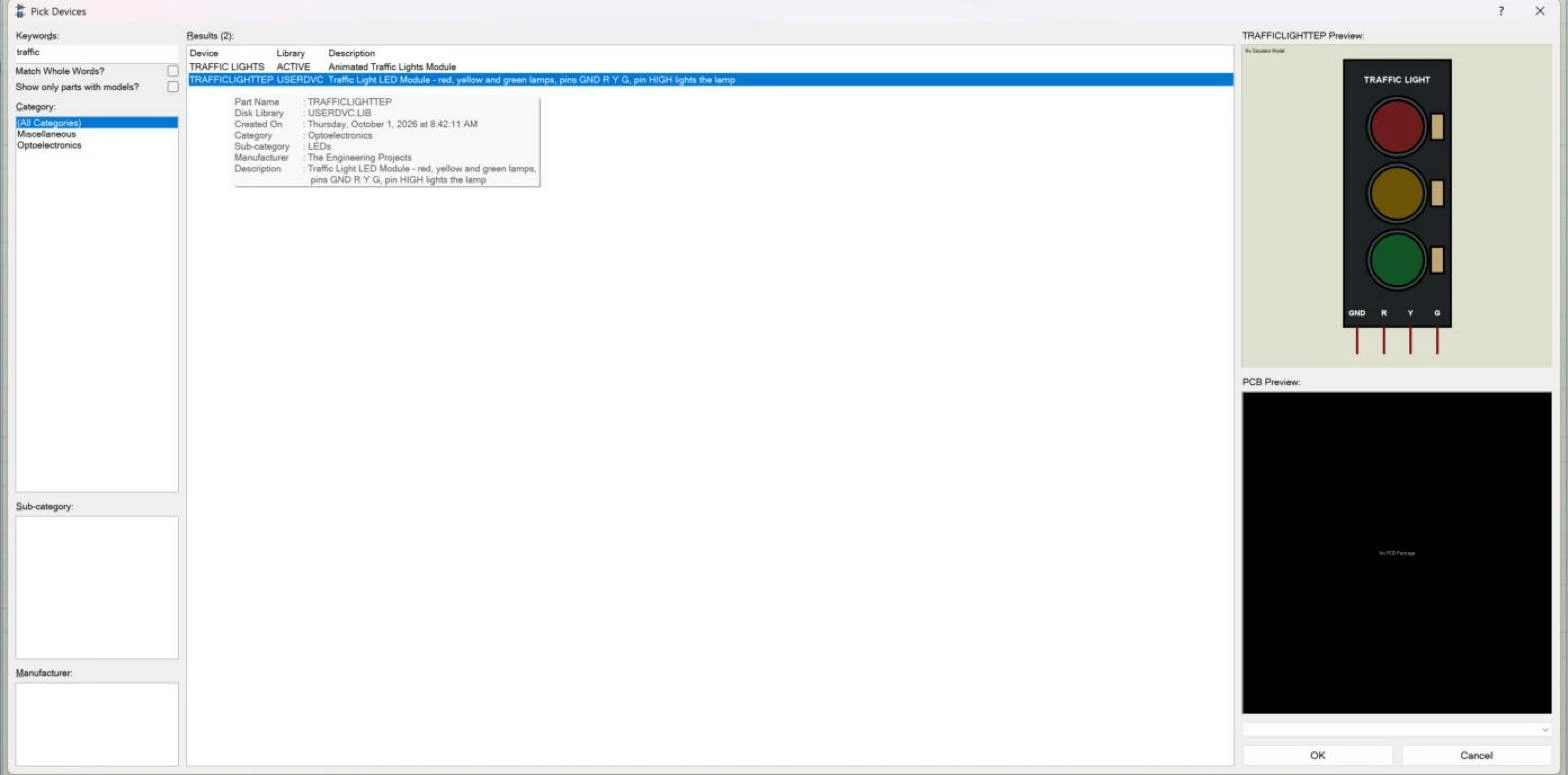
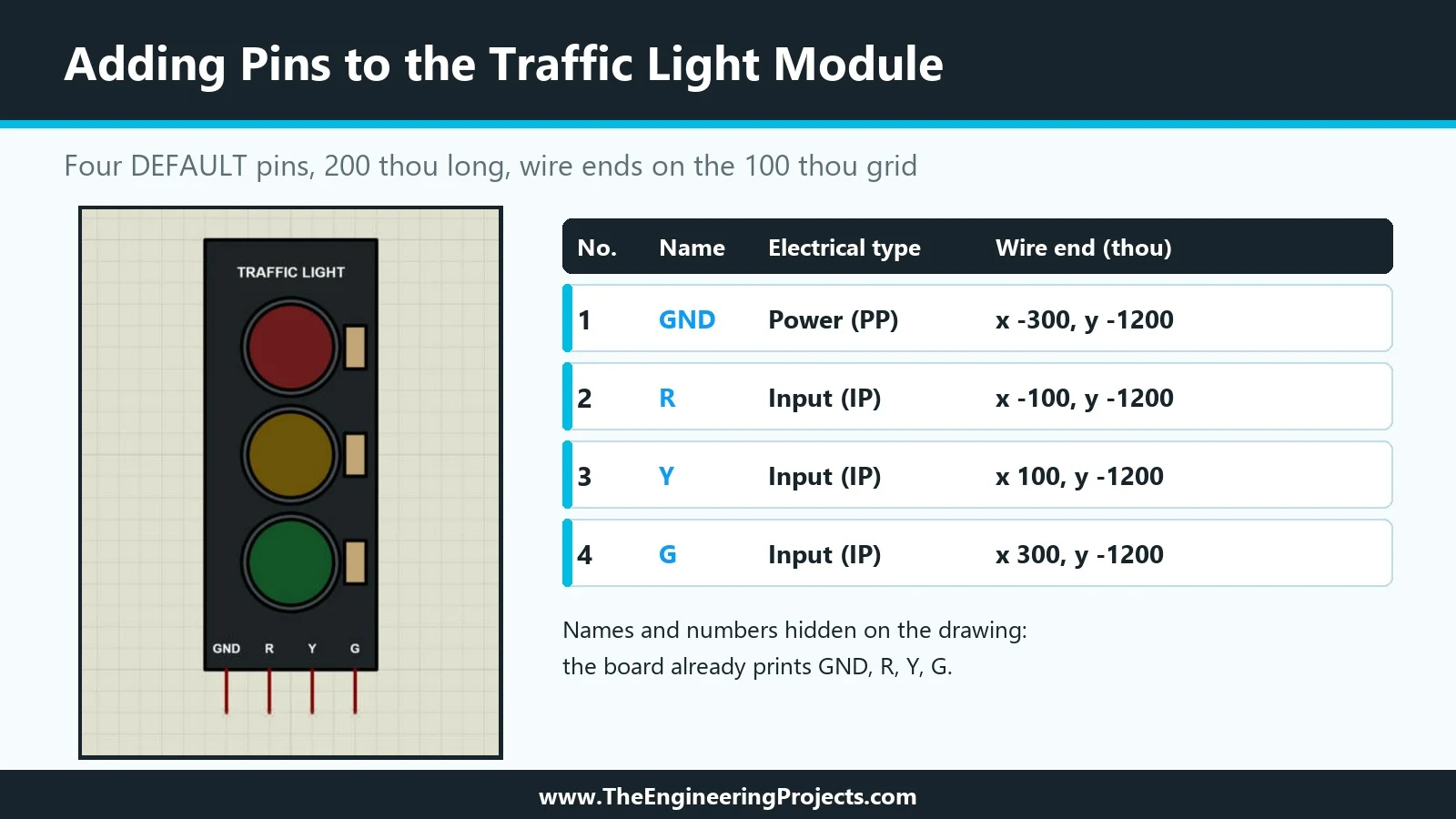
… it reproduces the four-pin Arduino module, GND, R, Y and G, with its look and pin order, and it is the part we use to learn the whole process. Selecting our part showed the drawing in the Schematic Preview, labelled "No Simulator Model", and the PCB Preview …
How to Add Pins to a Component in Proteus
… the number becomes the pad number on a PCB footprint, and the electrical type tells the electrical rules check and the simulator what the pin does. A pin has two ends. One end touches the body of the part; the other end, marked with a small blue cross while …
How to Design a User Interactive Library in Proteus
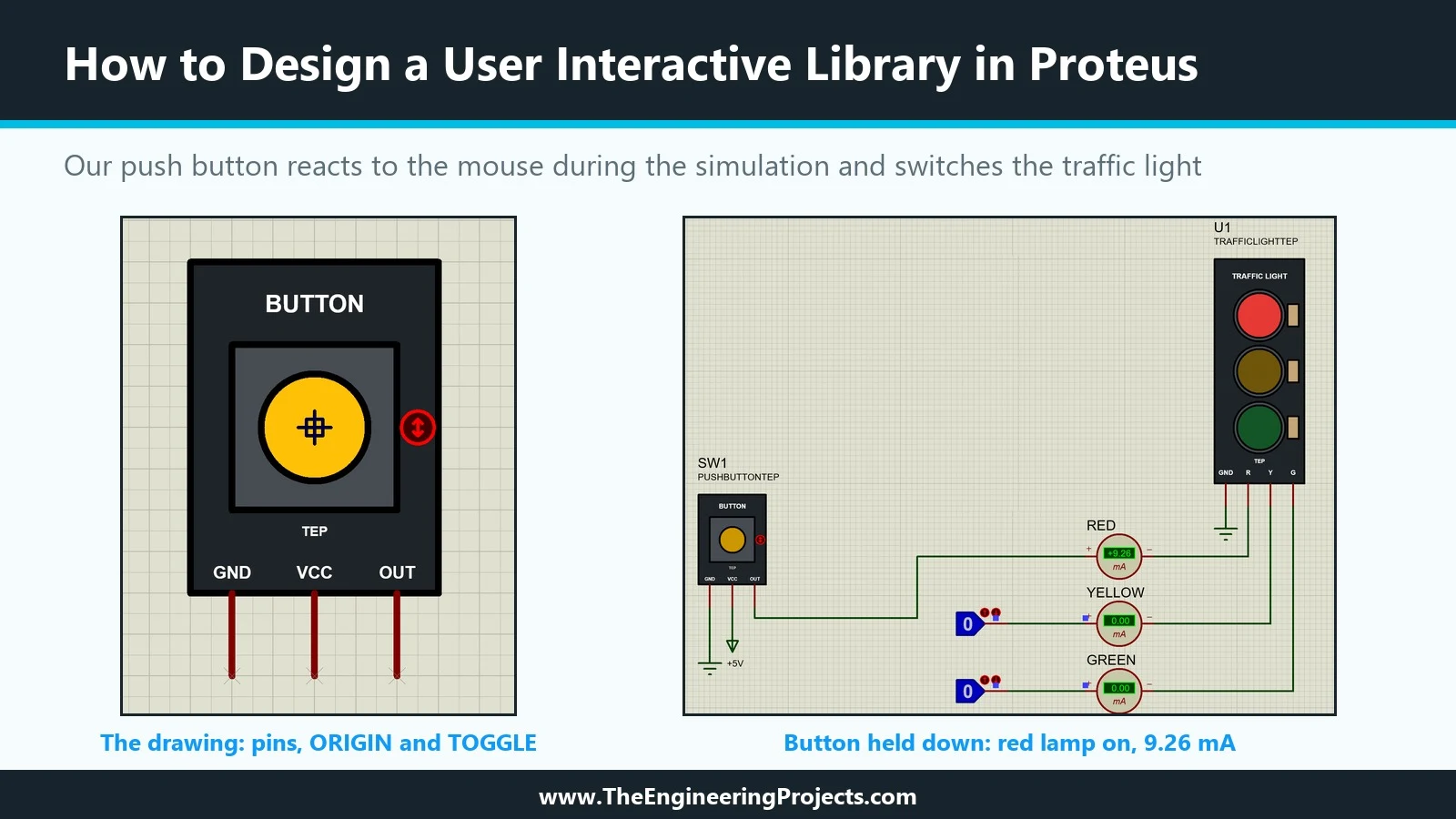
… of our TEPTUTORIAL library: a Push Button Module with the pins GND, VCC and OUT, like the small button boards sold for Arduino projects. We will look at the three markers that make a part clickable, INCREMENT, DECREMENT and TOGGLE, at the STATE property that …