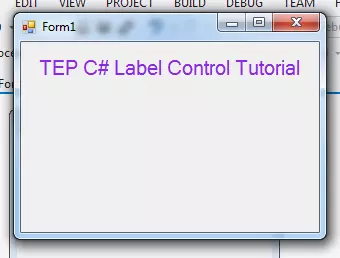
Hello everyone, I hope you all are doing great. In today's article, I will guide you about the C# Label Control. I will show you how to deal with label in C Sharp Programming Language. Labels have their own importance in the software development to nominate the input and output fields. You have observed that every software which you have used and with you are familiar have some labels. Such as in the website login forms there are labels too. It's recommended to use the labels in the software to make the user interface rich with the helping material. If you will just use the C# Button, C# TextBox, and C# ComboBox and don't use the C# Labels then your developed software will not be easy to use. In simple words, it won't be user-friendly. So, in orde ...
Hello everyone, I hope you are doing great. In this article, we will talk about C# TextBox Control. In the previous articles, you have already get familiar with C# Button Control & C# Label Control, this is the sequence of those. In short C# TextBox Control is just same as the other expect some few changing. Before getting started with C# TextBox you must have knowledge of previous concepts. It's not essential but it will give you the edge to understand the advanced elements of C#.
C# TextBox is used to get input from users or it can also be used to display some values to the user. The textbox is a container for text blocks, you can take inputs or show the text as you required in the form of paragraphs. If you used TextBox as the input field t ...
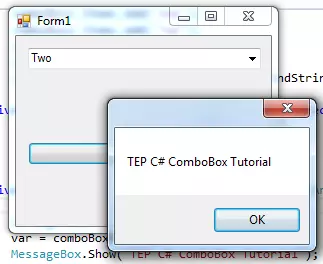
Hey everyone how are you, hope you are doing great. In this article I will guide you about the C# comboBox. In my previous article, I have explained about C# button control and their features. C# ComboBox is quite similar to button control but its major properties are different. The combo box can hold multiple values at the same time, it's like drop-down box in appearance and you can select any value inside it. Most of the time, combo box is used to give the user multiple selection options. But in signup forms, it's used for country selection where you have to select your country from drop down. You can use combo box according to your requirements.
You can add the combo box from the toolbar and drag it on the form. When you drag that you can set t ...
Hello friends, I hope you all are fine and having fun with your lives. Today, I am going to show you How to use C# if else statement. Previously we have seen the Introduction of C# Windows Forms an then we have also discussed different data types and variables used for programming in C#, you can read these tutorials on C# Tutorial page.
So, before starting this C# if else tutorial, I would suggest you to first read all of those basic C# tutorials so that you know how to use different data types. Before starting this tutorial, you should also read How to add C# Control in Windows Form because we are gonna use three C# controls in this tutorial.So, let's get started with How to use C# if else statement:
How to use C# if else Statement ???
First ...
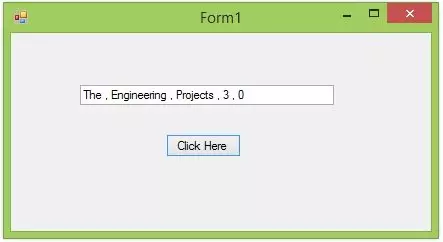
Hello friends, I hope you all are fine and having fun with your lives. In today's post, we are gonna have a look at How to use C# ArrayList. I am gonna explain it in detail what is C# ArrayList and how to use C# ArrayList. But before going into the details of today's tutorial, you must first have a look at my previous tutorial which is How to use C# Array??? because C# ArrayList is quite similar to C# Array.
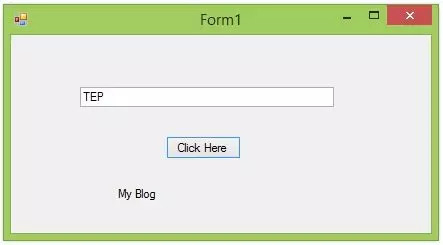
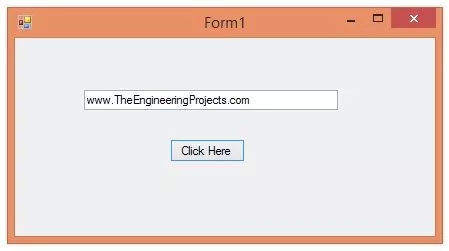
I am gonna use the same project which we have designed in our first lecture on C# named as Introduction to C# Windows Forms. So, you should also use the same project and as we know this project has one Button and one Text box. Just a recall that I have changed the Text of the button to Click Here and the name of the button to ClickHere. Simila ...
Hello everyone, hope you all are fine and having fun with your lives. In today's tutorial, we are gonna have a look at How to use C# Array. C# array is quite a simple concept but students normally got confused while using C# array that's why I am gonna explain it in a detail. C# array is used to store similar data in a single variable. Let me explain this with an example. Suppose you have 10 integer variables then what you need to do is to save all of these 10 variables in separate C# Int variables which will not only increase the size of your code but will also make it quite complex. So, instead of creating 10 separate C# Int variables you can simply create a single C# array and can add all of them in it.
Let's take an example for C# arrays from ...
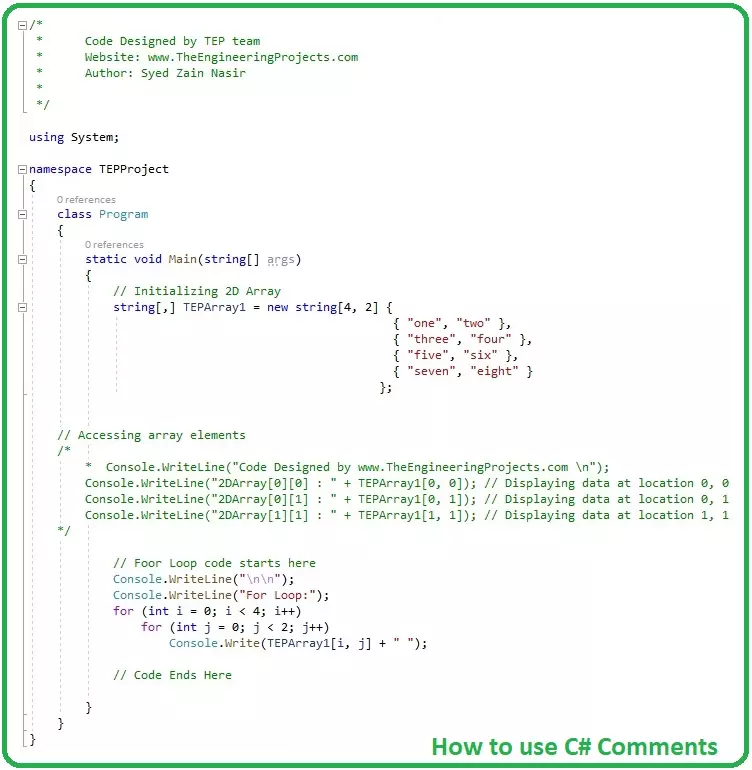
Hello everyone, I hope you all are fine and having fun. Today's tutorial is a quick one and is about how to use C# Comments. Comment is an important part of any programming language, although its not a directly part but they indirectly help a lot especially in complex projects.
I have also shared a tutorial on How to use comments in c++, you should read that post as well because I have explained few basic concepts in it. You guys are also welcome to give us feedback about this new C# tutorial series. If you have any suggestions about it then do let us know in comments.
How to use C# Comments ???
Comments are simple documented text lines, completely ignored by the compiler and are used to explain or provide any additional information about codi ...
Hello friends, I hope you all are fine and having fun with your lives. In today's tutorial, we are gonna have a look at How to use C# String Variables in your C# Projects. In the previous tutorials, we have a look at How to use C# Int Variables and also have seen How to use C# Double Variable. So, now today we are gonna see how to use C# String Variable.
We have already discussed the variables in detail so I hope that you must have the idea of what variables are and if you don't then you must read the previous tutorials first. The code is also given below in the tutorial. So, let's get started with How to use C# String Variables:
How to use C# String Variables ???
C# also supports string variable, a string variable can save anything in it in t ...
Hello friends, hope you all are fine and having fun with your lives. Today, I am going to show you guys How to use C# Double Variable in your projects. In our previous tutorial, we have seen How to use C# Int Variable and we have also discussed about the term Variables in detail. So, I am not gonna discuss it again and gonna come straight to our topic C# Double variable.
It's my second C# tutorial in the series of C# variables. In the coming tutorials, I will discuss the remaining C# variables in detail. I have also provided the project code below but I would suggest you to do it on your own so that you get most out of it. Moreover, you should also have a look at Introduction to C# Windows Forms and How to use C# Control in Widows Forms as I am ...
Hello friends, hope you all are fine and having fun with your lives. Today, I am going to share a new tutorial on C# language which is How to use C# Int variables. In our previous C# tutorials, we have designed a small project in C# which prints Hello World on the screen. Then we have seen Introduction to C# Windows Form, in which we have designed our first Windows form in C#. Then we have added the C# controls on that windows form.
Now, in today's tutorial, I am gonna introduce you to a new concept which is variables. Variables are used in every programming language and without variables we can't design even a simple code. There are different types of variables available in C# language and today among these variables we are gonna focus on C# Int ...