Hi friends, today we are going to learn a good technique to run multi outputs in sequence. In another word, when we have some output that is repeatedly run in sequence. In the normal or conventional technique of programming we deal with them individually or one by one which takes more effort in programming and much space of memory. So instead we can use a new technique to trigger these outputs in sequence using one instruction which will save the effort of programming and space of memory. In this article, we are going to introduce how to implement sequencer output instruction. And practice some examples with the simulator as usual. Before starting the article, we need to mention that, some controllers like Allen Bradley have sequencer output instruction and some has not like Siemens. So we ...
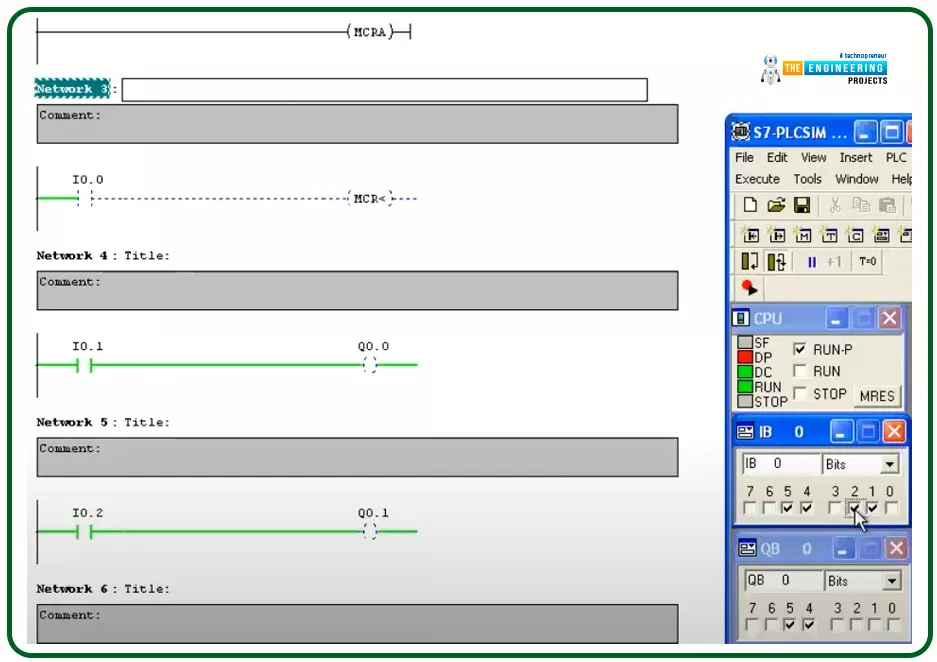
Introduction Hello friends, I hope you are doing very well. Today we are going to learn and practice the master control reset (MCR)! So what is that MCR? Well! This is a tool you might use to control a group of devices with one push button for performing fast emergency responses with one click for a group of devices in one zone. In another word, you divide the program into zones and put this zone between a master control to control their operation as one unit by one contact. This technique is useful for applying emergence stops and also protecting some equipment by applying a safety restriction to not operate when that condition is in effect. The concept of the master control reset (MCR) Figure 1 shows the master control relay in a ladder logic showing a couple of rungs between the master ...
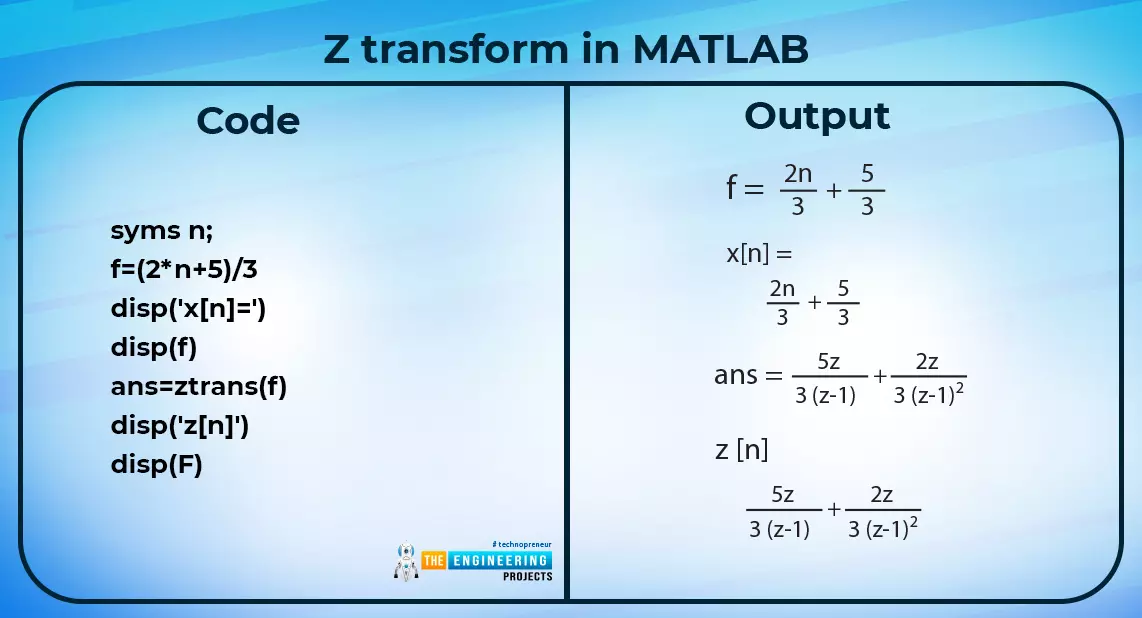
Hey learners! Welcome to another exciting lecture in this series of signals and systems. We are learning about the transform in signals and systems, and in the previous lectures, we have seen a bulk of information about the Laplace transform. If you know the previous concepts of signal and system, then this lecture will be super easy for you to learn, but if your concepts are not clear, do not worry because we will revise all the basic information from scratch for our new readers. So, without wasting time, have a look at the topics of today. What is z transform? What is the region of convergence of z transform? What are some of the important properties of the region of convergence? How to solve the z transform? What is an example of the z transform in MATLAB? What are the methods for the i ...
Electrical equipment has the potential to be extremely hazardous and every year in the US 30,000 incidents of electric shock are reported. As well as causing burns and serious injury to the body, electric shocks can be life-threatening, while the electrical fires caused by damaged wires or malfunctioning equipment can also destroy buildings. When you are working on an electrical engineering project, it is essential to meet electrical safety standards and follow regulations in order to keep people and buildings from harm. Just as you need cybersecurity to protect ideas and abstract designs , regularly monitoring, inspecting and managing any practical electrical work with regular risk assessments will ensure that any system is safe to install and operate. Checking for Exposed Wiring If you b ...
Welcome to the next tutorial of our Raspberry Pi programming course. Our previous tutorial taught us to how to print from a Raspberry pi. We also discussed some libraries to create a print server in our raspberry pi. We will learn how to take screenshots on Raspberry Pi using a few different methods in this lesson. We will also look at how to take snapshots on our Raspberry Pi using SSH remotely. Why should you read this article? This article will assist you when working with projects that require snapshots for documenting your work, sharing, or generating tutorials. So, let us begin. Screenshots are said to be the essential items on the internet today. And if you have seen these screenshots in tutorial videos or even used them in regular communication, you're already aware of how effectiv ...
Abstract: This paper is written to represent a web-server based real-time weather monitoring system implemented using the ESP32 module. The system is designed to measure the weather conditions like temperature, pressure, humidity etc, in its vicinity. This system continuously provides real-time data (weather conditions) over limited or controlled areas, for example, agriculture fields, homes or a particular room, industries etc. Although we have satellites for weather monitoring but to perform research over a particular area, the data observed should be highly accurate which is not possible with satellites. To implement an IoT network we need to use a webserver to continuously store and display the real-time data which can be accessed globally. ’ThingSpeak’ is a web service where one can u ...
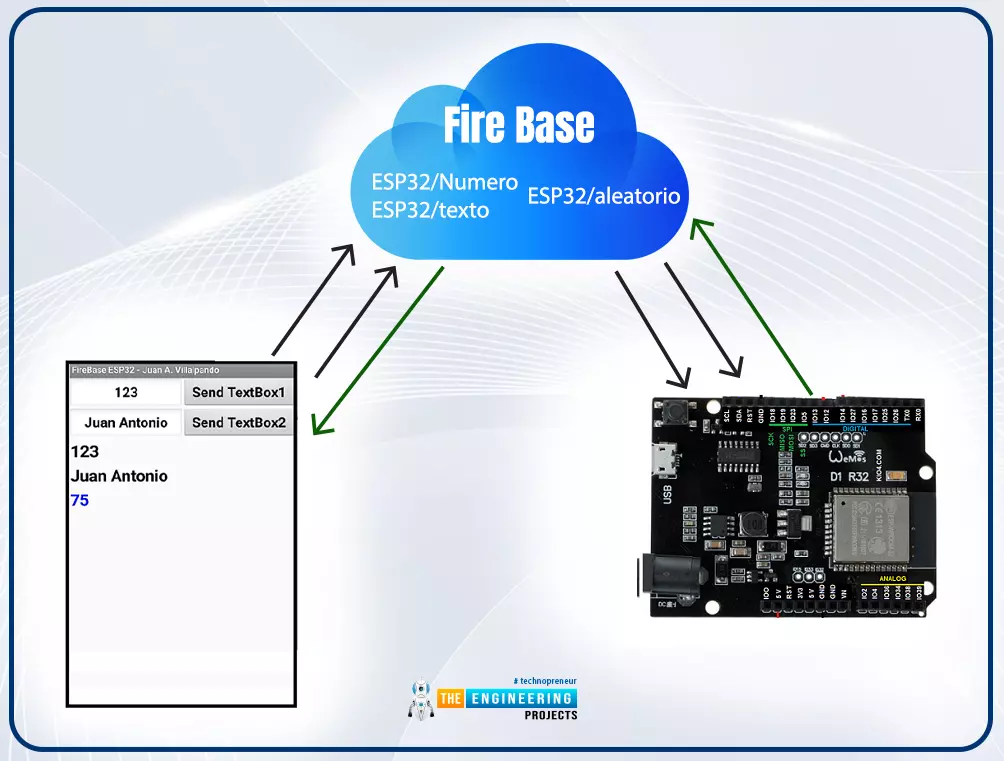
Internet of Things is a system of multiple inter-related computing devices. The factor ‘thing’ in IoT is designated to an entity capable of communicating data over a network (IOT), which can be a digital machine, sensor, human being, animals etc. Each component that is included in IoT network is assigned with an unique identity called UID and the ability to communicate data over IoT network without any external human or computer intervention. Hello readers, I hope you all are doing great. In our previous tutorial, we discussed how to upload data to Firebase Real-time Database using ESP32. In this tutorial, we will learn how to read the data stored on the Firebase Database with ESP32. We can access the data stored in Firebase database from anywhere in the world, which makes this preferable ...
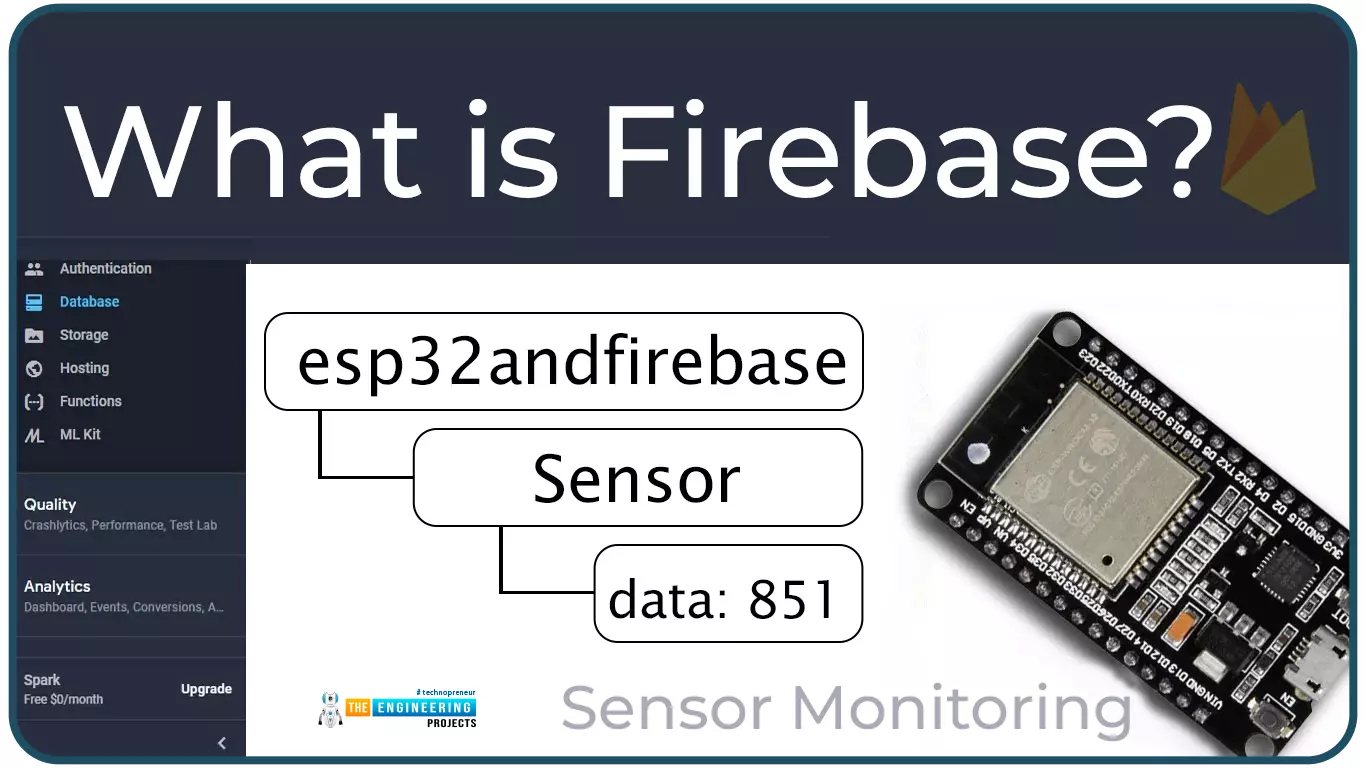
Hello readers, I hope you all are doing great. In this tutorial, we will learn how to access Firebase (a real-time database) to store and read values or data with ESP32. It is Google’s mobile application development platform that can be used to can access, monitor and control ESP32 from anywhere in the world with its (firebase) real-time database. What is Firebase? Firebase real-time database is a development platform provided by Google which included multiple services to manage and authenticate data. Firebase is basically a mobile and web app development platform I as works great with Android APIs) that includes features like firebase cloud, real-time data and Firebase authentication etc. As per Firebase’s official documentation ( https://firebase.google.com/docs/database ), whenever a us ...
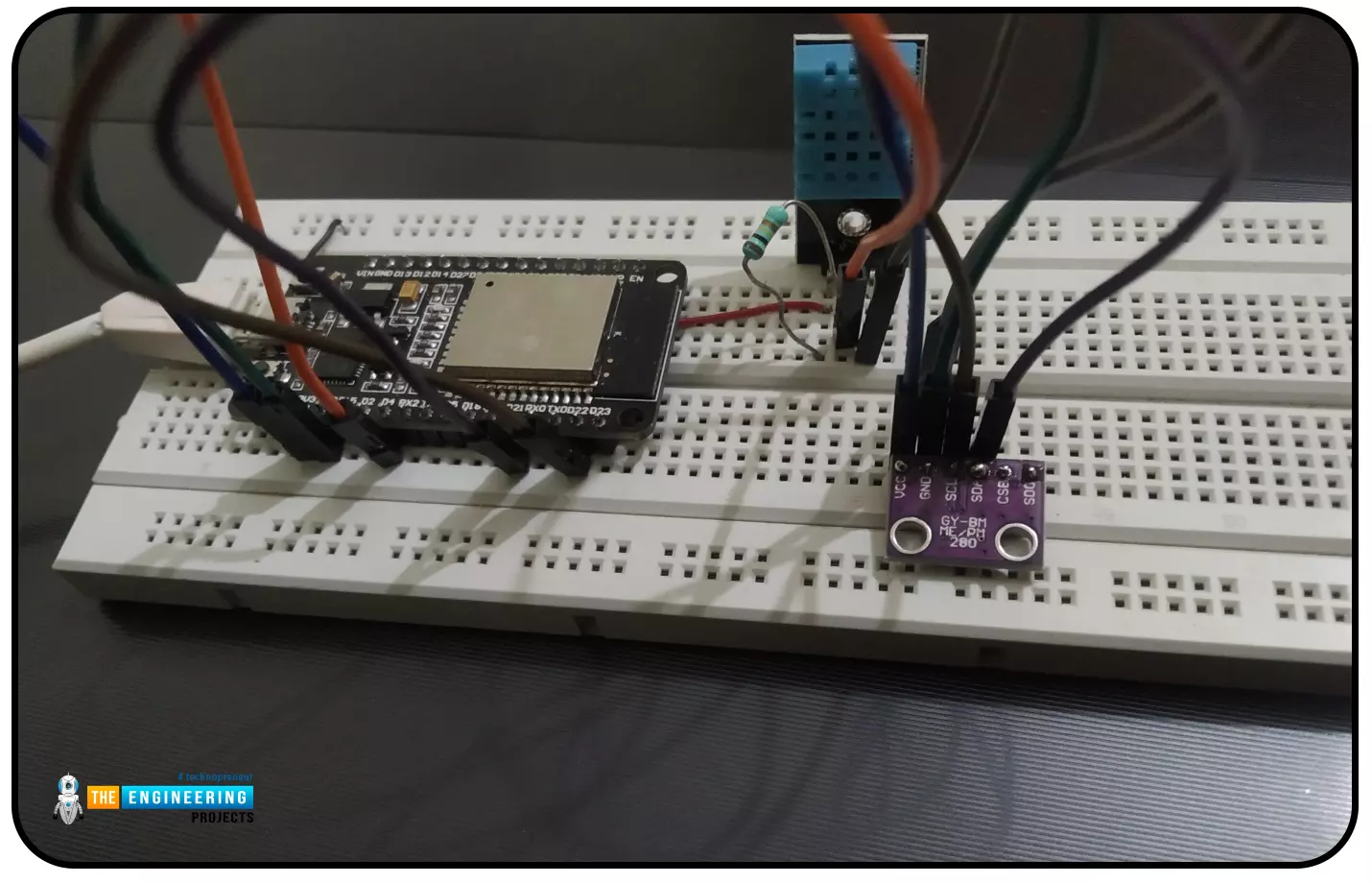
Hello readers, I hope you all are doing great. In this tutorial, we will learn how to interface the BMP280 sensor with the ES32 module to get temperature, pressure and altitude readings. Later, in this tutorial, we will also discuss how to upload these sensor readings to a web server. BMP280 BMP280 or Barometric pressure sensor is a module used to measure temperature pressure and altitude. The small size and low power consumption feature of this sensor makes it feasible for battery-powered devices, GPS modules and mobile applications etc. Fig. 1 BMP280 Sensor The BMP280 is the product of BOSCH which is based on Bosch’s proven Piezo-resistive pressure sensor technology featured with high accuracy, long term stability, linearity and high EMC robustness. BMP280 is the successor of the BMP180 ...
Hello readers, I hope you all are doing great. ESP32 is a powerful chip for Internet of Things applications. This tutorial is also based on one of the ESP32 applications in the field of IoT. Project Overview In this tutorial, we will learn how to update LCD display with new data or input using a web server created with ESP32. Fig. 1 To achieve the target, we will be using an HTML (Hypertext Markup Language) form to provide web input and then update the text displayed on LCD. The values or input received from the webserver will be further stored inside a variable in the code for further use (to display on LCD). We have already posted a tutorial on LCD (Liquid Crystal Display) interfacing with ESP32. In that tutorial, we demonstrated how to display the hard-coded data (in the ESP32 module) o ...