Hello friends, I hope you all are fine. Today, we are starting a new tutorials series on Ladder Logic Programming, used in PLC. It's our first tutorial in this series, so we are going to have a look at the detailed introduction to PLC and ladder logic. After welcoming every one of engineers, technicians, students, and hobbyists who have come to read this article willing to learn PLC programming, I would like to introduce one of the most used programming languages of PLC. The language we introduce here is a visualized language that connects and combines graphical symbols in logical flow same as the way we wire electrical circuits and that is the secret behind its simplicity not only in implementation but also in diagnosing problems.
Ladder Logic Pro ...
Rental property management is a potentially lucrative strategy – one that can supply you with a steady stream of passive income and, if you do things right, set you up for long-term accumulation of wealth.
But at the same time, the day-to-day process of managing properties can be a headache. You’ll be responsible for overseeing the property, responding to maintenance requests, collecting rent, and dealing with problematic tenants.
Is it worth designing an automation system to handle some of these tasks on your behalf? How much value do you stand to gain?
Why Automation Is So Valuable
Let's start by talking about some of the reasons why automation is so valuable.
Time savings:
Many property owners choose to hire a property manager
to take ca ...
Hi Friends! Hope you are doing great. Today, I am going to give you a detailed Introduction to Arduino Uno. It is a microcontroller board developed by Arduino.cc and is based on Atmega328 Microcontroller. The first Arduino project was started in Interaction Design Institute Ivrea in 2003 by David Cuartielles and Massimo Banzi with the intention of providing a cheap and flexible way for students and professionals to learn embedded programming.
Arduino UNO is a very valuable addition in electronics that consists of a USB interface, 14 digital I/O pins(of which 6 Pins are used for PWM), 6 analog pins and an Atmega328 microcontroller. It also supports 3 communication protocols named Serial, I2C and SPI protocol. You should also have a look at this vid ...
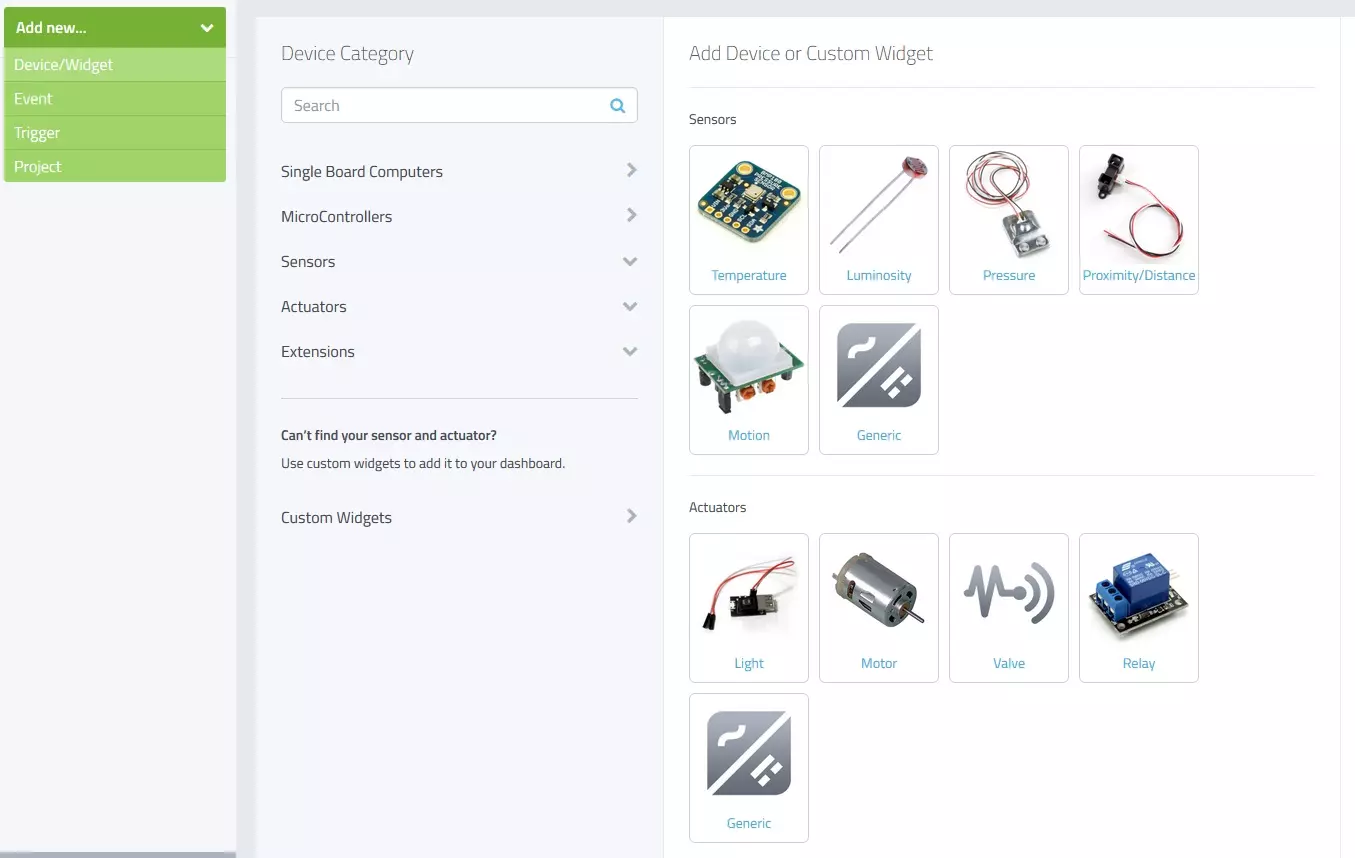
Hello friends, I hope you all are fine and having fun with your lives. Today, I am going to share a new and very exciting service with you guys which is named as myDevices Cayenne, we will have a look at getting started with Cayenne. Its really an awesome platform for students and hobbyist who wants to work on embedded systems but are afraid of programming codes.
Cayenne is an online project building platform using drag and drop. Currently it supports Arduino and Raspberry Pi. In simple words, you can design any of your Arduino or Raspberry Pi project simply by drag and drop different components. You don't need to write any code, you just need to place your blocks and upload it to your Arduino board. Its also known as the Graphical coding.
I came ...
Hello friends, hope you all are fine and having fun with your lives. In today's tutorial, I am gonna share another awesome library designed by our team for Proteus, which is GPS Library for Proteus. It's my second library for Proteus, the first one was Arduino Library for Proteus which I have already shared. I am really enjoying designing these modules in Proteus because its a new and quite challenging thing. I haven't found even a single website who has designed these modules in Proteus already. So, now for the first time, you can have the GPS Library for Proteus using which you can easily simulate your GPS module in Proteus and can design your code for Arduino, PIC Microcontroller or 8051 Microcontroller.
Other bloggers are welcome to share this ...
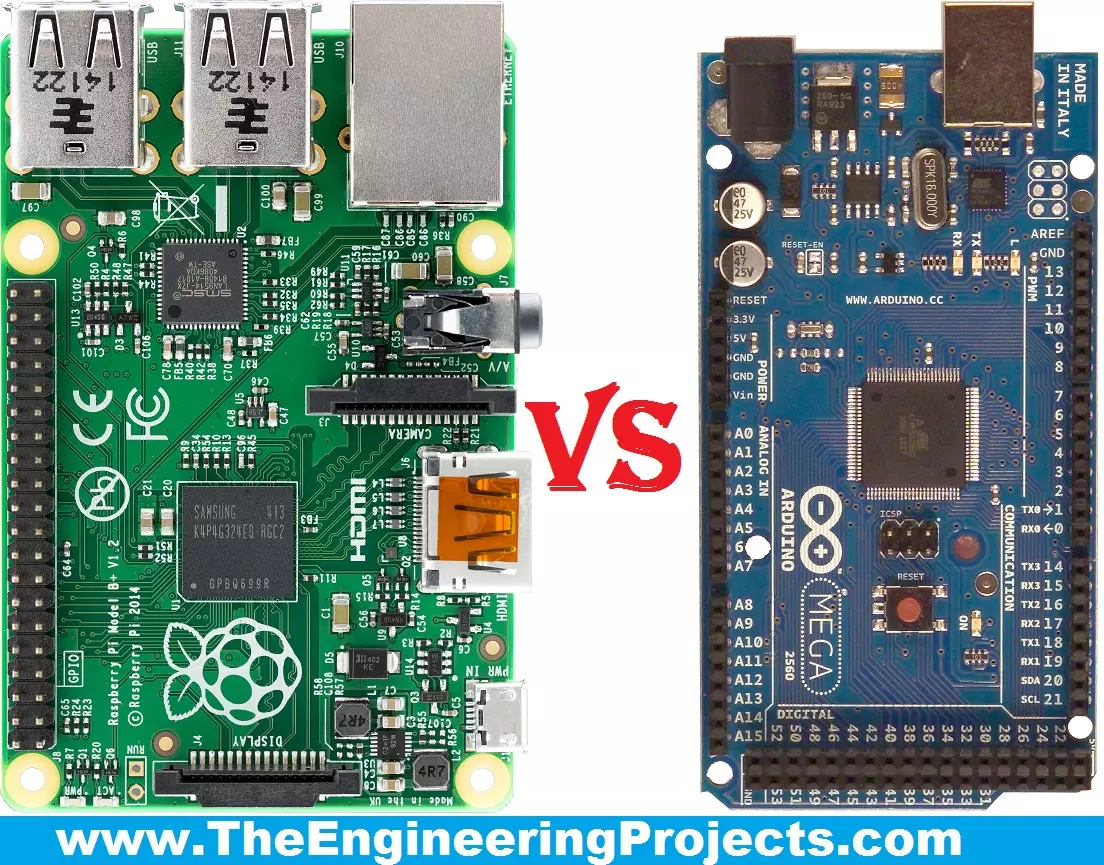
Hello friends, I hope you all are fine and enjoying your lives. Today, I am going to share a comparison titled Arduino Vs Raspberry Pi. Actually, I have been receiving a lot of emails and comments from new engineering students that "we are new in embedded and we want to start our project so please tell us which one is better Arduino or Raspberry Pi?" So, I thought to write a post on Arduino Vs Raspberry Pi and in this post, I am going to make a detailed comparison between the two and will let you know, which one you should use in your project and why?
So, I hope that you are all aware of or at least have heard about these two boards, which are Arduino and Raspberry Pi. If you haven't heard yet then you must have a look at Arduino Official Site and ...
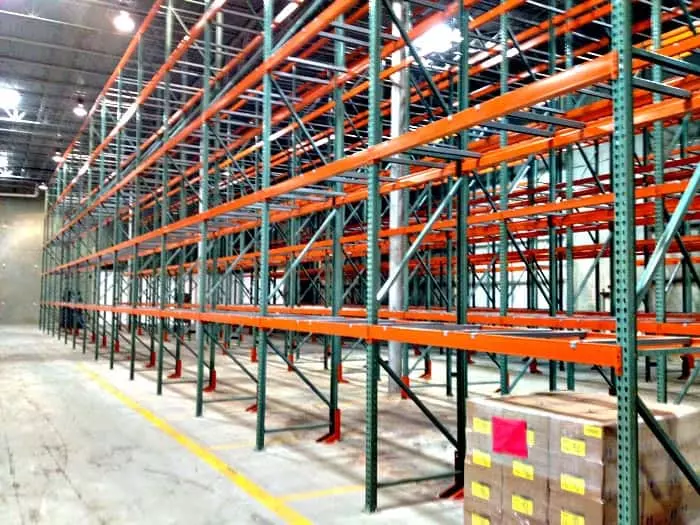
Hello friends, I hope you all are doing great. In today's tutorial, I will show you How to Choose the right storage system for warehouse. A warehouse is a place where businesses or companies store the products before delivering to their customers. The key elements in warehousing are management, operations, and systems. These are critical factors in planning, building, and maintaining the warehouse.
One major part of warehouse management operations and systems is the storage. The racking system in a warehouse is crucial to ensure business operations run smoothly. If you are building a warehouse, make sure the shelving is maximized. You also have to consider the adaptability of the shelves based on the needs of operations.
Another factor to consi ...
Hello friends, I hope you all are doing great. In today's tutorial, I will give you a detailed overview of Distance Education and How Did It Grow for The Last Years. The time when the only acceptable education involved sitting in class for hours is long gone. Society as a whole realized the irrelevance of physical presence when it comes to getting an education.
As a result, we’re seeing more and more renowned experts who gained their knowledge through distance education. How did this happen exactly? The change in the educational landscape happened due to a series of different circumstances.
In this article, we will take a look at all the societal and educational reasons that lead to the growth of distance education. With fewer students opting for ...
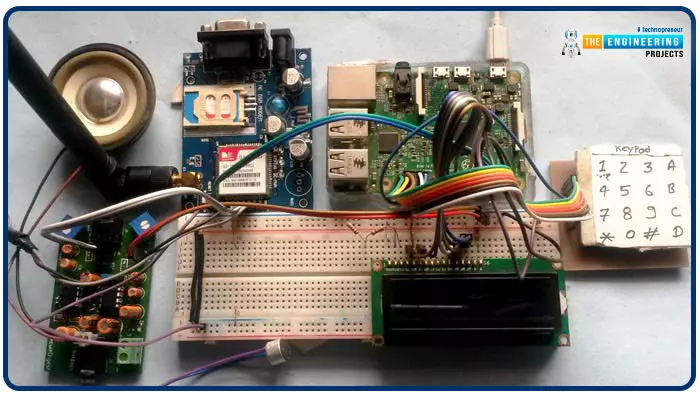
Greetings, and welcome to another tutorial in our series on the raspberry pi 4 Python programming. The previous guide covered the basics of transmitting data over the radio using the nrf24l01 chip in Pi 4. We also learned about interfacing Arduino and raspberry pi 4 and sending radio signals between the two devices. However, this tutorial will walk you through building a Raspberry Pi-based mobile phone with a microphone and speaker for making and receiving calls and reading text messages (SMS). This Project also serves as a proper GSM Module for the Raspberry Pi interface, with all the necessary Code to run the most fundamental features of any modern smartphone. First, we will understand what gsm is, its architecture and how it works, then we will learn how to program it in our pi 4; there ...
Hello, readers. Welcome to another lecture on signals and systems where, on the previous day, we studied the transforms. A Z transform is used to change the domain of a signal or function. It is used to convert the signal from the time domain into the z plane. Now we are going a little deep into the discussion. Have a quick promo of the topic of today:
What are the properties of z transform?
What is the unit impulse of z transform?
What is the unit ramp of z transform?
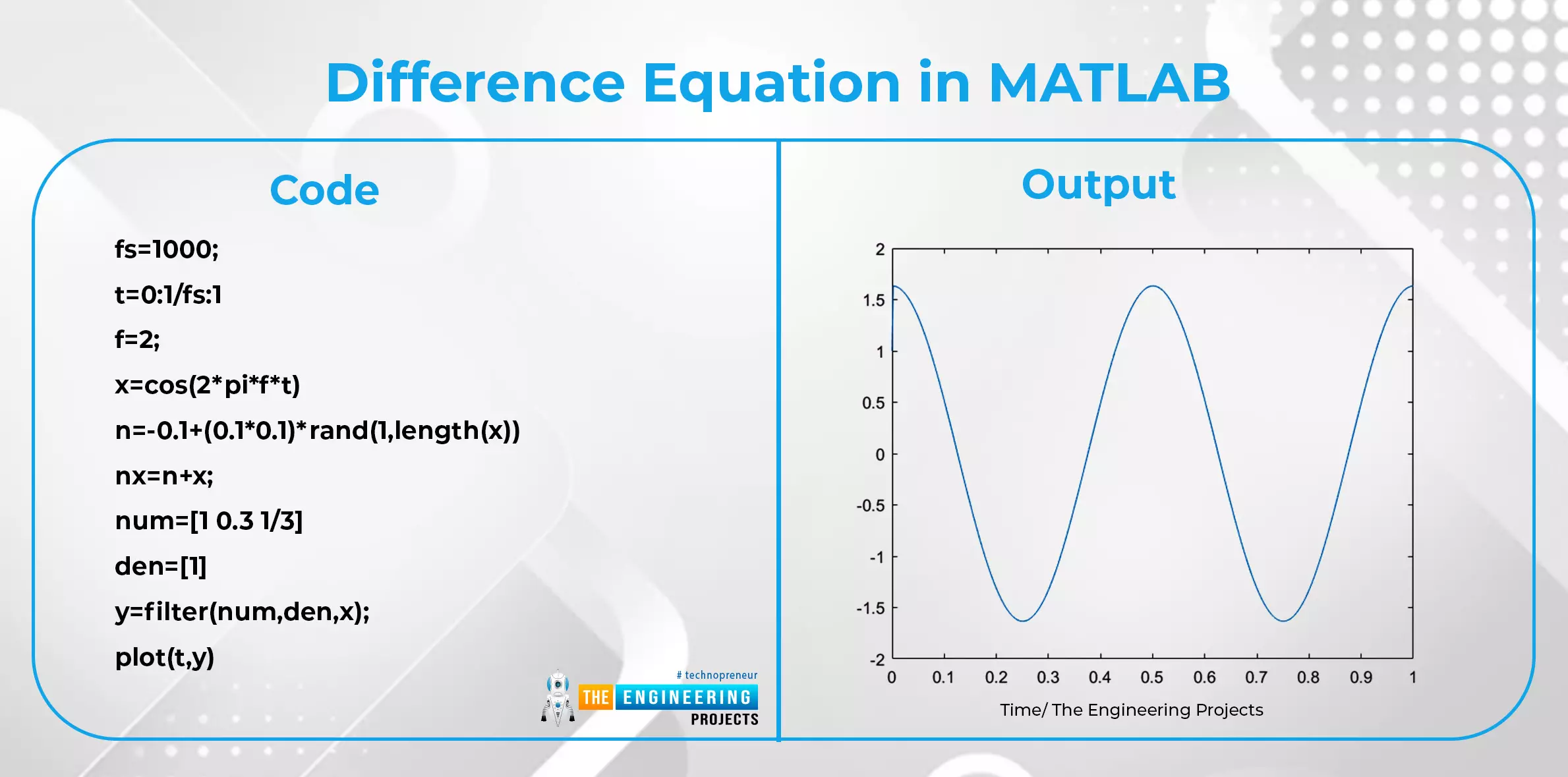
What is the difference equation and how is it related to the z transform?
What are some important applications of z transform?
We’ll go through each of these topics in detail, so stay with us to learn about all of them.
Properties of z Transform
Till now, we have seen the introduction of z transform along with s ...