Search The Engineering Projects
113 results for Arduino Makers
TF-Luna LiDAR Distance Sensor Library for Proteus V1.0
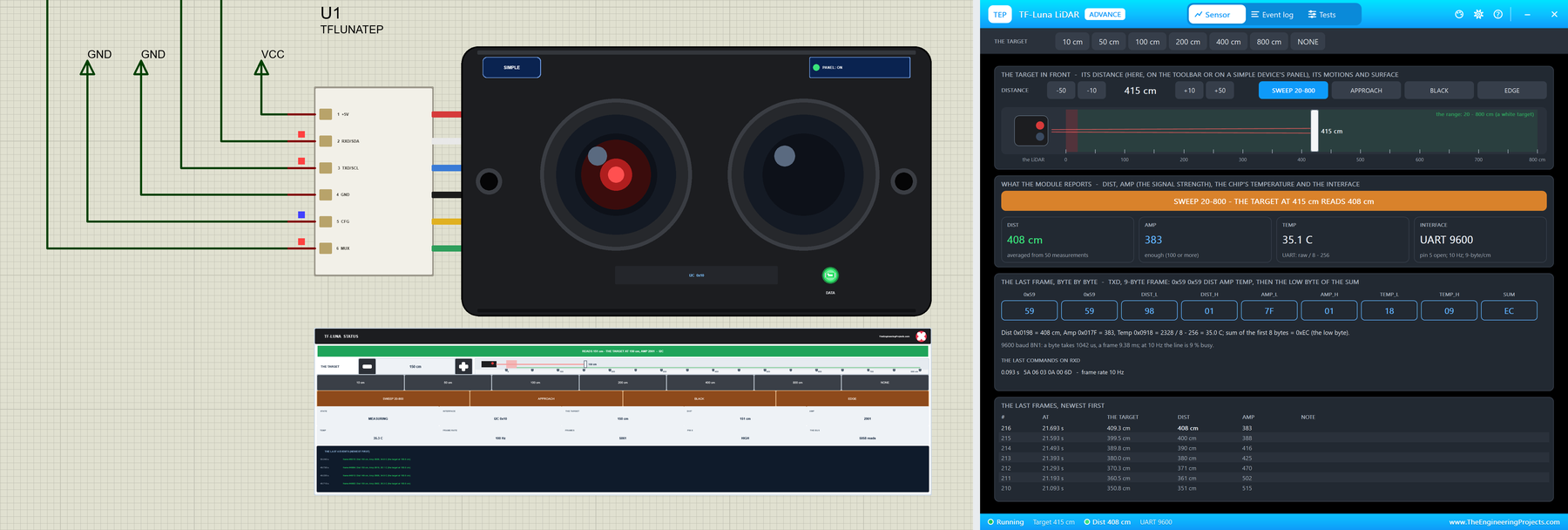
… - the label says UART 9600 after the sketch's command. The Arduino Code One sketch reads both interfaces. New to Arduino? Start with Arduino Tutorial for Beginners and Introduction to Arduino UNO ; for the idea of an I2C bus, see I2C Communication with STM32 . …
LOLIN S2 Mini Library for Proteus: Fire and Gas Alarm, Wi-Fi
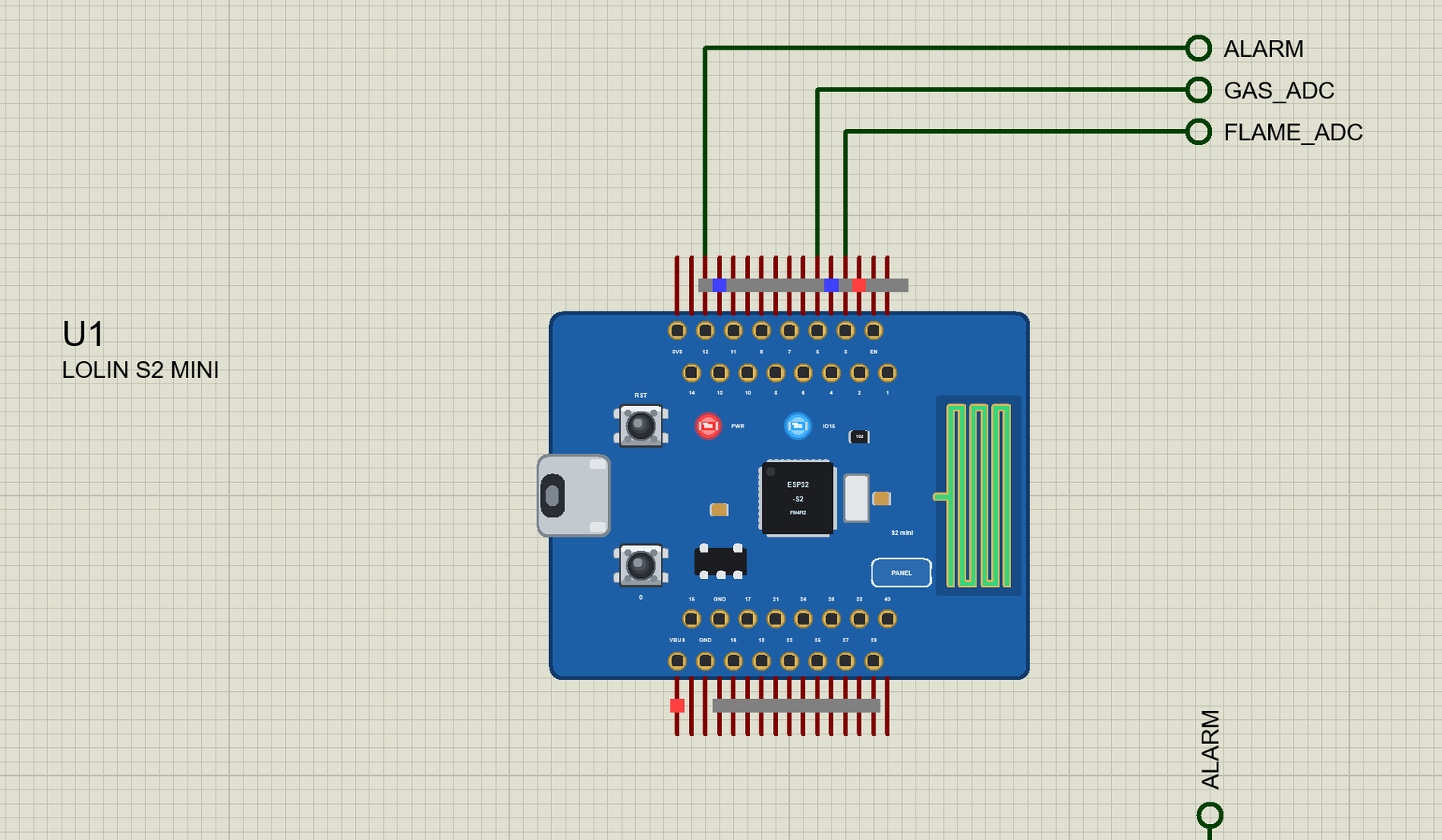
… from the LIBRARY folder if it is there. For your own sketches, copy Arduino Code\TEP Boards for Proteus\hardware into your Arduino sketchbook (Documents\Arduino) and restart the Arduino IDE; the board is LOLIN S2 Mini (TEP Proteus) . The demo needs no other …
PMS5003 Particle Sensor Library for Proteus V1.0: PM2.5 and PM10
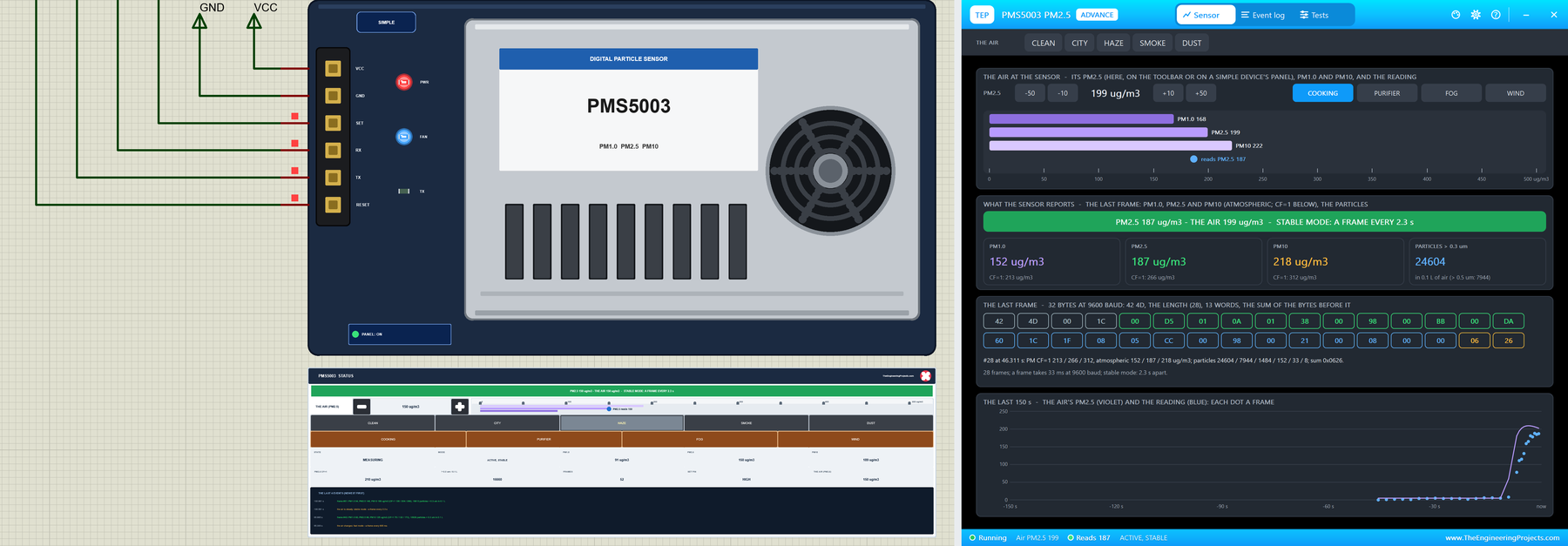
… Behind the part sits our own model , written from Plantower's manual and checked against the PMS Library for Arduino, the one most makers use with this sensor - so the library gets exactly the frames it expects. The sensor sends a 32-byte frame every 2.3 …
Top Internet of Things Companies Dominating the World
… cloud platform is AN ASCII text file dev-ready cloud platform aimed toward connecting devices. Arduino Arduino’s development boards still excite the maker scene. They function as a basis for several startup prototypes. IDC Together with Gartner, IDC is …
How to Design a New Component in Proteus: Plan Before You Draw
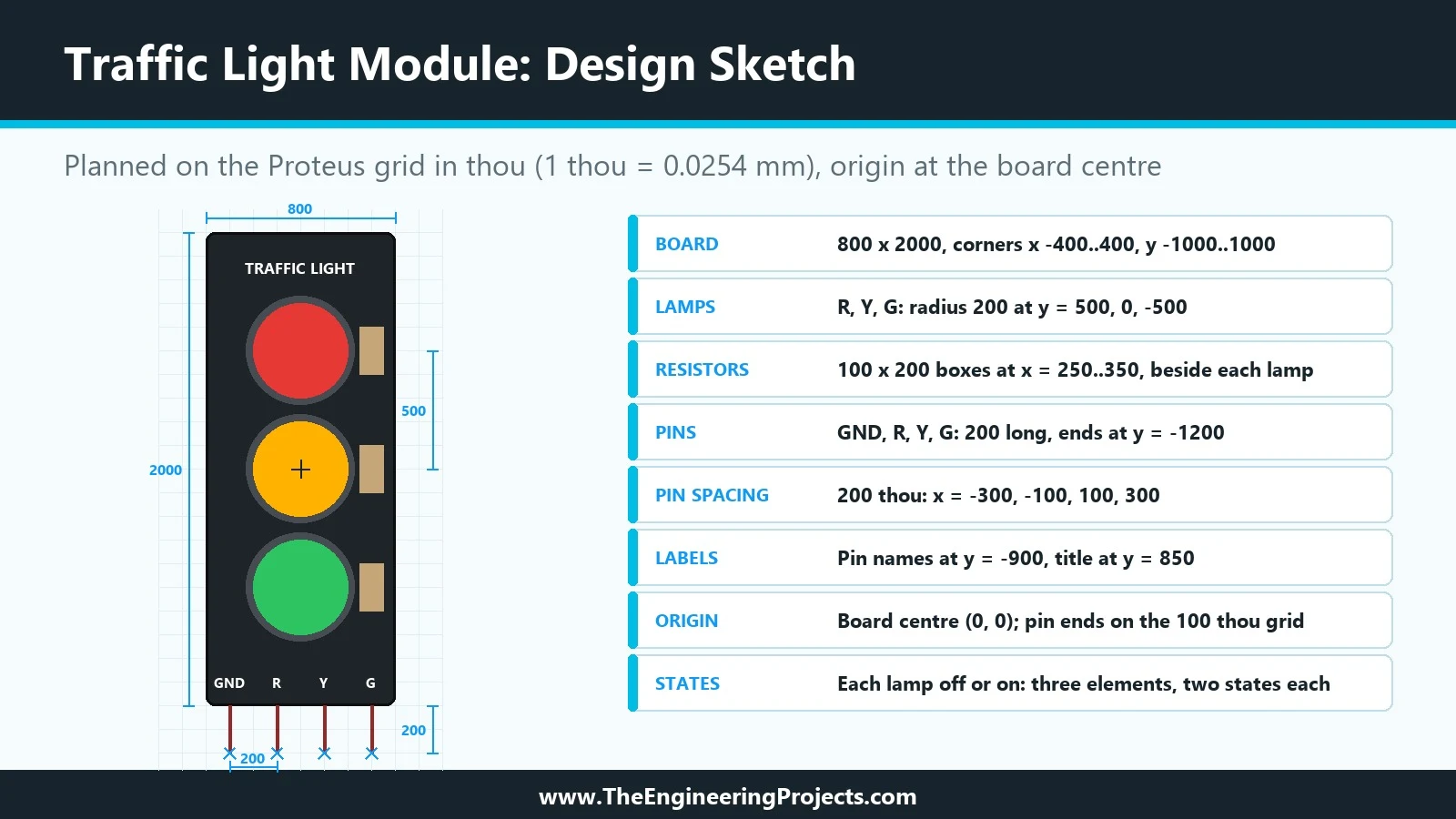
… popular for Arduino lessons because it turns the classic traffic light exercise into a single plug-in part. Published descriptions of the module agree on its main features: It has four pins : GND, R, Y and G. GND goes to the ground of the Arduino, and R, Y and …
BME680 Gas Sensor Library for Proteus V1.0: VOC, Humidity, Pressure
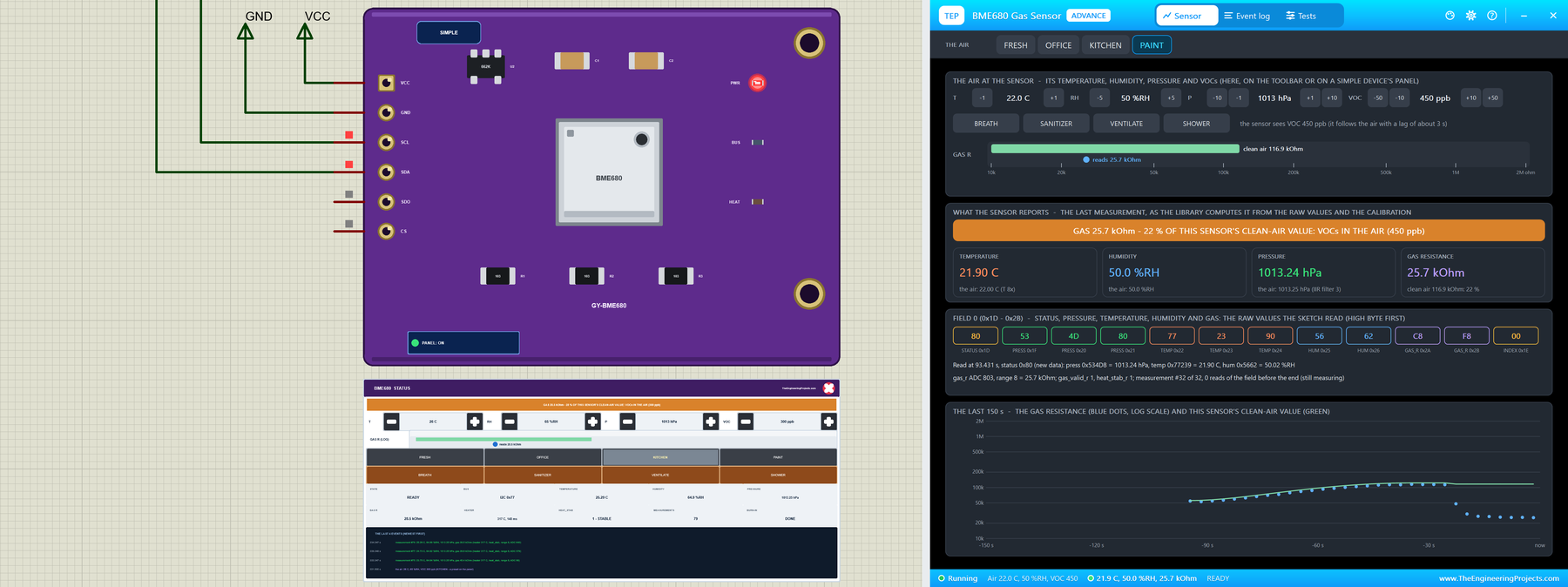
… The Arduino Code The demo sketch uses the Adafruit BME680 library, which carries Bosch's own BME68x driver inside and talks to the sensor through Adafruit BusIO. New to Arduino? Start with Arduino Tutorial for Beginners and Introduction to Arduino UNO . The …
How to Add Pins to a Component in Proteus
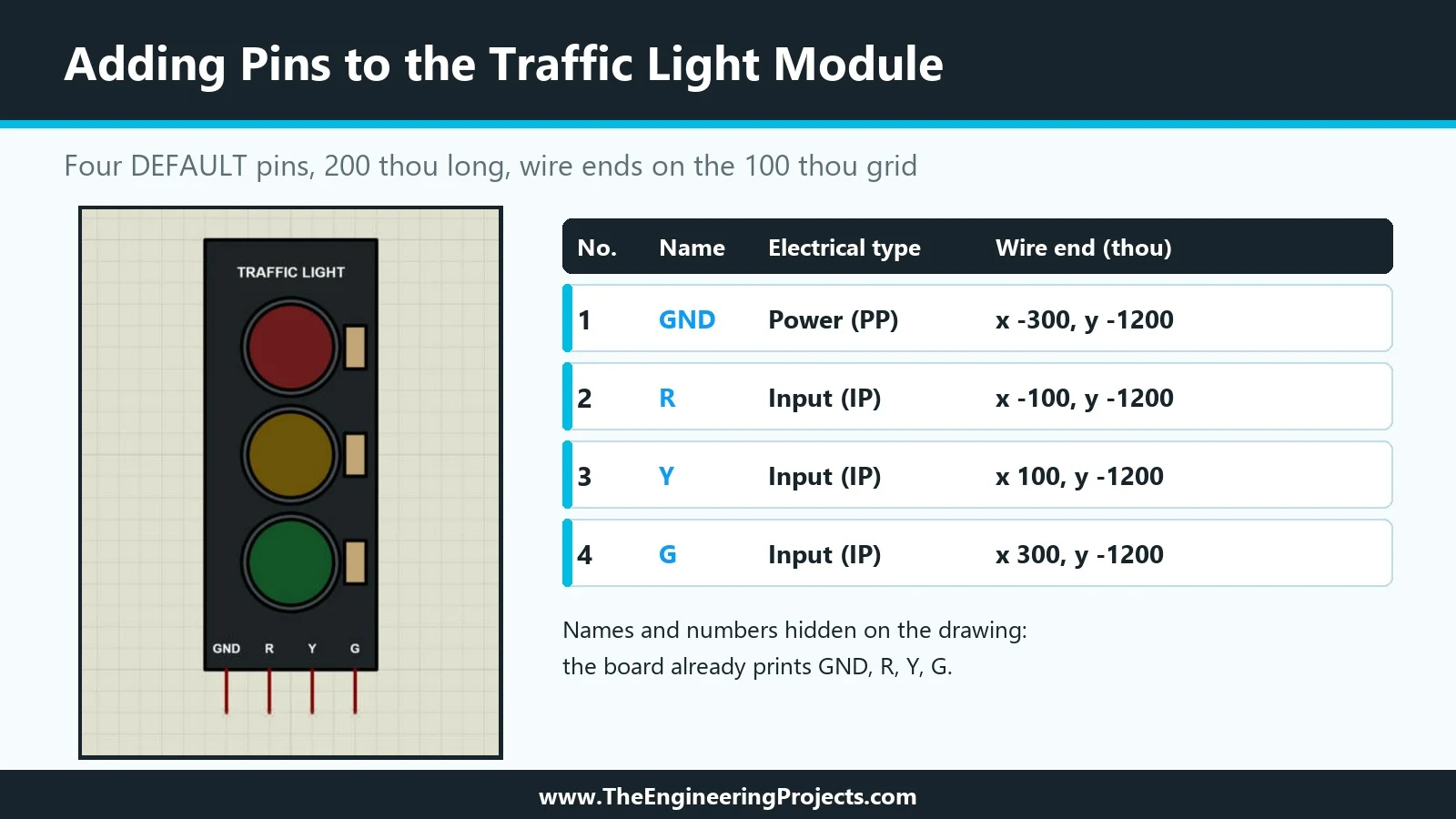
… Why We Chose These Electrical Types R, Y and G are inputs (IP). On the real module, these pins only receive a level from the Arduino and never drive anything back. The help lists Input as the type for analogue or digital device inputs. GND is a power pin (PP). …
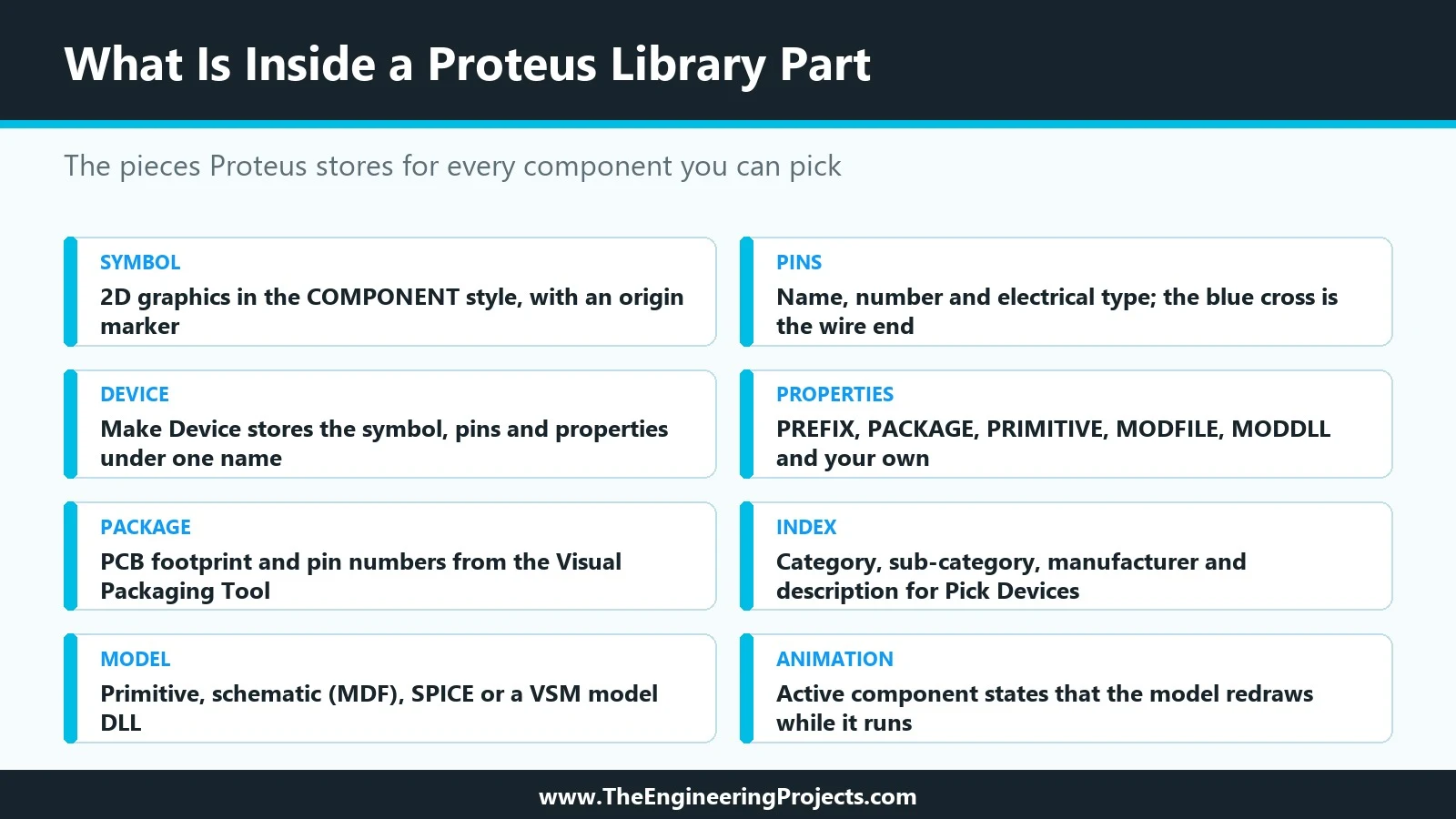
How to Create a Proteus Library: How It Works Behind the Scenes
… install. Our running example will be a simple animated component, a Traffic Light Module whose three lamps light up when an Arduino drives its R, Y and G pins. Updates Proteus Component Designing This course: Part 1 of 20, Designing a Proteus Component Next …
Interface Weight Sensor HX711 with Raspberry Pi 4
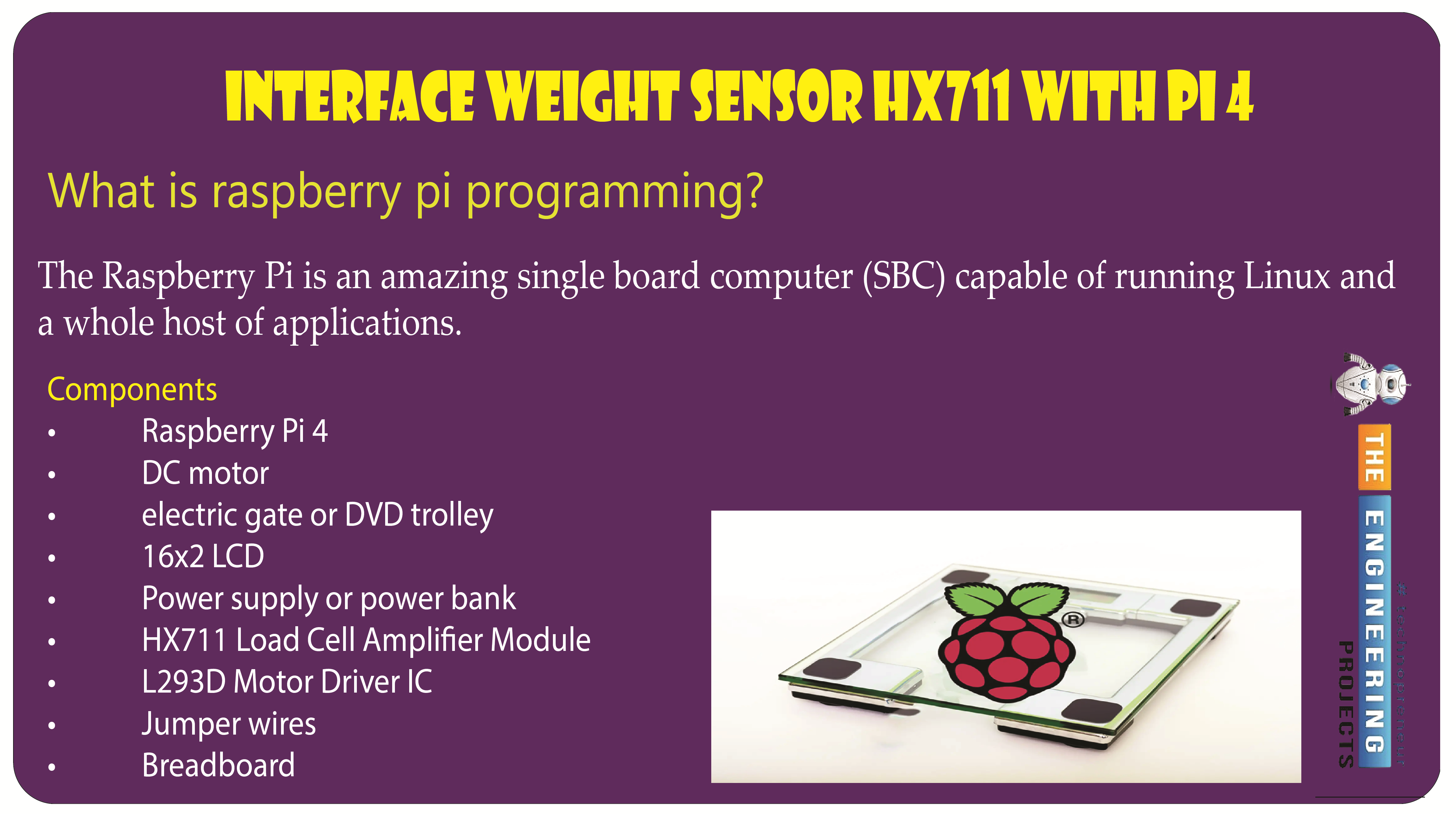
… input, and their gain can be programmed up to 128. The HX711 Module boosts the Load cells' light electrical output. The Arduino uses that amplified, digitally transformed signal to calculate the weight. Four wires lead from the load cell to the HX711 Load cell …
How to Add a SPICE Model in Proteus
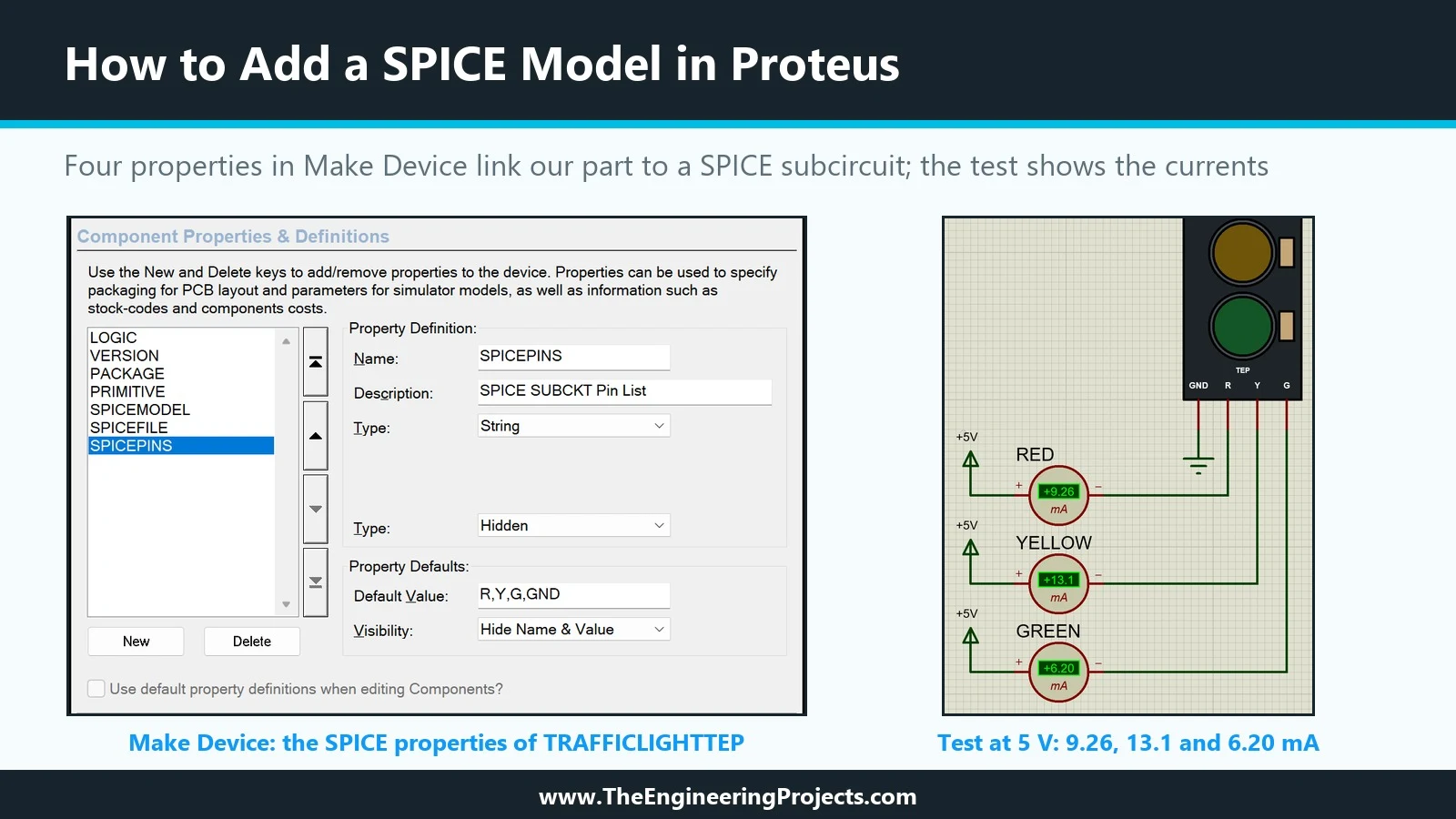
… resistor and an LED that returns to GND. That is exactly the kind of circuit SPICE handles perfectly. With a SPICE model, an Arduino pin or a power rail connected to our part sees a realistic load, and the simulation can tell us how much current each lamp …