Hello friends, I hope you all are doing great. Today, I am going to share a complete List of Embedded Sensors in Proteus. Sensors are the eyes and ears of every embedded project: they measure temperature, detect motion, sense gas, count heartbeats and tell your microcontroller what is happening around it. The problem is that Proteus has very few of these sensors in its own component library, so our team has been designing them for years, and today I have collected all 35 of our sensor libraries in one place.
Our sensor libraries come in two generations. The new 2026 sensors are I2C sensors with interactive sliders and controls, so you can change the temperature, the light level or the acceleration while your Arduino program is running, and each one comes with a complete Arduino example. Our older sensors mostly use a TestPin or an analog input: you set the pin HIGH, LOW or to a voltage to simulate what the real sensor would detect, which is still a simple and useful way to test your code.
As always, the new sensors are at the top of the list. After them, I have grouped the older sensors by what they measure: motion and distance, environment and safety, health and electrical values. If you are new to Proteus libraries, read How to Add New Library in Proteus 8 first. So, let's get started with the List of Embedded Sensors in Proteus:
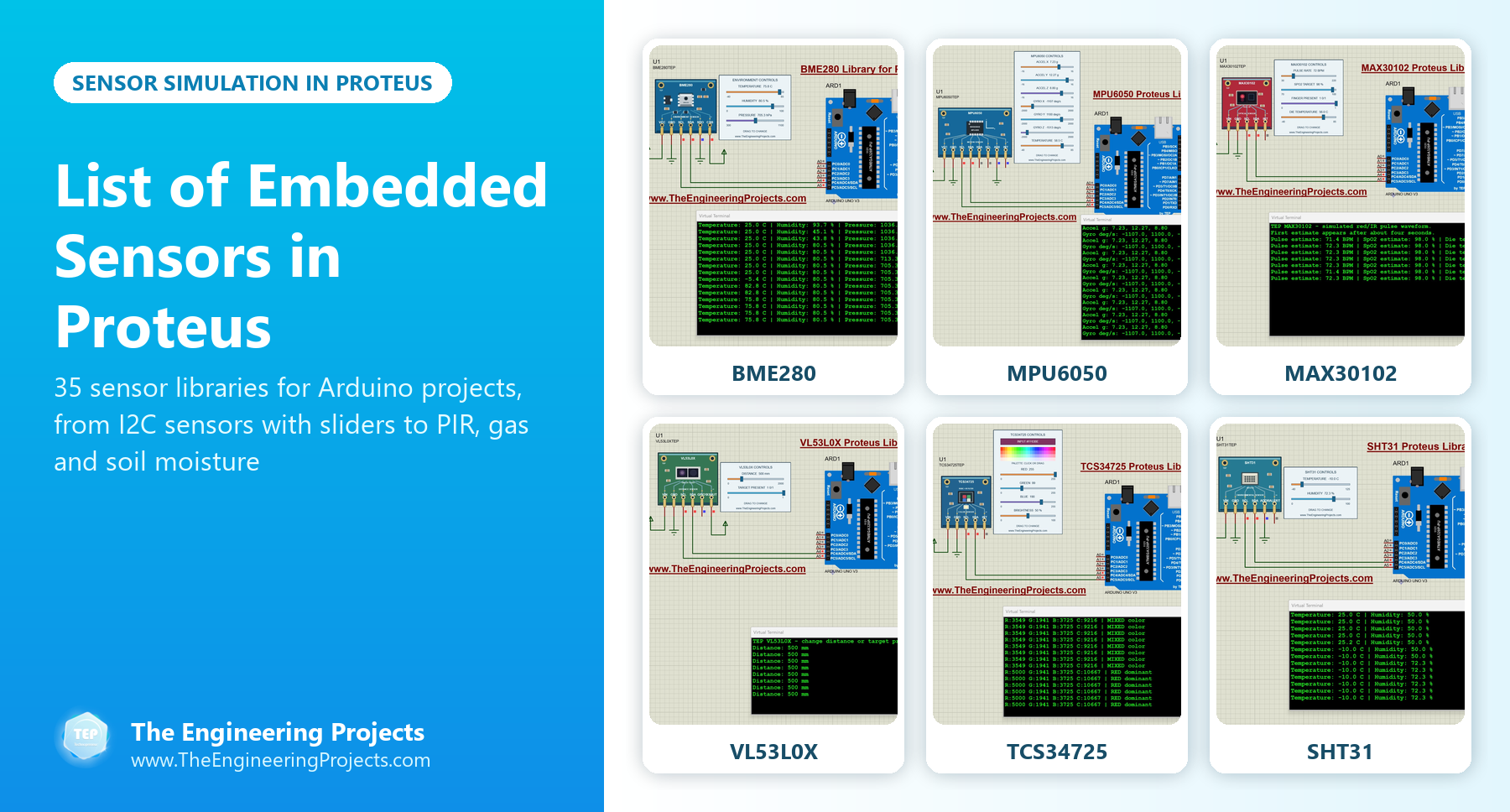
Sensor Libraries for Proteus by Category
Here is how the 35 sensor libraries of this list are grouped:
| Category | Libraries | Sensors |
|---|---|---|
| New I2C sensors (2026) | 8 | BME280, BH1750, TCS34725, SHT31, VL53L0X, BMP280, MAX30102, MPU6050 |
| Motion, distance and position | 14 | Ultrasonic, PIR (three versions), infrared, IR proximity, IR tracker, vibration (three versions), Hall effect, reed switch, flex (two versions) |
| Environment and safety | 9 | Gas, flame, rain, water, soil moisture (two versions), sound (two versions), pH |
| Touch, health and electrical | 4 | Capacitive touch, heart beat (two versions), current sensor |
New I2C Sensor Libraries for Proteus (2026)
All eight new sensors talk to the Arduino over I2C, and each one has interactive controls beside it. Each tutorial explains the sensor, the wiring, the Arduino code and the calculations behind the readings.
1. BME280 Sensor Library for Proteus
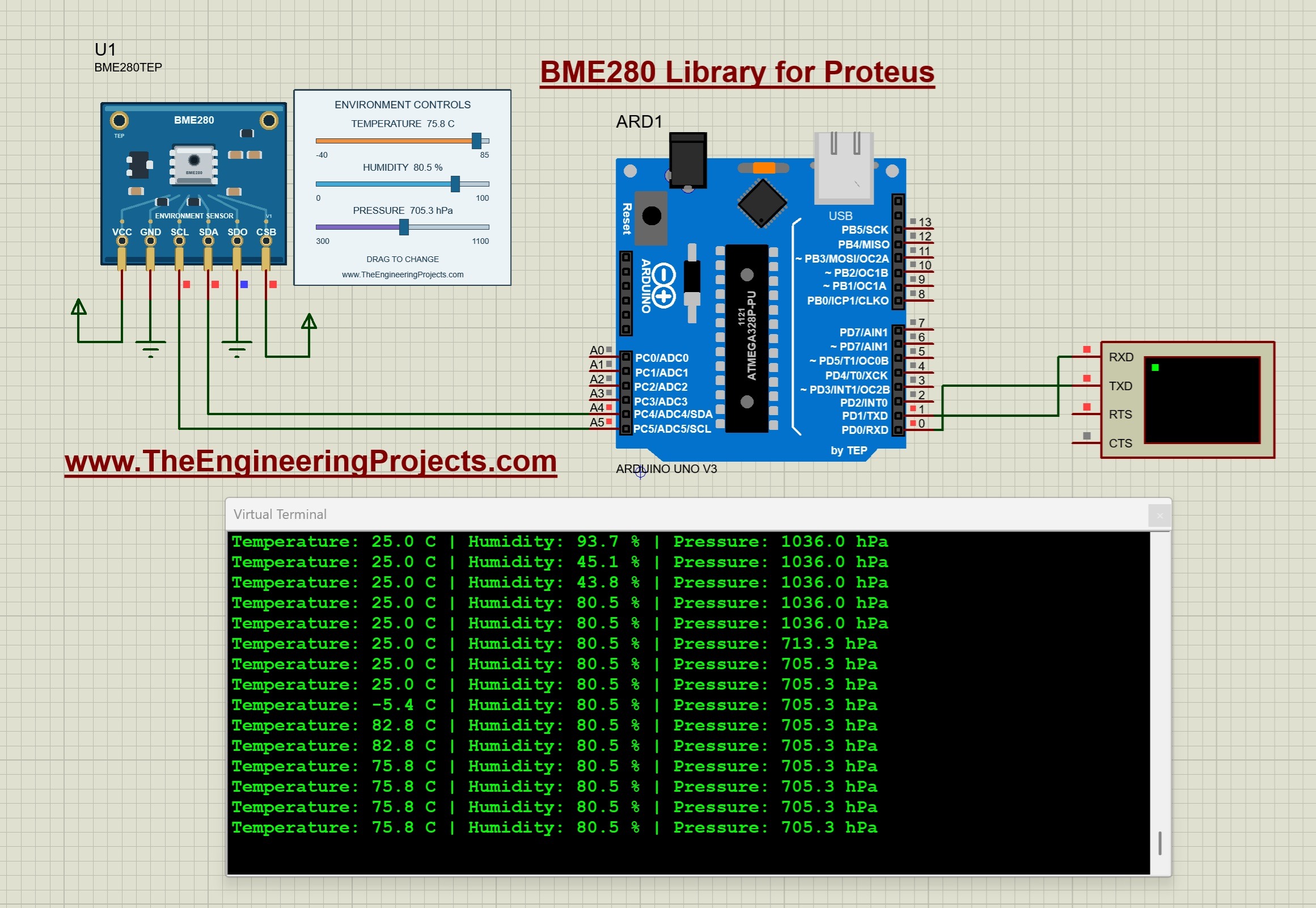
The BME280 measures temperature, relative humidity and atmospheric pressure in one package. Three sliders change all three values during the simulation, and the Arduino Uno prints them on a Virtual Terminal. Read the complete tutorial: BME280 Sensor Library for Proteus
2. BH1750 Light Sensor Library for Proteus
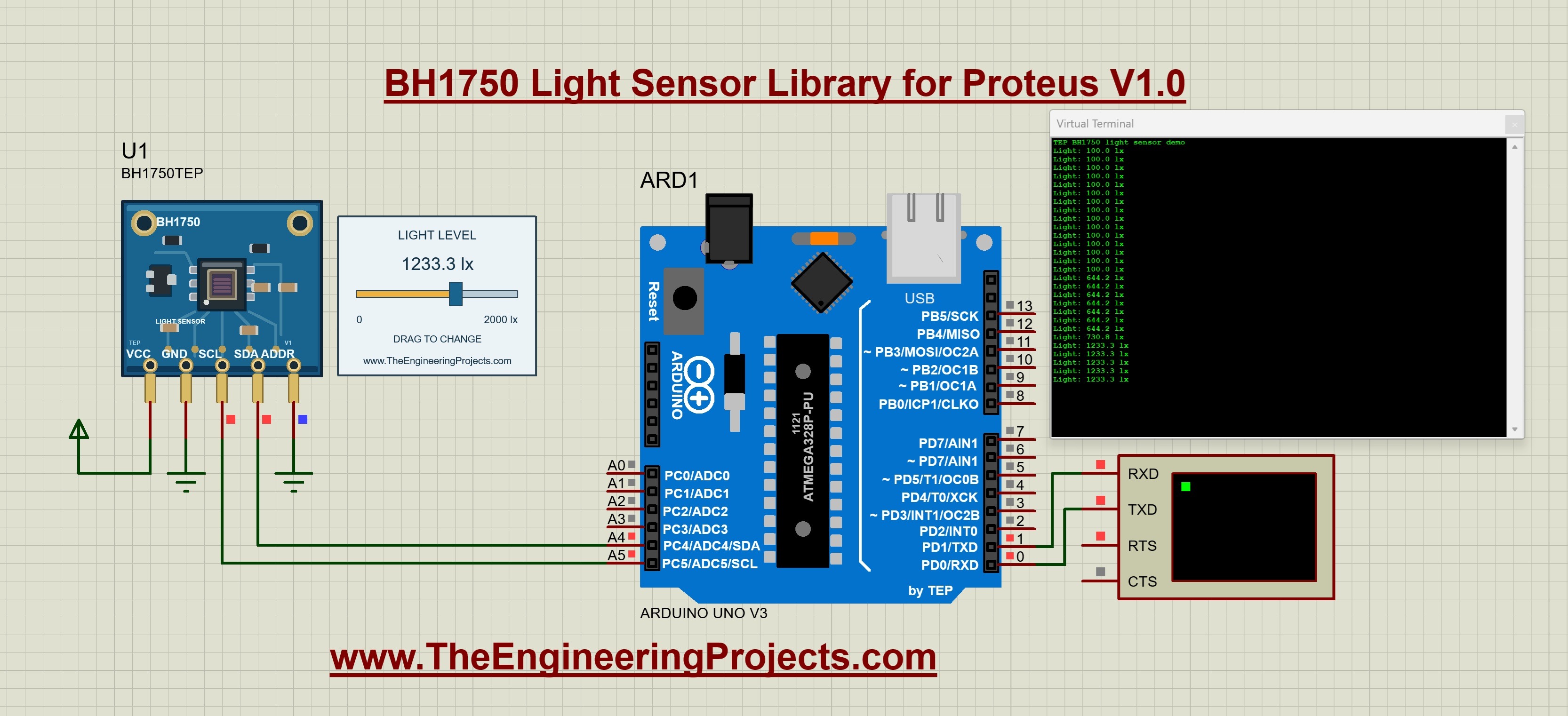
The BH1750 measures light in lux. Its slider sets the light level, so you can test bright and dark conditions, and the tutorial ends with an automatic-lighting exercise. Read the complete tutorial: BH1750 Light Sensor Library for Proteus
3. TCS34725 Color Sensor Proteus Library

The TCS34725 reads red, green, blue and clear light. You pick a color from a palette and adjust its brightness, and the tutorial explains gain, integration time and saturation. Read the complete tutorial: TCS34725 Proteus Library
4. SHT31 Temperature and Humidity Proteus Library

The SHT31 is a precise temperature and humidity sensor. Its model lets you change both inputs, and the tutorial explains the CRC check that protects every reading. Read the complete tutorial: SHT31 Proteus Library
5. VL53L0X Distance Sensor Proteus Library
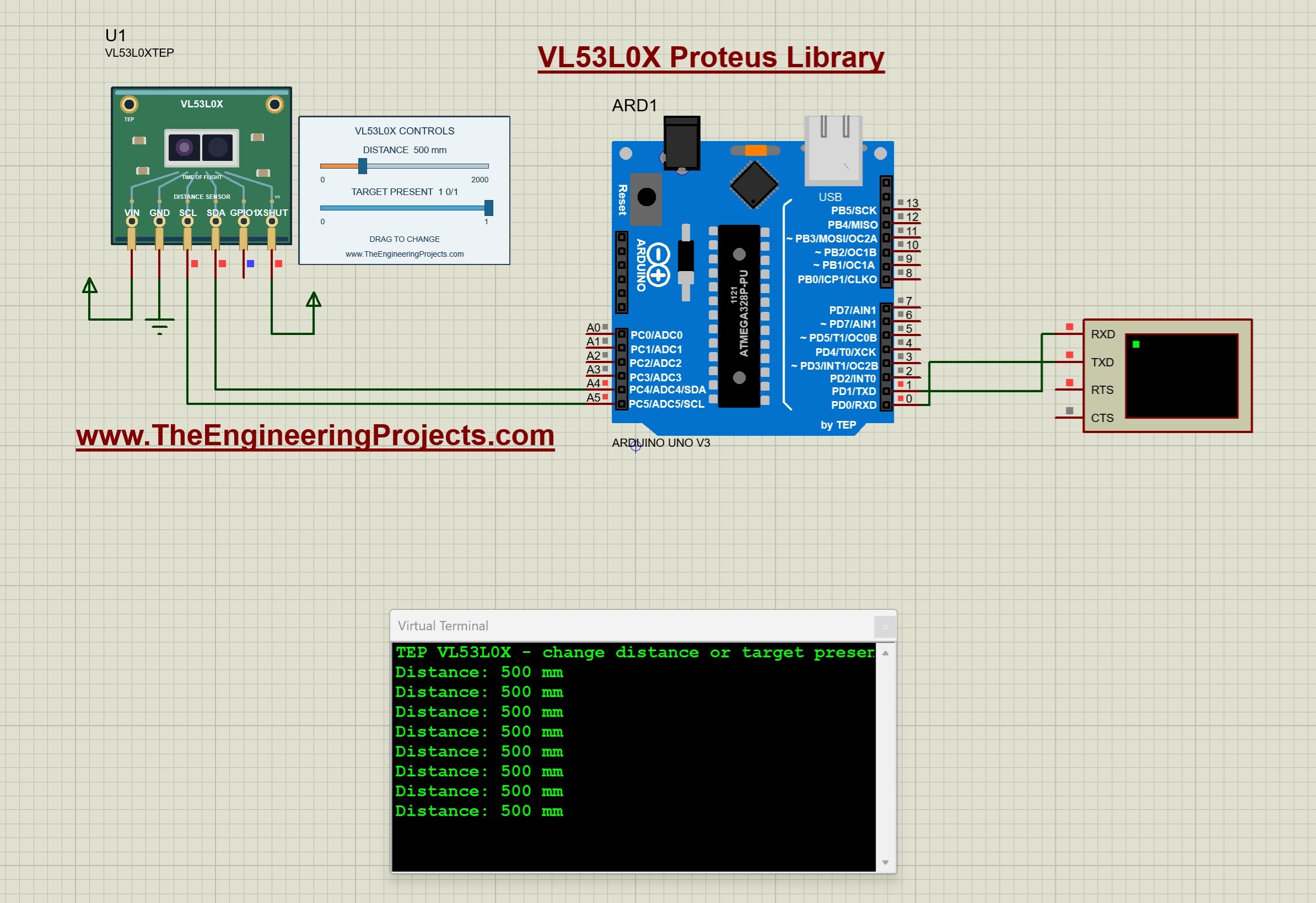
The VL53L0X is a time-of-flight distance sensor. One control sets the target distance and another removes the target, so you can test what your code does when there is nothing to measure. Read the complete tutorial: VL53L0X Proteus Library
6. BMP280 Pressure Sensor Proteus Library
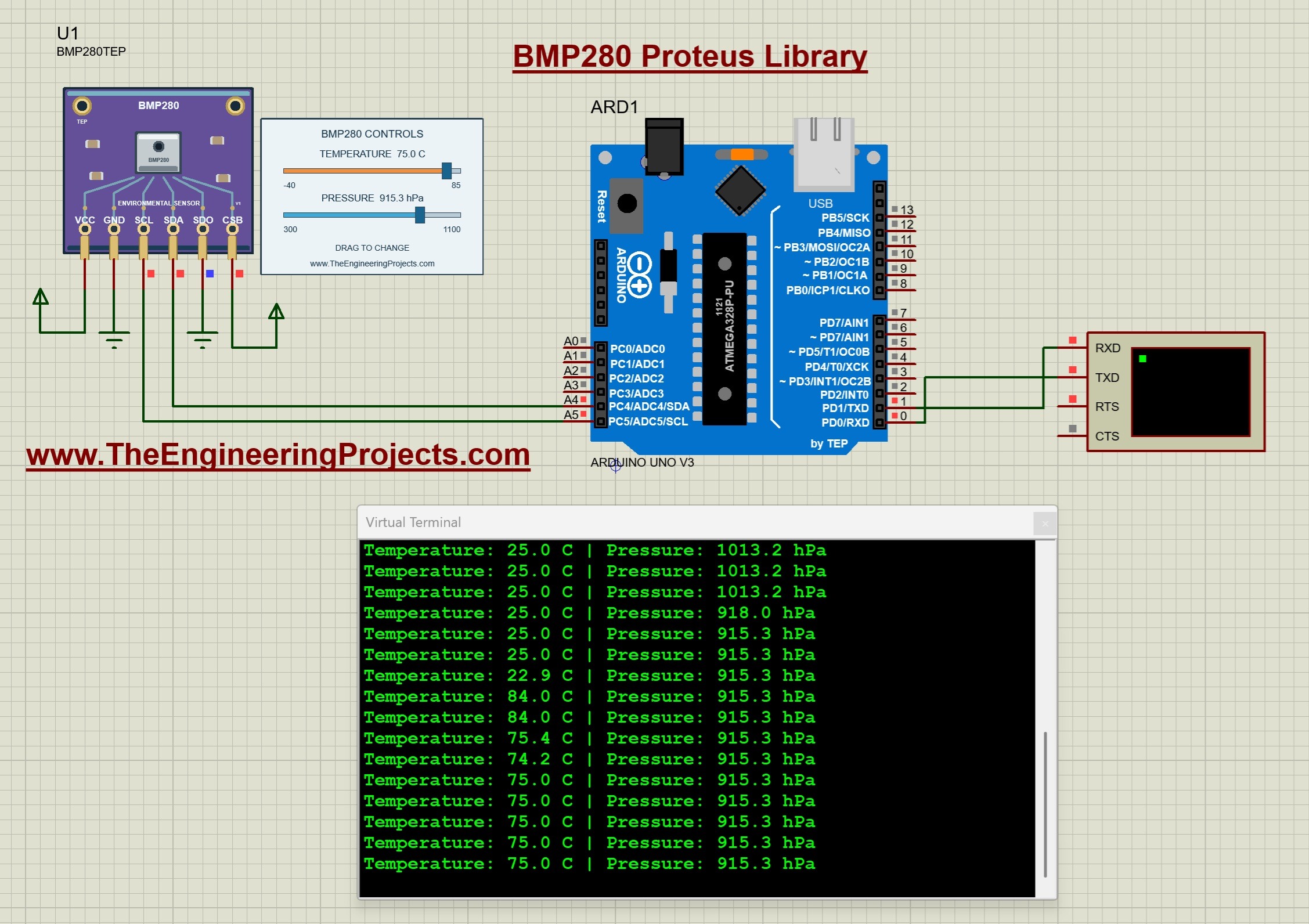
The BMP280 measures temperature and pressure (but not humidity). Two sliders change its inputs, and the tutorial shows how to estimate the altitude from the pressure. Read the complete tutorial: BMP280 Proteus Library
7. MAX30102 Pulse Oximeter Proteus Library
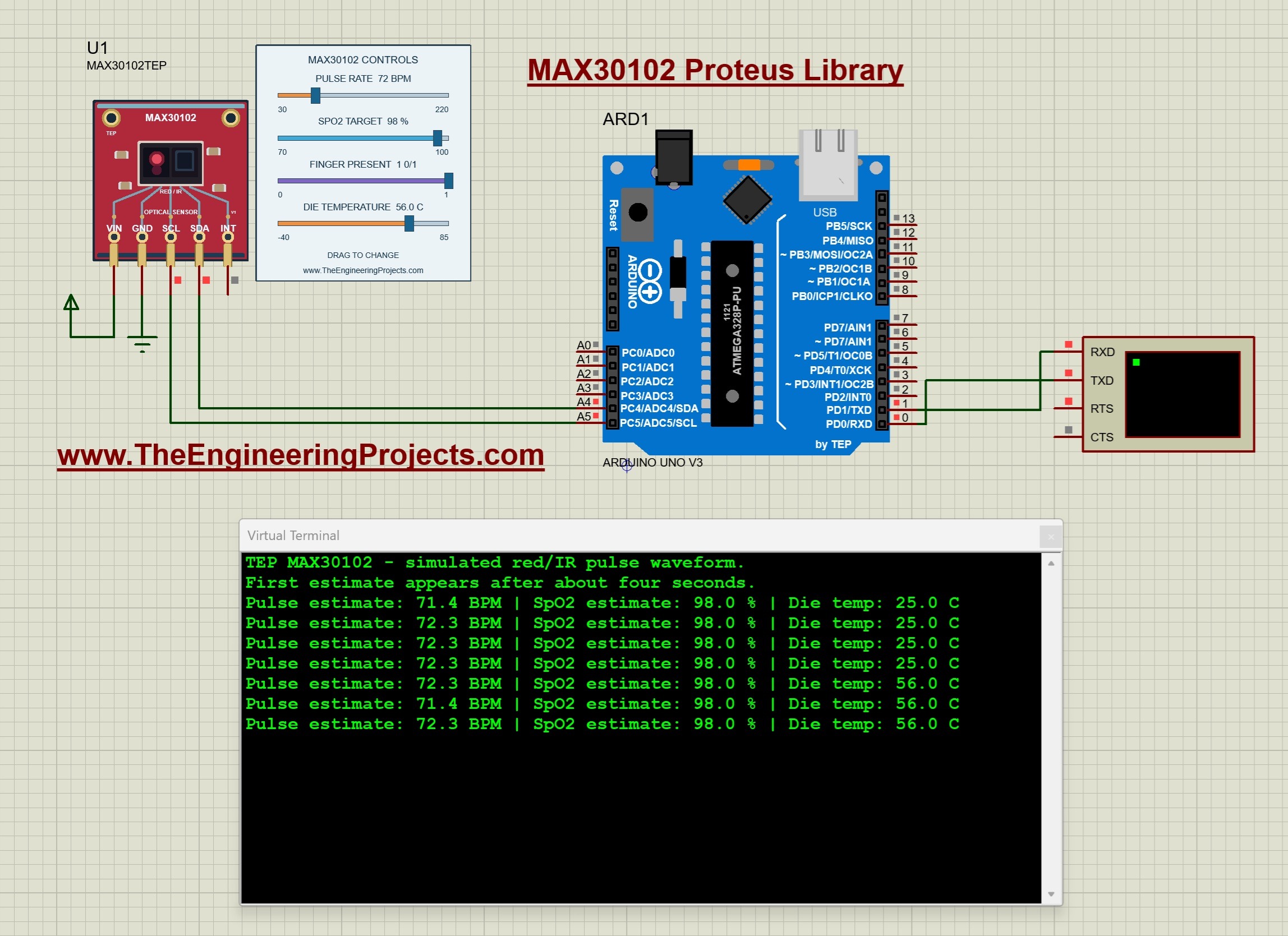
The MAX30102 is the optical sensor of pulse oximeters. Its controls set the pulse rate, an SpO2 target, finger presence and the die temperature, and the Arduino estimates the pulse and SpO2 (for learning, not for medical use). Read the complete tutorial: MAX30102 Proteus Library
8. MPU6050 Accelerometer and Gyroscope Proteus Library
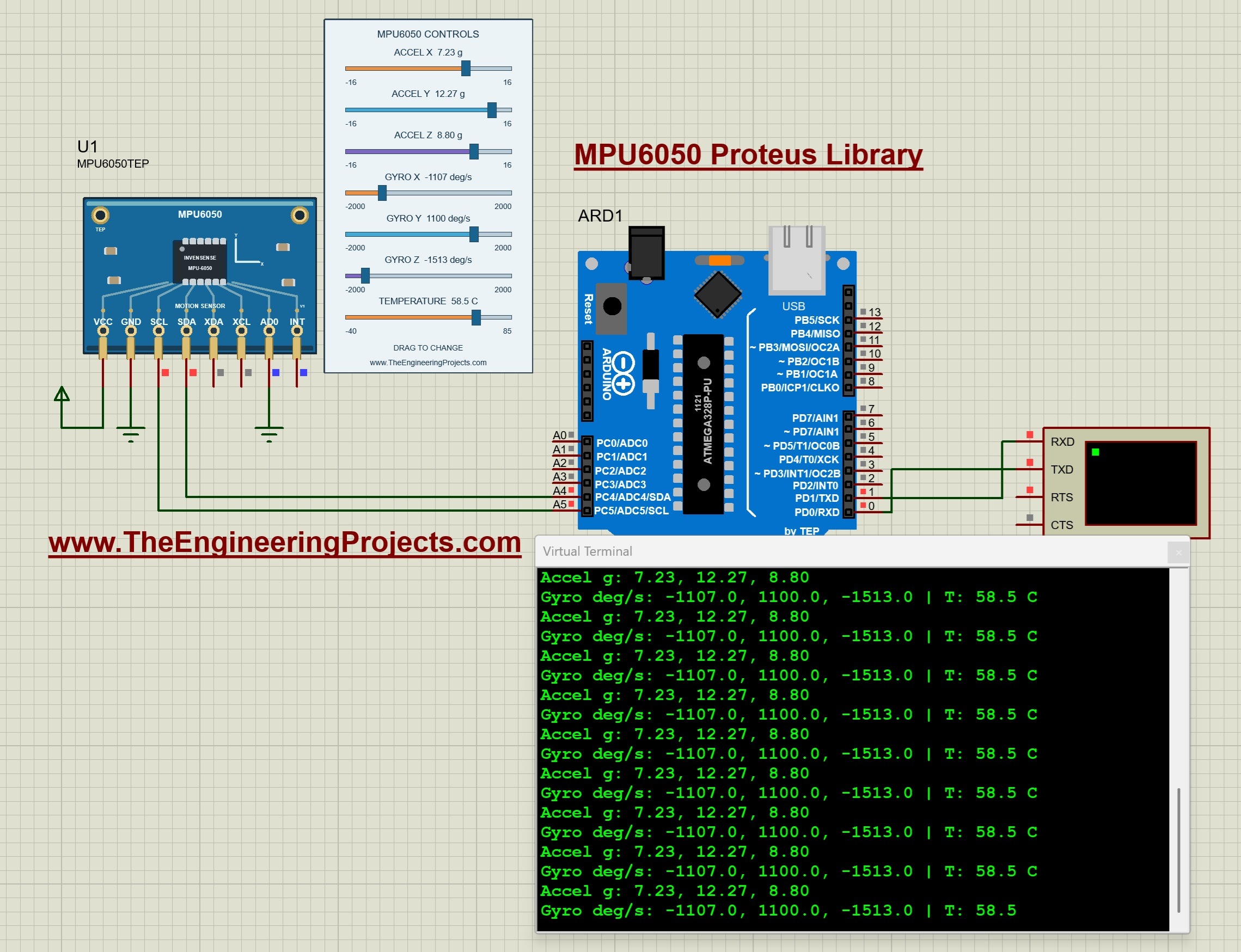
The MPU6050 combines a 3-axis accelerometer and a 3-axis gyroscope. Seven controls set the acceleration, the rotation and the temperature, so you can test tilt and motion code without moving anything. Read the complete tutorial: MPU6050 Proteus Library
Motion, Distance and Position Sensors for Proteus
9. Ultrasonic Sensor Library for Proteus
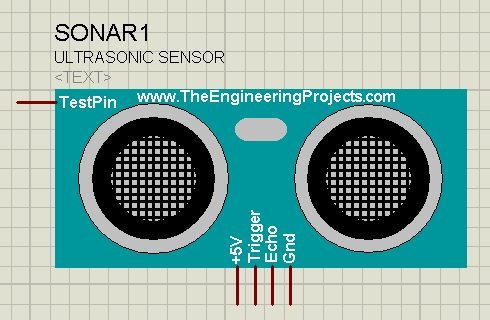
The HC-SR04 ultrasonic sensor measures the distance to an obstacle from the time its sound wave takes to come back. Our model has an extra analog pin, and the voltage on that pin sets the simulated distance. You should also read Interfacing of Ultrasonic Sensor With Arduino. Read the complete tutorial: Ultrasonic Sensor Library for Proteus
10. PIR Sensor Library for Proteus V3.0
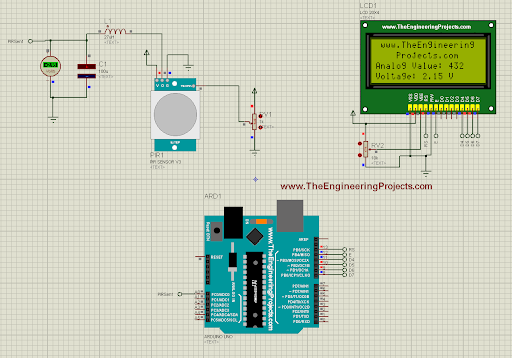
The PIR sensor detects motion from the infrared heat of a human body. Version 3.0 is an analog sensor with four pins, an improved design and a better organised pinout, and its tutorial includes an Arduino example. Read the complete tutorial: PIR Sensor Library for Proteus V3.0
11. Analog PIR Sensor Library for Proteus V2.0
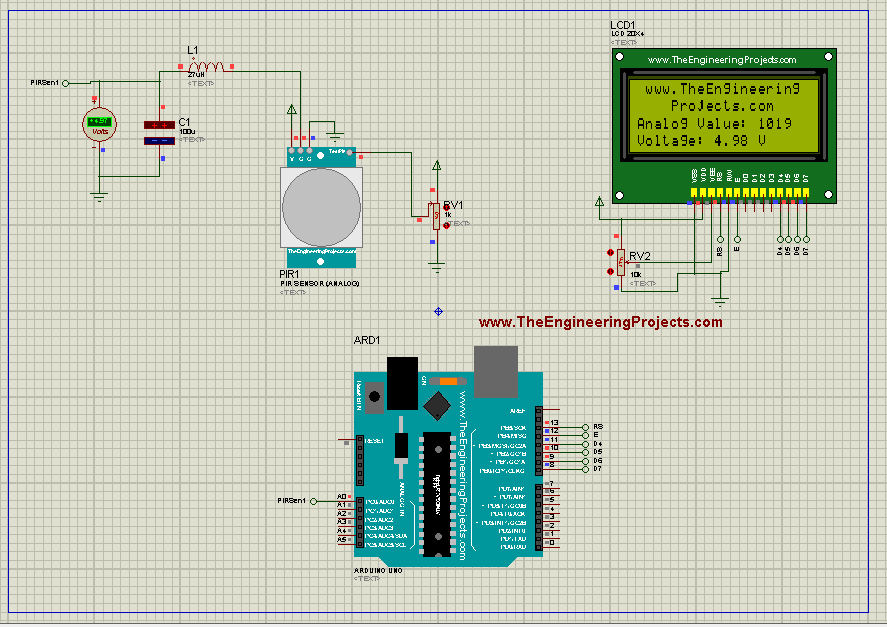
Version 2.0 added an analog PIR sensor to Proteus, interfaced with an Arduino UNO in its tutorial. Read the complete tutorial: Analog PIR Sensor Library for Proteus V2.0
12. PIR Sensor Library for Proteus
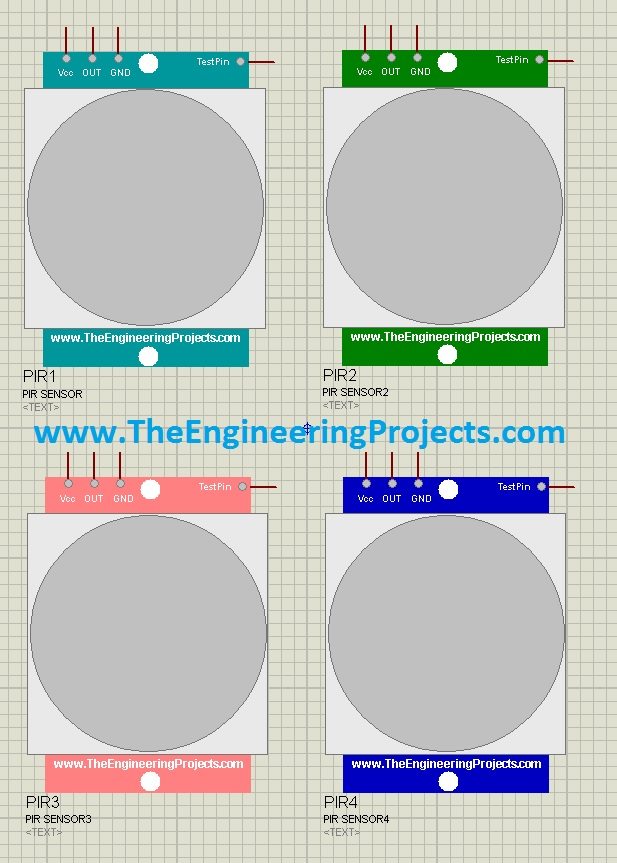
Our first PIR library is a digital sensor: a TestPin plays the role of motion, so +5 V means "motion detected" and 0 V means "no motion". Read the complete tutorial: PIR Sensor Library for Proteus
13. Infrared Sensor Library for Proteus
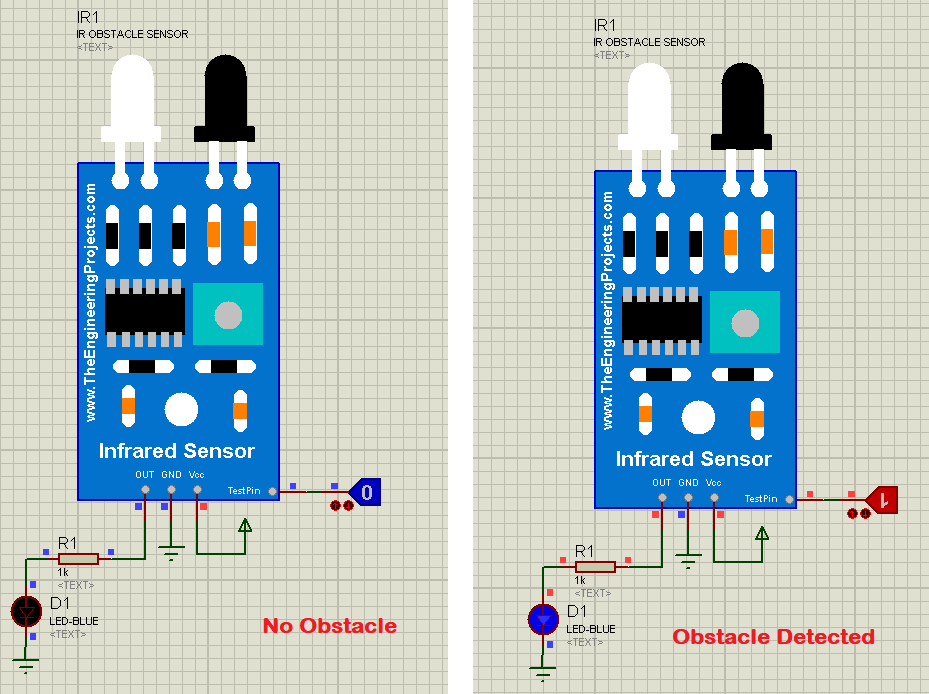
An infrared sensor detects obstacles in its path with an IR transmitter and receiver, which makes it a favourite for line followers and obstacle-avoiding robots. Read the complete tutorial: Infrared Sensor Library for Proteus
14. IR Proximity Sensor Library for Proteus
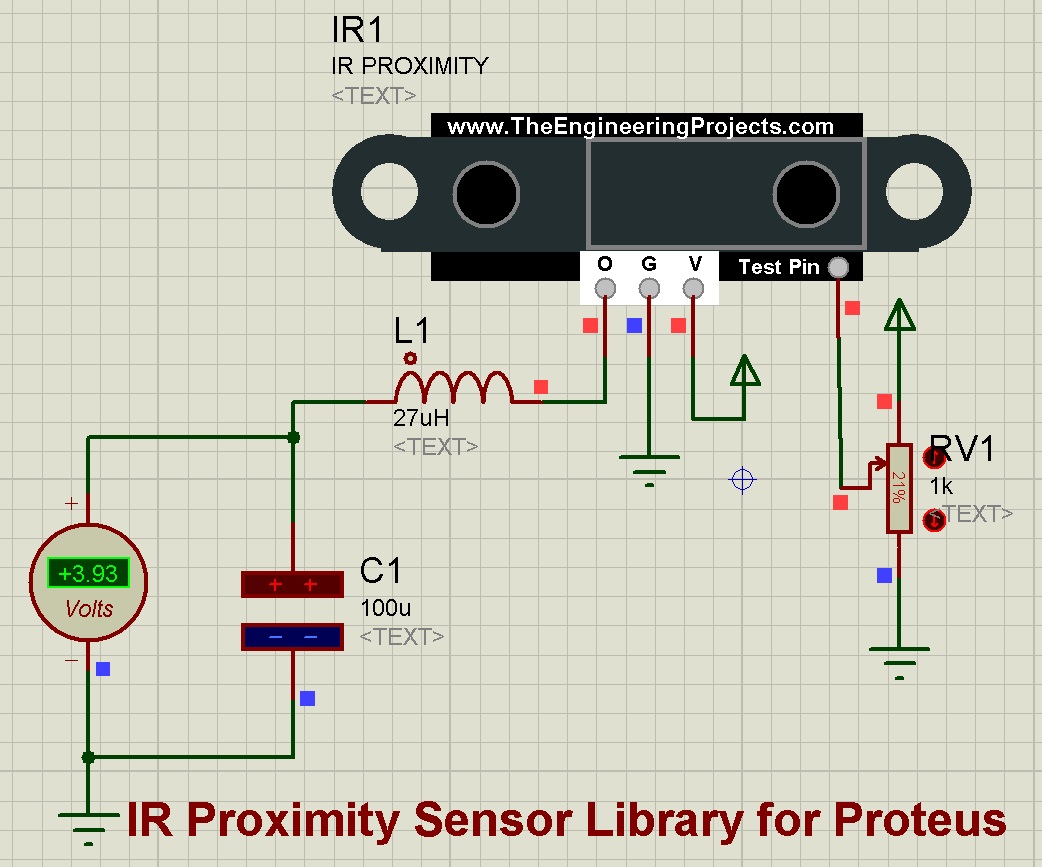
The IR proximity sensor tells your project that an object is close, for counters, automatic taps and robots. Read the complete tutorial: IR Proximity Sensor Library for Proteus
15. Infrared Tracker Sensor Library for Proteus
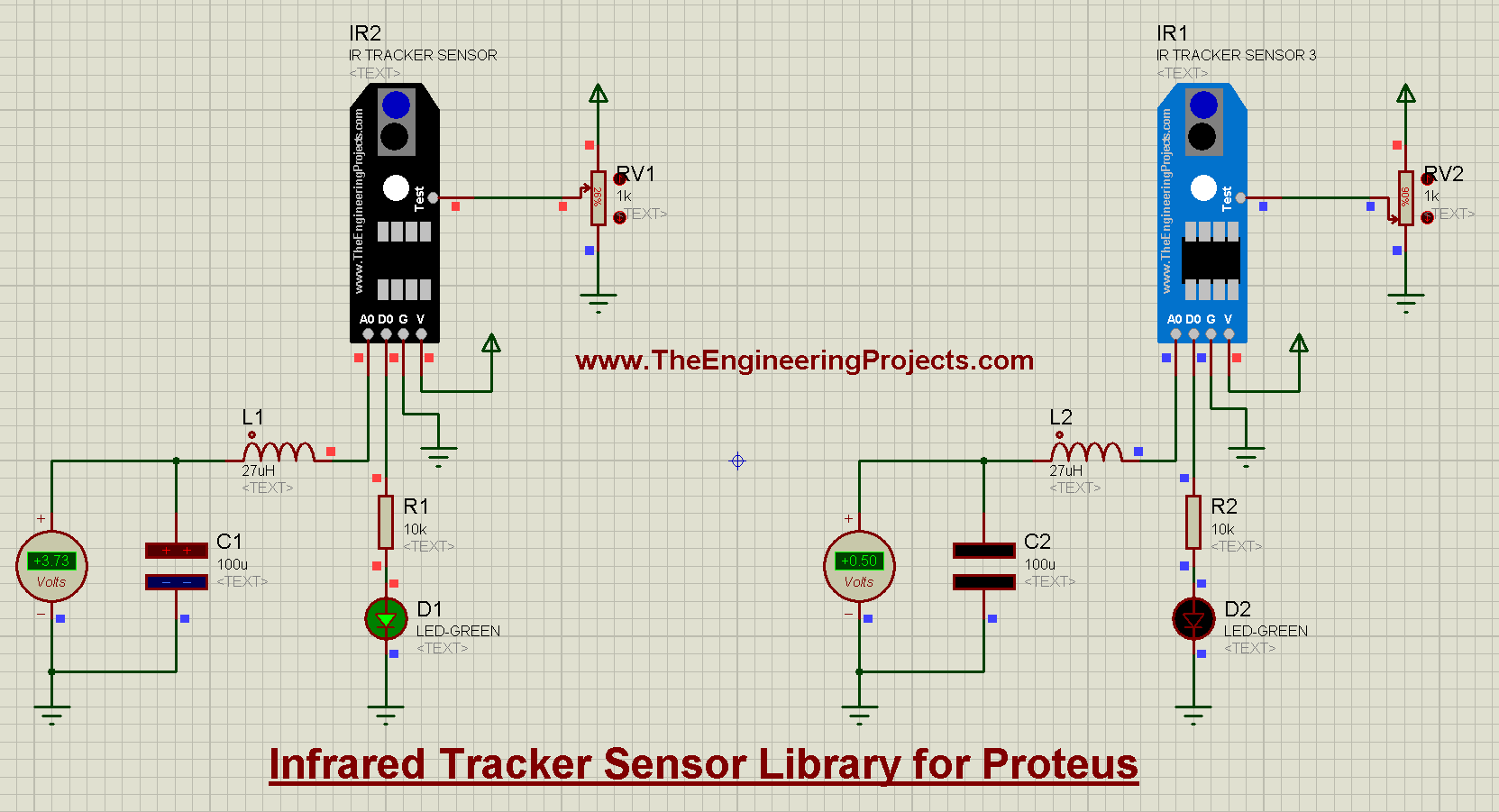
The IR tracker sensor is used by line-following robots to see a dark line on a light floor. Its model uses a test pin to simulate the line. Read the complete tutorial: Infrared Tracker Sensor Library for Proteus
16. Vibration Sensor Library for Proteus V2.0
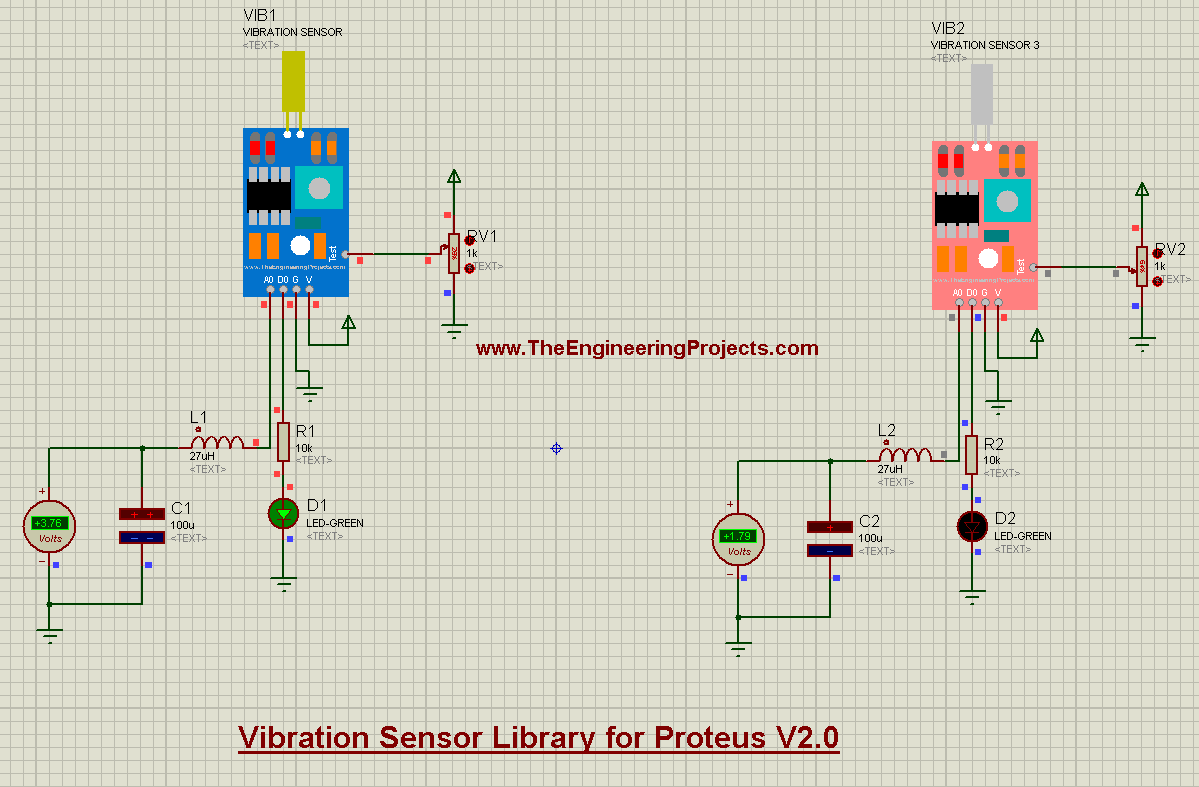
The second version of our vibration sensor library. Like our other 2021 sensors, it loads its own HEX file into the sensor. Read the complete tutorial: Vibration Sensor Library for Proteus V2.0
17. Analog Vibration Sensor Library for Proteus
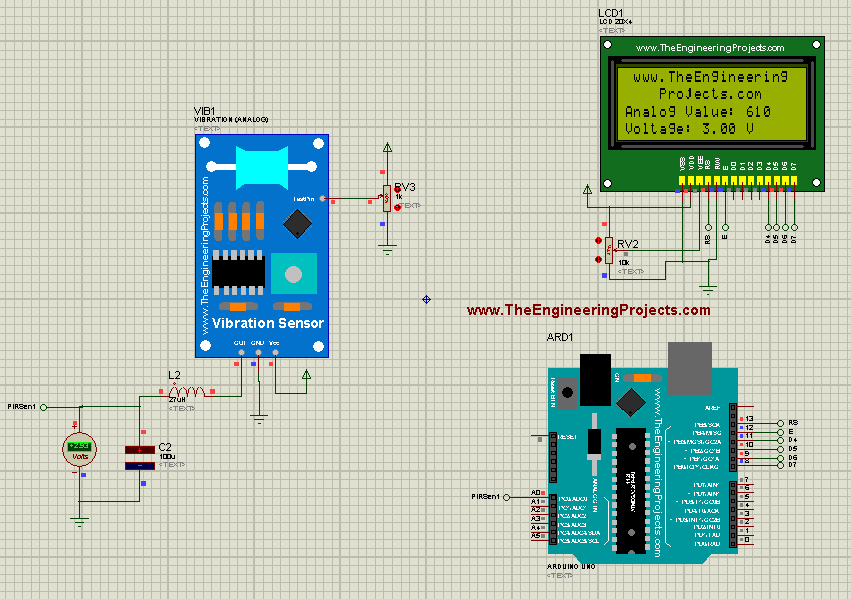
The analog vibration sensor gives a voltage that follows the strength of the vibration, instead of a simple yes or no. Read the complete tutorial: Analog Vibration Sensor Library for Proteus
18. Vibration Sensor Library for Proteus
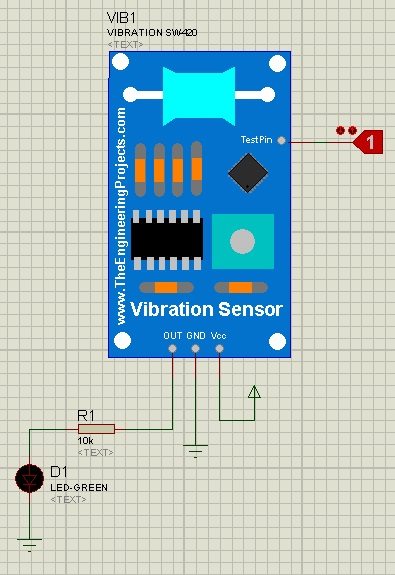
Our first vibration library has the SW-420 sensor. A TestPin simulates the vibration: 0 means no vibration and 1 means vibration. Read the complete tutorial: Vibration Sensor Library for Proteus
19. Magnetic Hall Effect Sensor (KY-024) Library for Proteus
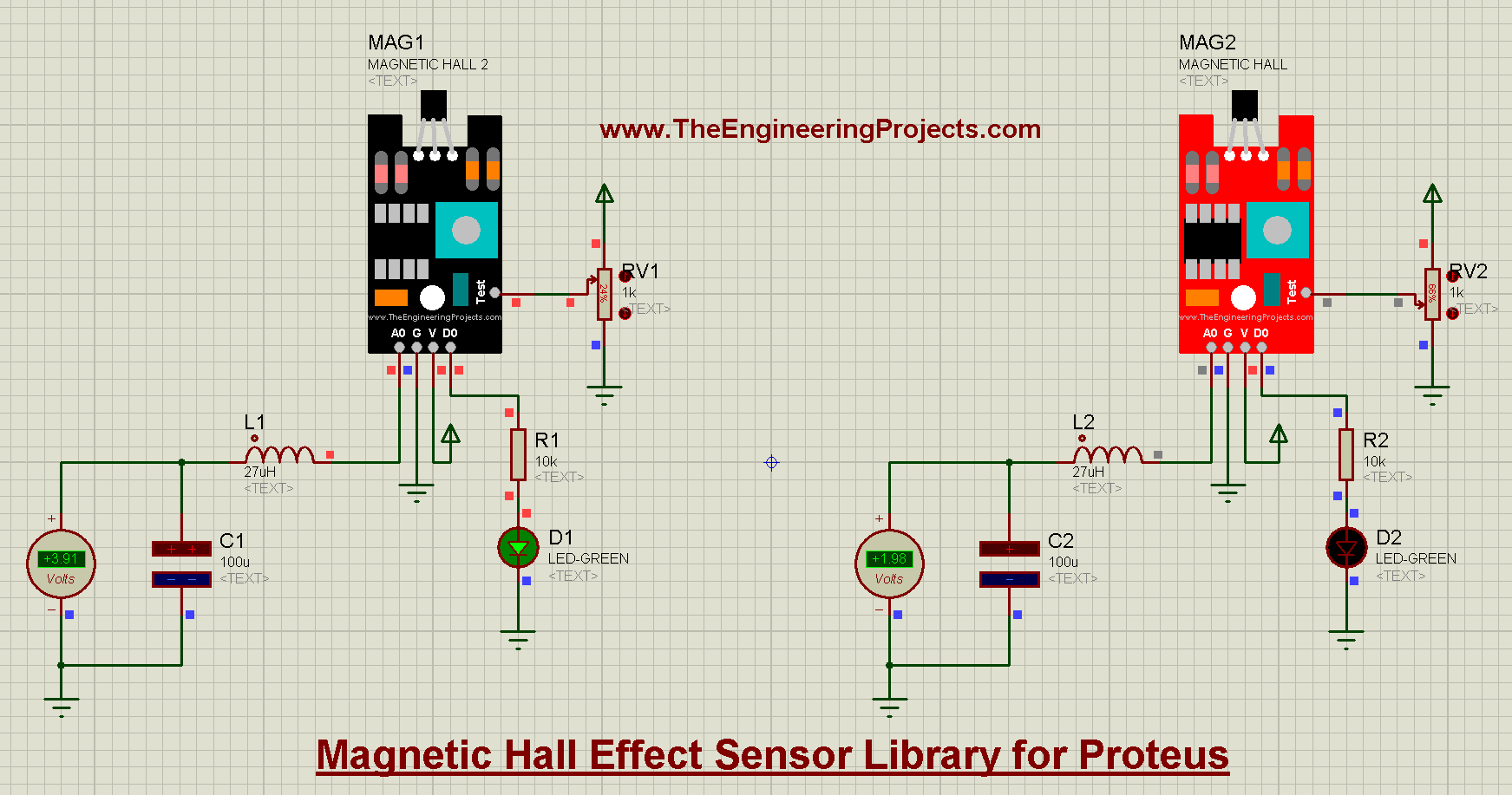
The KY-024 Hall effect sensor detects a magnetic field, for speed sensors, door sensors and position switches. A test pin simulates the magnet. Read the complete tutorial: Magnetic Hall Effect Sensor Library for Proteus
20. Magnetic Reed Switch Library for Proteus
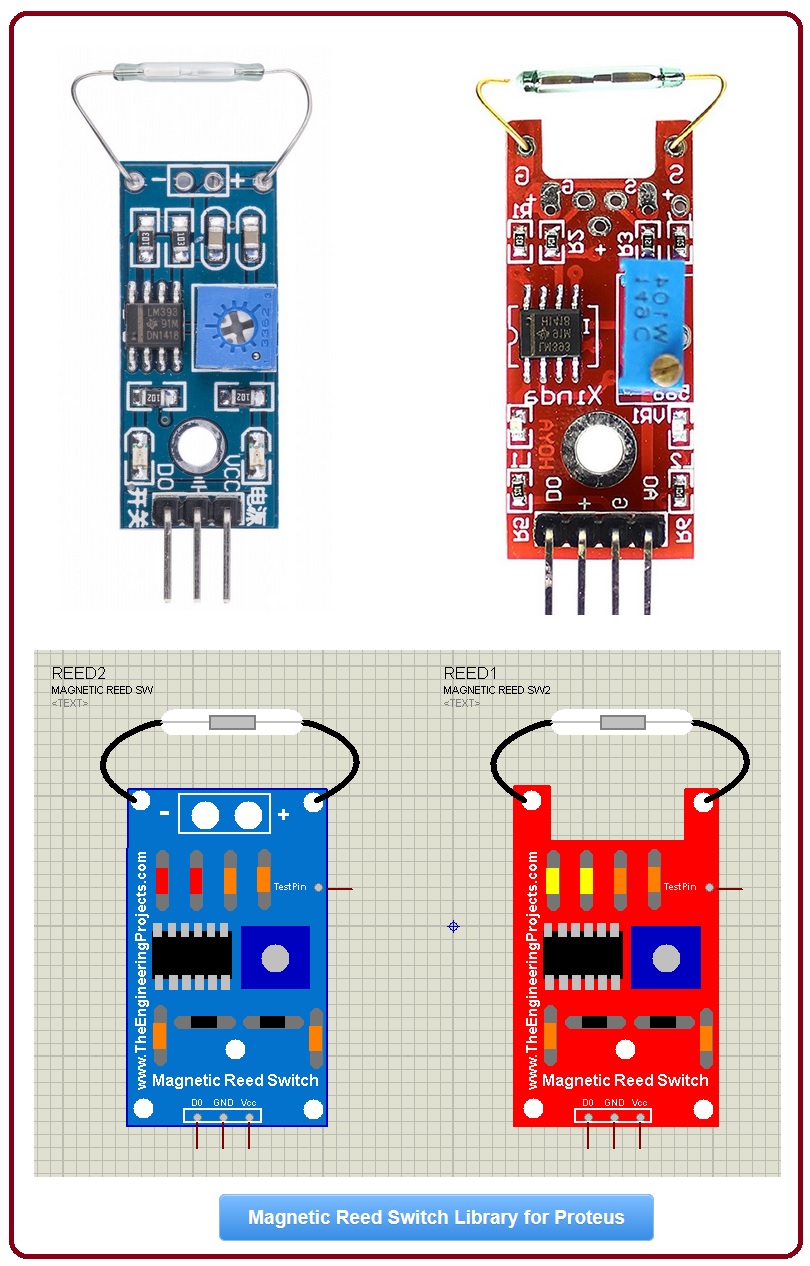
A magnetic reed switch closes when a magnet comes near, which makes it the classic door and window sensor of security systems. Read the complete tutorial: Magnetic Reed Switch Library for Proteus
21. Analog Flex Sensor Library for Proteus
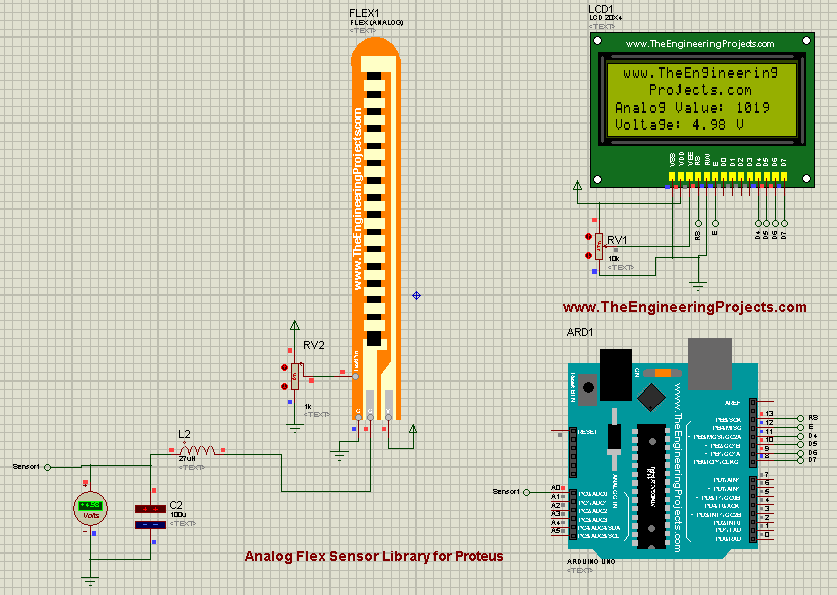
The analog flex sensor changes its output as it bends, and its tutorial connects it to an Arduino UNO. Read the complete tutorial: Analog Flex Sensor Library for Proteus
22. Flex Sensor Library for Proteus
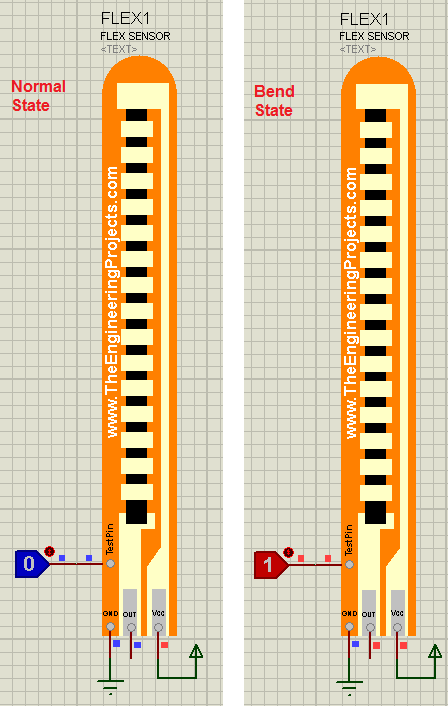
Our first flex sensor library is a digital version: it tells you whether the sensor is straight or bent, but not how much. Read the complete tutorial: Flex Sensor Library for Proteus
Environment and Safety Sensors for Proteus
23. Gas Sensor Library for Proteus
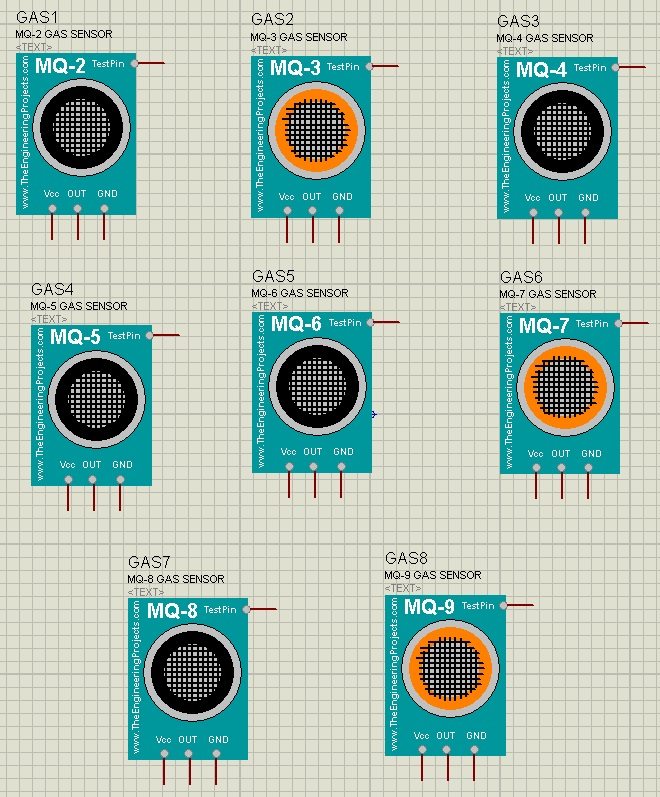
This library has eight MQ gas sensors (MQ-2 to MQ-9). A TestPin simulates the gas: HIGH means gas is present. We used it in our LPG Gas Leak Detector using Arduino. Read the complete tutorial: Gas Sensor Library for Proteus
24. Flame Sensor Library for Proteus
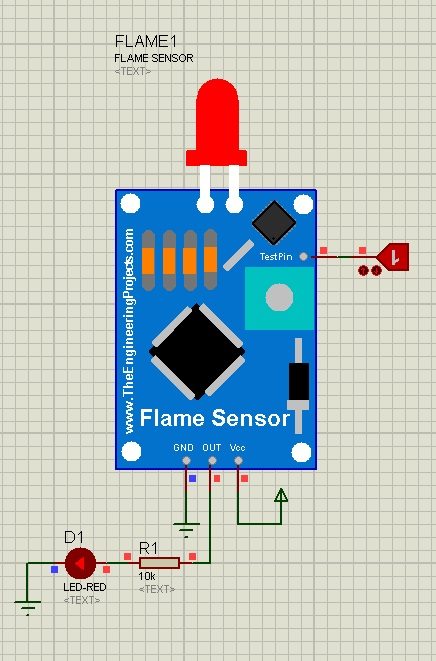
The flame sensor detects fire for safety projects. A TestPin replaces the real flame. You should also read Interfacing of Flame Sensor with Arduino. Read the complete tutorial: Flame Sensor Library for Proteus
25. Rain Sensor Library for Proteus
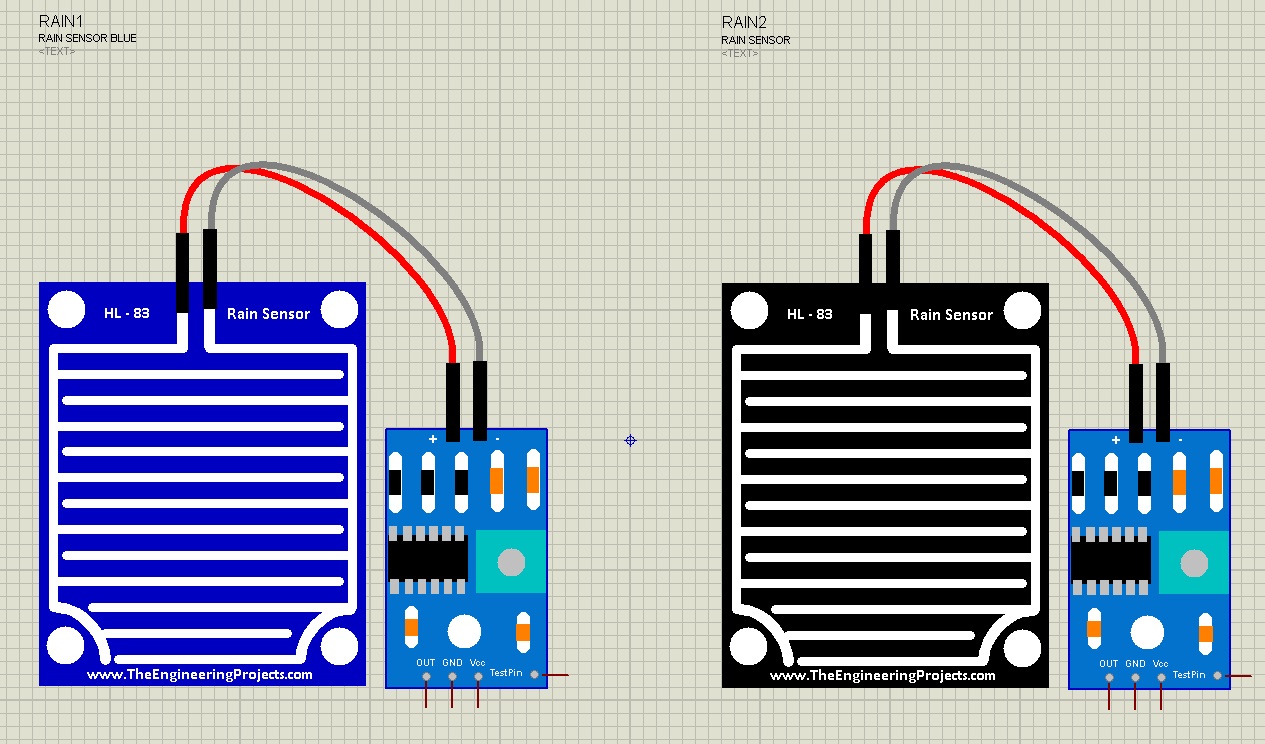
The rain sensor detects rain for smart windows, wipers and irrigation controllers. Read the complete tutorial: Rain Sensor Library for Proteus
26. Water Sensor Library for Proteus
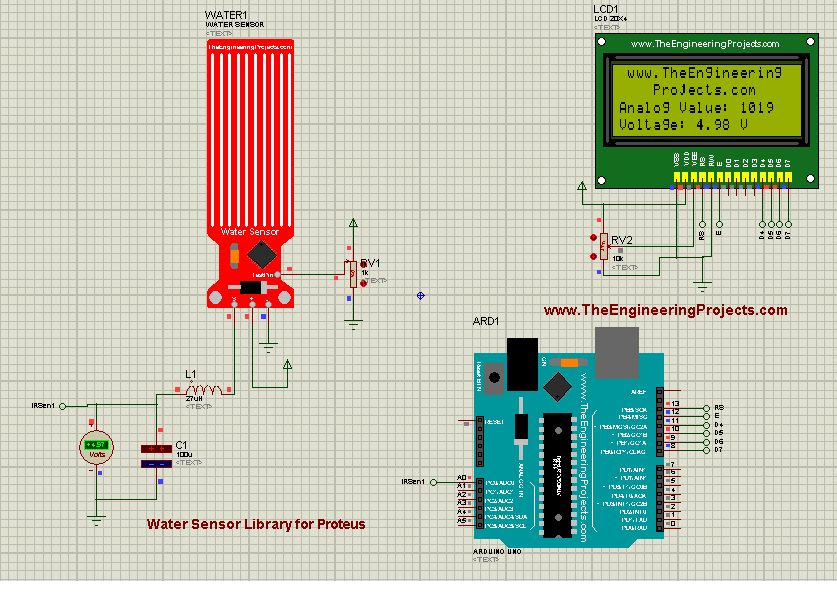
The water sensor detects water from its electrical conductivity, for water levels, rainfall and leak detection. Read the complete tutorial: Water Sensor Library For Proteus
27. Soil Moisture Sensor Library for Proteus V2.0
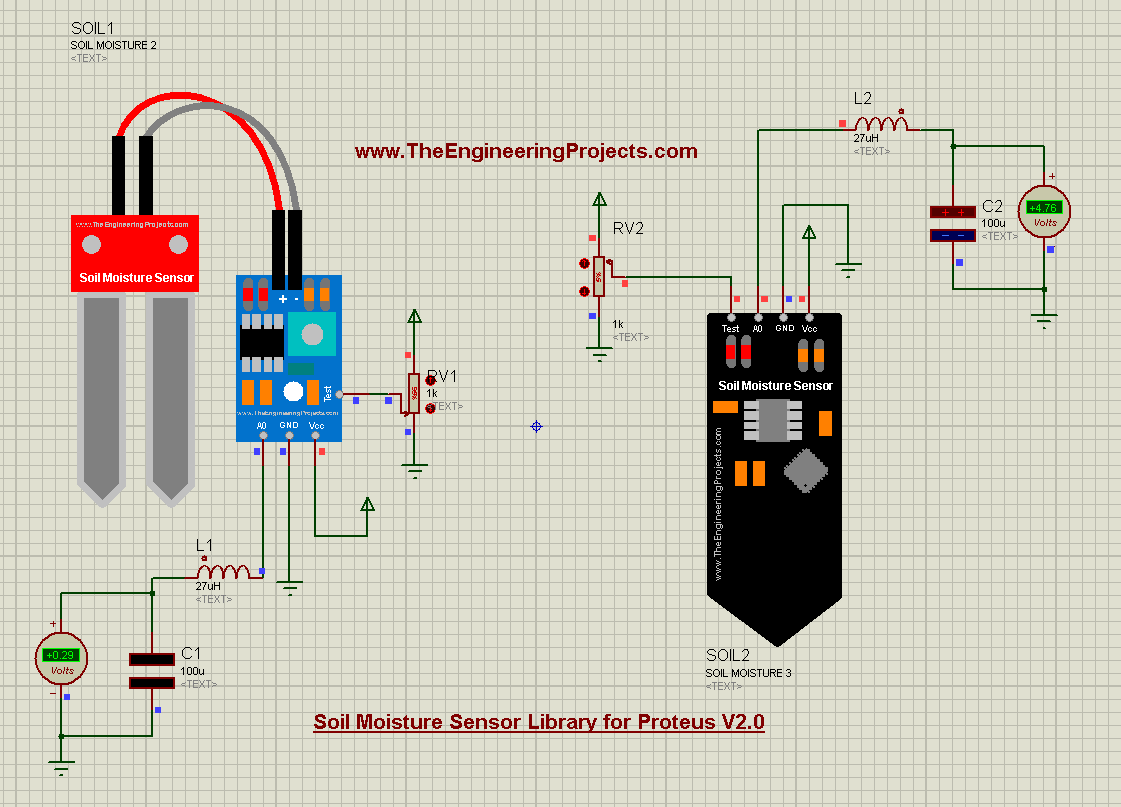
Version 2.0 has three soil moisture sensors in one library, with a test pin to simulate the moisture of the soil. Read the complete tutorial: Soil Moisture Sensor Library for Proteus V2.0
28. Soil Moisture Sensor Library for Proteus
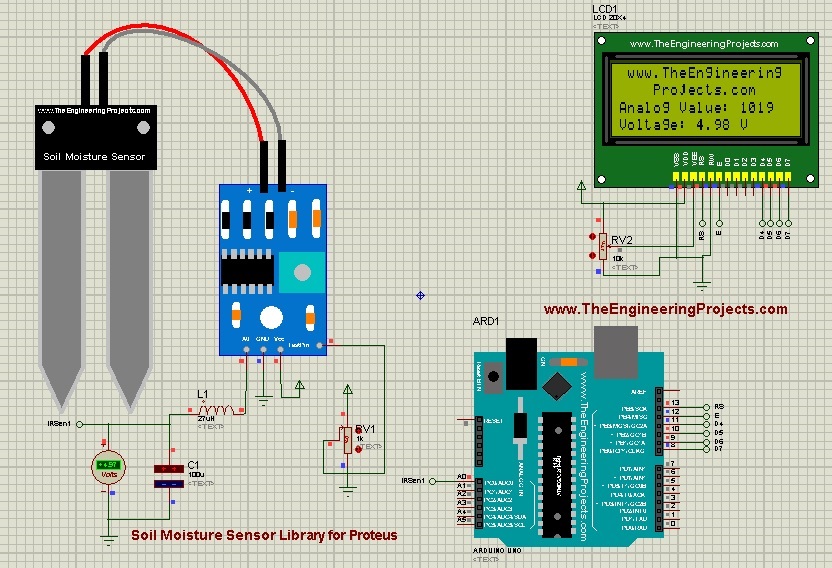
Our first soil moisture library has one sensor with an analog output, and its tutorial reads it with an Arduino. Read the complete tutorial: Soil Moisture Sensor Library For Proteus
29. Sound Detector Library for Proteus V2.0
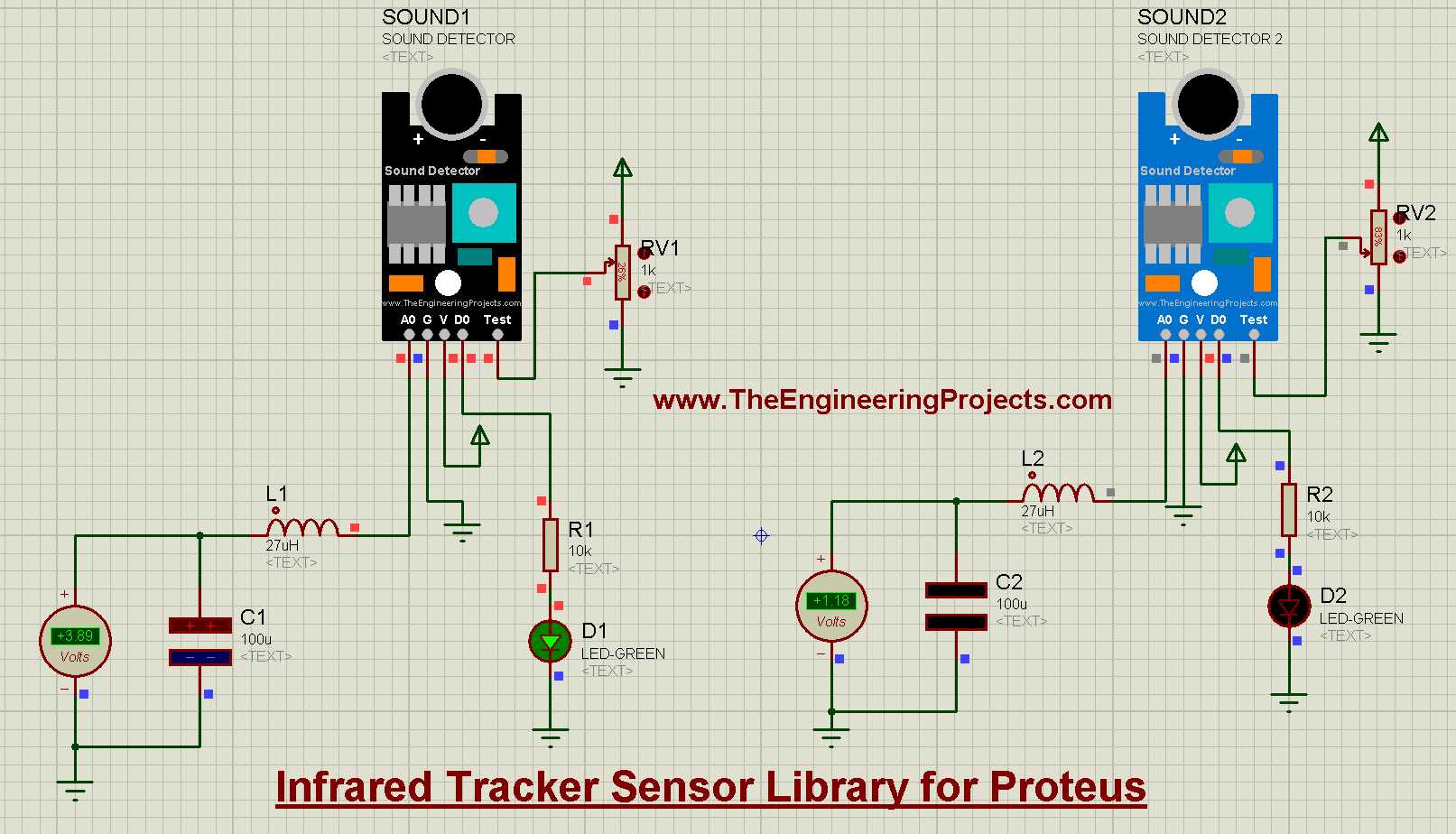
The second version of our sound detector, for clap switches and noise monitors, with a test pin to simulate the sound. Read the complete tutorial: Sound Detector Library for Proteus V2.0
30. Sound Sensor Library for Proteus
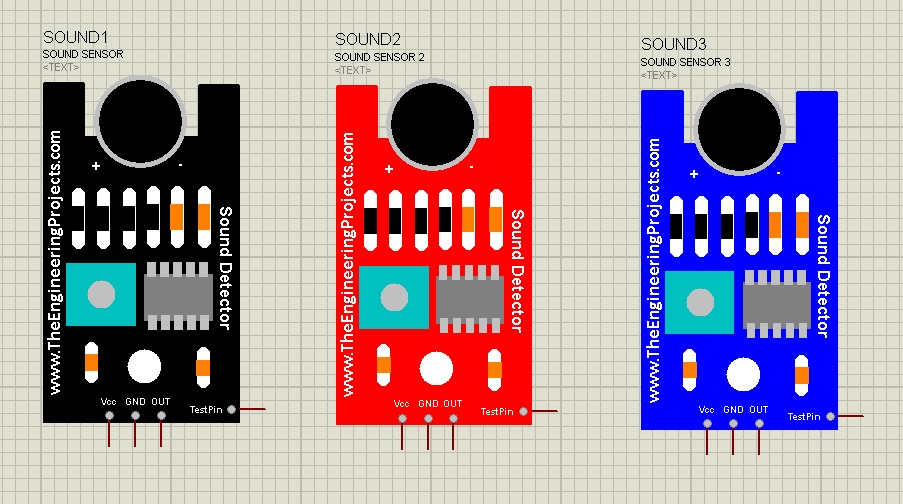
Our first sound sensor library for Proteus. Read the complete tutorial: Sound Sensor Library for Proteus
31. pH Sensor Library for Proteus
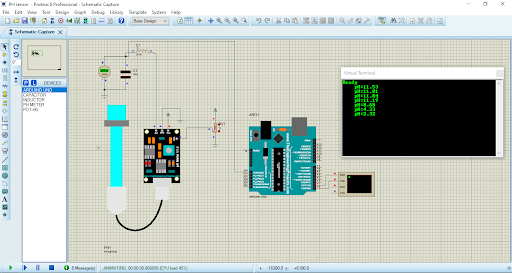
This library has four pH sensors. A potentiometer on the test pin gives a reading from 0 to 1023, which the Arduino code maps to a pH from 0 to 14. Read the complete tutorial: pH Sensor Library for Proteus
Touch, Health and Electrical Sensors for Proteus
32. Capacitive Touch Sensor Library for Proteus
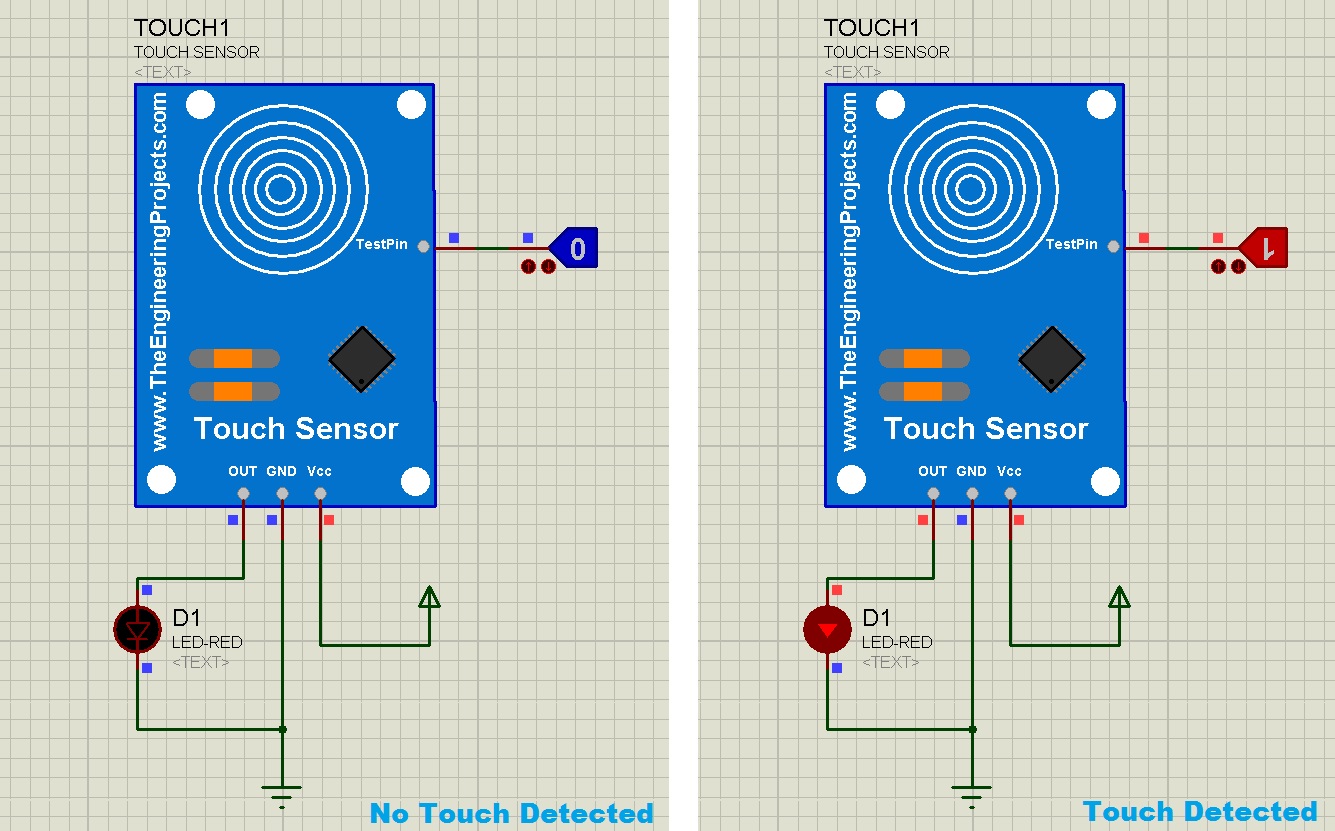
The capacitive touch sensor detects a human finger, for touch buttons and touch lamps. Read the complete tutorial: Capacitive Touch Sensor Library for Proteus
33. Heart Beat Sensor Library V2.0 for Proteus
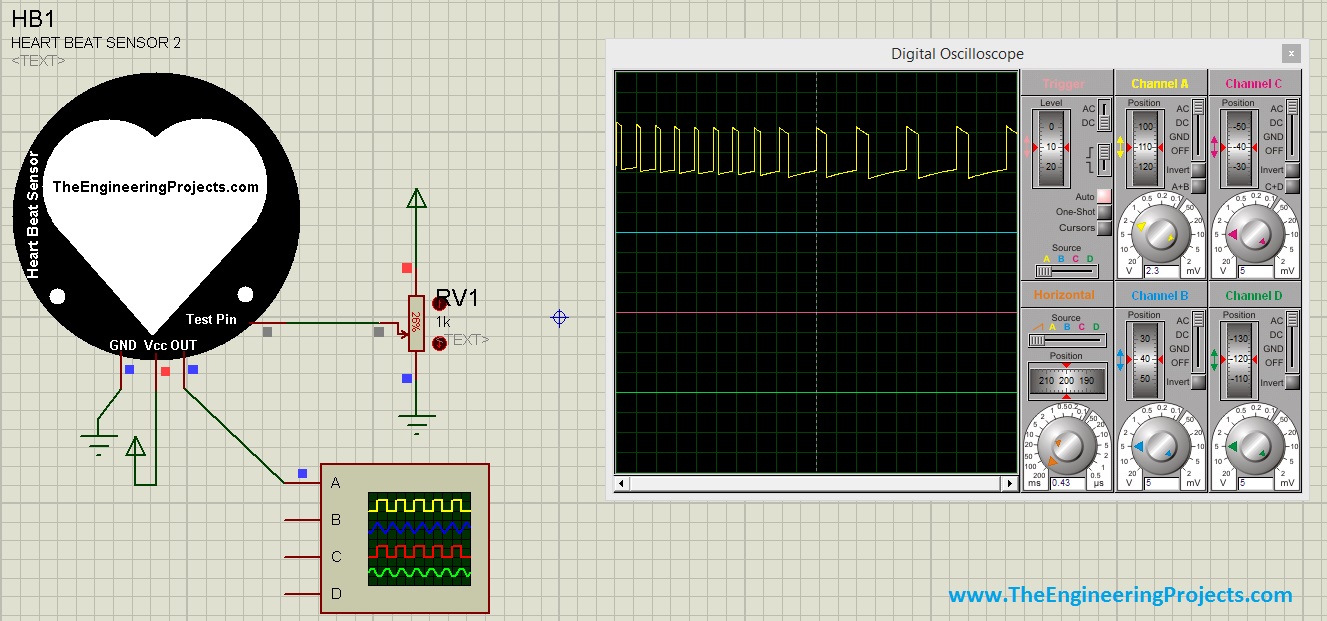
Version 2.0 of our heart beat sensor has several heartbeat samples, so your counter doesn't always get the same result. You should also read Heart Beat Monitor using Arduino in Proteus. Read the complete tutorial: Heart Beat Sensor Library V2.0 for Proteus
34. Heart Beat Sensor Library for Proteus
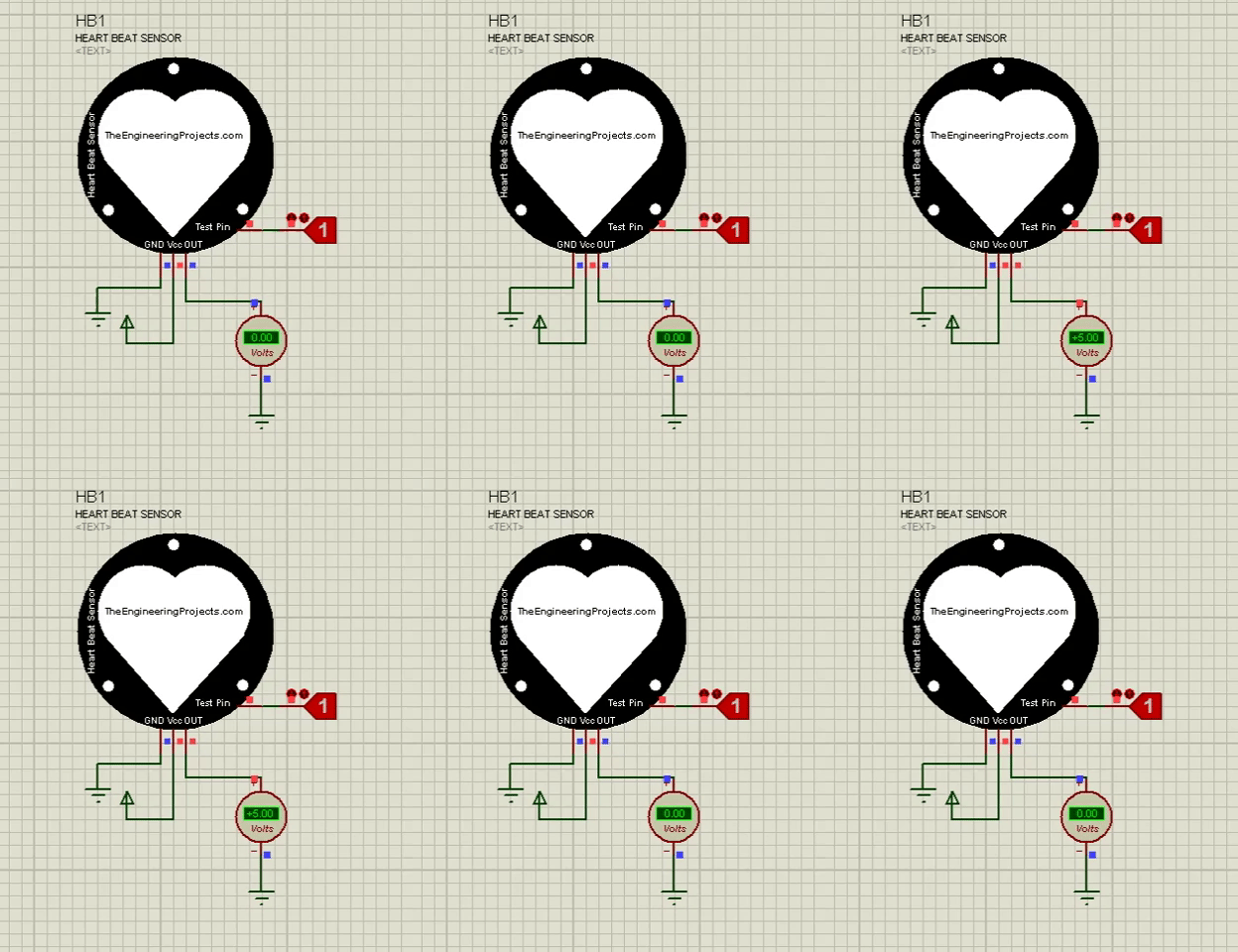
Our first heart beat sensor plays a single heartbeat pattern when its TestPin is HIGH, which is the ideal result of a perfectly placed finger. Read the complete tutorial: Heart Beat Sensor Library for Proteus
35. Current Sensor Library for Proteus
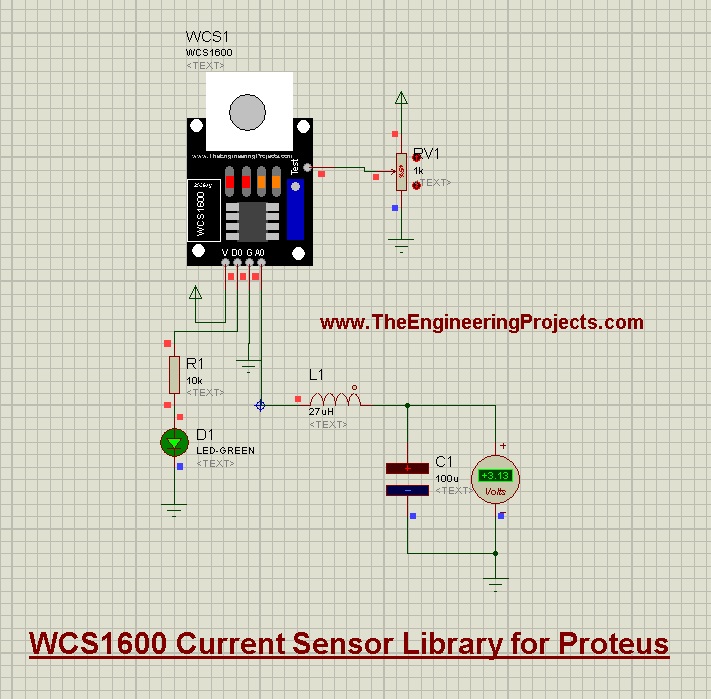
The WCS1600 current sensor measures the current flowing through a circuit, for battery monitors, robots and power projects. Read the complete tutorial: Current Sensor Library for Proteus
New Sensors vs Older Sensors
If a sensor is available in both generations, which one should you use? Here is the difference:
- New I2C sensors: they talk to the Arduino over I2C like the real chips, with a DLL model that provides their behaviour. Their sliders change the measured value while the program runs, and each tutorial has a complete Arduino example with calculations.
- Older sensors: most of them use a TestPin or an analog pin to stand in for the physical event, and several need their own HEX file loaded into the sensor. They are simple, quick to use and great for logic tests and circuit diagrams.
Many older sensors also have later versions (PIR, vibration, soil moisture, sound and heart beat), so pick the newest version unless your project already uses an older one. You can also find all of these sensors in the Sensor Modules section of our Proteus Libraries tutorial series.
More Lists of Proteus Libraries
We have grouped our Proteus libraries into several lists, so you can quickly find the right ones for your project:
- 30 New Proteus Libraries for Engineering Students (2026)
- GSM Libraries for Proteus
- GPS Libraries for Proteus
- RF Module Libraries for Proteus
- LoRa and RF Libraries for Proteus
- Wi-Fi and Bluetooth Libraries for Proteus
- List of Wireless Modules for Proteus
- Top IoT Libraries for Proteus
- RFID and NFC Libraries for Proteus
- I2C Sensor Libraries for Proteus
- Environmental Sensor Libraries for Proteus
- Motion and Distance Sensor Libraries for Proteus
- Smart Agriculture Sensor Libraries for Proteus
- Medical Sensor Libraries for Proteus
- Must-Have Proteus Libraries for Arduino Simulation
- Microcontroller Board Libraries for Proteus
Conclusion
So, that was the complete List of Embedded Sensors in Proteus. I hope it helps you find the right sensor for your project and test your code before you wire the real one. If you need a sensor that is not on this list, please tell us in the comments or in the Proteus Libraries category of our forum, and our team will try to design it. Till the next tutorial, take care and have fun!