Hey peeps! Are you excited to begin with the new chapter in Python? Till now, we have been learning the data types and their related concepts. Now, we are starting a new chapter where you will learn the details of Object Oriented Programming or OOP. We are moving towards the advanced level of programming in Python, and here, you will go through the complex but interesting concepts that will show us the fascinating results on the screen. This will be more clear when you will know the basic information about the OOP, but before going deep, we will go through the headlines of the lecture:
How do you classify the programming languages?
How do you introduce the OOP?
Why object-oriented programming is important in Python?
How do you define class and objects in OOP and how are they connected? ...
Hello friends, I hope you all are having fun. In today's tutorial, we are going to have a look at How to handle Static Files in ASP.NET Core. It's our 4th tutorial in ASP.NET Core series. If you inspect your localhost page displaying Hello World, then you will see that there isn't any HTML code in it. Instead, it's just displaying Hello World in text format.
In today's tutorial, we will have a look at How to add HTML, JavaScript, CSS or any other static file in ASP.NET Core. In our previous tutorial, we have discussed Middleware in ASP.NET Core, so if you haven't studied that then have a look at it first, as we are gonna use some new middleware components today. So, let's get started:
How to handle Static Files in ASP.NET Core
By default, ASP.N ...
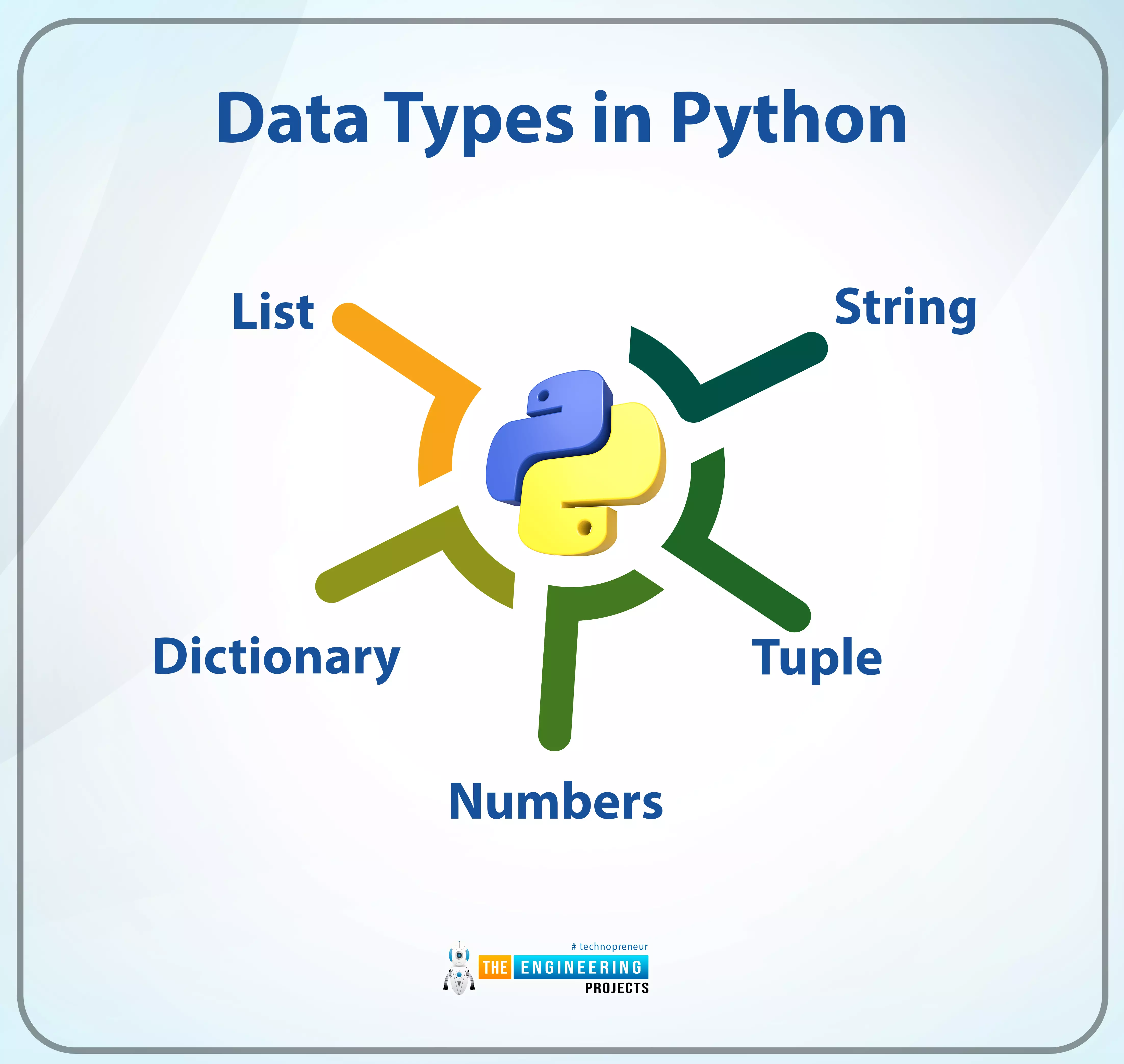
Hello learners! Welcome to the engineering projects where we are working on deep learning. In this series, we are at the part where Python is under our observation. In the last session, we saw the Python built-in functions and the practical implementation of some important pre-defined functions of Python. In the current lecture, you will learn about the fundamental concept of Python. It is not wrong to say that if you want to work in any high-level programming language, you have to understand its data types; otherwise, you will not be able to code complex or long programs using it. More details will be discussed in the next section, but before this, you should have a glance at the concepts you will learn in this tutorial.
What are the data types?
How are Python data types different from ...
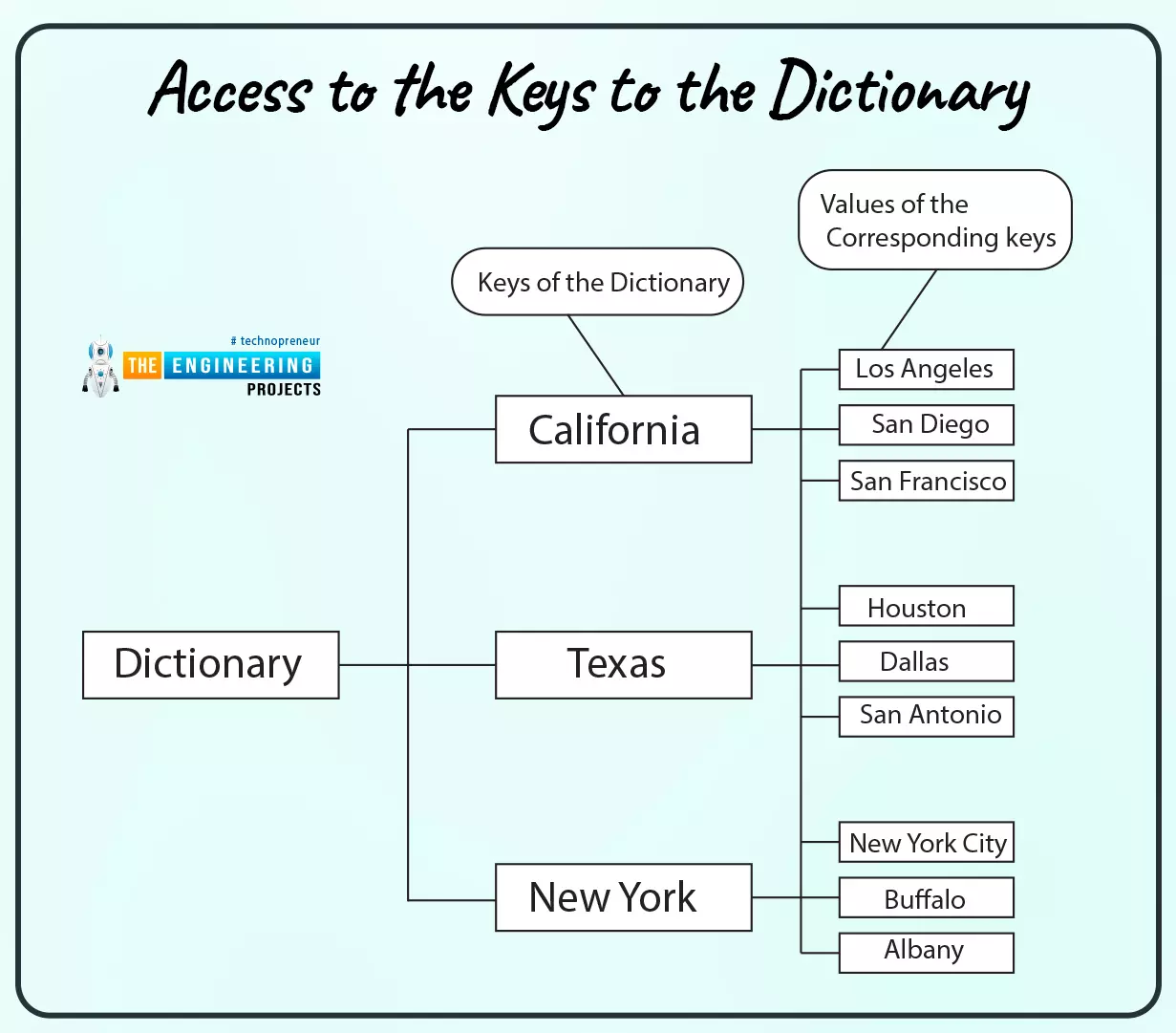
Hello! Welcome to the next lesson in this Python course. In the last session, we learned about python tracebacks and how to deal with them. A dictionary, like a list, is a collection of items, and we'll look at that in this tutorial as well.
What will you learn?
This tutorial introduces you to the fundamentals of dictionaries in Python and teaches you how to work with dictionary data. After reading this article, you should be able to tell when and how to utilize a dictionary as a data type.
Characteristics of Dictionaries and lists
Both can be changed (mutability).
A dynamic relationship exists between them. When needed, they're able to expand and contract.
Both are nestable. Another list can be ...
Cryptocurrency trading is a popular way to get started with cryptocurrency. It's also a great way to multiply your funds if you're an experienced trader. In this post, we'll give you the basics of how cryptocurrency exchanges work and help you choose an exchange.
What is Cryptocurrency Trading?
Cryptocurrency trading is the process of buying and selling cryptocurrency on an exchange. Cryptocurrencies are digital assets that can be exchanged for other cryptocurrencies, for example, you can exchange eth for sol
, or for fiat currency (US dollars).
You can use a cryptocurrency exchange to trade your coins, or you can buy them directly from another person. Some exchanges offer both options: they allow users who want to trade coins with one another and also serve as platforms where people ...
Introduction
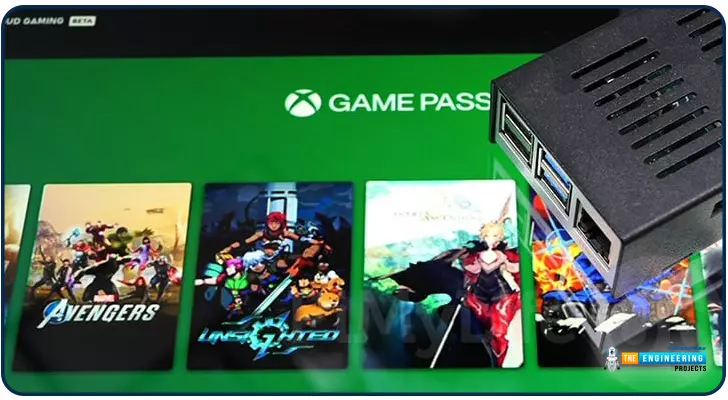
Greetings, and welcome to the next section of our Raspberry Pi 4 tutorials. In the last section, we discovered how to set up and run our self-host bitwarden on our Raspberry Pi. We learned how to set up admin panels and perform a wide range of actions, such as limiting the creation of new accounts and users for security purposes. However, in this guide, we will discover how to configure a PS3 or PS4 joystick with our raspberry pi and set up and run Xbox cloud gaming on our Pi 4.
Components
Raspberry pi 4
SD card
Power supply
Ethernet cable or wifi
Xbox controller
Xbox game pass ultimate subscription
USB keyboard
USB mouse
HDMI cable
Through a service called Xbox Cloud Gaming, users may play a wide variety of games witho ...
Hello friends, I hope you all are doing great. Today, I am going to share the Raspberry Pi 4 Library for Proteus. In our previous tutorial, we shared the Raspberry Pi 3 Library for Proteus and as we mentioned in that tutorial, these Raspberry Pi libraries will have dummy modules i.e. We have just designed the exterior but these boards won't be able to read the Python code. Although just for fun, we have added the Arduino firmware in these boards, so we can upload the Arduino code in it. As the legends say, something is better than nothing. We have given these boards an unofficial name "Arduino Pi".You can use these Pi boards to design your circuit diagram or can also use it in your presentation/demonstration of your projects. I hope you will enjoy these simulated Raspberry Pi boards. Befor ...
Hello everyone, hope you all are fine and having fun with your lives. Today, I am going to share 8051 Microcontroller Projects. Recently, I have shared quite a lot of tutorials on 8051 Microcontroller which are not much arranged as a whole. So, today, I thought to arrange all those tutorials and place them here so that you can get all of them quite easily. I will upload more 8051 Microcontroller Projects and I am gonna add their links in this post so stay subscribed to this post if you are interested in learning 8051 Microcontroller.
8051 Microcontroller, as we all know, is another Microcontroller series just like PIC Microcontroller or Arduino etc. The benefit of 8051 Microcontrollers is that they are quite cheap and easily available so if you ar ...
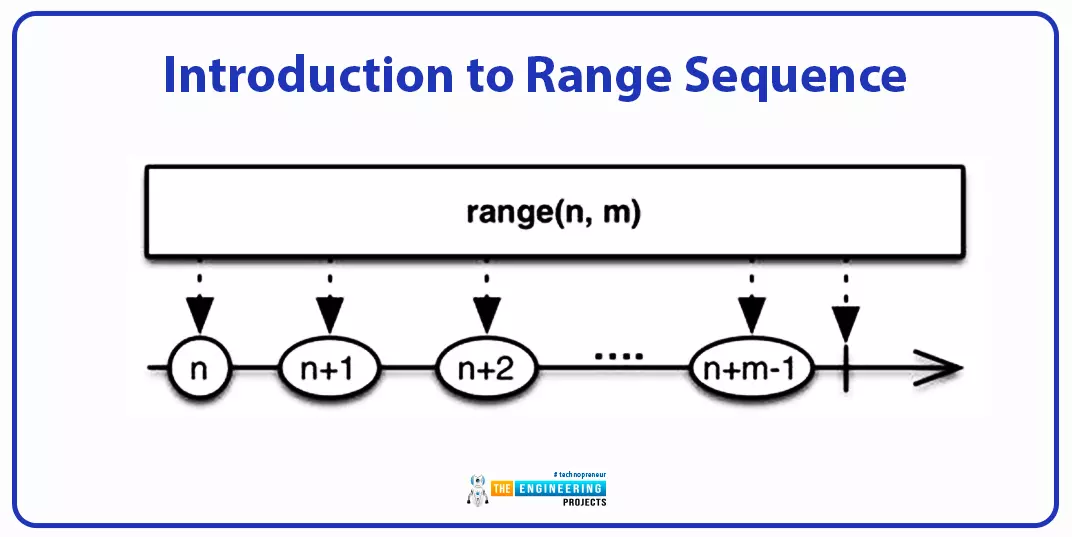
Hey peeps! Welcome to the new lecture on the sequence data type, where we are discussing the range data type. We are interested in working on deep learning, and for this, we are learning the Python programming language from scratch. If we talk about the previous episode, we saw the byte and byte array methods that were amazing for converting the different data types into bytes. The current lecture will discuss the range data type, which is slightly different from the other types of sequences, so students will learn new and interesting concepts in the lecture; however, before we get into the details of our topic, take a look at today's highlights:
What is the range function?
How can you elaborate on the syntax of the range function in detail?
What are the three types of range functions ...
Introduction
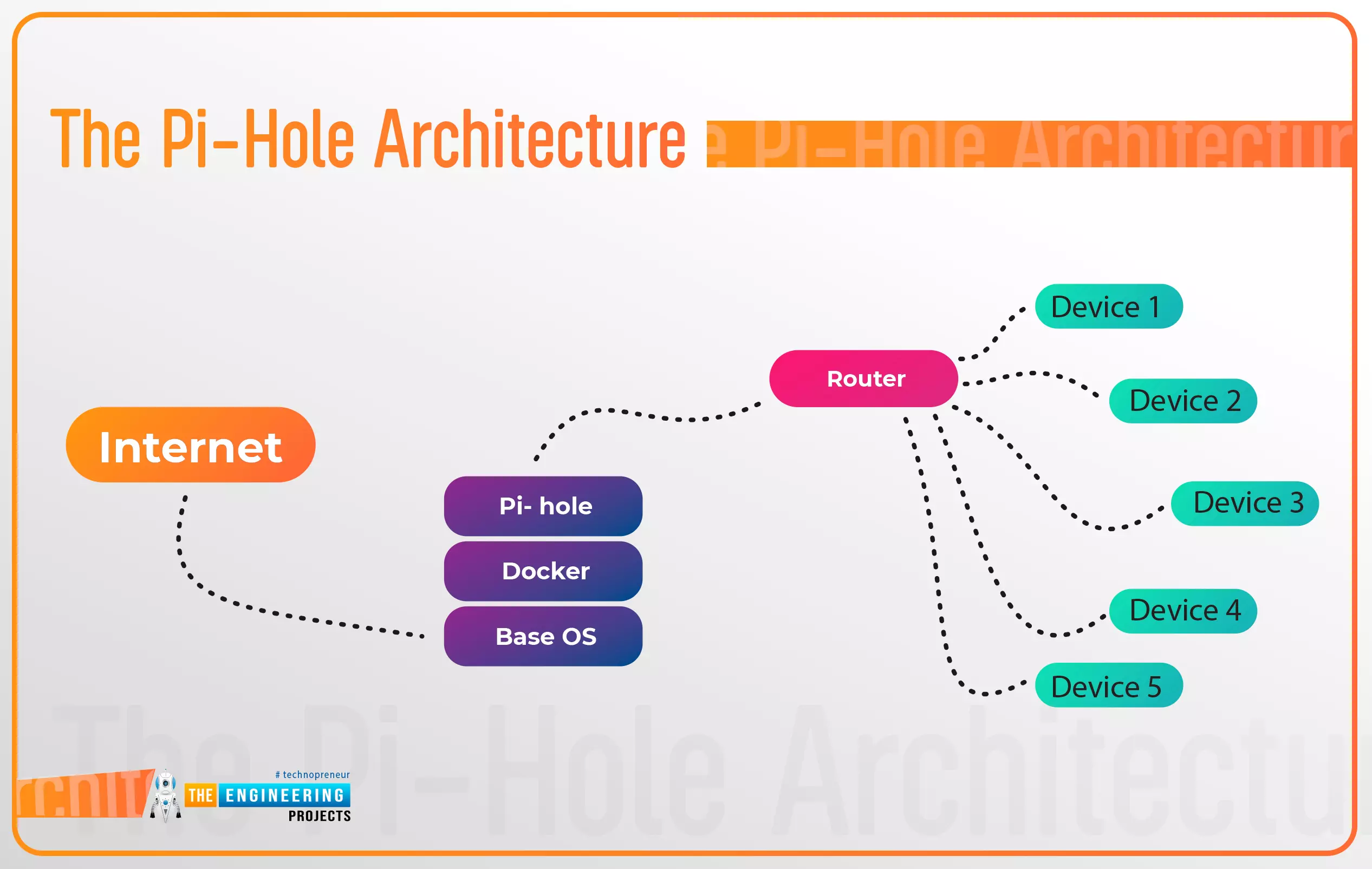
Thank you for joining us for yet another session of this series on Raspberry Pi programming. In the preceding tutorial, a facial recognition system on a Raspberry Pi 4 was used to develop a smart security system. We also learned how to create a dataset using two Python scripts to train and analyze a series of photographs of a certain person. This tutorial will teach you how to install pi-hole on a Raspberry Pi 4 and use it to block advertisements from anywhere. This is a great initiative for folks who are tired of annoying pop-up adverts while browsing. First, we'll learn how to set up the pi-hole without the need for an environment, then we'll use Docker to install pi-hole, and ultimately we'll see how we can access it from anywhere.
Prerequisites
A minimum of 512MB ...