Hola students! Welcome to the new Python tutorial, where we are learning about OOP. We all know why OOP is important in programming. In the previous lecture, a detailed overview of classes and objects was discussed. We are moving towards the next step of learning where our focus will be on inheritance. Yet, programming also contains inheritance. We have all read about inheritance in real life and are aware of the concepts surrounding it. This time, we will discuss these concepts according to the workings of the classes and related entities. The concept of inheritance is the same in both scenarios, and with the help of interesting examples, the practical implementation of inheritance will be shown to you, but first of all, it would be interesting to know about the main headings that will be ...
Hey pupils! Welcome to the new tutorial on deep learning, where we are in the section on Python learning. In the previous lecture, we were discussing the tuple data type, which is a sub-class of sequences. In the present lecture, the discussion will be about the byte sequence and byte array. The whole discussion is cleared with the help of practical implementation in TensorFlow by using simple and easy codes. If you understand the concepts of list and tuple, then this lecture will be easy for you. Yet, before going into the details of this topic, you must know the highlights of the content discussed in this lecture:
What is the byte method in Python?
How can you use byte in TensorFlow?
What are some examples of bytes?
Give examples of error handling in bytes.
How can you convert in ...
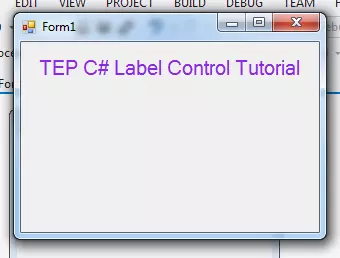
Hello everyone, I hope you all are doing great. In today's article, I will guide you about the C# Label Control. I will show you how to deal with label in C Sharp Programming Language. Labels have their own importance in the software development to nominate the input and output fields. You have observed that every software which you have used and with you are familiar have some labels. Such as in the website login forms there are labels too. It's recommended to use the labels in the software to make the user interface rich with the helping material. If you will just use the C# Button, C# TextBox, and C# ComboBox and don't use the C# Labels then your developed software will not be easy to use. In simple words, it won't be user-friendly. So, in orde ...
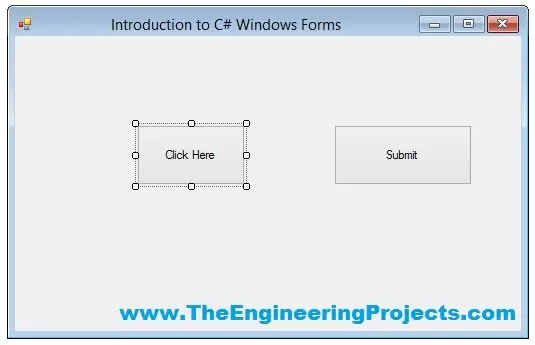
Hello everyone, I hope you guys are having fun with your lives. In today's tutorial, we are gonna have a look at How to use Button in C# Windows Form. In our previous tutorials, we have first discussed the Introduction to C# Windows Forms in which we have created our first C# Windows Forms Project. After that we have discussed How to add C# Controls in Windows Form, in which we have added different C# controls in that Windows form.
So, now we are gonna add back end programming in those Controls one by one. In today's tutorial, I am gonna add the code for the Buttons and you will see that it won't be any difficult to use them in your projects. So, let's get started with How to use Button in C# Windows Form.
How to use Button in C# Windows Form ??? ...
Hey peeps! Are you excited to begin with the new chapter in Python? Till now, we have been learning the data types and their related concepts. Now, we are starting a new chapter where you will learn the details of Object Oriented Programming or OOP. We are moving towards the advanced level of programming in Python, and here, you will go through the complex but interesting concepts that will show us the fascinating results on the screen. This will be more clear when you will know the basic information about the OOP, but before going deep, we will go through the headlines of the lecture:
How do you classify the programming languages?
How do you introduce the OOP?
Why object-oriented programming is important in Python?
How do you define class and objects in OOP and how are they connected? ...
Hello friends, I hope you all are doing great. In today's tutorial, we will have a look at How to Create a Registration Form in ASP.NET Core. It's our 13th tutorial in ASP.NET Core series. In our previous lecture, we have seen How to use Tag Helpers in ASP.NET Core and have also discussed link, image & environment Tag Helpers.
Today, we will have a look at Form Tag Helpers and with their help we will design a simple Registration Form in ASP.NET Core. It will be a quite lengthy tutorial so if you got into any trouble, then ask in comments. So, let's create our Registration Form:
Create a Registration Form in ASP.NET Core
Let's create a new action method named Registration, in our Home Controller clas ...
Welcome to chapter 6 of our python course. Previously, we introduced integers and saw how they may be combined with strings and stored in variables. Today, we'll take a closer look at the python number types and how they're stored in variables to see what actions are possible.
What you'll learn in this tutorial is how to:
Add, subtract, multiply, and divide numbers.
Work with modular.
Use exponents.
Use expressions.
Use a predetermined number of decimal places to round numbers
Use strings to format and show numeric data.
With this in mind, let`s start.
How are integers created?
Integers can be created by simply inputting a number. For example, the tutorial variable is assigned the integer 6 in the following way:
>>>Tutori ...
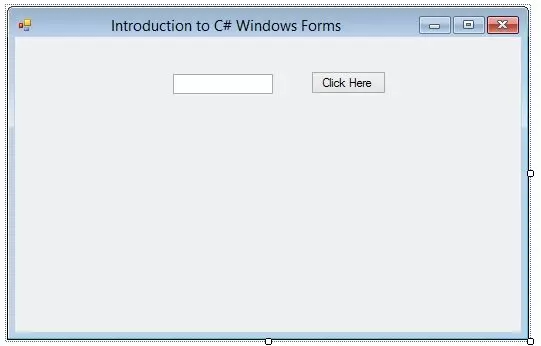
Hello everyone, hope you all are fine and having fun with your lives. Today, I am going to show you How to add C# Controls in your project. In our previous tutorial, we have seen an Introduction to C# Windows Forms in which we have created our first project and then we have discussed all about its different features like How to use Properties etc. and if you haven't read it yet then I would suggest you to read that one first as I am gonna continue from that tutorial onward.
So, I am assuming that you have read Introduction to C# Windows Forms and you have your first project created and ready to use. So, if you have dne exactly as I have shown in my previous tutorial then you have a for as shown in the below figure:
...
Hello everyone, I hope you are doing great. In this article, we will talk about C# TextBox Control. In the previous articles, you have already get familiar with C# Button Control & C# Label Control, this is the sequence of those. In short C# TextBox Control is just same as the other expect some few changing. Before getting started with C# TextBox you must have knowledge of previous concepts. It's not essential but it will give you the edge to understand the advanced elements of C#.
C# TextBox is used to get input from users or it can also be used to display some values to the user. The textbox is a container for text blocks, you can take inputs or show the text as you required in the form of paragraphs. If you used TextBox as the input field t ...
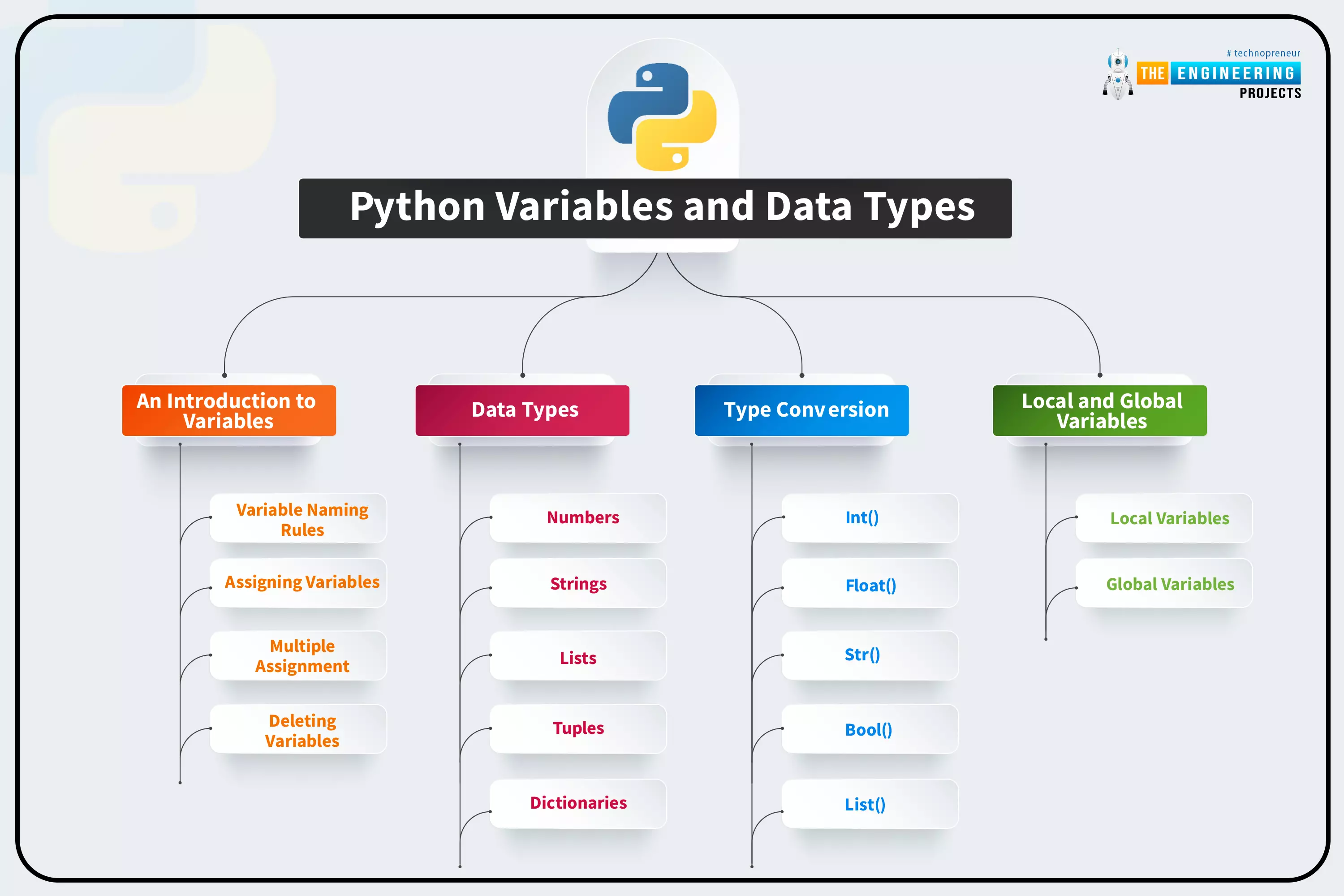
Welcome back! This is the fifth lesson in our Python programming course. In the last chapter, we discussed how string data types are used in Python. In this tutorial, we’re going to discuss variables in python and the rules for naming them in Python. In addition, you'll learn the fundamentals of working with numbers and strings.
What are variables?
All programming languages use variables as a fundamental building block of their language. It is the allocation of memory that is dedicated to data storage and manipulation. Variables are program elements that keep track of data. The following is an example of a variable.
x = 100
It's called x in the diagram below, and it has a value of 100 in it. In this case, the variable name is x, and the data it c ...