Java developers are the backbone of many successful businesses. They bring a wealth of experience and knowledge to the table, making them an invaluable asset for any company looking to stay competitive in today’s market. With Java being one of the most widely used programming languages, hiring a Java developer is often seen as the best investment for any business looking to develop their own software applications or products. From its wide industry usage to its mature ecosystem and strong community, there's no doubt that Java developers are some of the most sought-after professionals in tech today. In this article, we'll discuss why investing in a skilled Java developer may be your best bet when it comes to taking your business forward. Java competitors are C#(C Sharp), Python, PHP etc.
...
Hi Everyone! Hope you all are doing great. We always love when you keep coming back for what we have to offer. Today, I am going to give you a Introduction to C# Classes. We have already seen Introduction to Data Types in C# which includes boolean, integer, char and double. However, if you want to make complex custom type, you can make use of classes. I'll give you a brief introduction to classes so you don't have to go anywhere to find information regarding classes in C#. Let's hop on the board and dive in the details of classes.
Introduction to C# Classes
Class in C# is referred as a blueprint of complex data type that describes the behavior and data of type.
If you want to create complex custom type, we use class. What do I mean by complex ...
An Analog to Digital Converter (ADC) converts a continuous signal (usually a voltage) into a series of discrete values ??(sequences of bits). The main features are:
Resolution (in analog terms): It is the minimum variation of the analog input voltage that can determine the variation of the LSB, that is of the least significant bit of the output code. Since the quantization step Q corresponds to the LSB, it can be said that the resolution coincides with the quantization step Q (and therefore is measured in Volts). We can say that the quantization step Q corresponds to the LSB because two contiguous quantization bands, each of amplitude Q, are identified by codes that differ only for the least significant bit.
Resolution (in digital terms): It is the number n of bits present at the co ...
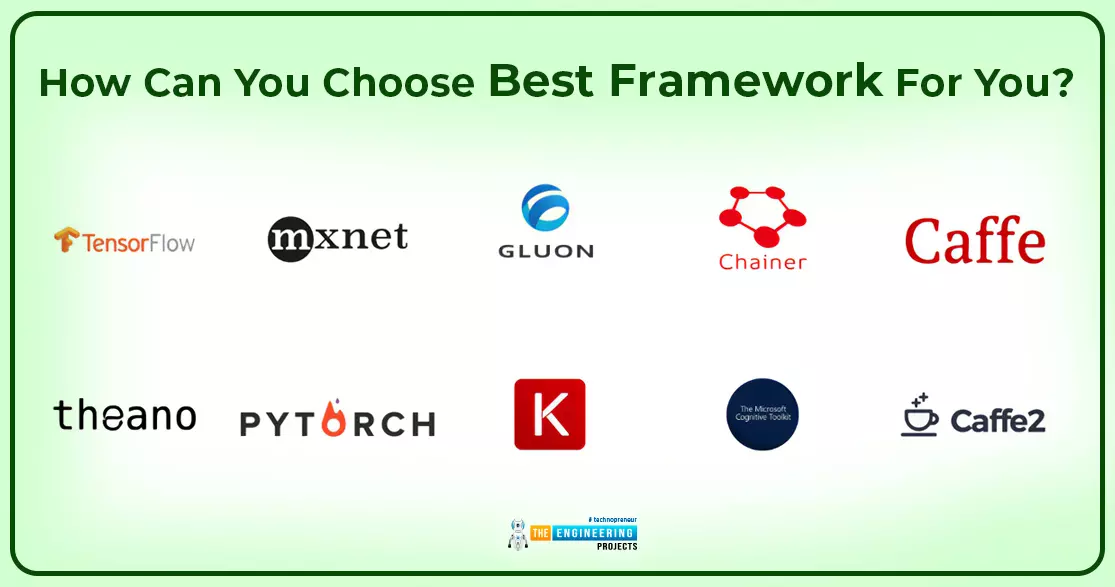
Hello peeps. Welcome to the next tutorial on deep learning. You have learned about the neural network, and it was an interesting way to compare different types of neural networks. Now, we are talking about deep learning frameworks. In the previous sessions, we introduced you to some important frameworks to let you know about the connection of different entities, but at this level, it is not enough. We are telling you in detail about all types of frameworks that are in style because of their latest features. So before we start, have a look at the list of concepts that will be covered today:
Introduction to the frameworks of deep learning.
Why do we require frameworks in deep learning?
What are some important deep learning frameworks?
What is TensorFlow and for which purpose of using Ten ...
Introduction
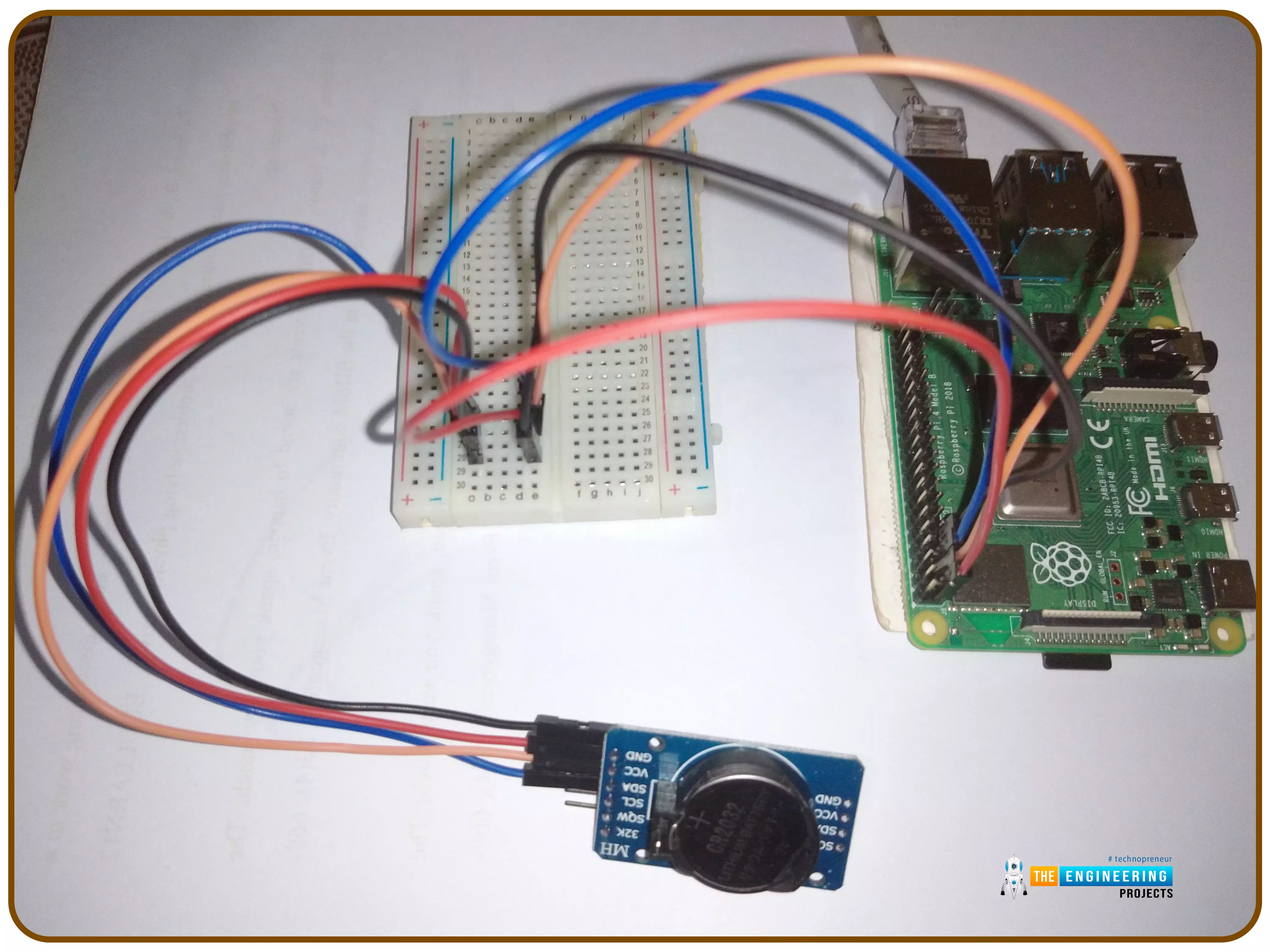
Thank you for joining us for yet another session of this series on Raspberry Pi programming. In the preceding tutorial, we implemented a speech recognition system using raspberry pi and used it in our game project. We also learned the fundamentals of speech recognition and later built a game that used the user's voice to play. However, this tutorial will integrate a real-time clock with our raspberry pi four and use it to build a digital clock. First, we will learn the fundamentals of the RTC module and how it works, then we will build a digital clock in python3. With the help of a library, we'll demonstrate how to integrate an RTC DS3231 chip with Pi 4 to keep time.
Real-Time Clocks: What Are They?
RTCs are clock units, as the name ...
In this guide, we will explain step by step to start programming on the STMicroelectronics (STM) platform, especially the STM32 family.
The term, "STM32" refers to a family of 32-bit microcontroller integrated circuits based on the ARM® Cortex®M processor. The architecture of these CPUs (Central Processing Unit) is ARM (Advanced Risk Machine) which is a particular family of Reduced Instruction Set Computing (RISC). RISC architecture differs from Complex Instruction Set Computing (CISC) for its simplicity that allows you to create processors capable of executing instruction sets with shorter times. Why use STM32? The advantages are many, and now we will list a part of them:
ST offers a wide portfolio of solutions depending on the developer's nee ...
Hello friends, I hope you all are doing great. In today's tutorial, we will have a look at How to use String in Python. It's our 3rd tutorial in Python series. We have discussed strings in our previous lecture How to use Data Types in Python.
String is a most commonly used data type in python that's why I have created a separate lecture on it. Python has many built-in string operations, which we will discuss today in detail. So, let's get started with String in Python:
How to use String in Python
String Data Type is used to store or collect one or more characters or sequence of characters, we can place any alphanumerical or special character in a string.
Let's create a string in python, it has a simple syntax, as shown below:
first_var = "He ...
Hello friends, I hope you all are doing great. In today's tutorial, we will have a look at How to Create Views in ASP.NET Core MVC. It's our 8th tutorial in ASP.NET Core series. In our 6th lecture, where we have set up MVC architecture, we have also created Controller & Model, but we haven't yet created any View to display this data properly.
We have also seen Dependency Injection and have successfully injected Model Interface in our Home Controller. So, now it's time to add a View in our project and communicate it with Controller & Model. So, let's get started with Views in ASP.NET Core MVC:
Views in ASP.NET Core MVC
View in ASP.NET Core ( File Extension: .cshtml ) is a simple HTTP template, which displays the Model data, provided by ...
Hello friends, I hope you all are doing great. In today's tutorial, we will have a look at How to Create ViewModels in ASP.NET Core. It's our 9th tutorial in ASP.Net Core series. We have already covered Controllers, Models & Views in our previous lectures and now it's time to understand this fourth pillar of MVC architecture.
ViewModel is not an integral part of MVC architecture and can be ignored in simple projects but in complex applications, we have to use ViewModel as it adds flexibility in the project. So, let's have a look at ViewModels in ASP.NET Core:
ViewModels in ASP.NET Core
ViewModels in ASP.NET Core ( also called Data Transfer Objects [DTO] ) are used to send Models data from Controll ...
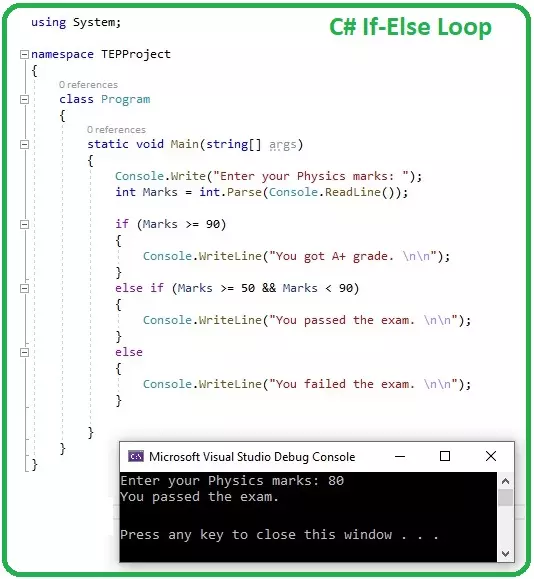
Hello everyone, I hope you all are doing great. Today, we are gonna have a look at IF Loops in C# and it's 8th tutorial in C# series. So far, we have discussed some basic concepts in C# and now we are ready to get our hands on Loops in C#.
C#, as any other programming language, supports a lot of loop structures, we will discuss each one of them separately in our coming tutorials. Today, we will discuss the simplest of them all, which is IF loop, so let's get started with How to use IF Loop in C#:
How to use IF Loop in C#
IF Loop in C# takes a Boolean expression as a condition and if this condition is TRUE, the compiler executes the code inside IF loop { } and if the condition is wrong, the compiler simply ignores the code.
Here's the syntax o ...