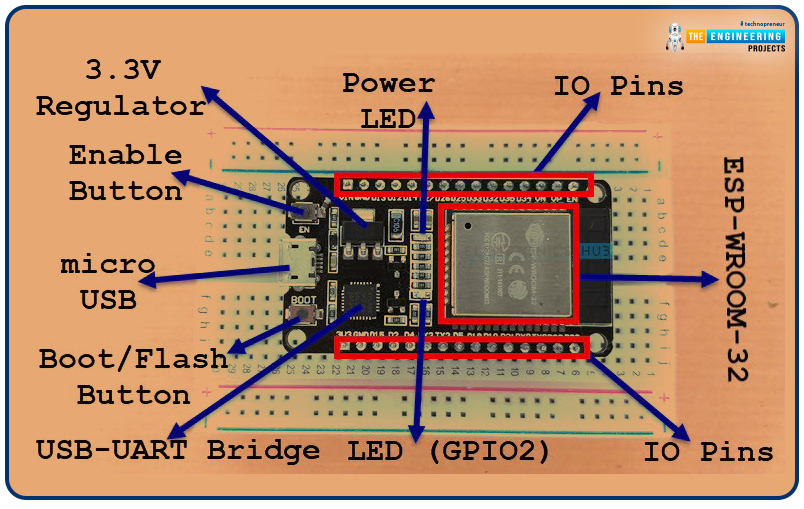
Welcome to the next tutorial of our raspberry pi 4 programming course. A previous article covered connecting a Remote Control Radio Frequency Module (433 MHz) to a Raspberry Pi 4. To turn things on and off wirelessly, we programmed a Raspberry Pi 4 to act as a radio-frequency (RF) remote control. However, this guide will study how to wirelessly pair a Raspberry Pi 4 and an ESP32. After reading this article, you'll get a good grounding in the fundamentals of Bluetooth module operation between two ESP32 and Pi 4 communication. When it comes to sharing data over short distances using Ultra High-Frequency Radio Waves, Bluetooth is one of the most reliable and effective short-range wireless communication solutions. Since Bluetooth Technology was initially conceived as a cable substitution techn ...
Welcome to the next tutorial of our raspberry pi 4 programming course. The last guide covered connecting a Sharp infrared distance measurement sensor to a Raspberry Pi 4. Infrared (IR) sensors were demonstrated to be widely used for nearby object recognition and motion tracking. But in this session, we'll utilize Raspberry Pi 4 to create a radio-frequency (RF) remote control that can be used to operate the gadgets wirelessly. With the help of this RF remote control, we can Power On/Off the devices. Components Transmitter Side RF Transmitter HT12E IC 4 Push Buttons 750k resistor 9 Volt battery Receiver Side Raspberry Pi 16x2 LCD 10K POT Breadboard 1K Resistor (Five) 33K resistor HT12D IC RF Receiver LEDs (Five) 4 10K resistor Jumper wires RF Module This ASK Hybrid Transmitter/Receiver modul ...
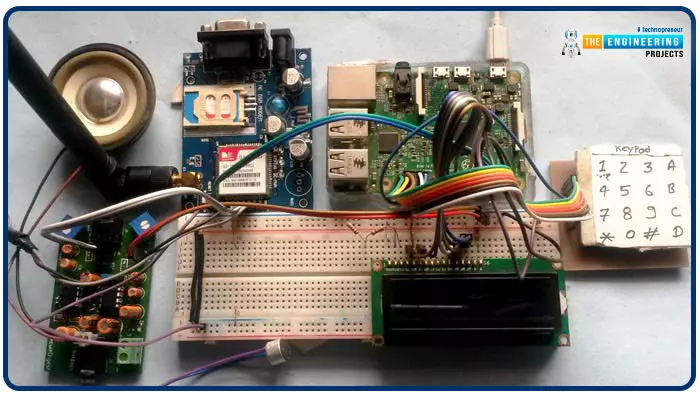
Greetings, and welcome to another tutorial in our series on the raspberry pi 4 Python programming. The previous guide covered the basics of transmitting data over the radio using the nrf24l01 chip in Pi 4. We also learned about interfacing Arduino and raspberry pi 4 and sending radio signals between the two devices. However, this tutorial will walk you through building a Raspberry Pi-based mobile phone with a microphone and speaker for making and receiving calls and reading text messages (SMS). This Project also serves as a proper GSM Module for the Raspberry Pi interface, with all the necessary Code to run the most fundamental features of any modern smartphone. First, we will understand what gsm is, its architecture and how it works, then we will learn how to program it in our pi 4; there ...
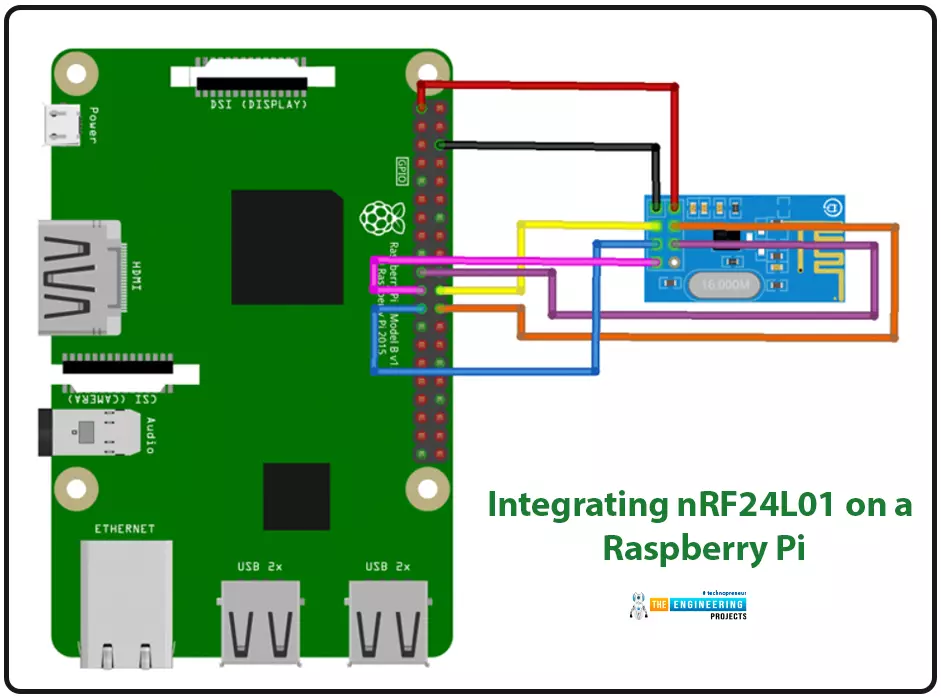
Introduction We're glad you could join us for another lesson in our series on programming for the Raspberry Pi 4. The previous chapter covered how to interface the USB barcode scanner with raspberry pi 4. We looked at different types of barcodes and what each stripe represents as well as the different types of barcode scanners available today. We also built a python program for the intelligent shopping cart and now our familiarity with barcodes and scanners and how they function has significantly increased. The benefits and drawbacks of its use were also discussed, but what we're interested in for this article is the transmission of radio frequency signals using the nrf24l01 Module in a raspberry pi 4. Components nRF24L01 RF module Raspberry pi 4 Arduino Uno Jumper wires Power supply 16x2 ...
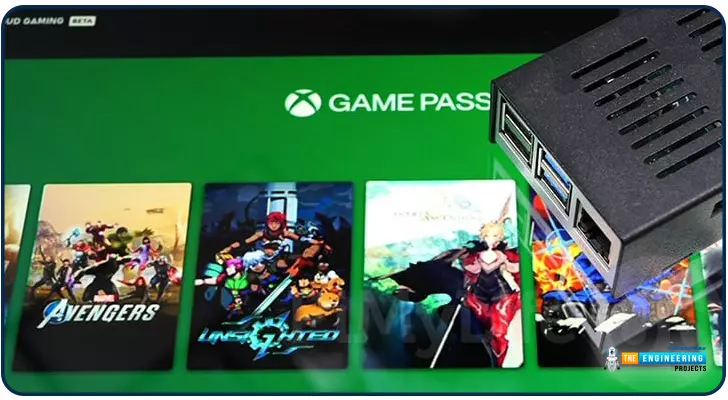
Introduction Greetings, and welcome to the next section of our Raspberry Pi 4 tutorials. In the last section, we discovered how to set up and run our self-host bitwarden on our Raspberry Pi. We learned how to set up admin panels and perform a wide range of actions, such as limiting the creation of new accounts and users for security purposes. However, in this guide, we will discover how to configure a PS3 or PS4 joystick with our raspberry pi and set up and run Xbox cloud gaming on our Pi 4. Components Raspberry pi 4 SD card Power supply Ethernet cable or wifi Xbox controller Xbox game pass ultimate subscription USB keyboard USB mouse HDMI cable Through a service called Xbox Cloud Gaming, users may play a wide variety of games without having to download any software onto their devices. Her ...
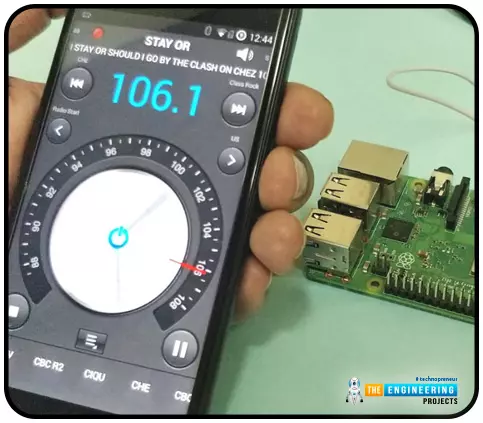
Throughout our lives, we've relied on Radio and tv stations to keep us engaged. While we're on the subject of contradictions, it's also fair to say that these Stations can become tedious at times due to the RJ rambling on about nothing or annoying advertisements, and this may have left you wondering why you can't own a Radio station to broadcast your data over short distances. Almost any electronics technician uses coils and other hardware to make an FM transmitter, although the tuning process is time-consuming and difficult. Setting up your FM station and going live in your neighborhood shouldn't take more than 30 minutes using an RPi. If you use the right antenna, you must be able to transmit to your school or community within 50 meters. Wow, that's interesting! So, let's get started rig ...
Indoor positioning technology has become widely available in a variety of configurations and quality levels. It's a jungle out there, and no single established solution, unlike outdoor location using GPS satellite technology, has been adequate for all needs. Since GPS satellite technology became widely available in the late 1990s, positioning systems have played an increasingly important role in people's lives. Almost, everyone now owns a device with positioning capabilities, whether it's a mobile phone, tablet, GPS tracker, or smartwatch with built-in GPS. Though GPS transformed outdoor positioning, we're now moving on to inside positioning, which will require new technologies. Because the signal is attenuated and scattered by roofs and walls, satellite-based location does not function in ...
to our new beginner’s course on Raspberry Pi. This course is appropriate for anyone using either a traditional Raspberry Pi board or the new Raspberry Pi 400 board that includes an integrated keyboard and display. Learning how to code, building robots, and doing plenty of other strange and exciting things are all possible with this low-cost computer setup. The Raspberry Pi can do everything a computer can do, from surfing the web to viewing movies and music, and playing video games. Libraries Raspberry Pi Simulation Libraries Raspberry Pi boards: Pico · Pico W · Pico 2 W · Pico 2 · Pico W MicroPython · Pi Model B · Pi 1 B+ · Pi 2 Model B · Pi 3 Model B · Pi 3 Model B+ · Pi 3 Model A+ · Pi 4 Model B · Pi 5 · Pi Zero W · Pi Zero 2 W · Pi 400 · Pi 500 · Pi CM4 · Pi 2 · Pi 3 · Pi 4 · Zero W He ...
Greetings! I sincerely hope everything is going well for you all. In this course, we are going to learn step-by-step how to program in Python. The course covers all you need to know about the Python language, from installation to advanced topics. In addition, we'll talk about Python career jobs and do a few projects to strengthen your skills. According to my research, Python is among the top programming languages in use today. (I mean, no offense). Since I am also a Python programmer, I may sound a little prejudiced, but I can certainly declare that I am a huge fan of the language. This tutorial series is meant for absolute beginners with no prior knowledge of python programming, it is also of great help for experienced python programmers looking to brush up on their knowledge. Anyway, let ...
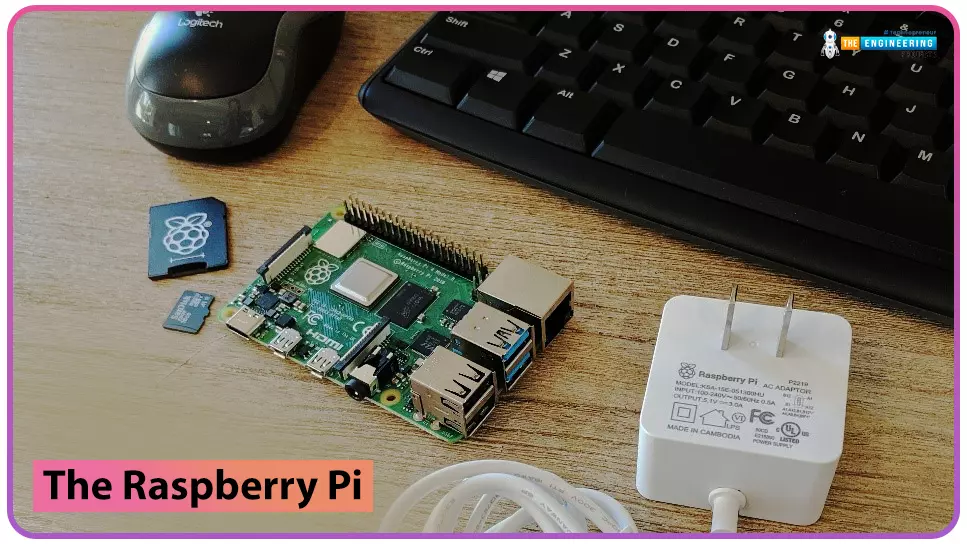
Hello friends, I hope you all are doing great. Today, I am going to start a new tutorial series on Raspberry Pi 4. It's our first lecture today, so I will explain the basics of Raspberry Pi boards. Libraries Raspberry Pi Simulation Libraries Raspberry Pi boards: Pico · Pico W · Pico 2 W · Pico 2 · Pico W MicroPython · Pi Model B · Pi 1 B+ · Pi 2 Model B · Pi 3 Model B · Pi 3 Model B+ · Pi 3 Model A+ · Pi 4 Model B · Pi 5 · Pi Zero W · Pi Zero 2 W · Pi 400 · Pi 500 · Pi CM4 · Pi 2 · Pi 3 · Pi 4 · Zero W Helping Tools Serial Monitor Advance : a serial terminal window for the UART of your board Serial Monitor Expert : the serial monitor with extra debugging tools LCD Library for Proteus V3.0 : 16x2, 20x4 and I2C LCDs to show your readings In this tutorial series, I will teach you each and eve ...